
AI Guitar Remover
Use this AI guitar remover to take the guitar out of a song for practice. Compare the original mix, the isolated guitar, and the backing track before you download. Listen to the samples here, then use Pro or Pro+ to process your own file.
- Runs on our server. Your upload is deleted within 24 hours.
- Hear a real result first
- Space plays AB switch versions
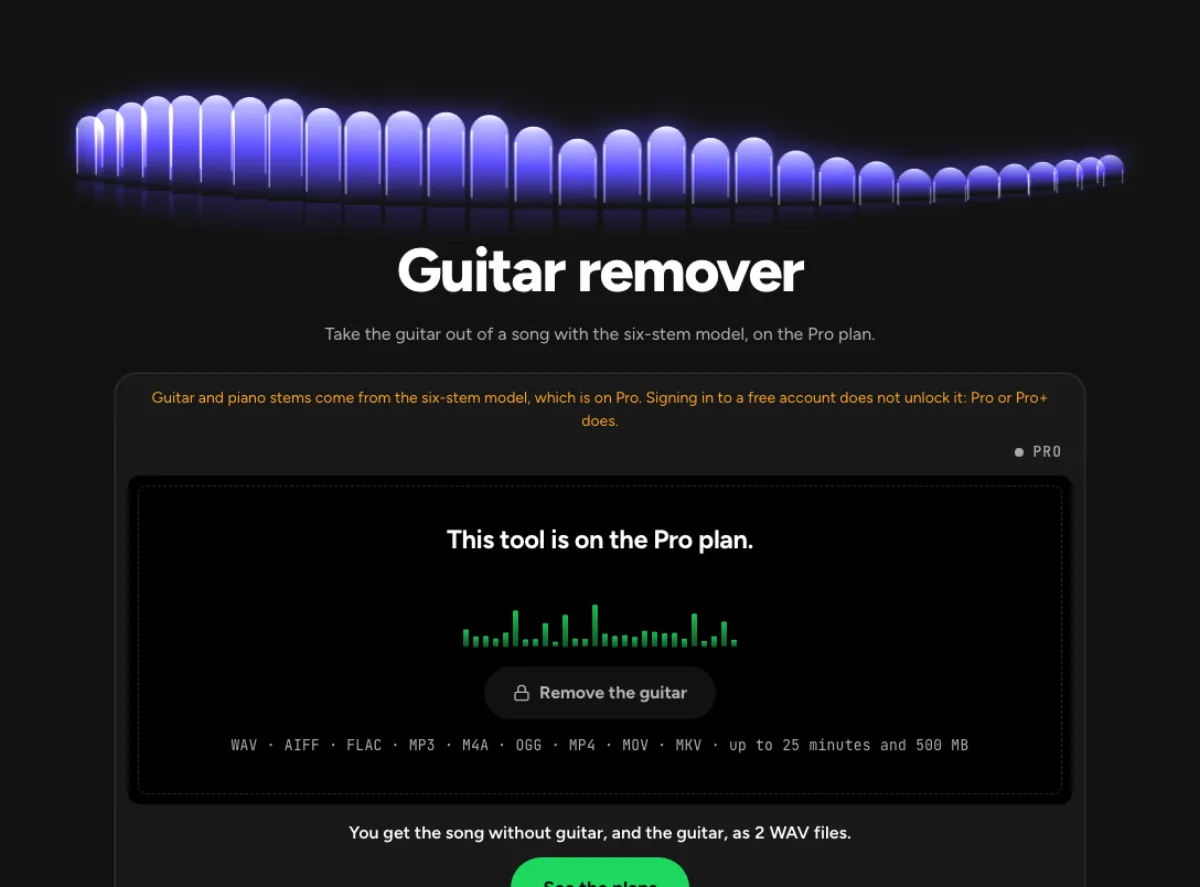
You get the song without guitar, and the guitar, as 2 WAV files.
See the plansWAV · AIFF · FLAC · MP3 · M4A · OGG · MP4 · MOV · MKV · up to 25 minutes and 500 MB
Checking your runs
Your file is processed on a cloud GPU by our processing partner and deleted there within 24 hours. We keep the results for 24 hours, keyed by the file's checksum, so a repeat in that time is free.
What you get after removing the guitar
Here, wait a minute! Damn it!, Cloudkicker · CC BY 4.0 · real output from this tool
Guitar backing track
The model separates the guitar into its own stem and combines the remaining tracks into a backing track. Play your own part over the original arrangement, with the vocals, bass, and drums still in the mix.
Isolated guitar stem
Download the guitar stem and backing track as two WAV files. Listen to the isolated guitar to pick out chord changes or phrasing, then switch to the backing track at the same point to practise. When several guitars play together, they can appear in the same stem.
Compare three sample songs
Play one of the three 25-second samples. Start with Original, then switch to Without guitar and Guitar. Compare a quiet passage and a busy section to hear where guitar may still be audible in the backing.
How to use the AI guitar remover
Sign in with Pro access
Listen to the samples first. To process your own song, sign in with Pro or Pro+ access. Guitar separation uses the six-stem option.
Upload your song
Choose the recording you want to practise with. After separation, compare the backing track and the isolated guitar at the same point in the song.
Download the tracks you need
Save the backing track to play over and the isolated guitar as a reference. For a dense mix, check the chorus and solo before using the result in a recording.
Playing over a track with no guitar
Guitarists
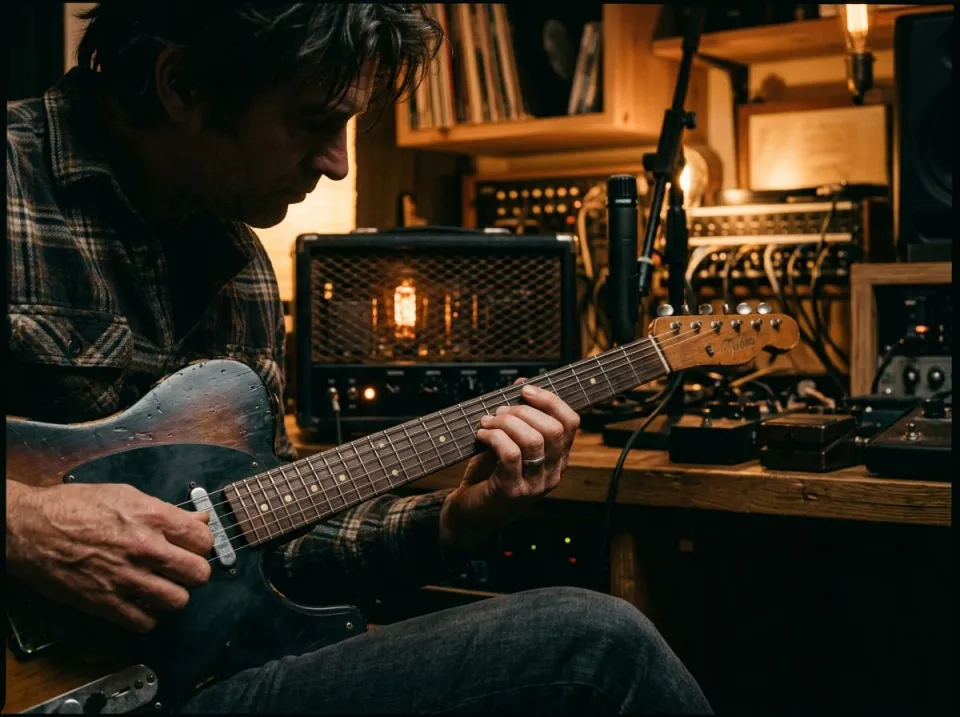
Play the rhythm or lead part over the original band with the recorded guitar reduced. Start with a verse where you can hear the bass and drums clearly. Balance your amp or interface against the backing so you can hear both your timing and the band's. Compare your take with the reference guitar to hear where you rush or hold notes longer.
Guitar tutors
Send a student the isolated part to learn and the backing to perform over, as 2 WAV files from one run. A tutor can compare the reference guitar and the student's version over the same arrangement. Slow a copy in the pitch changer for note work, then return to normal tempo for phrasing. Separation may soften pick attack or string noise, so use the original recording when discussing the player's tone or articulation.
Play-through creators
Record your own take over the song for a video, with the original guitar out of your headphones. A play-through creator can practise timing and arrangement before filming a new performance. Keep the backing, reference guitar and final recorded take as separate files. Removing the original guitarist does not grant release rights, and a platform can still recognize the song or recording underneath your replacement performance.
Guitar removal FAQ
Can I try the AI guitar remover before upgrading?
You can listen to the samples on this page. Processing your own file requires Pro or Pro+ access to six-stem separation.
Can it separate lead guitar from rhythm guitar?
The model produces one guitar stem. If the song contains lead and rhythm guitar, both may appear in that same track. Use the isolated stem as a listening reference and the backing track for practice. To practise the solo over the original rhythm guitar, use the multitrack session if available. You can mute the solo there without affecting the rhythm part.
Can I slow the guitar part down to learn it?
Yes, in the pitch changer. Drop the guitar WAV there and set Tempo as low as 50 %, with the key unchanged. Start with a modest slowdown and check that the phrase still sounds recognizable. Return to normal tempo before recording a performance, because extreme stretching can make separation traces easier to hear. If you only need a few bars, cut a short practice clip with a little room on either side so you can hear how the phrase enters and resolves.
What should I listen for in the result?
Compare the same passage in the original, the backing, and the isolated stem. Check a quiet section and a dense section with overlapping instruments. Listen for guitar left in the backing or other instruments in the guitar stem. If a little guitar is useful as a cue, open Adjust the mix and bring the guitar up just enough to follow the entrance.
What source recording should I use?
Start with the cleanest version you already have and avoid repeated lossy conversions. Saving a damaged recording as WAV does not restore the detail it lost. Excessive EQ, clipping or added reverb before separation can make the task harder. Keep the original and work on a copy so later comparisons remain meaningful. For a layered recording, write down which guitars are playing before relying on the extracted file. A doubled rhythm part may sound like one thick performance, while a harmony solo may contain two lines. The guitar remover groups those sounds together; careful listening still determines how many parts you need to learn.
How long can my recording be?
Each file can be up to 25 minutes long. The uploader checks file size before processing, and you need Pro or Pro+ access to separate guitar. The result includes both WAV downloads. The two WAV files line up with each other. In a multitrack editor, put both at the same start time so you can switch between them without losing your place.
Is this separation performed entirely on my device?
No. This is cloud separation: audio is uploaded for processing on external infrastructure. Browser playback, comparison and some exports happen locally after the results arrive, which does not make the separation itself offline. Check the Privacy Policy before submitting sensitive material, and use an appropriate local workflow if audio must stay entirely on your device. Download useful outputs while available; temporary results and cached repeats are not a permanent archive.
Can I publish or share the separated result?
Separation changes the balance of a recording, not its ownership or the permissions attached to it. Use material you own or are otherwise entitled to adapt, and arrange the permissions needed for your intended publication. A separated result does not include a licence to a commercial song, performance or soundtrack. For your own project, keep the source, an untouched separation and a separate delivery copy. Listen again in the complete mix before sharing; an acceptable rehearsal reference may reveal artefacts when exposed alone.
Learn how
Guides and tutorials that use this tool, with real screens and real numbers.
Explore more tools
All 49 tools →Stems and vocals19 available · 2 coming soon
- Vocal remover
- Stem splitter
- Karaoke maker
- Acapella extractor
- Instrumental maker
- Background music remover
- Drum remover
- Bass remover
- Piano remover
- Lead and backing vocal splitter
- Pro separation
- Audio separator
- Dialogue remover
- Speech, music and effects splitter
- Remove background music from video
- Violin extractor
- String instrument remover
- Wind instrument remover
Another song? Drop it here.
It goes straight into the AI Guitar Remover.