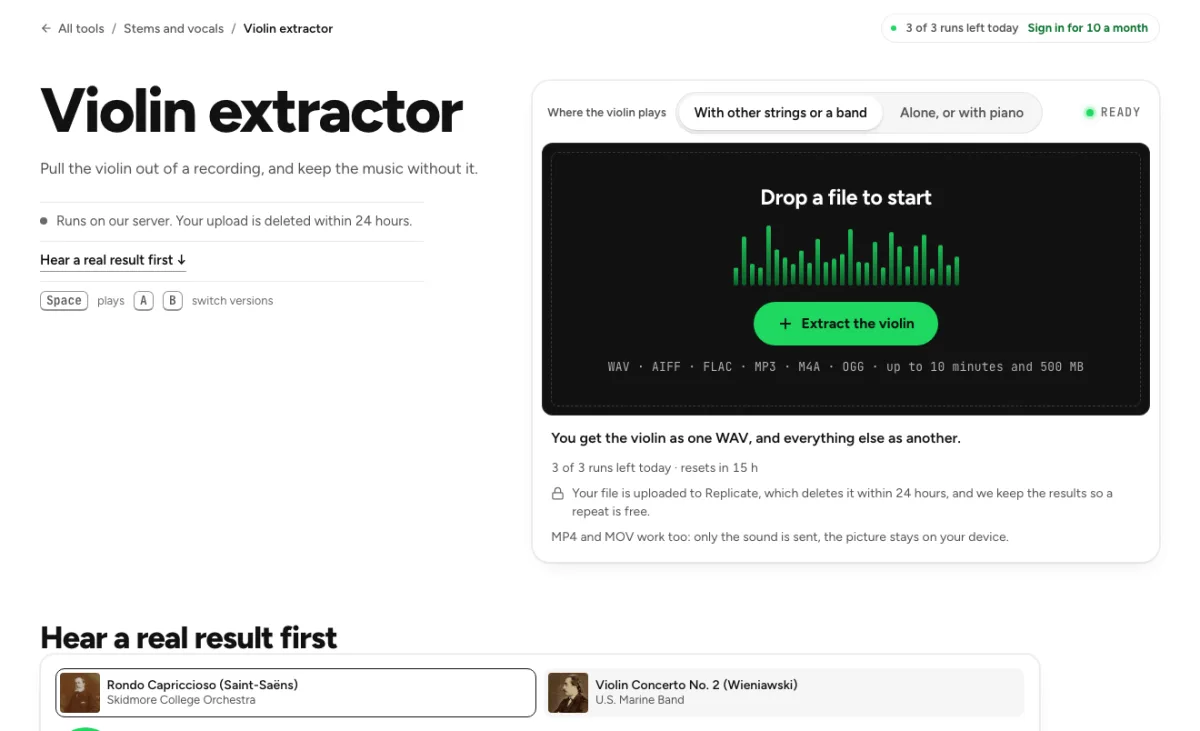
Violin extractor
Pull the violin out of a recording, and keep the music without it.
- Runs on our server. Your upload is deleted within 24 hours.
- Space plays AB switch versions
You get the violin as one WAV, and everything else as another.
WAV · AIFF · FLAC · MP3 · M4A · OGG · up to 10 minutes and 500 MB
Checking your runs
Your file is processed on a cloud GPU by our processing partner and deleted there within 24 hours. We keep the results for 24 hours, keyed by the file's checksum, so a repeat in that time is free.
MP4 and MOV work too: only the sound is sent, the picture stays on your device.
How it works
- What it does
- Pulls the violin out of a recording and gives you the rest of the music without it. The two files add back up to your original exactly.
- Model
- A model that knows 53 instruments runs on our own cloud GPU and finds the instrument in one pass; the instrument and the rest add back up to your original exactly, as 32-bit float so nothing is clipped. Measured on recordings with known parts (SDR): violin 0.9 to 7.6 dB (4.0 on average), string instruments with guitars and bass 10.8 dB on average, winds 10.6 dB on average (5.9 to 8.6 with the room's sound). Model names and licences
- Measured
- Measured on 11 recordings with known parts (orchestras, pop songs with a string section, a folk trio): the violin came out at 3.9 dB SDR on average, from 0.9 dB (a pop song with the violins 12 dB under the band) to 7.6 dB, where the mix itself, offered as the violin, scores -2.2 to -19.7 dB. That is the best of everything we measured for these recordings, and it is still rough: in an orchestra or behind a band the violin file carries other strings and instruments, and part of the violin stays in the rest. Listen before you use it. A fiddle in a small folk group came out best by ear.
- Output
- Both files are 32-bit float WAV at your file's sample rate. A loud song's instrument or rest can peak above full scale; float keeps those peaks instead of clipping them, so the two add back up to your original exactly. Turn a file down before you export it as 16- or 24-bit.
- Your file
- Your file is processed on a cloud GPU by our processing partner and deleted there within 24 hours. We keep the results for 24 hours, keyed by the file's checksum, so a repeat in that time is free.
The violin, on its own
Two choices, measured
With other strings or a band, the model's violin part is used on its own: on 11 recordings with known parts it measured 0.9 to 7.6 dB SDR, where the mix itself scores -2.2 to -19.7 dB. Alone, or with piano, every bowed string is taken, because a lone violin is partly heard as viola and cello: a violin and piano duo measured 18.7 dB that way, 7.5 dB the other way. The violin extractor offers different choices because a solo violin and an orchestral violin section are not the same separation problem. With a band or other strings, it asks for the violin-specific part. Alone or with piano, it collects bowed-string output so a lone violin is not partly left in viola or cello categories.

Nothing thrown away
You get the violin and the music without it, both as 32-bit float WAV at your file's sample rate. Nothing is clipped, and the two add back up to your original exactly. Both the violin and its accompaniment are retained, allowing you to check what moved between them. The output is floating-point WAV at the source's sample rate. Keep those originals for editing and manage playback gain sensibly; a file with floating-point headroom can still overload a later fixed-level playback or export stage if boosted carelessly.

Honest about orchestras and bands
In an orchestra, a string section or behind a band the violin file still carries other strings and instruments, and part of the violin stays in the rest: 0.9 dB on a pop song with the violins 12 dB under the band, 1.3 to 7.6 dB in orchestras. A fiddle in a small folk group came out best. Listen to the result before you use it. Expect the cleanest distinction in a small arrangement with an audible fiddle or violin. An orchestra contains closely related instruments and shared room sound, so the extracted violin can include other strings while leaving some violin behind. Listen to an exposed phrase and a dense ensemble passage before choosing a production use.
Who pulls a violin out
Violinists
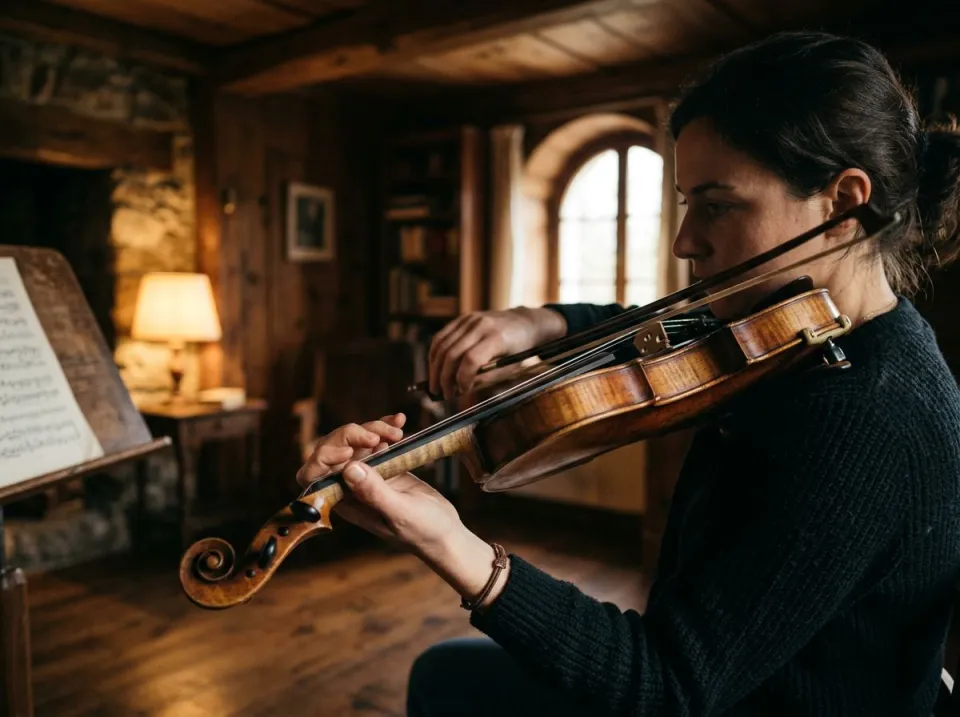
Hear the part you are learning on its own, or play along with the music without it. A violinist can hear the line more clearly and practise against the accompaniment without as much recorded violin competing. Use the original for bow articulation and tone decisions, since separation can soften transients and redistribute room sound. A practice backing can be useful even when the isolated violin would be too rough for a release.
Teachers
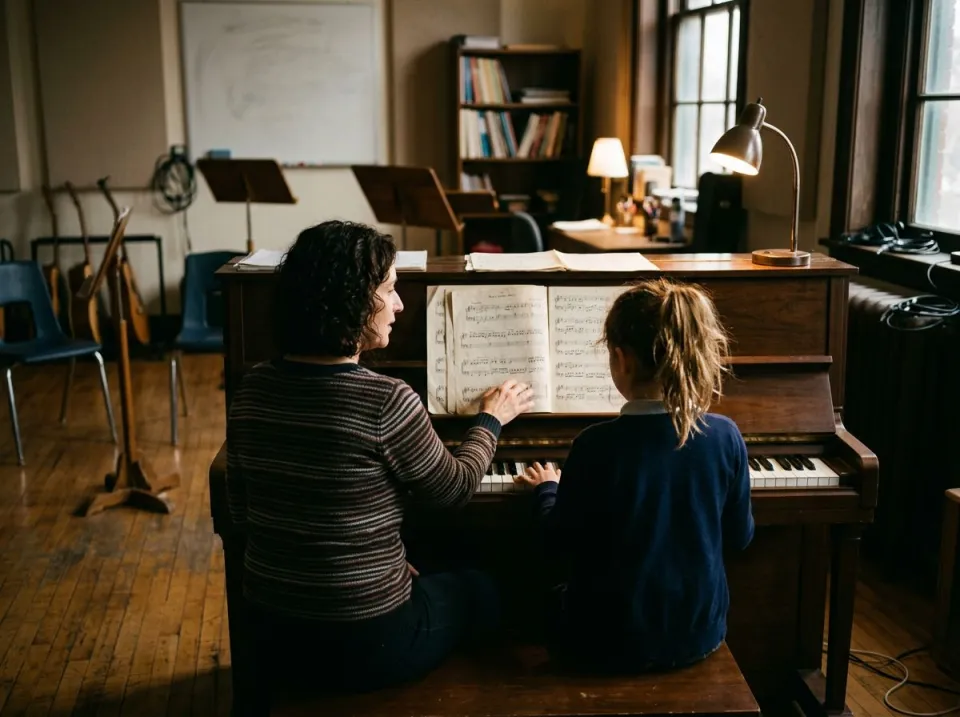
A student's practice track: the accompaniment with the violin taken out. A teacher can choose the setting that matches a student's source: violin with piano needs a different assumption from a string quartet. Begin with a short passage and verify entrances and held notes. The violin extractor helps listening and rehearsal; it does not produce a validated score, fingering or bowing plan.
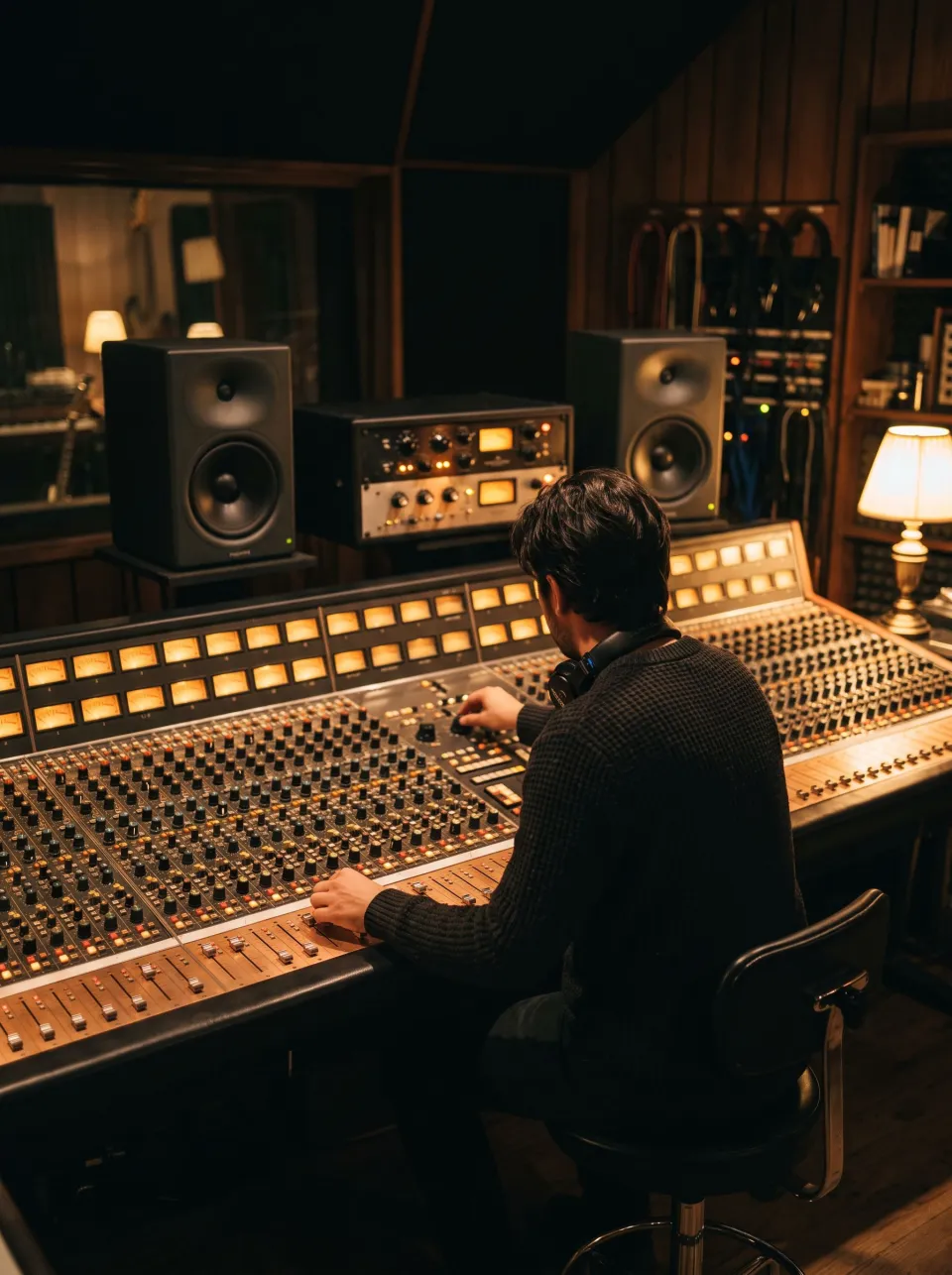
Producers and arrangers
Take a violin line out of a recording to study it, or to replace it with your own. An arranger can study where the violin sits against the rest of a recording before writing a replacement line. Keep other string instruments in mind when interpreting the result. The violin-specific mode estimates instrument identity, whereas the solo setting deliberately includes all bowed strings and is unsuitable when those must remain separate.
How to extract a violin
Drop the file
WAV, MP3, FLAC, M4A or a video. Files up to 10 minutes, 25 on Pro. Before uploading, identify whether the violin is alone, with piano, or mixed with other strings or a band. Choose that setting deliberately. Use the cleanest recording available, and avoid converting a low-quality source into a large WAV with the expectation that a bigger file restores lost musical detail.
Wait about a minute
A 4-minute song takes about a minute, plus up to a minute when the model has to start. The same file again comes back at once. Let the model finish and then compare the violin with the remaining music. Cloud start-up and file length affect the wait; the page's example is an estimate. If the accompaniment still carries an obvious violin phrase, revisit the arrangement setting before trying to conceal it with heavy EQ or noise processing.
Compare and download
Switch between Before and After on one playhead; the violin is marked on the Before picture. Download the violin, the music without it, or both. Download both complementary files and audition them at a sensible level in the intended context. For learning, compare with the original whenever a note or accent is uncertain. For editing, keep the floating-point originals and make a separate delivery export after checking peaks and compatibility with the destination software.
Questions about extracting a violin
Will some violin stay in the other file?
Some can. In an orchestra or behind a band part of the violins stays in the music without them, and other strings come into the violin file: on two orchestra recordings made with the room's sound the violin file came out 7.1 and 8.6 dB quieter than the real violins. On a violin playing alone or with piano, choose Alone, or with piano: with the other choice part of the violin's sound goes to the model's viola and cello parts. Use the setting that matches the arrangement and compare more than one passage. In an orchestra, a quieter violin estimate does not mean the violin was quiet in the original; it can mean some of it remained in other model categories.
Does it take the viola and cello too?
With other strings or a band: no, it asks for the violin only. Alone, or with piano: yes, it takes every bowed string, which is right only when the violin is the only one. For the whole string section of a song, use the string instrument remover. That choice of scope matters more than trying to fix the wrong grouping afterwards. A broad bowed-string result can be appropriate for a solo duet, while a quartet needs a more cautious violin-specific interpretation.
What happens to my file?
The audio is sent to cloud processing infrastructure, including Replicate, rather than being separated wholly on your device. Results may be held temporarily to serve downloads and identical cached requests. Save the output you need and consult the Privacy Policy for current retention and handling details; this result page should not be treated as long-term storage. Keep an original source copy and save the floating-point outputs while available. A temporary result is useful for retrieval, but it should not be the only place a rehearsal or editing reference is stored.
What should I check after using this violin extractor workflow?
Listen to violin and violin-free accompaniment, rather than judging just one file. The difficult cases include other bowed strings, room sound and violin buried behind a band. Compare an exposed passage, a busy section and the tail of a sustained sound at the same musical moment. A result can work for practice while being too rough for an isolated production use. Choose based on the sound you will actually deliver, and keep the original nearby when a note, word or effect is uncertain.
What source recording should I use?
Start with the cleanest version you already have and avoid repeated lossy conversions. Saving a damaged recording as WAV does not restore the detail it lost. Excessive EQ, clipping or added reverb before separation can make the task harder. Keep the original and work on a copy so later comparisons remain meaningful. For a violin and piano duet, listen especially to sustained violin notes over piano chords. If part of the violin remains in the accompaniment with the band setting, the solo setting may be the appropriate choice. In a quartet that same choice also collects viola and cello, so it solves a different problem.
How do file length, plan access and cloud runs work?
Targeted separation allows up to 10 minutes without a paid plan and 25 minutes on Pro; the chosen mode and uploader show the applicable limit. The current catalog allows 3 runs daily anonymously, 10 monthly for signed-in free users, 80 monthly on Pro and 150 on Pro+. Each new file and processing configuration uses the relevant allowance; an identical result can be free while cached. Check the current pricing and the uploader before processing a batch. Downloads are part of the result, not a separate per-file unlock.
Is this separation performed entirely on my device?
No. This is cloud separation: audio is uploaded for processing on external infrastructure. Browser playback, comparison and some exports happen locally after the results arrive, which does not make the separation itself offline. Check the Privacy Policy before submitting sensitive material, and use an appropriate local workflow if audio must stay entirely on your device. Download useful outputs while available; temporary results and cached repeats are not a permanent archive.
Can I publish or share the separated result?
Separation changes the balance of a recording, not its ownership or the permissions attached to it. Use material you own or are otherwise entitled to adapt, and arrange the permissions needed for your intended publication. A separated result does not include a licence to a commercial song, performance or soundtrack. For your own project, keep the source, an untouched separation and a separate delivery copy. Listen again in the complete mix before sharing; an acceptable rehearsal reference may reveal artefacts when exposed alone.
Learn how
Guides and tutorials that use this tool, with real screens and real numbers.