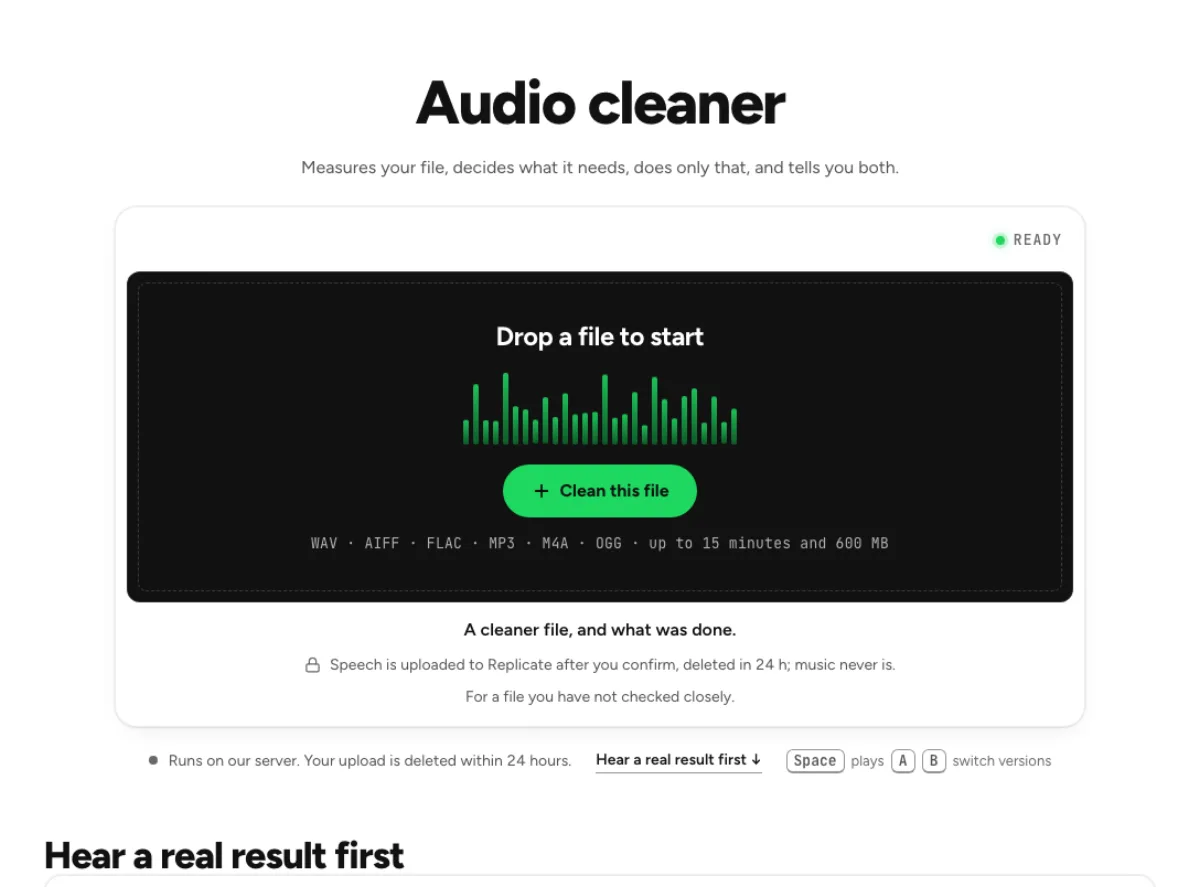
Audio cleaner
Measures your file, decides what it needs, does only that, and tells you both.
- Runs on our server. Your upload is deleted within 24 hours.
- Space plays AB switch versions
A cleaner file, and what was done.
WAV · AIFF · FLAC · MP3 · M4A · OGG · up to 15 minutes and 600 MB
Speech is uploaded to Replicate after you confirm, deleted in 24 h; music never is.
For a file you have not checked closely.
How it works
- What to expect
- One button for a file you have not listened to closely. If you know the problem, the tool named for it gives more control.
- Your file
- Speech goes to our processing partner (Replicate) to be cleaned and is deleted there within 24 hours. It counts as one cloud run, and the same file again within 24 hours is free. Music is cleaned in your browser and never uploaded.
- How this one works
- It reads the noise floor and what kind it is (hum, hiss, rumble, wind, voices), counts clicks and breaths, and reads whether the file is speech or music, in your browser. Then it runs only the stages those numbers call for. When spoken audio needs noise reduction, that part goes to a speech-enhancement model on our server (NVIDIA RE-USE; the file is deleted there within 24 hours); hum notches, click repair, gusts and breaths stay in your browser. A quiet recording is left alone and it says so, and music never goes up.
What the audio cleaner changes
Diagnose before adding processing
A recording can contain several problems, and applying every repair to every file is rarely useful. The audio cleaner measures the source and runs the stages those measurements call for. Its report explains what it found and what it did, so a small change can be an intentional result rather than a failed effect. Start here when you are unsure whether a file mainly needs noise reduction, click repair or level work. If the recording is already clean, there may be little to change. A quieter waveform is not the only measure of success; the voice or music should retain its useful detail and natural transitions.

Follow the speech or music route
Spoken audio and music need different protection. The audio cleaner can send noisy speech to a server speech model after confirmation, while music and suitable quiet recordings are handled on your device. If the server cannot take a speech file, the page can use a smaller local cleaner and explains that fallback. That is a different result, not an undisclosed equivalent cloud run. The chain keeps the stages around speech cleanup on the device, so the overall workflow combines diagnosis with content-aware treatment. Read the routing information and compare the actual output instead of assuming the entire tool is always local or always remote.
Use the report to guide listening
The report gives a reason to investigate the processed file, not a substitute for listening. The audio cleaner may find a low background floor in one passage and a much louder problem elsewhere. Compare quiet words, gaps and the loudest section before accepting the whole result. Breath reduction on this page is automatic rather than showing an editable list of individual breaths. If retaining a particular intake is important to the performance, use the dedicated breath remover instead. A targeted tool also gives a clearer choice when you already know the defect and want control over that single repair.
A diagnostic starting point
Sessions with varied conditions
A collection of lessons or interviews can contain several different recording conditions. The audio cleaner is useful as a first diagnostic pass because it evaluates each file instead of assuming they all need the same treatment. Check a representative section from every distinct microphone or room. One file may need little processing while another needs speech cleanup and local repairs. An automatic pass does not establish a universal sound for the whole project. Compare the results together in the edit and balance the final program there. Keep the original files, particularly when a section contains an unusual speaker, deliberate breathing or background sound that contributes to the meaning.
Rough spoken drafts
A rough voice memo may be more valuable for its content than for its recording quality. The audio cleaner can identify and address supported problems before you decide whether the material is usable. Listen to low-level words and any interruptions rather than judging only the main speaker at their loudest. A file that has been clipped or overwhelmed by nearby speech can remain difficult after cleanup. Cleanup cannot verify lost words or replace a new recording when accuracy matters. Treat the report as a description of processing, and keep an untouched memo alongside the derivative so the original sound remains available during editorial review.
Music with measured defects
Music should not pass through a speech cleaner just because it has hiss or an uneven level. The audio cleaner keeps music on the local path and uses the recording's measurements to decide what to do. Audition exposed note tails, stereo ambience and sharp transients afterward. A small repair can be preferable to a dramatic change that alters the mix. If you need a particular musical adjustment, choose the equalizer, music enhancer or mastering workbench for that purpose. This page is the broad diagnostic starting point, while those pages make a specific choice easier to evaluate against a musical goal.
A measured cleanup workflow
Load and identify the content
Start with the best available original and preserve it separately. Drop the recording into the audio cleaner, let the file reading and speech-or-music check finish, and answer the content question if the file is unclear. A narrow mono song or noisy spoken track can be hard to classify automatically. The content reading uses that distinction to avoid sending music through a speech model. Review any cloud confirmation and the displayed limits before starting. For a long session, test a passage that contains both ordinary material and the main defect; the cleanest ten seconds alone will not reveal whether the selected processing suits the entire file.
Compare what actually changed
After processing, read the findings and replay the relevant parts of the file. If the audio cleaner reported noise treatment, listen to a pause and the word immediately after it. If it repaired clicks, inspect a passage with crisp consonants or percussion. Compare at a sensible, consistent listening level rather than rewarding a simple gain change. An automatic chain may correctly leave a fairly clean file nearly untouched. If a specific problem still dominates, open the tool named for that problem instead of repeatedly running the automatic chain. That gives you a more direct way to audition an adjustment and identify any tradeoff it introduces.
Save the result and review boundaries
Download a separate processed version and check it in the application where you will assemble the final piece. The audio cleaner's automatic choices can sound different beside untreated clips, especially in the room tone between sentences. Listen across those boundaries before adding further processing or final loudness adjustment. Retain the original and the report context until the project is finished. If a breath should have stayed or a repaired transient sounds wrong, return to the source and a dedicated tool. The automatic pass is meant to reduce routine cleanup work while keeping the actual editorial decision with the person listening to the recording.
Common questions
When is my file uploaded?
It uploads speech when it needs the server speech-cleaning stage, after confirmation. Replicate deletes that upload within 24 hours. Music and quiet recordings stay in the browser. If the server cannot take the file, a smaller local cleaner may be used and the page says so.
Why did the result change so little?
It runs only the stages its measurements call for. A fairly clean file can receive little or no treatment. If a specific defect still bothers you, try the named tool for that problem and compare its controls instead of expecting an automatic chain to change every recording dramatically.
Can I keep individual breaths?
It lowers the breaths it finds by 10 dB and does not show an editable breath list. Use the dedicated breath remover when a particular intake or pause should remain unchanged. That page marks individual events and lets you listen to and keep selected breaths.
Is this suitable for music?
It has a music path that runs locally and avoids the server speech model. It still needs an audible check on note decays, stereo space and transients. For a deliberate tonal adjustment or a final master, a dedicated music tool provides a more focused workflow.
What happens when the server is unavailable?
For an eligible spoken file, the chain can fall back to a smaller local cleanup model and labels that choice. It is not a promise of an identical result. Compare the output and read the message before treating a fallback as interchangeable with the intended cloud treatment.
Does cleanup repair every kind of damage?
No. It handles supported, detected problems; it cannot guarantee recovery of clipped peaks, lost connection audio or words covered by another speaker. Listen to the content that matters and retain the source. A cleaner background does not prove that damaged speech has been faithfully reconstructed.
Why am I asked about speech or music?
A dense voice recording and a narrow music mix can be ambiguous. The audio cleaner asks because the choice affects the processing route and what sound is protected. Answer for the material you want to preserve, rather than choosing Speech merely because it sounds like a stronger treatment.
Should I repeat the audio cleaner on its own result?
Compare from the original before repeating the chain. Another automatic pass can accumulate changes without fixing the underlying limitation. When one defect remains, use the dedicated control for it and audition that repair separately; keep the first source so you can revise automatic decisions later.
Learn how
Guides and tutorials that use this tool, with real screens and real numbers.