
Audio enhancer
Repair a dull or noisy voice recording with the slower solver of the same model.
- Runs on our server. Your upload is deleted within 24 hours.
- Space plays AB switch versions
Repaired audio, next to your original.
WAV · AIFF · FLAC · MP3 · M4A · OGG · up to 25 minutes and 500 MB
Uploaded to Replicate only after you confirm, and deleted there within 24 hours.
For speech, not music; it keeps room echo.
How it works
- What it does
- Repair a dull or noisy voice recording. The slower solver of the same model, with the before and after at matched loudness.
- Model
- NVIDIA NemotronLabs RE-USE (OpenMDW-1.1), checked by MossFormer2 SE 48 kHz (Apache-2.0), takes out the noise and much of the room and rebuilds the top end at 48 kHz; resemble-ai/resemble-enhance (MIT code and weights) then resynthesises the voice at 44.1 kHz. Resynthesis can change a word on hard material: on 27 test recordings it changed 12.4 % of words against 6.7 % for Cleaned only (Whisper). Cleaned only is the first model's file; use it for interviews and anything transcribed.
- Output
- Two 24-bit WAVs at your file's sample rate (44.1 kHz at least), each with your file's channel count and length. Cleaned only lines up with your file to the sample. Enhanced is rebuilt by the model rather than filtered, so it follows your file word for word but not sample for sample: its syllables can sit a few milliseconds late. The readouts use a 100-ms noise-floor estimate.
- Time
- About 22 s of GPU time for a 30-s clip (26 s in audio-enhancer mode), plus 1 to 5 minutes the first time while the two models start.
- Your file
- Uploaded to Replicate for processing and deleted there within 24 hours. Results stay on our server for 24 hours, keyed by the file's checksum, so a repeat in that time is free.
What the audio enhancer changes
A slower repair setting for speech
The name covers a broad need, but this audio enhancer is designed for spoken recordings. It first cleans the voice, then applies a slower enhancement setting intended to make compromised speech more usable. It is not a mastering process for an entire song. That distinction protects music from being treated as unwanted material by a voice model. Use it when a remote interview, old spoken recording or weak narration needs a clearer presentation. Compare a difficult phrase with a good phrase from the same file, because a result that rescues one section may change the tone of another more than you want.

Keep the cleaned-only alternative
The audio enhancer returns an enhanced result and a cleaned-only alternative. The latter matters when removing the background is enough, or when the extra reconstruction makes the speaker sound less familiar. Audition the files at matched loudness so a stronger presence does not conceal rough consonants or a changed breath texture. Do not judge the repair only by how much high end appears in the result. A dull microphone and a heavily compressed call lose different information. Listen for stable phrasing and recognizable words, then choose the version that works beside the other material in the project.

Understand the missing-detail boundary
If a recorder clipped a peak or a connection dropped part of a word, the exact original information is unavailable. The audio enhancer may produce a more listenable result, but enhancement is not proof that every detail matches a clean source that was never captured. Treat speech containing names, addresses or numbers with particular care during review. For an old music transfer, use local music cleanup instead of this audio enhancer. A song needs protection for sustained notes, stereo ambience and transient detail that a speech-focused pipeline does not promise. Save improvements as separate files and retain the untreated source.
When voice repair is useful
Difficult remote interviews
A guest recorded through a weak microphone can sound small beside a host recorded locally. The audio enhancer gives you another version to audition before deciding to rerecord or discard the take. Include both the softest answer and a loud laugh in your test. Listen to the guest's consonants, the room between sentences and the transition to the host. A repair can improve usability without making the two recording chains identical. Keep the cleaned-only output available if it blends more naturally. Final balancing still belongs in the edit, where timing, relative speaker level and any music bed can be judged together.
Spoken archive material
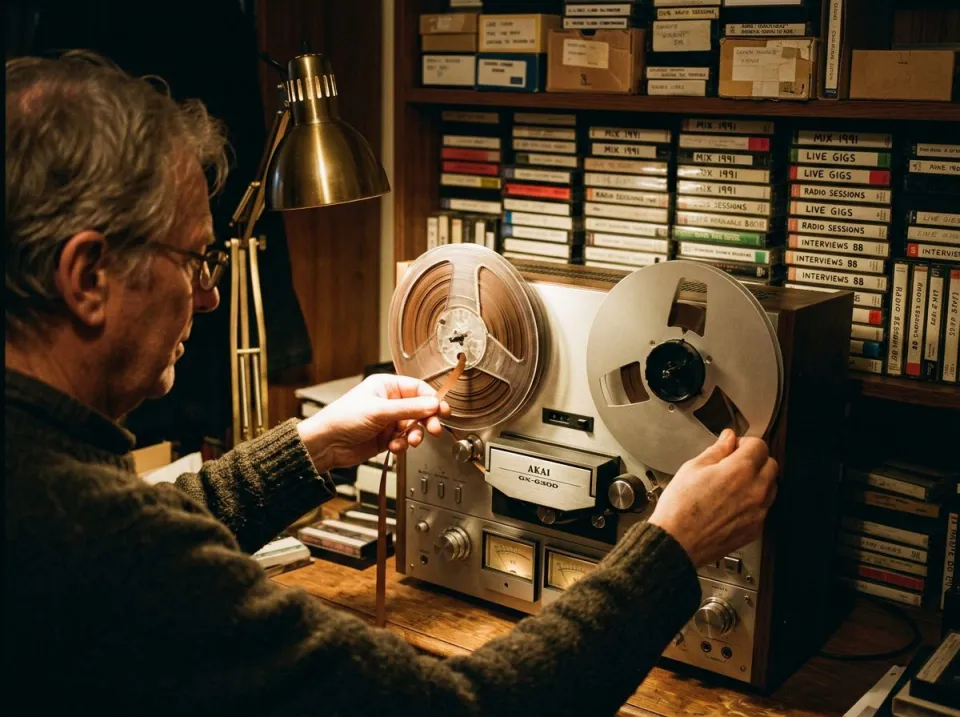
Oral histories and family recordings can combine low bandwidth, hiss and room coloration. The audio enhancer is an option when the priority is hearing the words more comfortably rather than preserving every feature of the recording chain. Keep a preservation copy untouched and label the enhanced version as a derivative. Compare the results on several speakers if the archive contains more than one person, including a quiet contributor who may be less prominent in the source. Do not describe newly audible high-frequency texture as recovered original detail. Evaluate whether the result makes the source easier to follow while keeping the spoken content believable.
A narration take worth saving
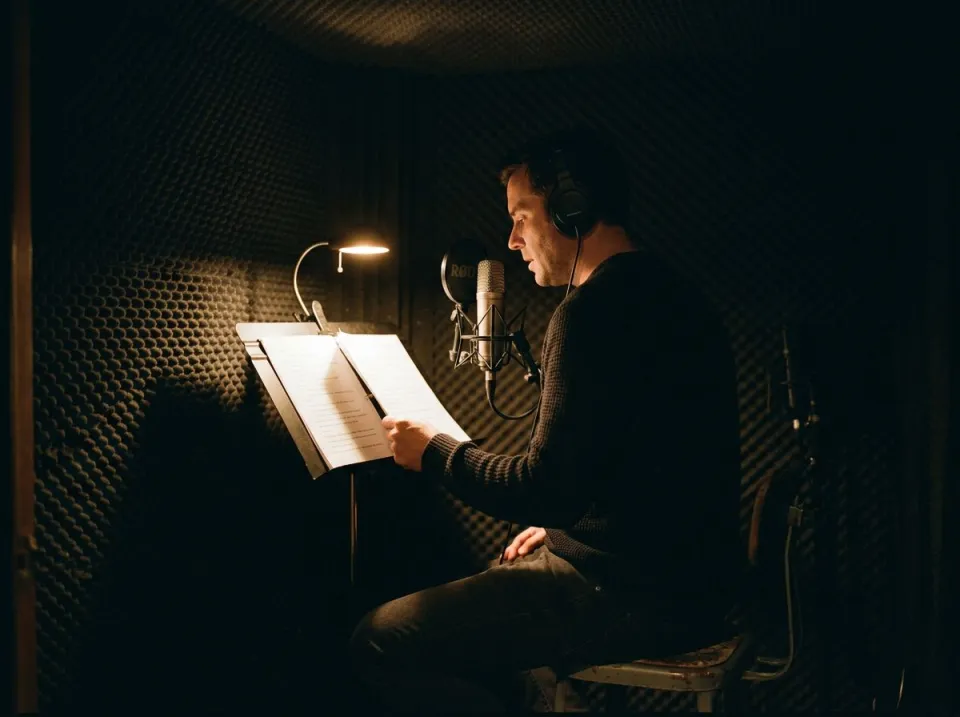
A nearly complete video sometimes contains one spoken take that cannot easily be replaced. Try the audio enhancer before rebuilding the whole section, then compare the processed sentence with its neighbors. A more polished isolated voice can still create an obvious change in tone at an edit boundary. The cleaned-only version may fit the surrounding takes better than full enhancement. Treat this as a repair choice, and audition through the final playback chain after placing it back under the picture. Check lip synchronization and the ends of phrases as well as the most damaged word. A successful repair should remain comfortable across the entire sentence.
A repair workflow to audition
Start from the best speech source
Choose the least processed copy you have, preferably the original recording rather than a file saved through several messaging apps. Drop it into the audio enhancer and inspect the file information before confirming the cloud run. The page's current limits and quota determine what can be processed. If you intended to restore a song or stereo music archive, switch to the music enhancer or the noise remover's music route. The processing is designed around voice. A short, representative spoken passage helps evaluate whether its reconstruction style is appropriate before you commit a longer recording with many different speakers or recording conditions.
Review articulation and tone
Once processing completes, compare the original, cleaned-only and enhanced versions. Replay the beginning of words after pauses, soft consonants and any spoken numbers. The audio enhancer should improve the listening experience without making the speaker sound unstable from phrase to phrase. Check a section that was already fairly clear; unnecessary changes there can be easier to hear than in the damaged passage. Keep levels matched during the comparison. If the result has an overly bright, artificial or unfamiliar tone, choose cleanup alone. More processing is a creative and editorial decision, not an automatic measure of a better technical result.
Save the repair beside its source
Download the version you prefer and give it a clear name that distinguishes enhanced, cleaned-only and original material. The audio enhancer is a cloud repair stage, while final program assembly and loudness decisions happen in the rest of your workflow. Place the chosen file into the project and verify timing at both ends and at a visible cut. Listen once with the actual music bed and once with the voice exposed. Keep the original and the alternative processed output available until the edit is approved. That makes it possible to change the balance later without repeatedly processing an already reconstructed file.
Common questions
How does the audio enhancer differ from the speech enhancer?
Both start by reducing noise and room contamination, but this page uses the enhancement solver's slower setting. That can change both processing time and the resulting voice. Compare the outputs on your recording rather than assuming the slower setting must sound better for every speaker or microphone.
Can I restore an old song?
This audio enhancer is meant for speech, and a song can be altered by its voice-focused models. For a noisy music transfer, use Music mode in the noise remover. For measured stereo or lossy damage followed by mastering, try the local music enhancer instead.
Will it remove room reverb?
The first stage of the audio enhancer can reduce room reflections alongside noise. It does not guarantee an isolated dry voice. For a long room tail or a discrete repeat, compare the reverb remover or echo remover and review the before-and-after result on the recording.
Is the voice repair processed on my device?
The speech repair run uses cloud models after the file and run are confirmed. The upload goes to Replicate and is deleted there within 24 hours. Do not confuse this voice page with the music enhancer, whose processing runs locally in the browser.
Will missing words be recreated?
It cannot verify a word that was never captured clearly. Noise masking, clipping and connection gaps can destroy information. Review names, numbers and important phrases against the source; a smoother or brighter voice does not establish that reconstructed details are accurate original audio.
Why can this setting take longer?
Cloud upload, queueing and a slower enhancement setting all contribute to the audio enhancer's runtime. File length and model availability also matter. Follow the progress stages and wait for an actual result before closing the workflow. The tool is not promised as an instant transformation.
Which version should I download?
Choose by listening in the intended edit. The audio enhancer's enhanced version may help weak speech, while cleaned-only can retain a more natural tone on a clearer recording. Match playback loudness and compare complete sentences before saving either version as the final replacement.
Should I run the audio enhancer twice?
Keep the original as the starting point. Another audio enhancer pass can compound reconstruction and tonal changes, especially on consonants and breath texture. If the first enhanced version sounds too processed, compare the cleaned-only output or use a targeted cleanup tool rather than automatically repeating the full repair.