
Key and BPM finder
Read a song's tempo, key and time signature, with a confidence for each.
- Runs in your browser. Nothing is uploaded.
- Space plays AB switch versions
You get the tempo, the key and the time signature.
WAV · AIFF · FLAC · MP3 · M4A · OGG · up to 20 minutes and 600 MB
Runs in your browser. Nothing is uploaded.
How it works
- What it does
- Tempo, key, time signature and tuning read from the audio itself, with a confidence and the runner-up candidates. Runs in your browser.
- How it is detected
- Tempo, beats and downbeats come from Beat This! (JKU Linz, MIT licence), a small neural network that runs in your browser; the key comes from our own small network, trained on annotated recordings. The first analysis downloads about 17 MB, which the browser keeps. On held-out songs that neither model was tuned on, the tempo was within 4 % on 81 % of GTZAN's ten genres and 85 % of GiantSteps electronic tracks (93 % and 91 % counting half or double time), and the exact key was right on 70 % and 68 %. The confidence is the measured chance of being right: of tempos shown at 85 % or more, 91 % were right; of keys, 86 %. Speech and noise get no tempo. A bare click track is read by an autocorrelation tracker, which is exact on clicks.
Read candidates and listen to the beat
Tempo with an audible reality check
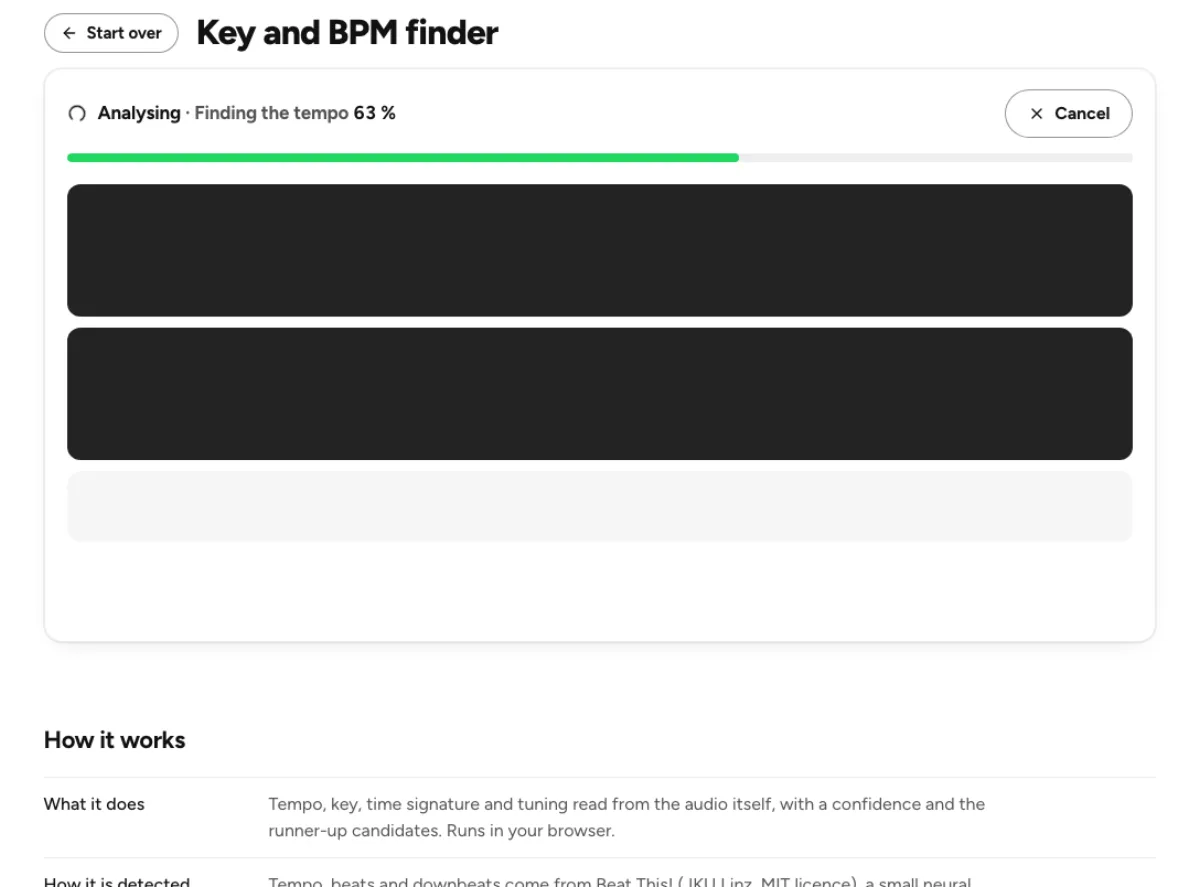
The BPM estimate comes with alternatives, including half-time and double-time interpretations. Play with click overlays the detected beat so you can hear whether it follows the music or drifts away. A number that looks plausible is not enough: the same pulse can be felt at different metrical levels, and a recording can change tempo. The key and BPM finder is most useful when the candidates help you make a musical decision rather than hide the uncertainty behind a single confident-looking answer.

Key, tuning and compatibility labels
The result includes a key name, a Camelot code and a tuning estimate, alongside confidence information. These describe different things. The key names a likely tonal center; the Camelot label represents that key in a DJ-oriented notation; the tuning estimate describes deviation from standard concert pitch. A recording can be between semitones or change key as it develops. Check the relevant section by ear, especially before transposing a performance or preparing a harmonic transition that depends on an exact tonal match.
Time signature and alternative candidates
The displayed time-signature choice distinguishes the supported 4/4 and 3/4 interpretations rather than claiming to recognize every possible meter. Runner-up key and tempo candidates show when the result is ambiguous. A sparse intro, heavy swing, overlapping rhythms or a changing arrangement can all make one whole-file answer less representative. Use the result as a starting map, then listen for the bars and phrases you actually need. A close alternative deserves attention when the main answer conflicts with what you hear.
Who needs a track’s tempo and key

DJs planning harmonic transitions
Use the Camelot code to organize a first shortlist, then audition the actual transition. Keys that look compatible on a chart can still clash because of the arrangement, vocal content, tuning or timing of the overlap. Check whether the detected key describes the section you plan to mix, not merely the track overall. Confirm the beat with the click and listen for half-time or double-time interpretation before relying on the number for tempo synchronization in another application.
Producers working with loops and samples
Estimate a sample’s tempo and tonal center before placing it in a session. A short isolated phrase may not provide enough harmonic context for a strong key decision, so use the confidence and alternatives. Tune against the instruments in your project rather than assuming the recording sits exactly on a standard pitch. Once you settle on useful values, copy the result to your notes or enter verified tags with the metadata editor. The finder itself does not retune or relabel your source file.

Musicians learning a recording
The tempo and meter estimates can help start a practice chart, but they are not a finished transcription. Listen to the downbeat and compare a slower count with a faster one. A song may contain an introduction without a steady pulse or a contrasting section in another key. For difficult passages, make an excerpt with the cutter and analyze that section separately. Use the pitch changer to slow practice playback if needed, while keeping measurement and musical interpretation as separate steps.
How to analyze and verify a recording
Choose a recording with useful context
Load a supported audio file within the displayed 20-minute and 600 MB limits. The analysis happens locally, so browser memory and device speed affect completion time. A whole song gives more evidence than a tiny fragment, but an excerpt can be better when you need the key or tempo of a specific section. Avoid measuring silence around an otherwise short example. Use the demo to become familiar with the tiles and click playback before interpreting a difficult recording.
Read the four results together
Look at tempo, key, time signature and tuning, then read the confidence and alternative candidates. A high confidence result is still an estimate, while a low confidence result calls for more listening or a more representative source. Distinguish a musical disagreement from a unit misunderstanding: BPM describes beats per minute, not the number of audio samples or a pitch frequency. The time-signature display chooses between its supported meters and should not be read as proof that a complex arrangement contains no other rhythmic interpretation.
Verify the pulse and keep the useful answer
Press Play with click and follow several phrases, including a busy section and a quieter one. A click that starts well but drifts may indicate a variable tempo or an incorrect candidate. Compare the half-time and double-time alternatives and check the downbeat placement. Copy the result once it serves your purpose, then verify key-dependent decisions by playing an instrument or trying the intended mix. Reanalyzing an isolated stem can sometimes provide clearer evidence than asking a dense full mix to answer every question.
Tempo, Camelot and key-detection questions
How accurate is the key and BPM finder?
Accuracy depends on the recording, its rhythmic and harmonic clarity, and what counts as the intended musical interpretation. The page reports confidence and alternatives because there is no guarantee that every track has one obvious answer. Listen with the click, compare the candidate tempos and check the key against the relevant passage before using the result in a release or performance workflow.
Why are half-time and double-time tempos listed?
A beat tracker may follow a pulse twice as fast or half as fast as the beat you naturally count. Both can align with real events in the music. Choose the interpretation that fits the phrasing, downbeats and your intended workflow. A 70 BPM feel and a 140 BPM reading are not necessarily evidence that the audio was measured at the wrong speed.
What does a Camelot code mean?
It is a number-and-letter label for a musical key, useful for organizing harmonic mixing candidates. It represents the detected key rather than providing an independent measurement of compatibility. Verify the key first and listen to the transition itself. Arrangement, tuning, vocals and the amount of overlap can matter just as much as two labels appearing close on a mixing chart.
Can the tool recognize every time signature?
No. The displayed detector chooses between the supported 4/4 and 3/4 interpretations. It is not a general notation engine for every irregular meter, changing bar length or freely timed performance. Use it as a clue and count phrases yourself when the music does not fit those choices. An unusual rhythmic arrangement can require manual analysis even when the tempo estimate is helpful.
Will the result change my song or its tags?
No. The finder analyzes and displays information; it does not change pitch, tempo or metadata in the source. Use the pitch changer to create a transposed or time-stretched version. Use the metadata editor to store values you have verified. Keeping these operations separate helps avoid assuming an analysis result has already been written into a downloaded audio file.
What if a song changes tempo or key?
One overall result may not describe every section. Cut representative passages and analyze them individually, then compare the candidates and listen to the transitions. A click that drifts can reveal changing tempo or an unsuitable beat interpretation. For a detailed tempo map or complete harmonic transcription, use an appropriate music-production workflow rather than treating a whole-file summary as a complete score.
Does the tuning number tell me the key?
No. Tuning describes how pitches sit relative to a reference such as A4, while key describes the likely tonal center and mode. A recording can be in a familiar key but tuned slightly sharp or flat. Use the tuning estimate when matching instruments or samples, then confirm by ear; it does not replace checking the key candidates themselves.
Is the recording sent to a server?
The analysis runs on your device in the browser. It does not upload the recording for this local operation. Some analysis resources may need to load before the first run, and larger files take more time and memory. Keep the page open until the result appears, and remember that using a separate cloud tool afterward is a different action.
Learn how
Guides and tutorials that use this tool, with real screens and real numbers.
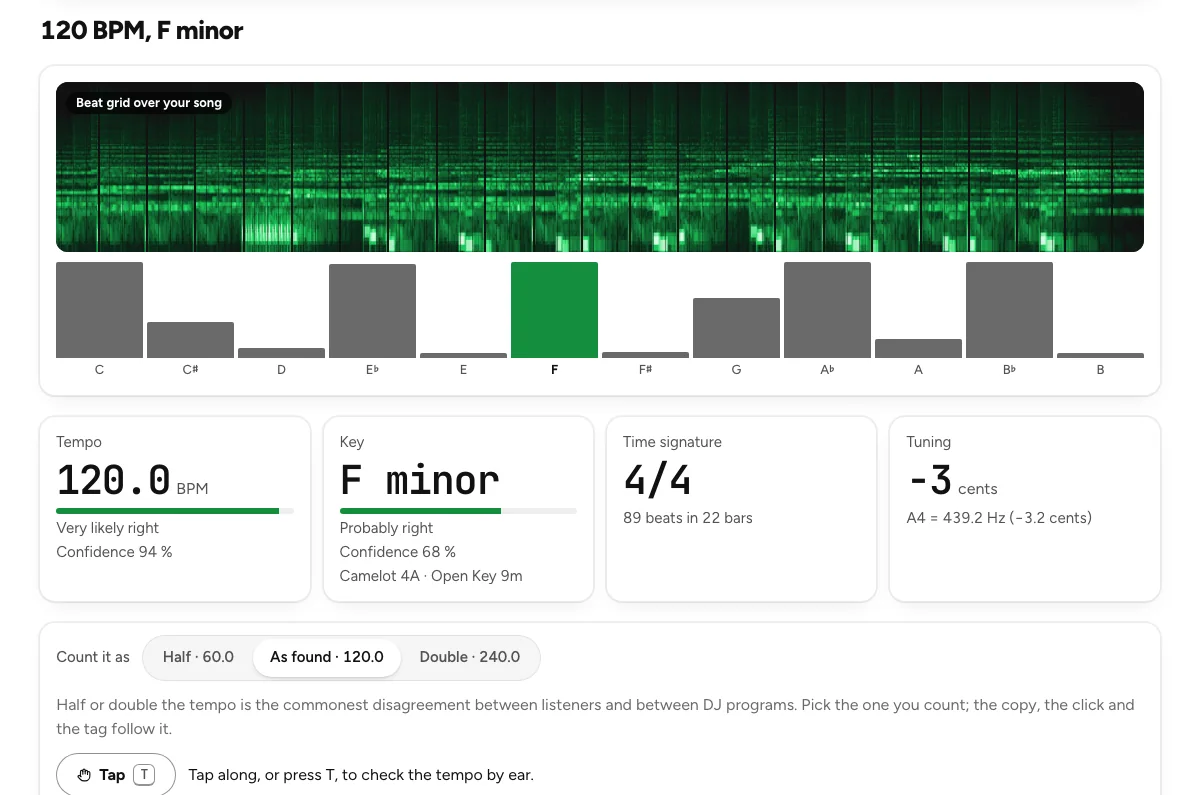 Find a song's key and BPMFour steps on the key and BPM finder: drop the track, read the four tiles, check the beat with a click, copy the result. With how far to trust each answer.
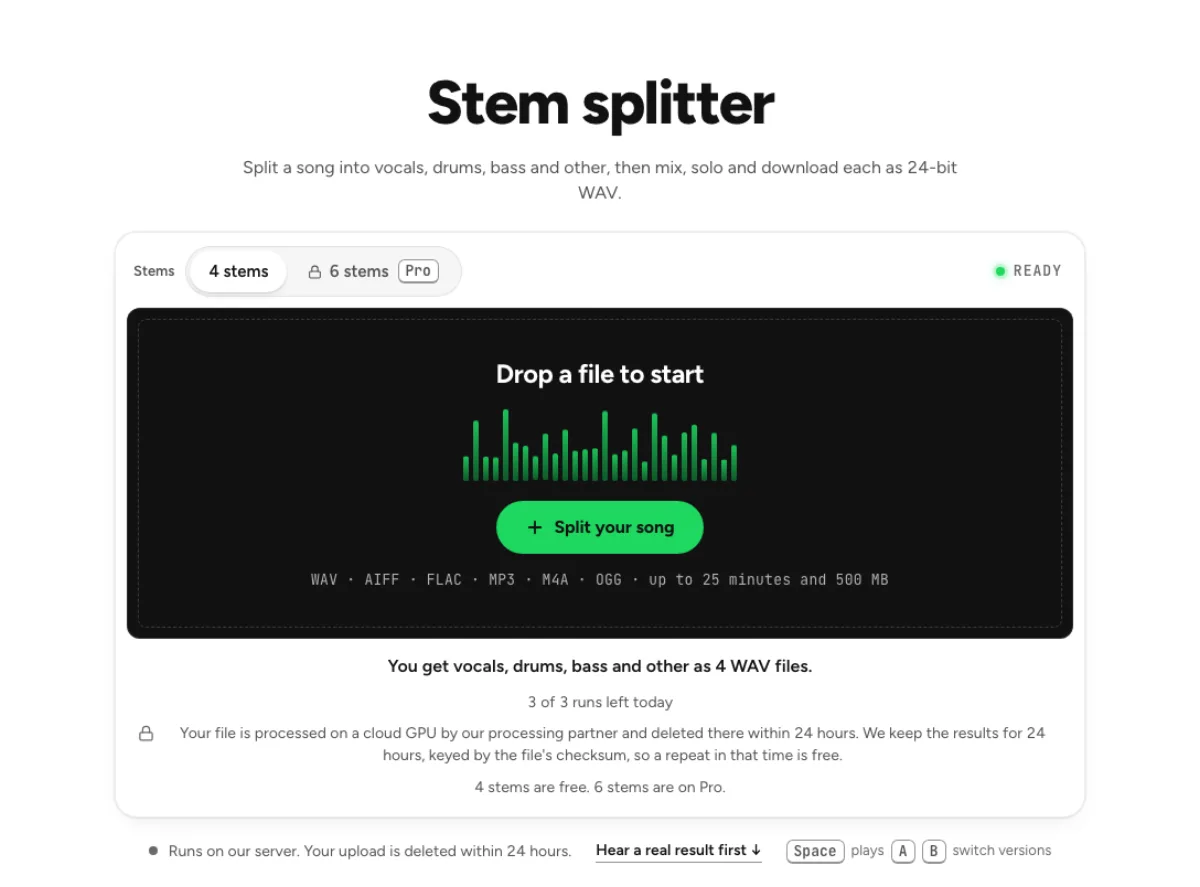 How to Split a Song into Vocals, Drums and BassWhat four and six stems are, how clean each stem comes out on our measurements, and how to mix, loop and export them without leaving the browser.