
Pitch changer
Change the key without the tempo, or the tempo without the key, in your browser.
- Runs in your browser. Nothing is uploaded.
- Space plays AB switch versions
You get your song in the new key or tempo, as WAV or FLAC.
WAV · AIFF · FLAC · MP3 · M4A · OGG · up to 15 minutes and 600 MB
Runs in your browser. Nothing is uploaded.
How it works
- What it does
- Change the key without changing the tempo, or the tempo without changing the key, with Signalsmith Stretch running in your browser.
- How it works
- Independent pitch and tempo use Signalsmith Stretch (MIT), a phase-vocoder with tonality and formant handling. On a 440 Hz test tone +12 semitones lands at 880.0 Hz with the length unchanged; a 150 % tempo keeps the pitch within 0.5 Hz and the onsets within 13 ms. The linked mode resamples instead, like a tape machine. Formant shift moves the voice's character on top of that without moving the notes. The result is brought back to the input's integrated loudness (formant handling alone lowered it by about 2 LU at +3 semitones), then peaks are limited to −1 dBTP before export.
Change key, speed and vocal character deliberately
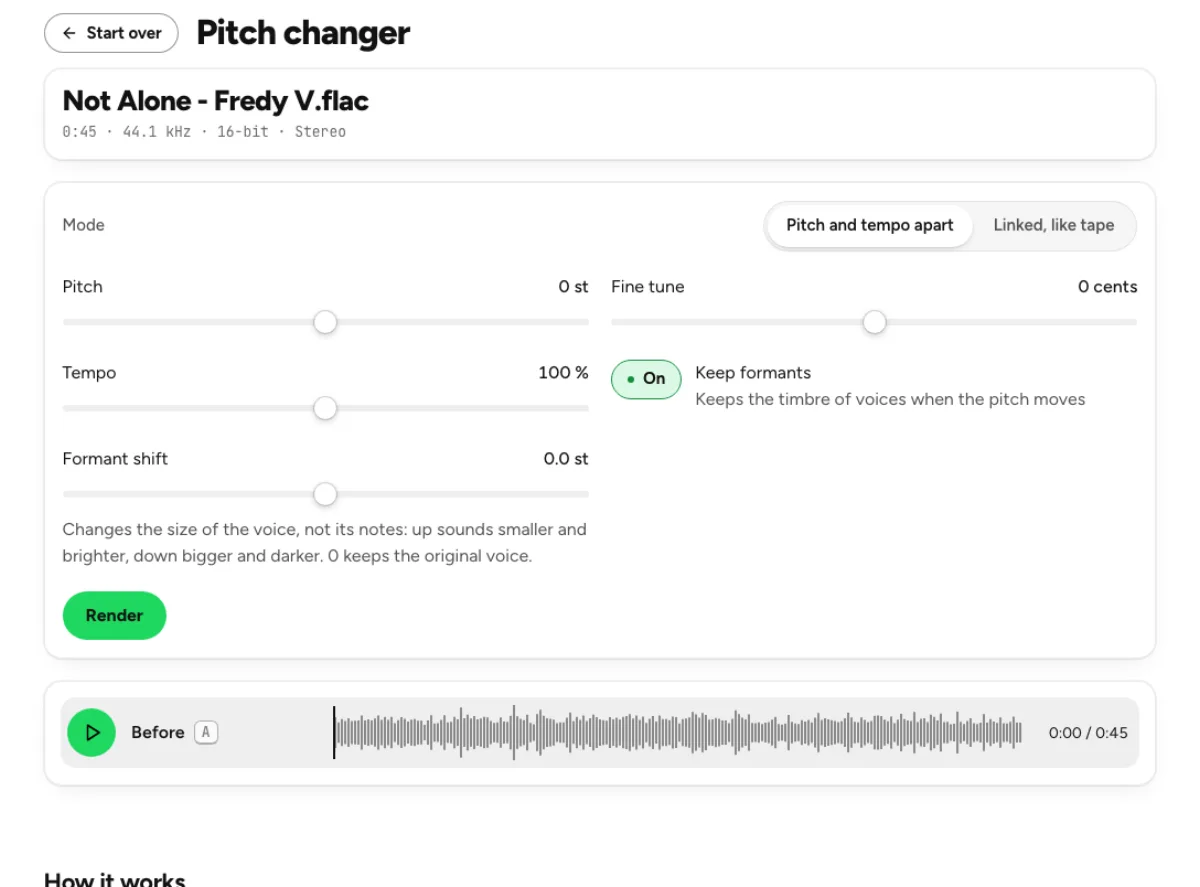
Key and tempo as separate decisions
Independent mode lets pitch move without changing tempo, or tempo change while the musical key stays in place. Pitch spans an octave in either direction, with fine tuning for smaller offsets; tempo covers the displayed 50 to 150 percent range. These are different operations from converting a file’s sample-rate label. The pitch changer renders new audio using time-stretch and pitch-shift processing. Moderate changes are often more natural than extremes, especially on a full mix with drums, reverberation and several voices.
Formants and the character of a voice
Keep formants helps preserve a voice’s spectral character when its notes move. A separate formant shift changes that character without being a substitute for moving the musical key. Compare a familiar vowel and a sustained note when adjusting it. Formant handling can reduce the cartoon-like effect of some transpositions, but it cannot guarantee the sound of the original singer at a completely different register. A processed recording remains different from a new performance sung in the chosen key.
Linked movement for a tape-style sound
Linked mode makes speed and pitch move together, as they do when a recording is played faster or slower. That is useful when the altered character is the point, rather than an unwanted side effect. Independent mode instead tries to preserve the other musical dimension. The result is level-matched for a fair comparison and uses guarded peak handling for export. Listen to attacks, cymbals and vocal consonants, not only a sustained note, before deciding a setting is ready to keep. A fair test includes a section with rhythmic attacks and another with sustained sound. Transposition can affect those differently, so a smooth held note does not establish that a whole drum-heavy mix is equally transparent. Keep an eye on the changed duration when tempo moves and give exported versions descriptive names. A label such as rehearsal minus two semitones is more useful than final-new when several band members are comparing keys. Document the actual settings rather than assuming everyone remembers the last preview.
Who transposes or slows a recording

Singers finding a comfortable rehearsal key
Move a backing track by a small number of semitones and leave tempo unchanged. Try the chorus as well as the verse, because the top and bottom of the melody may pose different problems. The full accompaniment moves too, so a dense arrangement can sound different after transposition. Use the result for practical rehearsal and confirm the chosen key with musicians before preparing a performance arrangement. Transposing a recording does not create separate instrumental parts or rewrite their notation.
Players learning a fast passage
Keep pitch unchanged and reduce tempo to hear a difficult line more clearly. Start with a moderate reduction, then slow further only if you still need it. A short excerpt made with the audio cutter can keep practice focused and reduce rendering work. Listen for timing and articulation rather than treating processing artifacts as details of the original performance. Once the phrase is understood, return toward the original speed so your playing follows the musical context as well as the individual notes.
Producers matching samples and references
Fine tuning helps when an older record or an acoustic performance sits between standard semitone positions. Match against your actual session rather than assuming a nominal key label guarantees perfect tuning. Pitch and tempo settings can prepare a creative working version, but they do not isolate a sample or resolve permission to use it. Keep the unprocessed recording so you can compare artifacts and make a different choice later. For instrument-specific changes, an isolated stem is often easier to judge than a full mix.
How to change pitch without losing the musical context
Load and establish a reference
Choose a supported recording within the displayed 15-minute and 600 MB limits. The browser reads the audio locally and shows its source information. Play a representative passage before adjusting controls, then decide whether your goal is a new key, a new practice speed or a linked tape-style effect. Identifying the goal avoids moving several controls at once and losing track of which change helped. Use the demo when you want to learn the interface without loading a personal recording.
Choose the mode and make a measured change
For a key change, keep independent mode and tempo at 100 percent, then move pitch. For slower playback in the same key, keep pitch at zero and lower tempo. Use cents when a smaller tuning correction is needed. Set formant controls according to the vocal character you want, then allow the new render to finish or use Render explicitly. Compare more than one section: a setting that works on a quiet verse may expose artifacts in a busy chorus.
Compare the result and export a working copy
Switch between the original and processed version at matched level. Check the displayed duration, pitch change, loudness and true peak, then listen to the actual change instead of selecting the version that merely seems louder. Export a supported WAV, FLAC or MP3 option and audition the download in your next application. Keep the source separately. If you want a mastered delivery after the creative change, send the chosen version to the studio and evaluate that additional processing as a separate decision.
Pitch, tempo and formant questions
Can I change key without changing tempo?
Yes. Use Pitch and tempo apart, leave Tempo at 100 percent and move Pitch. Fine tune provides smaller cent adjustments when a recording sits between semitones. This renders the whole signal, so every instrument moves with it. A full mix may reveal more processing artifacts than an isolated backing part, especially with large shifts.
Can I slow the song without lowering its pitch?
Yes. Keep independent mode, leave Pitch at zero and reduce Tempo within the available range. The time-stretch process changes duration while retaining the nominal key. It is useful for practice or transcription, but extreme settings can alter attacks and textures. Listen to the passage you need and choose the smallest slowdown that makes it understandable.
What does Keep formants do?
It helps preserve the spectral character of voices while pitch moves, reducing an exaggerated small-or-large vocal effect. It does not preserve every detail perfectly or replace a singer performing naturally in another register. Compare a familiar vocal phrase with the setting on and off. The separate Formant shift control changes vocal character and is not the musical key control.
Why choose Linked, like tape?
Use it when you want the familiar relationship where faster playback sounds higher and slower playback sounds lower. The change in character is intentional in this mode. Choose independent processing when you need a key change at the original pace or a practice tempo in the original key. The two modes answer different creative questions rather than one being universally better.
How far can the controls move?
Pitch covers minus twelve to plus twelve semitones, fine tuning covers the displayed cent range, and independent tempo runs from 50 to 150 percent. Large changes are available for creative work but can be less transparent. Test a small adjustment first, listen to several passages and judge the full mix rather than assuming every setting will sound like an unprocessed performance.
Does this replace a new instrumental arrangement?
No. It processes the existing audio, with its instruments and balance combined. It does not rewrite sheet music, extend an instrument’s natural range or create an isolated backing track from a vocal mix. Use the vocal remover or stem splitter when isolation is needed, and review that result before applying a separate pitch or tempo change.
What can I export?
The page offers supported WAV, FLAC and MP3 export options, with result loudness and peak handling shown alongside the render. Choose lossless audio for another editing stage when practical, and use the compressed option for a delivery that calls for it. Increasing the exported bit depth does not restore detail missing from a compressed or damaged source.
Is pitch shifting performed on a server?
No. This pitch changer runs its processing locally in the browser. The file does not need to be uploaded for the render. Duration, sample rate, device memory and processor speed affect how long the operation takes. Save the result before closing the page, and treat any later cloud separation or AI operation as a separate step with its own behavior.
Learn how
Guides and tutorials that use this tool, with real screens and real numbers.
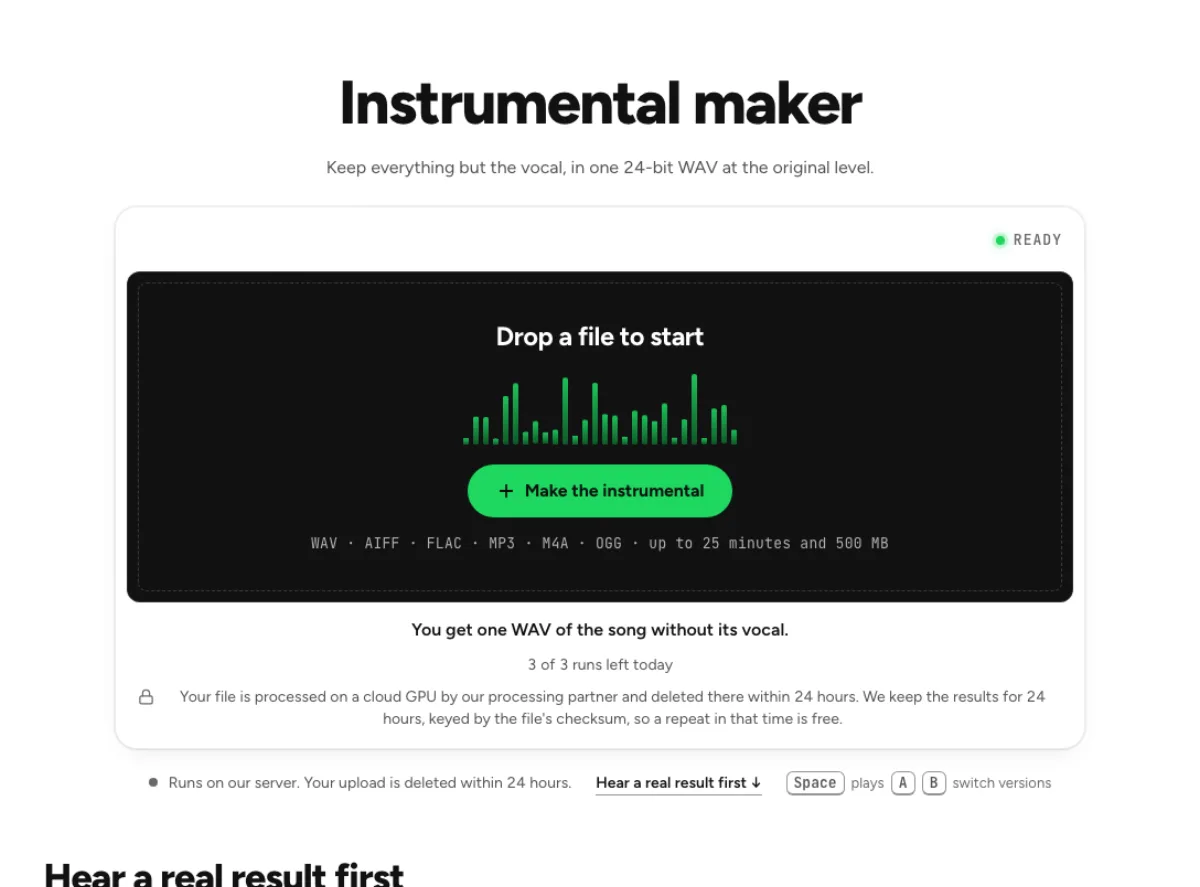 Make an instrumental or an acapella from any songFive steps on the instrumental maker: hear a real result, drop the song, confirm the run, compare and download. Then the same for the vocal alone.
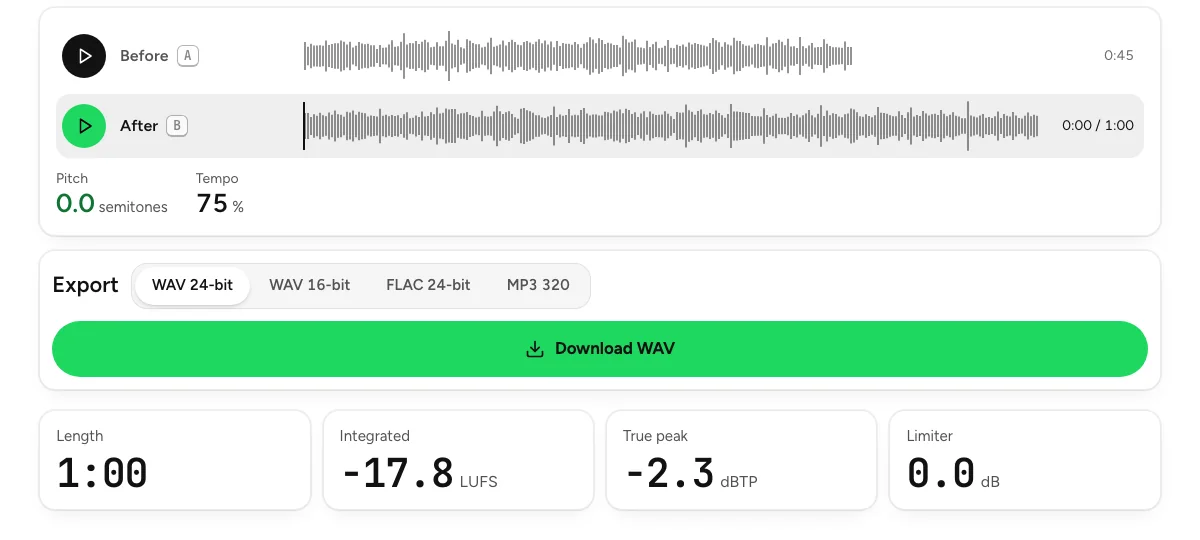 Slow a song down without changing its pitchFour steps on the pitch changer: load the song, set the tempo, compare at matched level, export. Down to half speed, in the original key, in your browser.
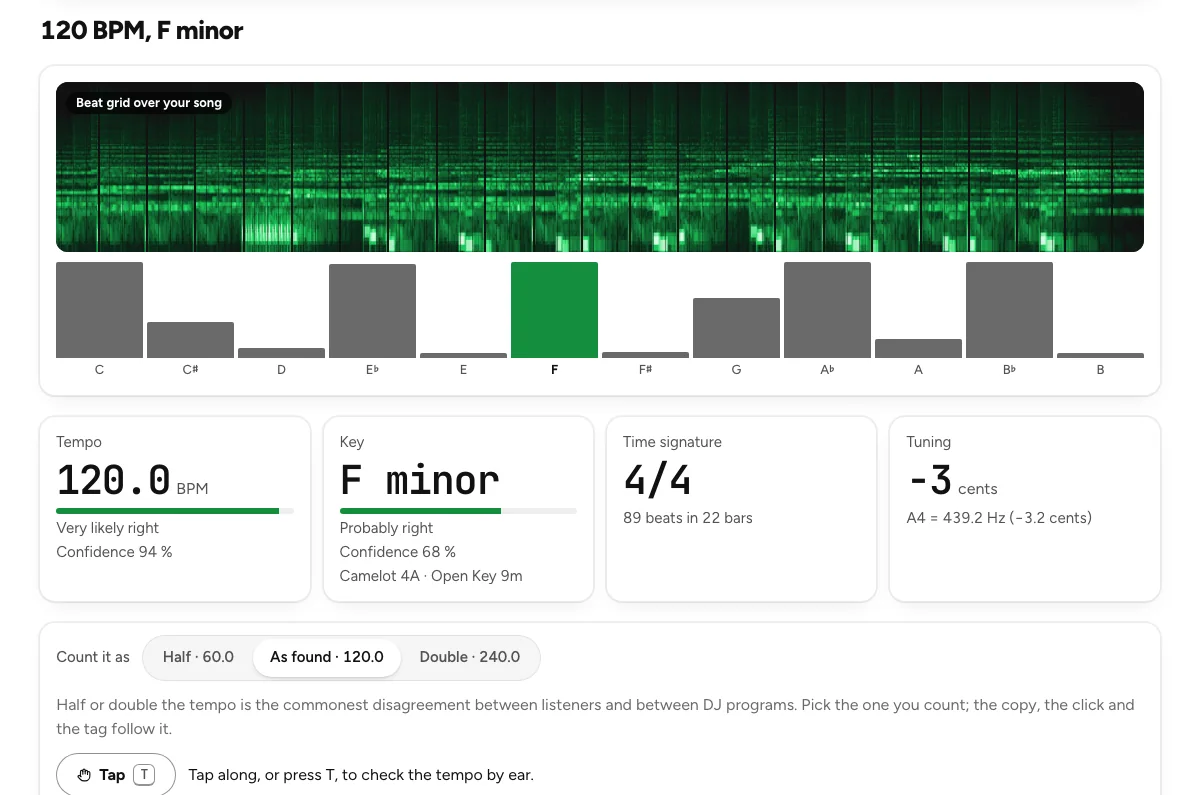 Find a song's key and BPMFour steps on the key and BPM finder: drop the track, read the four tiles, check the beat with a click, copy the result. With how far to trust each answer.
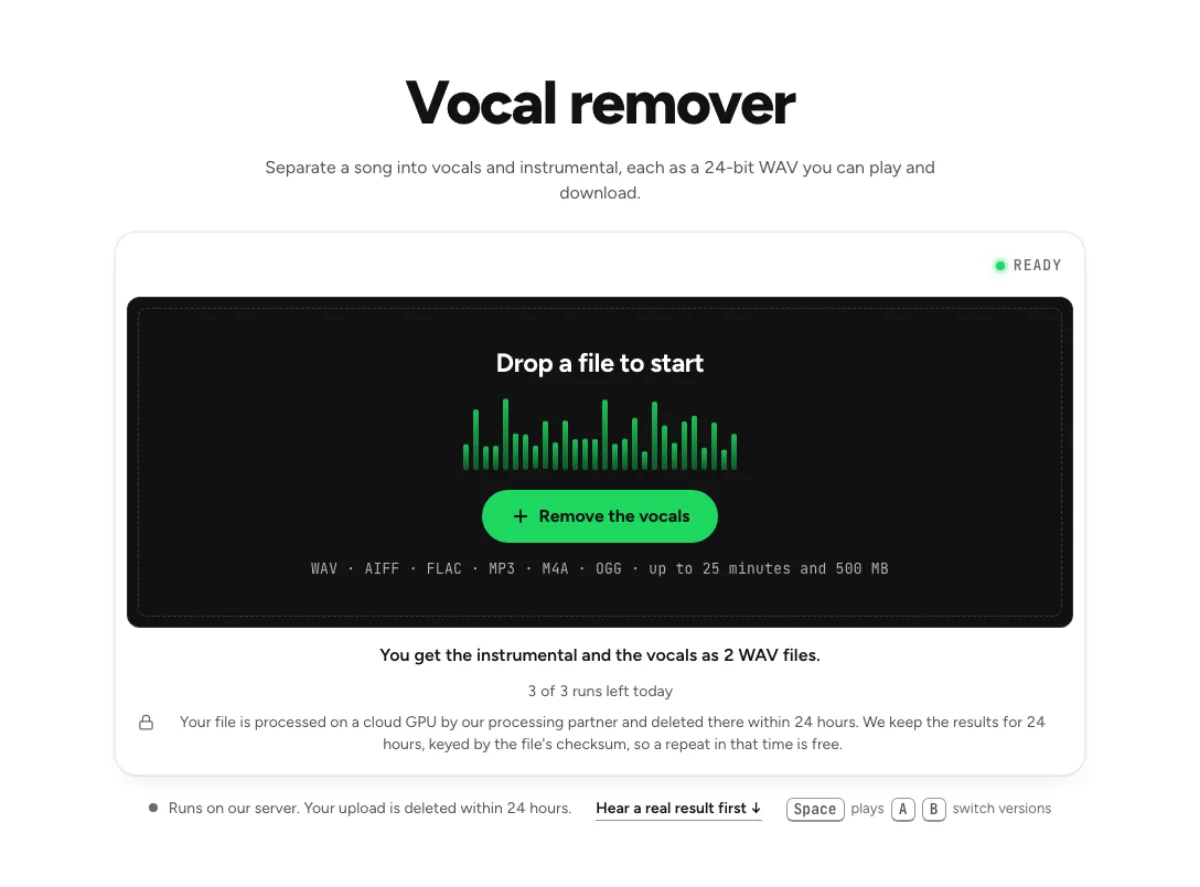 How to remove vocals from a song for karaokeTake the singer out of a finished song, keep the band at its original level, check the result by ear and leave a faint guide vocal if you want one.