In this article
A karaoke track is the song you know with the singer taken out: same arrangement, same length, same level, nothing where the voice was. You rarely have the multitrack, so the voice has to come out of the finished stereo mix. This guide shows how that works, how to do it in a few minutes with the Rifflo vocal remover, and how to check the result before anyone picks up the microphone.
Part 1What a vocal remover actually does
The old trick was to subtract the left channel from the right. Whatever sits dead centre cancels, which often includes the voice, but also the bass and the kick drum, while the voice's stereo reverb stays. Modern vocal removal is different: a neural network trained on songs with their separate parts predicts which part of the sound belongs to the voice and which to everything else, and writes the two out as separate files.
Rifflo's vocal remover runs a BS-RoFormer separation model on a cloud GPU, twice: once in a vocals mode and once in a six-stem mode, and averages the two results. You get two files back:
- the instrumental, everything except the voice, as a 24-bit WAV;
- the vocals, as a second 24-bit WAV, for a mashup or a rehearsal.
Both start on the song's first sample and run its exact length, so either one can replace the original on a timeline without moving anything.
How clean is it?
We measured it on six songs whose separate parts are known, 40 seconds each. The usual figure for separation is SDR, in decibels: higher means less of the other parts left behind. The instrumental scored 18.5 dB on average and 16.0 dB on the hardest song; the vocal 15.3 dB on average and 8.5 dB on the hardest. For scale, handing back the untouched mix as the "instrumental" scores 3.2 dB. The gap between the average and the hardest song is the reason to check the result by ear in the right places, below.
Part 2Remove the vocals in three steps
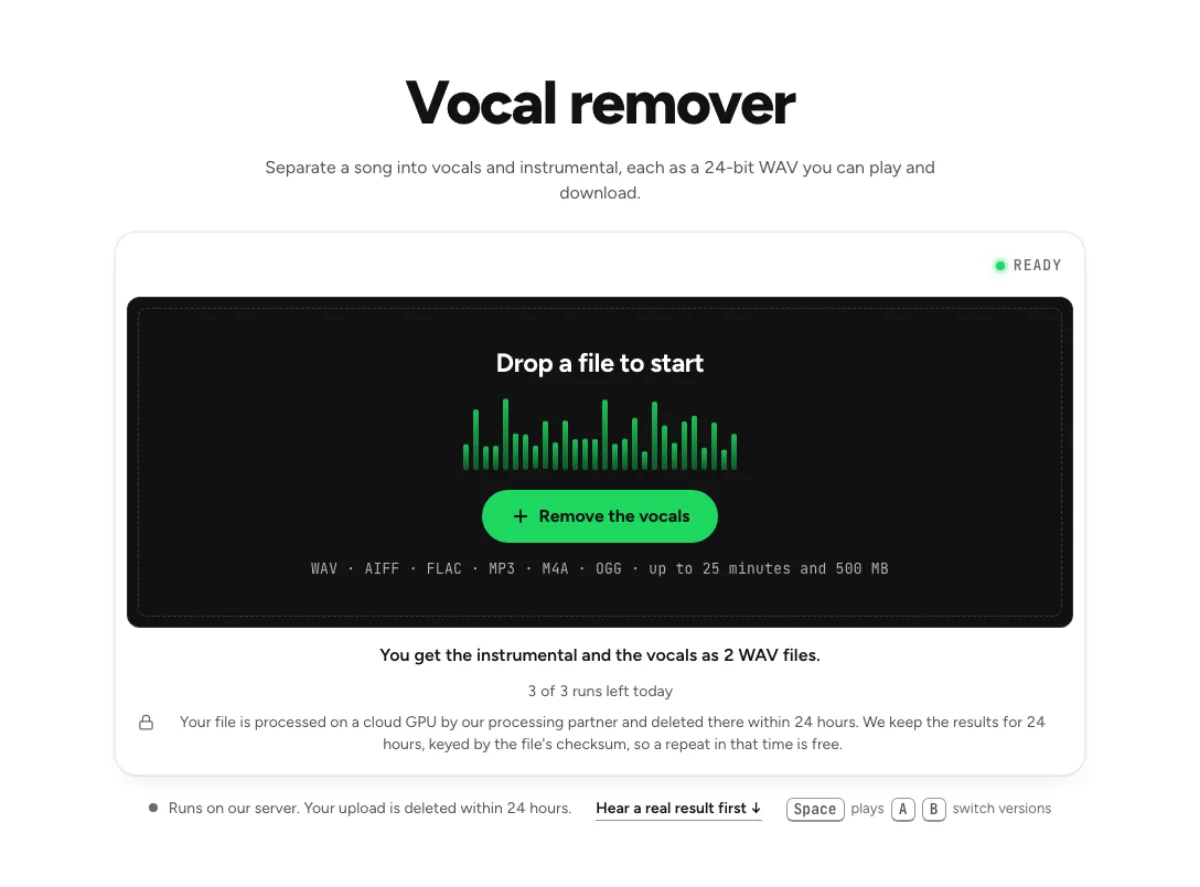
- Drop the song. Open the vocal remover and drop a WAV, AIFF, FLAC, MP3, M4A or OGG file of up to 25 minutes and 500 MB. The page shows the file and the run it will use before anything is uploaded.
- Follow the progress. The panel names each phase: upload, queue, processing. The first run after a quiet hour takes 1 to 3 minutes while the model starts; after that a run takes seconds.
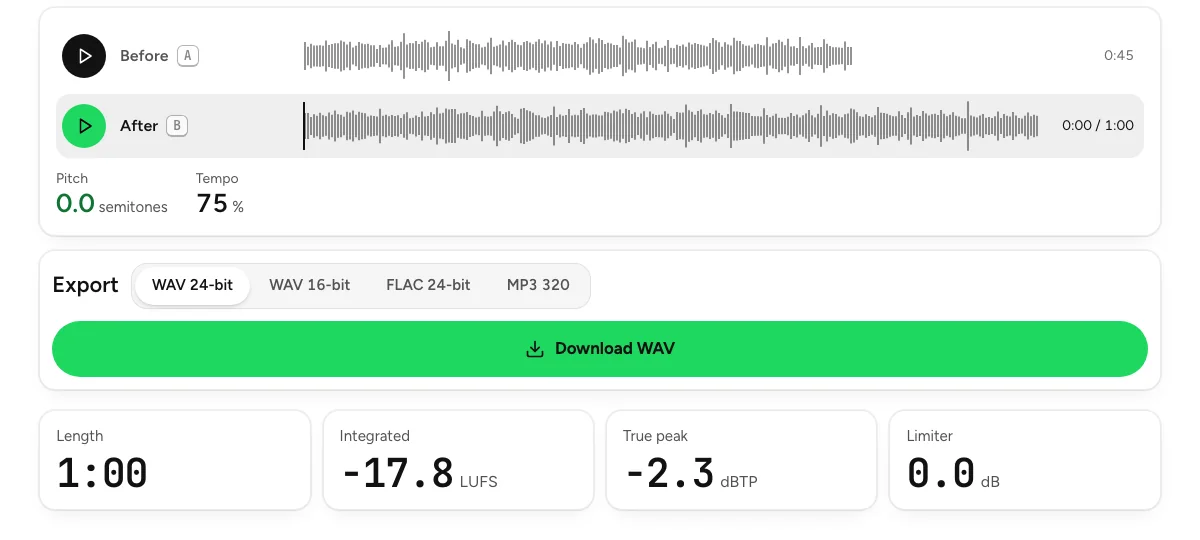
- Pick a version. Instrumental, Vocals and Original share one playhead, so you can switch while the song keeps playing. Then click Download instrumental, or Download vocals.
Vocal remover
Separate a song into vocals and instrumental as WAV files.
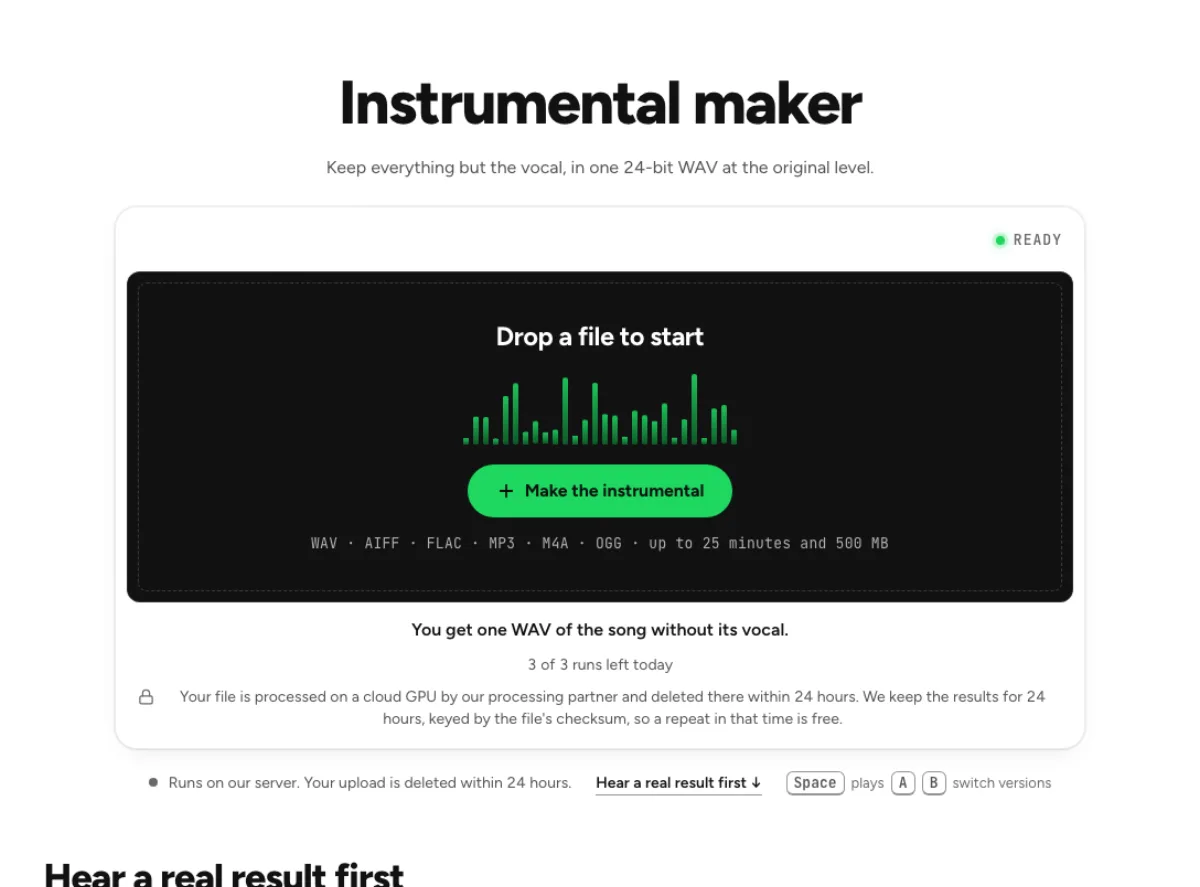
If all you want is the backing track, the karaoke maker and the instrumental maker run the same split and give you one file, the song without its vocal.
Part 3Check the result before the party
A separation is judged by ear, in the right places:
- Go to the loudest chorus. Flip between the instrumental and the original a few times there. That is where the voice and the band overlap most, and where any trace of the singer would show.
- Listen to a dense section. That is where the separation has the hardest job.
- Listen at the level you will perform at. Judge the track the way it will be heard, under a live voice.
Every voice counts as vocal. Harmonies and backing vocals leave the track along with the lead. If you want to sing the lead over the original backing singers, use the
lead and backing vocal splitter
, which writes the lead, the backing vocals and the instrumental as three files.
Part 4Keep a guide vocal
Some singers like to hear a ghost of the original for the first rehearsals. After the split, open Adjust the mix: the vocal has its own fader. Pull it down to about −20 dB, export WAV or FLAC, and a faint guide stays in the track to follow. The same mixer can mute the vocal entirely or bring a little of it back for a duet.
The vocal remover writes audio only. Bring your own lyric screen or sheet.
Part 5Move the key to your voice
A backing track in the original key may sit too high or too low. Drop the instrumental you downloaded into the pitch changer and move it by up to 12 semitones either way with the tempo unchanged, for example two semitones down so the top note of the chorus sits in your range. That step runs in your browser, so it needs no second upload.
Pitch changer
Change key without changing tempo, or tempo without changing key.
Part 6What it costs and where your song goes
- Free runs. Without an account you get 3 runs a day; signing in gives you 10 a month. Pro has no run limit. Running the same file again within 24 hours is free, because results are kept under the file's checksum.
- Your upload. The song goes to Replicate, our processing partner, which deletes it within 24 hours. We keep the results, not the upload, for 24 hours.
- The rights. Removing the vocal does not change who owns the song. A karaoke night at home is one thing; putting a commercial track in a published video still needs a licence.
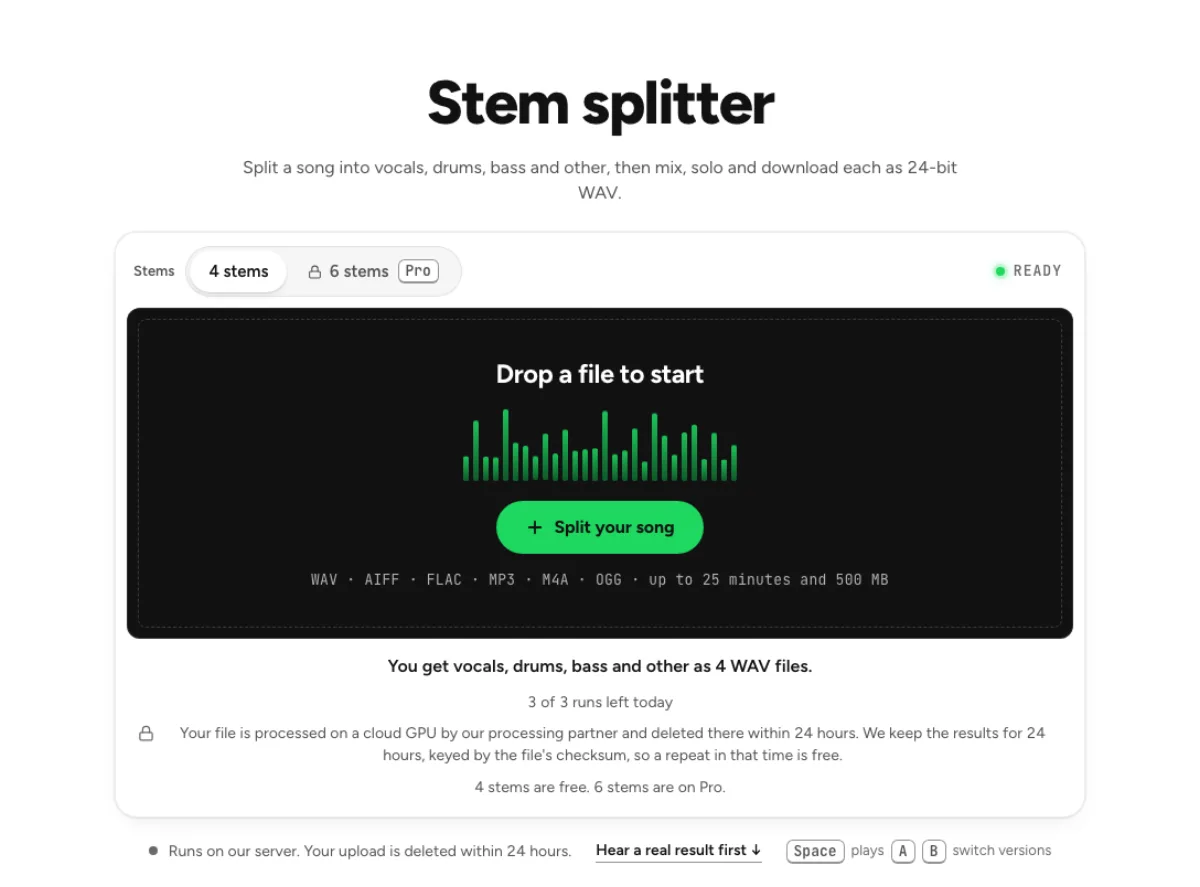
Need more than vocals and instrumental? Pro separation puts every separation we run in one place, from drums and bass to strings and wind instruments, with what each one costs.
Last updated Nov 4, 2026. The figures here come from our own measurements, written up on each tool's page. When a tool changes, this page is checked again.