
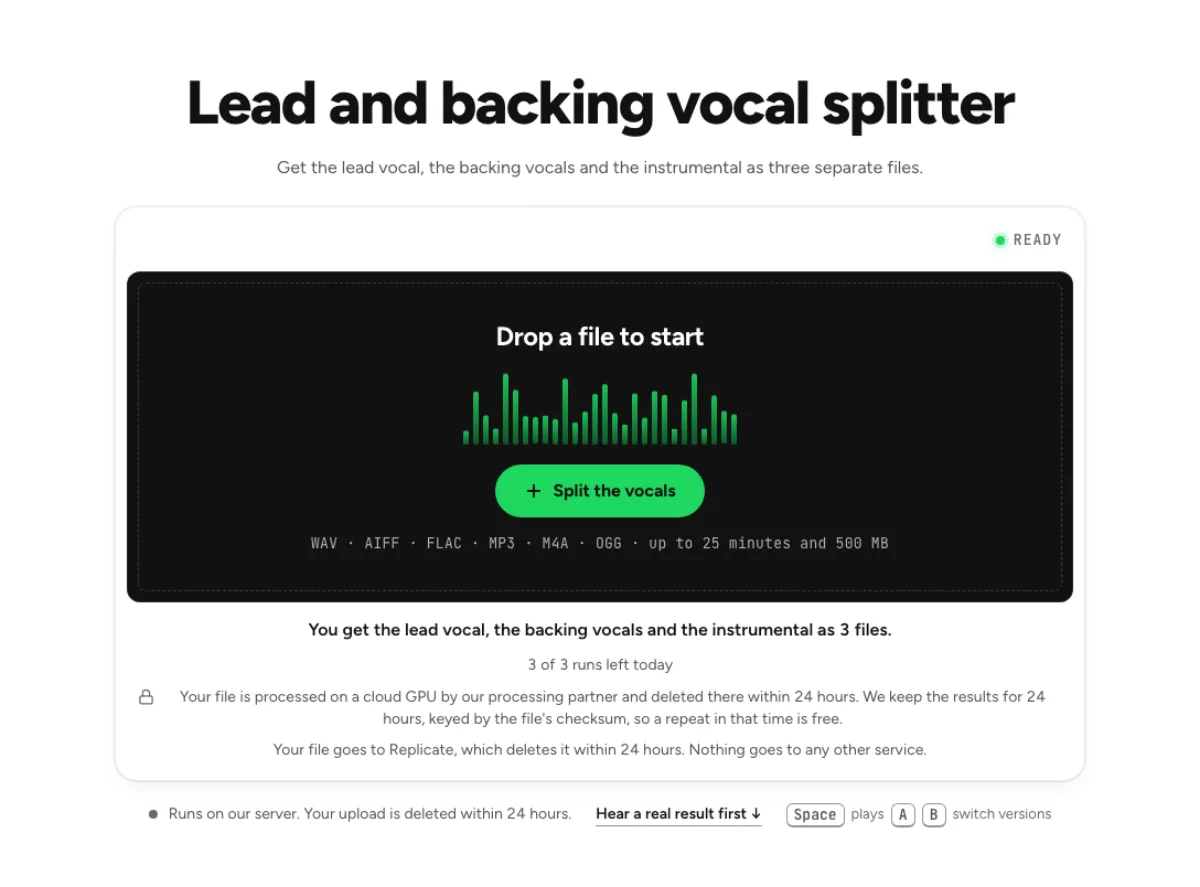
Lead and backing vocal splitter
Get the lead vocal, the backing vocals and the instrumental as three separate files.
- Runs on our server. Your upload is deleted within 24 hours.
- Space plays AB switch versions
You get the lead vocal, the backing vocals and the instrumental as 3 files.
WAV · AIFF · FLAC · MP3 · M4A · OGG · up to 25 minutes and 500 MB
Checking your runs
Your file is processed on a cloud GPU by our processing partner and deleted there within 24 hours. We keep the results for 24 hours, keyed by the file's checksum, so a repeat in that time is free.
Your file goes to Replicate, which deletes it within 24 hours. Nothing goes to any other service.
How it works
- What it does
- A model tells the voices apart by how they sound, not by panning, so backing parts panned to the centre can split, but a part that doubles the lead in unison will mostly stay with the lead.
- Model
- The song is split into vocal and instrumental, then a lead-vocal model on our own cloud GPU takes the lead out of the vocal; the backing is the vocal without the lead. On songs with known parts (SDR): lead 11.1 dB and backing 7.0 dB on average, where the whole vocal offered as the lead scores 4.0 dB. Model names and licences
- Output
- Lead and backing as 32-bit float WAV, the instrumental as 24-bit WAV, all at your song's sample rate. They line up to the sample: lead and backing add up to the vocal exactly, and all three add back up to the song.
- Time
- 1 to 3 minutes for a new file, plus up to a minute when the model has to start. A repeat of the same file is instant.
- Your file
- Your file is processed on a cloud GPU by our processing partner and deleted there within 24 hours. We keep the results for 24 hours, keyed by the file's checksum, so a repeat in that time is free.
Split lead, backing and instrumental
Three files
The lead vocal and the backing vocals arrive as 32-bit float WAV, the instrumental as 24-bit WAV, at your song's sample rate. Play each against the original on one playhead, then download it. The lead and backing vocal splitter is for a different question from basic vocal removal: which voice leads, and which voices support it? It returns the lead, backing vocals and instrumental as separate files. Use that distinction for harmony study or vocal editing, while expecting ambiguity when multiple singers perform the same words together.

Split by sound
The model tells voices apart by how they sound, so backing parts panned to the centre can still split. A part doubling the lead in unison will mostly stay with the lead. Vocal position alone does not decide the result. A harmony panned to the centre can still separate, while a wide unison double may stay with the lead because it resembles the same performance. Listen to a phrase where only the lead sings and another with obvious harmonies before deciding how the files should be used.

Quiet backing warning
If the backing file comes back almost silent, the page says so. Either the song has no backing vocals, or they sit too close to the lead to pull apart. A nearly silent backing file can be a meaningful result. The source may contain no separate harmony, or the extra voices may be too similar to the lead for a reliable split. Raising that file dramatically can reveal low-level leakage rather than a hidden choir, so compare it with the original before drawing conclusions.
Who needs lead and backing apart
Vocal producers
Rebalance a lead against its harmonies when the multitrack is gone and only a stereo mix remains. A vocal producer can audition a lead against different backing levels before rebuilding the balance in a DAW. Keep the three downloaded files aligned at their original start. The separation can guide an arrangement decision, but it does not replace the individual microphone tracks needed for precise comping, timing edits or tuning.

Harmony singers
Play the backing file on its own to learn a harmony line by ear, then sing it against the lead. A harmony singer can focus on a supporting line that is hard to hear in the full song. Work through short phrases and confirm whether the backing file contains one part or several blended voices. The tool separates groups of voices; it does not label alto, tenor or soprano parts individually.
Cover acts
Keep the original harmonies and the instrumental as separate files, then sing your own lead on top. A cover act can practise lead entrances while retaining a reference for harmonies, or learn the backing arrangement without the lead dominating. Rehearse at normal tempo after any slowed practice. Keep a full-mix reference available when the model divides a doubled word differently between the two vocal files.
How to separate lead vocals from backing vocals
Up to 25 minutes
WAV, MP3, FLAC, M4A or a video, up to 25 minutes. The file goes up as it is: nothing is compressed in your browser. Pick a recording with audible backing voices and enough musical context to judge them. A live crowd or heavily stacked chorus is more demanding than a clearly separated lead and harmony. Upload the original-quality source when possible, and avoid forcing a wide stereo effect onto it before processing.
Wait 1 to 3 minutes
Keep the page open during the split. The first run after a quiet spell waits up to a minute more while the model starts. A repeat of the same file is free if you leave. This workflow runs more than a single basic vocal split, so waiting time can be longer than a simple two-stem result. Watch the progress and keep the page available until the three files arrive. A model starting from idle or a busy queue can affect turnaround; an example duration is not a delivery guarantee.
Mix from the three files
The files line up to the sample and keep the levels they had in the song, so together they are the song. Turn the lead or the harmonies up or down from there. Compare lead, backing and instrumental at several points, especially a lead-only verse and the biggest chorus. Save every file before editing so an unexpected backing assignment can be corrected in your arrangement. Start with moderate gain changes; aggressively boosting quiet backing leakage rarely turns it into a clear new vocal part.
Lead and backing vocal questions
Can AI separate lead vocals from backing vocals?
Yes, by how each voice sounds rather than where it is panned. On four pop and rock songs and a singer-songwriter recording with known parts the lead came out at 5.8 to 16.2 dB SDR and the backing at 3.5 to 10.8 dB. Where only the lead sings, the backing file stays almost silent (57 dB under the lead on our test). Stacked harmonies that sing the same words as the lead, as in Bohemian Rhapsody, are the hardest. Play the Rainfall sample, then judge your own song. The figures are measurements on specific references, not a guaranteed score for your song. Listen for complete words in each group and verify a harmony-heavy chorus separately from a lead-only verse.
How long can the song be?
Up to 25 minutes, the same as our other cloud tools. The file-size limit and processing allowance also apply, so duration is not the only check before upload. A shorter representative excerpt is useful when you first need to determine whether a particular vocal stack separates well.
Where does my file go in this tool?
The audio is sent to cloud processing infrastructure, including Replicate, rather than being separated wholly on your device. Results may be held temporarily to serve downloads and identical cached requests. Save the output you need and consult the Privacy Policy for current retention and handling details; this result page should not be treated as long-term storage. Keep the source and all three downloaded files under clear names. A result that works for harmony practice may be less suitable for an exposed production edit, so retain a full-mix reference while making that decision.
What should I check after using this lead and backing vocal splitter workflow?
Listen to lead singer and backing voices and instrumental accompaniment, rather than judging just one file. The difficult cases include unison doubles, stacked choirs and overlapping vocal effects. Compare an exposed passage, a busy section and the tail of a sustained sound at the same musical moment. A result can work for practice while being too rough for an isolated production use. Choose based on the sound you will actually deliver, and keep the original nearby when a note, word or effect is uncertain.
What source recording should I use?
Start with the cleanest version you already have and avoid repeated lossy conversions. Saving a damaged recording as WAV does not restore the detail it lost. Excessive EQ, clipping or added reverb before separation can make the task harder. Keep the original and work on a copy so later comparisons remain meaningful. For a choir-like chorus, use the split as a map of the texture rather than as proof of who sang each line. Several harmonies may remain blended, and a doubled lead can cross groups. Verify a specific note or lyric with the original recording and another musical reference when accuracy matters.
How do file length, plan access and cloud runs work?
The cloud processing limit is up to 25 minutes per file, with file size and mode access also checked before a run starts. The current catalog allows 3 runs daily anonymously, 10 monthly for signed-in free users, 80 monthly on Pro and 150 on Pro+. Each new file and processing configuration uses the relevant allowance; an identical result can be free while cached. Check the current pricing and the uploader before processing a batch. Downloads are part of the result, not a separate per-file unlock.
Is this separation performed entirely on my device?
No. This is cloud separation: audio is uploaded for processing on external infrastructure. Browser playback, comparison and some exports happen locally after the results arrive, which does not make the separation itself offline. Check the Privacy Policy before submitting sensitive material, and use an appropriate local workflow if audio must stay entirely on your device. Download useful outputs while available; temporary results and cached repeats are not a permanent archive.
Can I publish or share the separated result?
Separation changes the balance of a recording, not its ownership or the permissions attached to it. Use material you own or are otherwise entitled to adapt, and arrange the permissions needed for your intended publication. A separated result does not include a licence to a commercial song, performance or soundtrack. For your own project, keep the source, an untouched separation and a separate delivery copy. Listen again in the complete mix before sharing; an acceptable rehearsal reference may reveal artefacts when exposed alone.
Learn how
Guides and tutorials that use this tool, with real screens and real numbers.
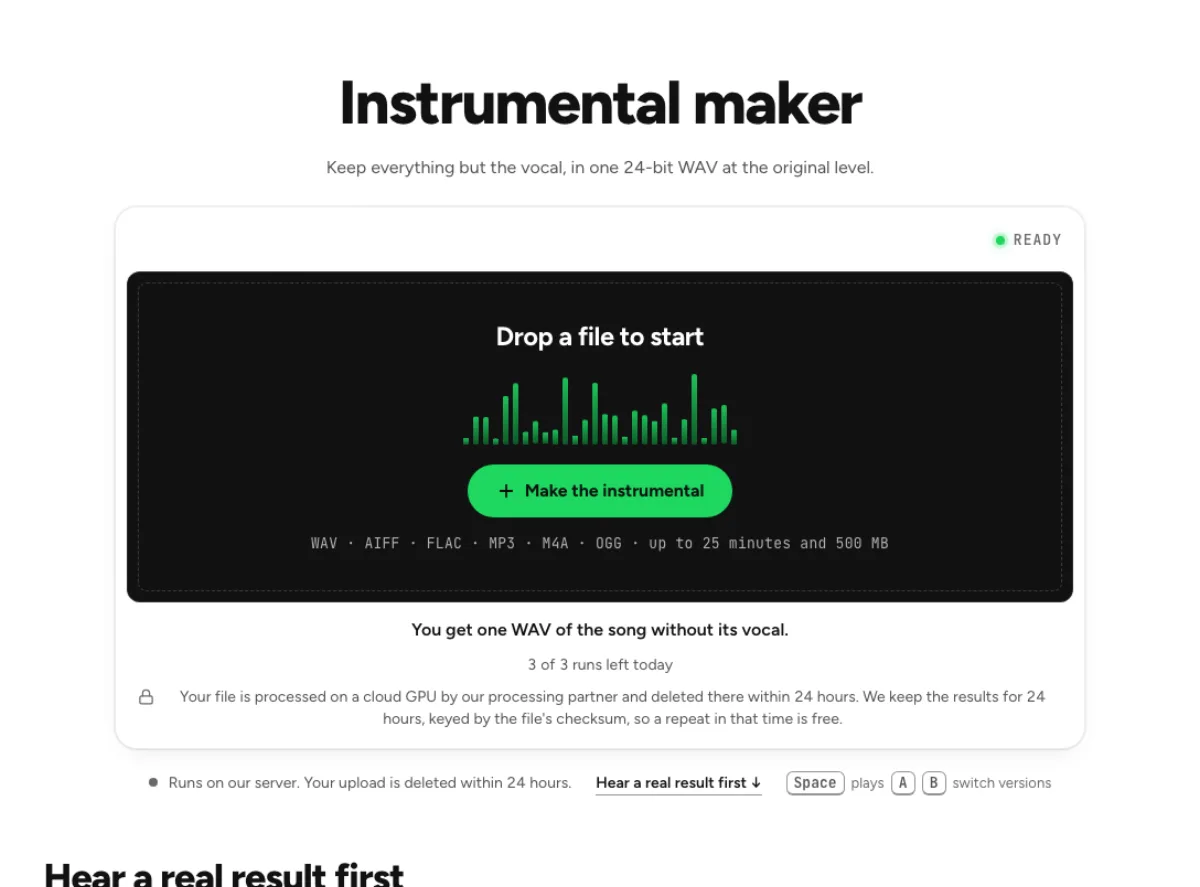 Make an instrumental or an acapella from any songFive steps on the instrumental maker: hear a real result, drop the song, confirm the run, compare and download. Then the same for the vocal alone.
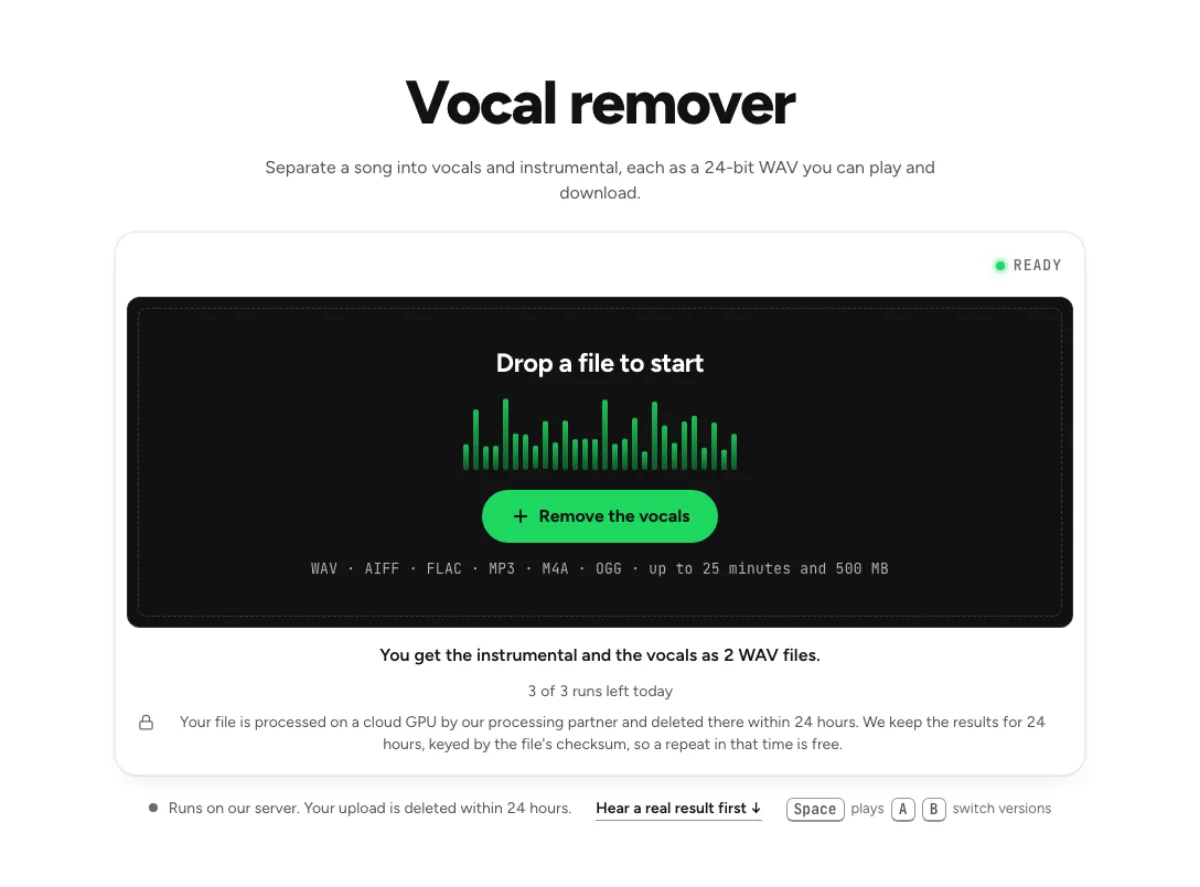 How to remove vocals from a song for karaokeTake the singer out of a finished song, keep the band at its original level, check the result by ear and leave a faint guide vocal if you want one.