
Pro separation
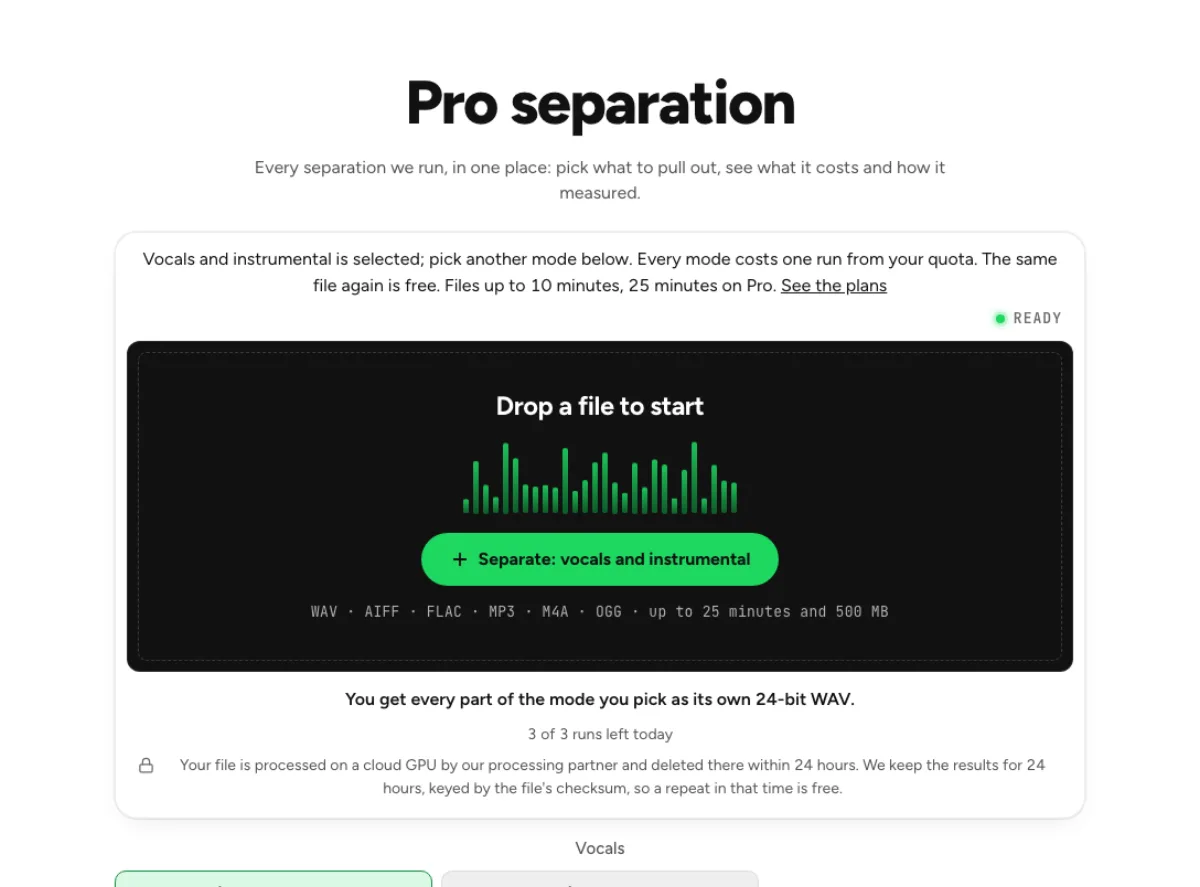
Every separation we run, in one place: pick what to pull out, see what it costs and how it measured.
- Runs on our server. Your upload is deleted within 24 hours.
- Space plays AB switch versions
You get every part of the mode you pick as its own 24-bit WAV.
WAV · AIFF · FLAC · MP3 · M4A · OGG · up to 25 minutes and 500 MB
Checking your runs
Your file is processed on a cloud GPU by our processing partner and deleted there within 24 hours. We keep the results for 24 hours, keyed by the file's checksum, so a repeat in that time is free.
Vocals
Instruments
Speech and film
Not offered yet, and why
- Synthesizer remover: on real songs the model we measured took out little or none of the synth.
- Lead and rhythm guitar separator: the best split we measured swapped lead and rhythm on one of two songs.
How it works
- What it does
- Every separation we run, with what it gives you and how it measured. Instruments we cannot separate reliably yet are listed with the reason.
- Model
- A stem model and a speech model on a cloud GPU find the voice; our server then splits your own audio with a mask, so every file keeps your stereo and the pair adds back up to the original exactly. Measured on 14 film clips with known parts (SDR): dialogue 13.8 dB, music and effects together 15.6 dB on average, where the untouched clip scores about −2 dB. Music and effects apart are a rough split (music 2.1 dB, effects 5.1 dB). Model names and licences
- Your file
- Your file is processed on a cloud GPU by our processing partner and deleted there within 24 hours. We keep the results for 24 hours, keyed by the file's checksum, so a repeat in that time is free.
Every mode, its price and its numbers
Cost first
The selected configuration uses a run from the current plan allowance, with its access requirements shown before processing. A repeat of an identical available cached result can avoid a new run. Download useful results promptly, because a cache is temporary storage rather than a permanent library of every file you have processed. This audio separation hub groups different jobs so you can choose the right result before sending a file. A two-stem song split, a drum practice backing and a dialogue-free soundtrack are different tasks. Start with the part you need to keep, then select the mode whose outputs match that requirement.

Measured, not promised
Each mode lists how it measured on material with real stems. Modes we could not make reliable are listed with the reason, not hidden behind a button. The measured notes describe particular recordings with known reference parts, not a guaranteed score for every upload. A model can work well for a dry studio voice and struggle with a crowded live scene. Read the limitation next to the mode and compare an available sample with your own type of material.

Longer files on Pro
Soundtrack modes take 10 minutes without Pro and 25 on Pro; six stems need Pro. A longer file limit and access to six stems are separate benefits from separation accuracy. Paying for a larger allowance does not make a weak instrument distinction reliable. Choose Pro when its duration, configuration or run allowance fits the task, and judge the actual audio before building an edit around it.
Who the Pro separation page is for
Producers
Pick stems by what you need, with the measured quality in front of you. A producer can use the hub to decide between a full stem set and a targeted instrument page. If the task is muting bass, four stems normally suffice; a guitar or piano request needs six. Keep the original arrangement and all useful outputs so you can compare a new mix with the source.
Post-production
Dialogue, music and effects from a finished mix, with an honest note on what is rough. An editor working on picture should distinguish removing dialogue from removing music. For replacement dialogue, a combined music-and-effects bed is often more useful than rough individual music and effects stems. If the final deliverable is a video, choose the video-specific workflow instead of assuming an audio download rebuilds the picture.

Teams comparing tools
Every number on this page comes from our own measurement, with the method in our documentation. A team comparing tools can agree on one test excerpt and a listening checklist before processing many files. Include a clear section and a difficult overlap, then judge wanted detail and unwanted leakage separately. A single spectacular example is weaker evidence than several representative passages checked against the same goal.
How to use Pro separation
Pick a mode
Modes that run here are selectable; the others open their own page. Choose the output first: vocals and instrumental for a singer or backing, four stems for drums and bass, or a targeted soundtrack or instrument split for a narrower job. Read the access gate and duration limit shown on that mode. Unsupported synth and lead/rhythm-guitar promises should not determine your workflow.
Drop the file
Audio or video; a video goes up as its sound only. Upload a clean source once the correct mode is selected. Avoid unnecessary EQ, normalization or repeated lossy conversions before the test. Watch the job's progress rather than submitting the same file several times, and save a note of the configuration so later comparisons use the same separation task.
Listen and download
Every part on one playhead, each as a 24-bit WAV. Listen to both the selected part and what remains. A clean-sounding target can still have removed wanted information from the rest, and a useful backing can contain a faint trace that would be unacceptable solo. Download the files you need and evaluate them in the actual edit or rehearsal context.
Questions about Pro separation
Why are synths and lead or rhythm guitar not here?
We measured them on songs with known parts and neither was reliable: the synth model missed the synth on real songs, and the guitar split swapped lead and rhythm on one song of two. Violin, strings and winds passed and have their own pages. Use the offered guitar or general stem tools for a broader practice backing, and the targeted violin, string or wind pages for their stated scopes. A listed limitation is a reason to choose another workflow, not a hidden processing setting.
What does SDR mean?
Signal-to-distortion ratio: how far the leftover error sits under the part you asked for, in dB. Higher is cleaner; about 10 dB is a usable stem. A score only makes sense with the reference material and target definition. Listening for leakage, missing wanted notes and usable accompaniment remains necessary even when a benchmark number looks encouraging.
Is there a minutes price?
There is no per-minute purchase here: a file processed with a cloud configuration uses a run from its plan allowance. Pro currently includes 80 cloud runs a month and Pro+ includes 150; neither is unlimited. Free allowances and mode access differ. An identical cached result can be free while that result remains available. Select a shorter representative test if you are comparing several modes. A price or allowance is a workflow constraint, while the audible result determines whether the chosen separation actually helps the project.
What should I check after using this audio separation workflow?
Listen to selected sound or instrument and remaining arrangement, rather than judging just one file. The difficult cases include choosing a model that does not match the sound you need. Compare an exposed passage, a busy section and the tail of a sustained sound at the same musical moment. A result can work for practice while being too rough for an isolated production use. Choose based on the sound you will actually deliver, and keep the original nearby when a note, word or effect is uncertain.
What source recording should I use?
Start with the cleanest version you already have and avoid repeated lossy conversions. Saving a damaged recording as WAV does not restore the detail it lost. Excessive EQ, clipping or added reverb before separation can make the task harder. Keep the original and work on a copy so later comparisons remain meaningful. A practical comparison uses three questions: can the wanted part be followed, has the remaining arrangement kept its important elements, and does the result solve the intended task? Those questions are more useful than selecting a mode solely because its name sounds advanced or its example score is larger.
How do file length, plan access and cloud runs work?
Targeted separation allows up to 10 minutes without a paid plan and 25 minutes on Pro; the chosen mode and uploader show the applicable limit. Piano and guitar isolation require the paid six-stem option. The current catalog allows 3 runs daily anonymously, 10 monthly for signed-in free users, 80 monthly on Pro and 150 on Pro+. Each new file and processing configuration uses the relevant allowance; an identical result can be free while cached. Check the current pricing and the uploader before processing a batch. Downloads are part of the result, not a separate per-file unlock.
Is this separation performed entirely on my device?
No. This is cloud separation: audio is uploaded for processing on external infrastructure. Browser playback, comparison and some exports happen locally after the results arrive, which does not make the separation itself offline. Check the Privacy Policy before submitting sensitive material, and use an appropriate local workflow if audio must stay entirely on your device. Download useful outputs while available; temporary results and cached repeats are not a permanent archive.
Can I publish or share the separated result?
Separation changes the balance of a recording, not its ownership or the permissions attached to it. Use material you own or are otherwise entitled to adapt, and arrange the permissions needed for your intended publication. A separated result does not include a licence to a commercial song, performance or soundtrack. For your own project, keep the source, an untouched separation and a separate delivery copy. Listen again in the complete mix before sharing; an acceptable rehearsal reference may reveal artefacts when exposed alone.
Learn how
Guides and tutorials that use this tool, with real screens and real numbers.
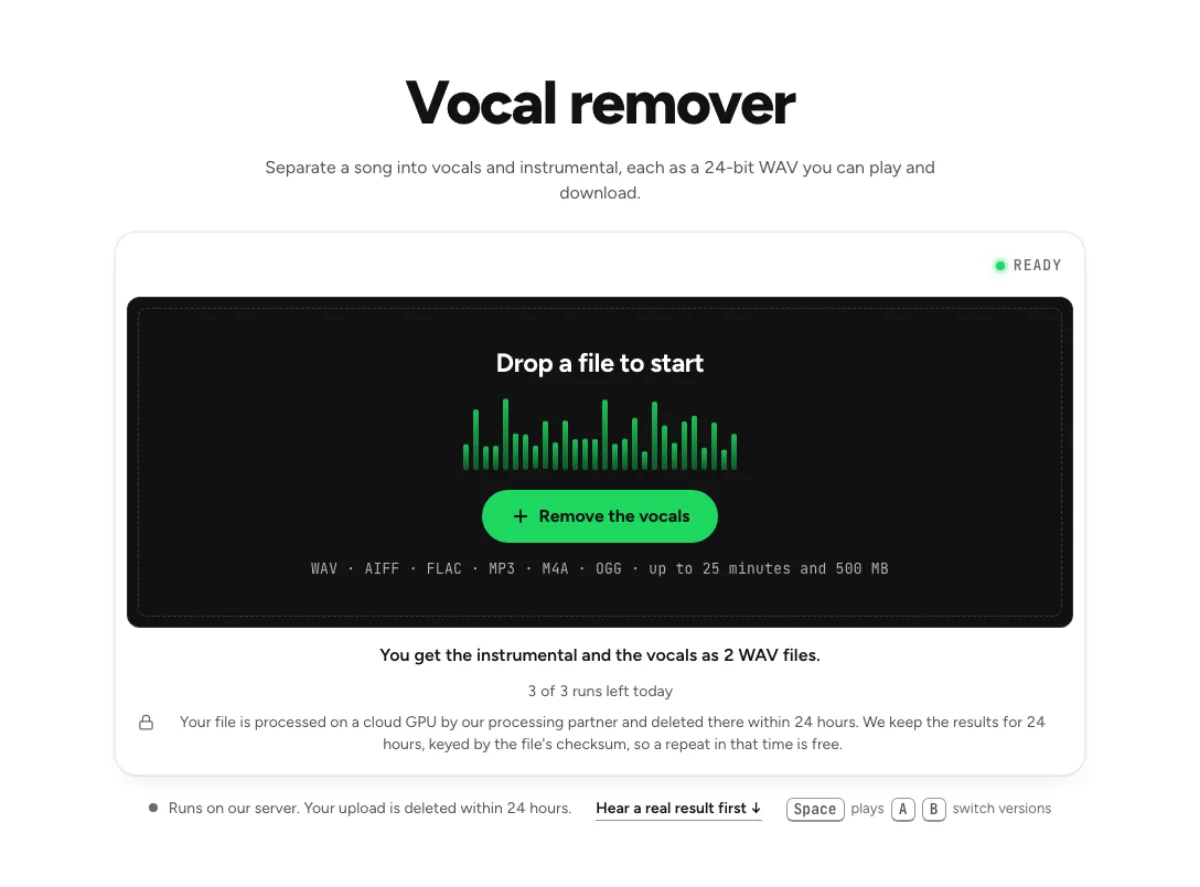 How to remove vocals from a song for karaokeTake the singer out of a finished song, keep the band at its original level, check the result by ear and leave a faint guide vocal if you want one.
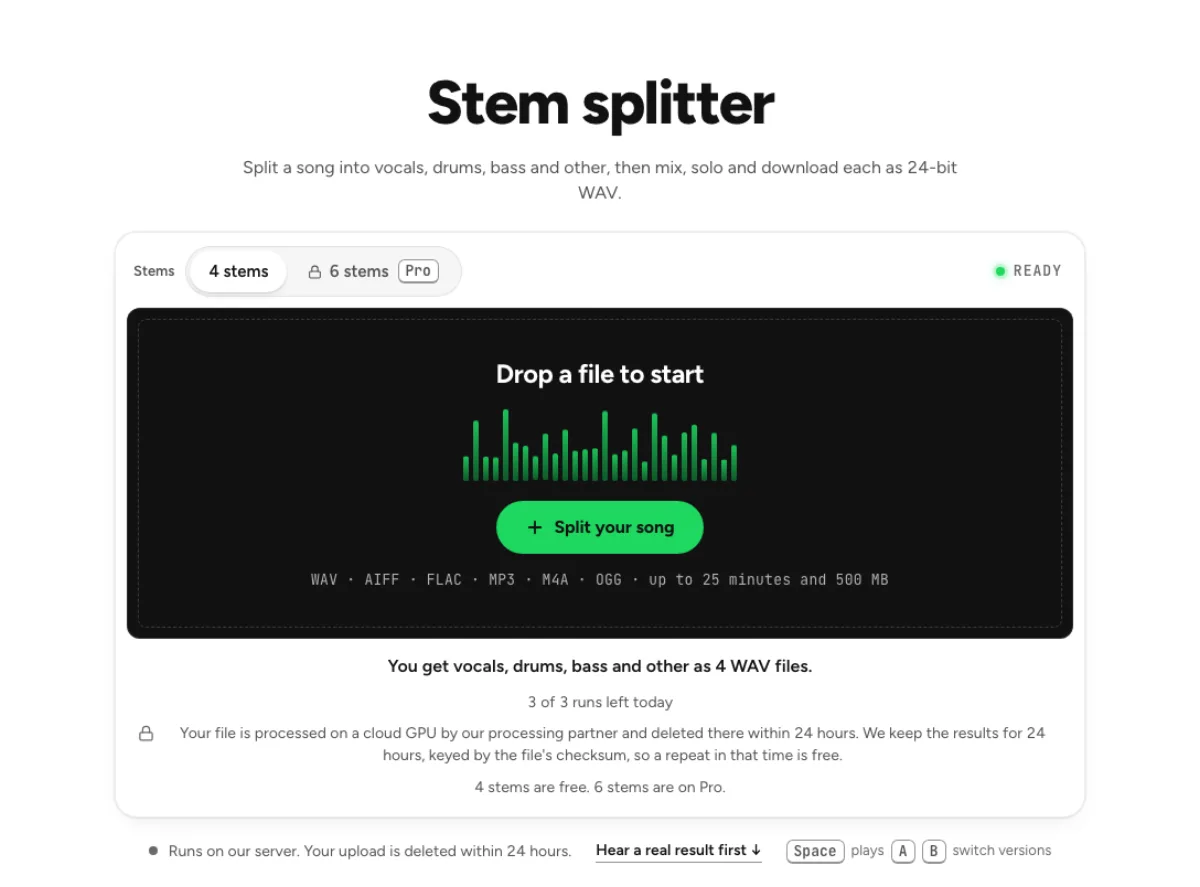 How to Split a Song into Vocals, Drums and BassWhat four and six stems are, how clean each stem comes out on our measurements, and how to mix, loop and export them without leaving the browser.