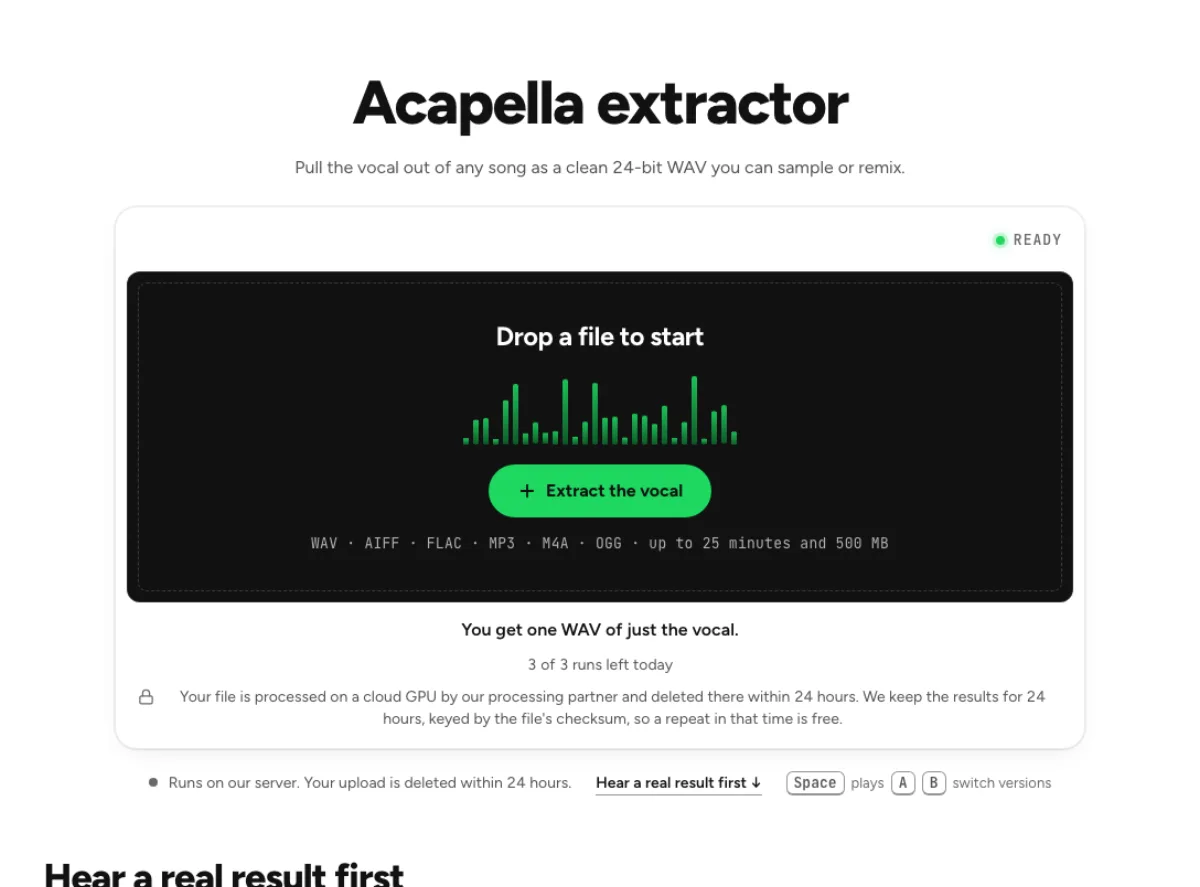
Acapella extractor
Pull the vocal out of any song as a clean 24-bit WAV you can sample or remix.
- Runs on our server. Your upload is deleted within 24 hours.
- Space plays AB switch versions
You get one WAV of just the vocal.
WAV · AIFF · FLAC · MP3 · M4A · OGG · up to 25 minutes and 500 MB
Checking your runs
Your file is processed on a cloud GPU by our processing partner and deleted there within 24 hours. We keep the results for 24 hours, keyed by the file's checksum, so a repeat in that time is free.
How it works
- What it does
- Just the vocal, as a clean 24-bit WAV you can sample, remix or re-tune.
- Model
- A separation model on a cloud GPU splits the song; two stems are the average of a two-stem and a six-stem pass. Measured on six songs with every part known (SDR, higher is better; the untouched song scores −3 to −5 dB): vocals 15.3 dB and instrumental 18.5 dB on average; drums 14.6, bass 13.3, guitar 11.5 dB; piano 4.7 dB as a quiet layer, 12 to 17 dB when it leads. Nothing is clipped, and the files keep your sample rate. Model names and licences
- Output
- One 24-bit WAV per stem at your file's own sample rate. A stem that peaks past full scale (a loud master) comes as 32-bit float instead, so nothing is clipped. Vocals and instrumental add back up to your file at −108 to −114 dB on our test songs; the song without a stem is made from the others and adds back up with it exactly.
- Time
- About 15 s of GPU time for a 45-s excerpt at standard quality, plus 1 to 3 minutes the first time while the model starts.
- Your file
- Your file is processed on a cloud GPU by our processing partner and deleted there within 24 hours. We keep the results for 24 hours, keyed by the file's checksum, so a repeat in that time is free.
Isolate the vocal from a finished song
The vocal alone
One 24-bit WAV holds the vocal with the band gone. It keeps the timing of the source, so it drops back onto the original song's grid. Use the acapella extractor when the vocal is the material you want to study or edit. It estimates the voices inside a mixed song and leaves the instrumental available as a reference. A separated acapella is different from an original studio vocal stem: processing, shared reverb and some instrumental traces may remain.

Band fader
Adjust the mix keeps the instrumental on a second fader. Bring a little back at −30 dB when a bare vocal sounds exposed, then export WAV or FLAC. A little accompaniment can make an isolated voice easier to judge musically. Bring it back quietly while checking timing, then mute it for detailed editing. Do not mistake an instrument heard in the voice file for a new vocal layer; compare the same moment in the instrumental to understand what the model divided.

Re-tune it next
Run the WAV through the pitch changer with Keep formants on, so the singer keeps their timbre while the key moves. That page runs in your browser, so this step needs no second upload. After extraction, change key or tempo on a copy of the acapella so the original result stays available. Extreme shifts can reveal watery consonants or accompaniment traces that were unobtrusive at normal speed. Listen to complete phrases and breaths, not only the first note, before building a new arrangement around the processed voice.
Why people pull an acapella
Remixers
Build a new track under the original vocal, after reading its tempo and key with the key and BPM finder. A remixer can test how the voice sits over a different groove without recreating the whole song. Align the vocal phrase with the new instrumental, check the key and listen for tempo drift over several bars. The acapella extractor preserves a source performance; it does not automatically synchronize that performance to a new beat.
Hip-hop producers
Chop phrases out of a 24-bit WAV of the voice instead of sampling over someone else's drums. A beat producer can study a singer's rhythmic phrasing or audition a hook against a draft instrumental. Keep the original reference nearby when choosing slice points, because word starts can be softer after separation. Make editing decisions by listening, and obtain the necessary rights before releasing a sampled recording.

Vocal students
Study a singer's phrasing, breaths and ornaments with the band out of the way, and switch to Original to hear them in context. A vocal student can slow a phrase in the pitch changer and hear vowel changes, harmony or articulation more clearly. Separation does not establish the singer's exact technique, and effects can resemble additional voices. Use the acapella as a listening aid alongside the original performance rather than as a flawless isolated microphone recording.
How to extract an acapella from a song
Load the track
Drop the track you want the voice from, with 500 MB as the ceiling. Separation happens at Replicate, so the track leaves your device and is wiped there within 24 hours. Choose a clean source with the vocal you actually need. A live performance can contain crowd singing that is difficult to distinguish from the singer, while a compressed repost may already have damaged consonants. Upload the best available audio and avoid unnecessary conversions before the extraction step.
Hear the voice
Acapella and Original share a playhead on the result. Scrub to a dense section, since that is where the separation has the hardest job. Listen to an exposed verse, a doubled chorus and the end of a held note. These show whether accompaniment leaks into the voice and whether reverb has been retained. Compare with the original at the same point; turning the isolated voice up dramatically can exaggerate small traces that are harmless in a new mix.
Save the acapella
Click Download acapella for the WAV. Send to mastering opens it in the studio, and Open in Stem Split Studio splits the song further. Save the vocal file before chopping, stretching or applying effects. If you will use it in a DAW, import it at the original starting point and keep an untouched duplicate track. Download the instrumental as a reference when available, even if the finished project is built around the voice alone.
What to expect from an extracted acapella
Can I hear a result before uploading my song?
Yes, Hear the difference plays 25 s of real output from this tool on two Fredy V songs, and it uses no run. Use the sample to hear both the benefit and the kinds of trace that can remain. The recording style matters: a similar arrangement is more informative than a completely different source that happens to sound especially clean.
What format is the acapella?
A 24-bit WAV at your file's own sample rate (32-bit float if the vocal peaks past full scale), in one file. Download all adds the instrumental. The mixer under Adjust the mix can also write FLAC. Check the result’s actual format label before importing into a session. Keep the original WAV for editing, and make a delivery copy when you need a smaller file or a format supported by another player.
Does the acapella keep the harmonies?
Yes, all the voices stay together in this file, lead and harmony alike. The lead and backing vocal splitter is the page that pulls them apart. If learning an individual harmony is the aim, treat a blended acapella as an intermediate reference. A lead/backing split can help, but it still does not promise one file for every singer in a stack.
What should I check after using this acapella extractor workflow?
Listen to all singing voices and instrumental reference, rather than judging just one file. The difficult cases include drum transients, vocal reverb and doubled words. Compare an exposed passage, a busy section and the tail of a sustained sound at the same musical moment. A result can work for practice while being too rough for an isolated production use. Choose based on the sound you will actually deliver, and keep the original nearby when a note, word or effect is uncertain.
What source recording should I use?
Start with the cleanest version you already have and avoid repeated lossy conversions. Saving a damaged recording as WAV does not restore the detail it lost. Excessive EQ, clipping or added reverb before separation can make the task harder. Keep the original and work on a copy so later comparisons remain meaningful. When the acapella is intended for transcription, work in short phrases and verify difficult words against the full song. Musical accompaniment can mask a word in the original, while separation can soften it differently. Neither version alone is a reliable lyric transcript, especially for whispers, layered lines or heavily effected singing.
How do file length, plan access and cloud runs work?
The cloud processing limit is up to 25 minutes per file, with file size and mode access also checked before a run starts. The current catalog allows 3 runs daily anonymously, 10 monthly for signed-in free users, 80 monthly on Pro and 150 on Pro+. Each new file and processing configuration uses the relevant allowance; an identical result can be free while cached. Check the current pricing and the uploader before processing a batch. Downloads are part of the result, not a separate per-file unlock.
Is this separation performed entirely on my device?
No. This is cloud separation: audio is uploaded for processing on external infrastructure. Browser playback, comparison and some exports happen locally after the results arrive, which does not make the separation itself offline. Check the Privacy Policy before submitting sensitive material, and use an appropriate local workflow if audio must stay entirely on your device. Download useful outputs while available; temporary results and cached repeats are not a permanent archive.
Can I publish or share the separated result?
Separation changes the balance of a recording, not its ownership or the permissions attached to it. Use material you own or are otherwise entitled to adapt, and arrange the permissions needed for your intended publication. A separated result does not include a licence to a commercial song, performance or soundtrack. For your own project, keep the source, an untouched separation and a separate delivery copy. Listen again in the complete mix before sharing; an acceptable rehearsal reference may reveal artefacts when exposed alone.
Learn how
Guides and tutorials that use this tool, with real screens and real numbers.