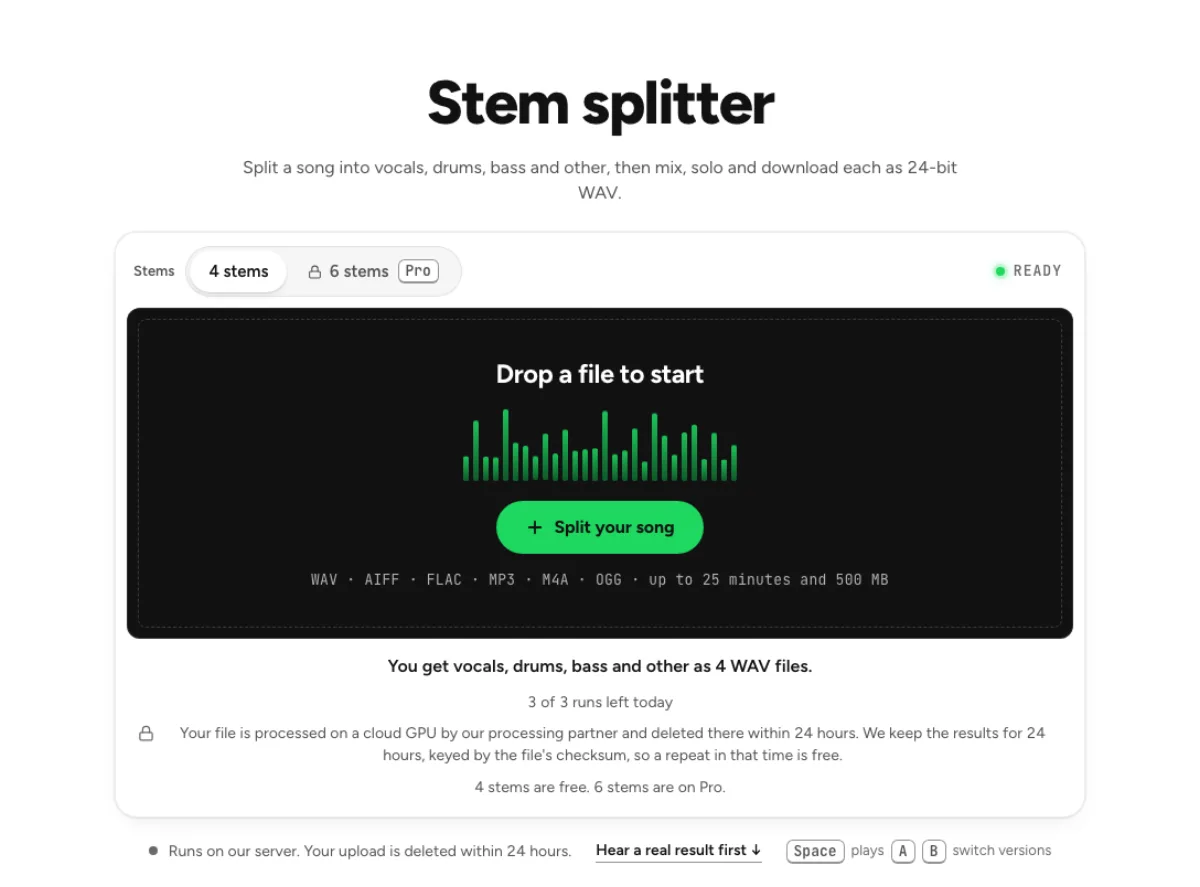
Bass remover
Take the bass out of a song and download the rest as a 24-bit WAV.
- Runs on our server. Your upload is deleted within 24 hours.
- Space plays AB switch versions
You get the song without bass, and the bass, as 2 WAV files.
WAV · AIFF · FLAC · MP3 · M4A · OGG · up to 25 minutes and 500 MB
Checking your runs
Your file is processed on a cloud GPU by our processing partner and deleted there within 24 hours. We keep the results for 24 hours, keyed by the file's checksum, so a repeat in that time is free.
How it works
- What it does
- The song without its bass, mixed in your browser from the other stems, plus the bass on its own.
- Model
- A separation model on a cloud GPU splits the song; two stems are the average of a two-stem and a six-stem pass. Measured on six songs with every part known (SDR, higher is better; the untouched song scores −3 to −5 dB): vocals 15.3 dB and instrumental 18.5 dB on average; drums 14.6, bass 13.3, guitar 11.5 dB; piano 4.7 dB as a quiet layer, 12 to 17 dB when it leads. Nothing is clipped, and the files keep your sample rate. Model names and licences
- Output
- One 24-bit WAV per stem at your file's own sample rate. A stem that peaks past full scale (a loud master) comes as 32-bit float instead, so nothing is clipped. Vocals and instrumental add back up to your file at −108 to −114 dB on our test songs; the song without a stem is made from the others and adds back up with it exactly.
- Time
- About 15 s of GPU time for a 45-s excerpt at standard quality, plus 1 to 3 minutes the first time while the model starts.
- Your file
- Your file is processed on a cloud GPU by our processing partner and deleted there within 24 hours. We keep the results for 24 hours, keyed by the file's checksum, so a repeat in that time is free.
Lose the bass, keep the groove
Song minus bass
Drums, vocals and everything else stay, summed at unity into one 24-bit WAV. Your own bass has the low end to itself, and the kick you lock to is still there. The bass remover leaves the drums, vocals and other instruments together while separating the bass line. The purpose is a playable backing with room for your low end. It does not simply cut all low frequencies: a kick drum belongs to the drum stem and is intended to remain in the arrangement.

Isolated bass stem
The bass arrives as its own WAV for working out a line by ear. Feed it to the audio to MIDI page to get the part as notes. Use the isolated bass file to hear movement between chords, note lengths and passing tones. A low note can contain harmonics that resemble guitar or synth, so the stem may not be perfectly isolated. Compare the same phrase in the full song before deciding whether an unclear attack is a new note or a separation artefact.

Loop the hard bar
Under Adjust the mix, drag across a waveform to loop a section and press L to toggle it. Bring the bass back at −12 dB when you need a reminder. For a difficult bar, loop the section in the mixer and bring the bass back quietly as a guide. Match your note lengths to the recorded groove before turning the guide down further. A repeated loop helps practise timing, but it does not correct the original band's tempo movement or create a separate click track.
Playing along without the bass

Bassists
Play a cover or an audition piece with the original bass gone and the drums still driving the groove. A bassist can practise locking to the recorded drummer without the original bass masking their own line. Start at a moderate playback level and balance your instrument against the backing. Keep listening for the kick drum: removing bass should create musical space while preserving the rhythmic pulse you need to follow.

Synth programmers
Write your own 808 or synth line under the song's drums and vocal, then bounce the new version from your DAW. A synth programmer can study the contour and envelope of a bass part before designing a new sound. Focus on where notes start and stop rather than assuming the isolated timbre is exact. Distortion, sub layers and sidechain effects can influence what the bass remover assigns to that stem.
Tab writers
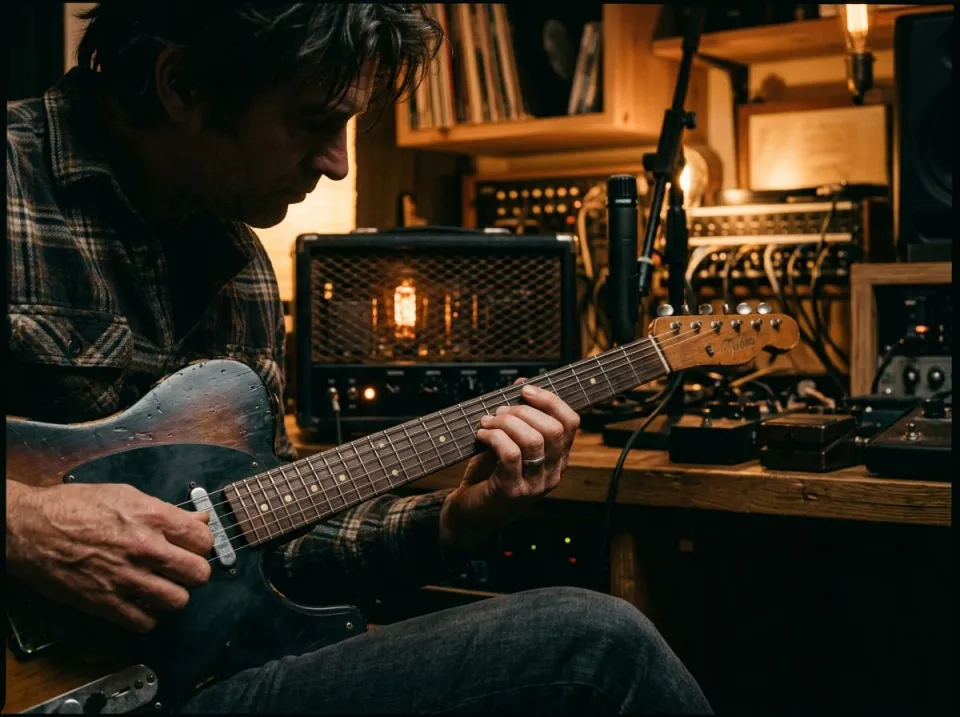
Hear the bass alone while writing out a chart, then check the part against the full song on one playhead. A tab writer can use the separated line as a listening reference and send it to audio-to-MIDI for another view of the pitches. MIDI transcription still needs checking by ear. This site does not write bass tablature, choose fingerings or establish which string a performer used for a given note.
How to take the bass out of a song
Pick the song
Any song in a format the box prints will do, if it runs under 25 minutes. Replicate does the separating on a copy of your file and drops it within 24 hours. Choose the cleanest source and avoid filtering away the very bass you want the model to identify. If several versions of the song exist, select the one with the right tuning and arrangement. A badly distorted or clipped source cannot be turned into a pristine studio bass recording by separation alone.
Wait for four stems
The result panel appears once vocals, drums, bass and other have loaded. Your browser then builds the version without bass. When processing finishes, audition a section where bass and kick strike together and another where the bass plays alone. Check whether the backing still has its rhythmic weight and whether the extracted line holds complete note tails. Different sections can expose different compromises in the same bass removal result.
Download both parts
Use Download without bass for the backing and Download bass for the line itself. Each is a 24-bit WAV. Save both the bassless backing and the reference bass. If you export a guide version with a quieter bass, name it differently from the fully removed version. Import stems at their original start position when working in a DAW, and listen for level changes before applying compression or EQ.
Bass removal, the kick and MIDI
Can I remove just the bass from a song?
Yes, only the bass stem leaves, and the other three add back at their original level. The result is made from separated groups, so a little bass can remain elsewhere in a dense mix. Compare the original, backing and isolated bass before deciding whether the practice track has enough room for your instrument.
Does the bass remover also remove the kick drum?
No, the kick belongs to the drum stem, which stays in the mix, so the low end keeps its pulse. Kick and bass often share low frequencies, which can still create some leakage between estimated stems. Listen to both attacks and sustained notes; a simple low-cut filter would remove different musical information.
Can I turn the isolated bass into MIDI or tab?
MIDI, yes: run the bass WAV through the audio to MIDI page. No tool here writes tab, so you read the notes off the piano roll. Check octave placement, note lengths and overlapping notes after transcription. A MIDI result is an editable starting point, not a verified bass performance or an instruction for where to put your fingers.
What should I check after using this bass remover workflow?
Listen to bass instrument and bassless backing, rather than judging just one file. The difficult cases include kick and bass overlap, distorted low end and layered synth bass. Compare an exposed passage, a busy section and the tail of a sustained sound at the same musical moment. A result can work for practice while being too rough for an isolated production use. Choose based on the sound you will actually deliver, and keep the original nearby when a note, word or effect is uncertain.
What source recording should I use?
Start with the cleanest version you already have and avoid repeated lossy conversions. Saving a damaged recording as WAV does not restore the detail it lost. Excessive EQ, clipping or added reverb before separation can make the task harder. Keep the original and work on a copy so later comparisons remain meaningful. For pitch work, try one octave at a time rather than guessing from a sub-bass rumble. Listen to the upper harmonics and compare with a keyboard or your instrument. The isolated bass makes the line easier to follow, but octave errors and overlapping notes can still confuse an automatic transcription.
How do file length, plan access and cloud runs work?
The cloud processing limit is up to 25 minutes per file, with file size and mode access also checked before a run starts. The current catalog allows 3 runs daily anonymously, 10 monthly for signed-in free users, 80 monthly on Pro and 150 on Pro+. Each new file and processing configuration uses the relevant allowance; an identical result can be free while cached. Check the current pricing and the uploader before processing a batch. Downloads are part of the result, not a separate per-file unlock.
Is this separation performed entirely on my device?
No. This is cloud separation: audio is uploaded for processing on external infrastructure. Browser playback, comparison and some exports happen locally after the results arrive, which does not make the separation itself offline. Check the Privacy Policy before submitting sensitive material, and use an appropriate local workflow if audio must stay entirely on your device. Download useful outputs while available; temporary results and cached repeats are not a permanent archive.
Can I publish or share the separated result?
Separation changes the balance of a recording, not its ownership or the permissions attached to it. Use material you own or are otherwise entitled to adapt, and arrange the permissions needed for your intended publication. A separated result does not include a licence to a commercial song, performance or soundtrack. For your own project, keep the source, an untouched separation and a separate delivery copy. Listen again in the complete mix before sharing; an acceptable rehearsal reference may reveal artefacts when exposed alone.
Learn how
Guides and tutorials that use this tool, with real screens and real numbers.