
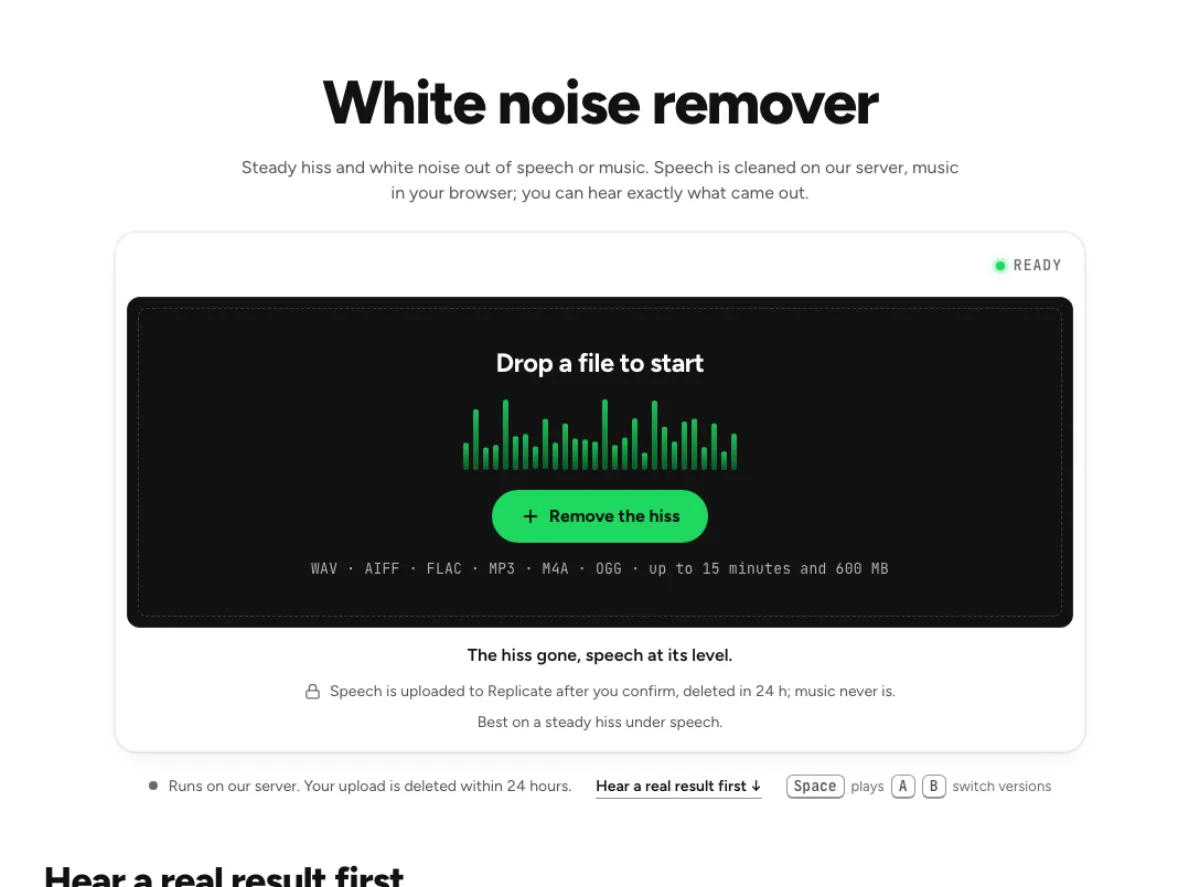
White noise remover
Steady hiss and white noise out of speech or music. Speech is cleaned on our server, music in your browser; you can hear exactly what came out.
- Runs on our server. Your upload is deleted within 24 hours.
- Space plays AB switch versions
The hiss gone, speech at its level.
WAV · AIFF · FLAC · MP3 · M4A · OGG · up to 15 minutes and 600 MB
Speech is uploaded to Replicate after you confirm, deleted in 24 h; music never is.
Best on a steady hiss under speech.
How it works
- What to expect
- Best on a steady hiss under speech. Music gets a gentler treatment that keeps sustained notes.
- Your file
- Speech goes to our processing partner (Replicate) to be cleaned and is deleted there within 24 hours. It counts as one cloud run, and the same file again within 24 hours is free. Music is cleaned in your browser and never uploaded.
- How this one works
- Speech goes to a speech-enhancement model on our server (NVIDIA RE-USE), which learned voice from hiss on thousands of hours of speech; your file is uploaded for it and deleted there within 24 hours. Strength sets how far under your file the pauses may go, so the room never cuts to silence. Music never goes up, because a speech model would remove it: when the track starts or ends with a moment of hiss alone (a tape or vinyl transfer), the hiss is learned from that; otherwise from the file's quiet moments, which takes a little of the music too. A gain that holds sustained notes at their level does the rest, in your browser.
What the white noise remover changes
Reduce steady broadband hiss
White noise is a broad, steady wash rather than a distinct note or isolated click. It may come from a noisy recording chain, a transfer or a low-level voice captured with too much gain. The white noise remover is aimed at that continuous floor. It uses a speech cleanup route for spoken material and a local flat-curve suppression path for music. Successful treatment does not need to make every pause silent to improve the recording. The useful test is whether the voice or instruments remain convincing when the hiss is less distracting, especially during quiet endings and exposed passages.

Match processing to speech or music
A speech model can interpret musical textures as unwanted sound, so the white noise remover asks for the appropriate content route when the file is unclear. Speech can be uploaded for the server cleaner after confirmation; music stays on your device. If a server run is unavailable, a disclosed local fallback may be used for speech. The workflow therefore does not have a single processing location for every file. Read the route information before the run, and listen afterward. A quieter background from the fallback may still be useful, but it is not evidence that the requested cloud treatment ran successfully.

Protect soft high-frequency detail
Hiss overlaps the high-frequency detail of a voice, cymbal or acoustic instrument. The white noise remover has to reduce unwanted energy without access to the original clean performance. A strong setting can soften breath texture, s sounds and musical decays along with the noise. Compare the end of a quiet phrase, not just a gap containing no useful sound. On a song, test the longest cymbal fade and a sparse intro. This is a separation by characteristics, not recovering hidden original tracks. A small, stable reduction can be more useful than a dramatic result with audible dullness or modulation.
Recordings with a continuous hiss floor

Spoken tape transfers
An old spoken tape can contain a steady hiss even when the words are clear. Try the white noise remover on a passage with both narration and a pause so you can hear the floor and the return of speech. Preserve a raw transfer separately, especially for archival material. The processed output is a cleaned derivative; it does not establish what an unavailable original studio recording sounded like. Compare more than one speaker if the tape contains an interview. A quieter contributor may be affected differently from the main narrator, and unfamiliar words should be checked against the source rather than accepted simply because the processed tone is smoother.

Quiet voiceovers
A softly spoken voice may sit close to the recording system's noise floor. The white noise remover can lower the hiss, but the weakest syllables also deserve attention. Listen to sentence endings, whispered asides and the breaths that connect them. If cleanup makes the voice feel gated or detached, reduce the treatment rather than judging the pause in isolation. This page is useful for a continuous wash; an individual mouth click or plosive needs a different approach. Check the result beside neighboring takes, because a much quieter room on one phrase can make an edit more noticeable even when that phrase sounds cleaner alone.
Music archives
A music transfer exposes the hardest tradeoff when hiss sits under a decaying instrument. The white noise remover uses the local music route so a voice model does not reinterpret the arrangement. Start with a modest reduction and check a fade-out, an acoustic passage and the loudest chorus. Hiss that seems inaudible under a dense section may still matter at the ending. A cleaned copy should improve listening comfort without making cymbals watery or strings unnaturally short. Keep the original transfer and avoid repeated lossy exports between experiments. Processing cannot restore high-frequency musical detail that was already absent from the source.
A careful hiss-reduction workflow
Identify the hiss before processing
First listen to the unwanted sound. If it is a smooth, continuous shhh, the white noise remover is a sensible starting point. If it is a low pitched hum, sharp crackle, changing wind gust or diffuse room tail, a more targeted page may be useful. Load the original and confirm whether the material to preserve is speech or music. The workflow uses that answer to select the appropriate processing path. For a long file, use a representative section with quiet detail and a noisier gap when judging the workflow. The easiest passage alone will not tell you how the treatment behaves at the source's limits.
Listen through transitions
After processing, replay a pause and continue into the next phrase without stopping. The white noise remover should make the background less distracting while leaving a smooth start to the word. Then compare a soft ending and any high-frequency detail you care about. Use the available strength control conservatively; the quietest floor is not necessarily the best balance. On music, check sustained sounds and cymbals at a normal playback level. Suppression cannot remove noise that shares every characteristic with useful detail without a compromise, so retain a little hiss when the alternative is a dulled or unstable performance.
Save a separate listening copy
Download a separate result and listen to it in the editor or player used for the finished piece. The white noise remover can reveal other problems once hiss no longer masks them, but that does not mean another broad cleanup pass is needed. Identify any remaining click, room tail or distortion separately. Keep the original transfer or recording, and make comparisons from it rather than repeatedly processing the last export. Treat hiss reduction as one controlled repair stage. Checking the ending, quietest phrase and transition between takes helps ensure that the improvement survives outside the isolated tool preview and remains useful in the final sequence.
Common questions
What kind of noise is this for?
It targets a continuous broadband hiss or shhh beneath useful sound. A pitched hum, sharp crackle or room echo is a different defect. Listen to the source first so the chosen treatment matches the problem instead of applying general noise reduction to every imperfection.
Is music uploaded?
Music is processed locally in the browser. Spoken material can use a cloud speech cleaner after confirmation; uploads are deleted by Replicate within 24 hours. The page identifies a smaller local fallback if a cloud speech run cannot be used.
Can I clean an old cassette?
It can help with the tape's steady hiss, using the route suited to speech or music. Preserve the original transfer, then compare quiet endings and exposed detail. It will not undo every tape defect, restore lost bandwidth or automatically repair damaged timing and distortion.
Why can cymbals become dull?
Hiss and cymbal decays share high-frequency energy. The white noise remover cannot always separate them cleanly, so stronger suppression can reduce both. Use the local music path, start gently and check a long fade. Keeping some hiss may preserve a more believable musical result.
Will sharp clicks be repaired?
Sharp impulses are not the main job of the white noise remover. For repeated crackle, compare the static noise page; for individual mouth sounds in speech, use the mouth click tool. A steady floor and an impulsive defect can occur together but need different checks.
Why am I asked about speech?
It chooses different processing for speech and music. A dense voice recording or narrow mono song can be ambiguous, so the question protects the useful material. Answer for the content you want to preserve; the speech route should not be treated as stronger music cleanup.
Can I remove all the hiss?
Complete removal is not guaranteed. When hiss overlaps quiet useful detail, the white noise remover faces a tradeoff. Compare full phrases and fades, not only silent gaps. Choose the least amount that improves the recording while keeping consonants, breath texture and instrument decays believable.
Should I use the white noise remover before mastering?
Evaluate hiss before final loudness processing, because raising the level can make the noise more obvious. Keep the cleaned result separate and check it again afterward. Mastering cannot restore detail removed during cleanup, so resolve the noise-versus-detail balance from the original recording first.