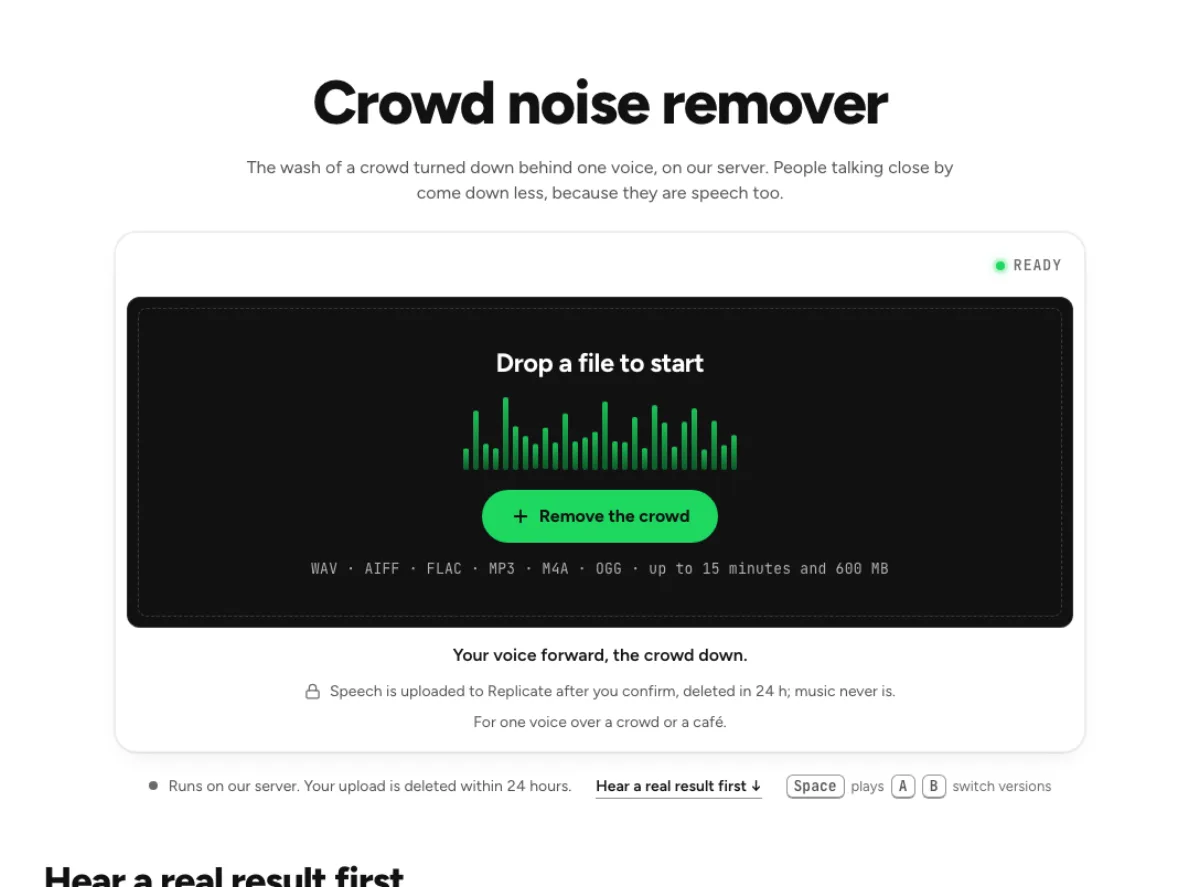
Crowd noise remover
The wash of a crowd turned down behind one voice, on our server. People talking close by come down less, because they are speech too.
- Runs on our server. Your upload is deleted within 24 hours.
- Space plays AB switch versions
Your voice forward, the crowd down.
WAV · AIFF · FLAC · MP3 · M4A · OGG · up to 15 minutes and 600 MB
Speech is uploaded to Replicate after you confirm, deleted in 24 h; music never is.
For one voice over a crowd or a café.
How it works
- What to expect
- For speech over a crowd, such as a café or a hall. People talking close by come down less, a voice as loud as yours can stay, and it cannot take a crowd out of a live song.
- Your file
- Speech goes to our processing partner (Replicate) to be cleaned and is deleted there within 24 hours. It counts as one cloud run, and the same file again within 24 hours is free. Music is cleaned in your browser and never uploaded.
- How this one works
- A speech-enhancement model on our server (NVIDIA RE-USE) keeps the main voice and takes the crowd down around it, in the gaps by up to the amount Strength sets; the file is deleted there within 24 hours. Close talkers are its hardest case, because they are speech too, and a voice as loud as yours can stay.
What the crowd noise remover changes
Lower a distant crowd wash
A crowd can sound like a broad wash of many voices or like one nearby person speaking clearly. The crowd noise remover is aimed at lowering that background wash behind a main voice. The server speech cleaner can preserve a foreground speaker while reducing some of the surrounding bed, but a nearby intelligible talker is also speech and may remain. There is no reliable choose-one-person control. That boundary matters at parties, conferences and sports events, where the most distracting moment may be a distinct shout rather than a steady crowd. Check those moments separately instead of assuming every voice behind the subject will disappear.

Keep concert music out of the speech path
A live performance contains music that a speech model is not designed to preserve. The crowd noise remover has no safe music cleanup path for removing an audience while guaranteeing the song stays intact, so it can decline to process musical content. That is different from a failed upload or a missing setting. Use this workflow for spoken material, and keep the live recording when the audience is part of its atmosphere. A separated music stem may still contain applause or room sound; no page should imply that an original studio track can be extracted perfectly from a noisy concert just by naming the crowd as unwanted.
Check the overlap, not just the gaps
The easiest section is a pause filled only with distant crowd wash. The harder and more useful test is the main speaker talking while other voices overlap. The crowd noise remover should be judged there, including soft word endings and the start of a reply. A cleaner bed can make the voice easier to follow without recovering every obscured syllable. The result may also reveal that a nearby talker remains prominent. Do not interpret that as evidence of speaker identity detection. Keep the original, check important words, and accept some environmental context when stronger cleanup makes the foreground voice sound unstable or artificial.
Dialogue in busy surroundings
Event interviews
An interview beside a busy conference or reception can contain useful foreground speech above a diffuse room of conversation. Test the crowd noise remover on the guest's quietest answer, not only the host's microphone-close question. Listen to applause and interruptions separately, because those may not behave like a stable bed. This approach is most useful when the desired voice is already reasonably present in the source. If another person leans into the microphone at the same time, the tool cannot guarantee a clean one-speaker recording. Review the exchange as a conversation so changes in tone and the transition between people remain believable.
Reports from public places
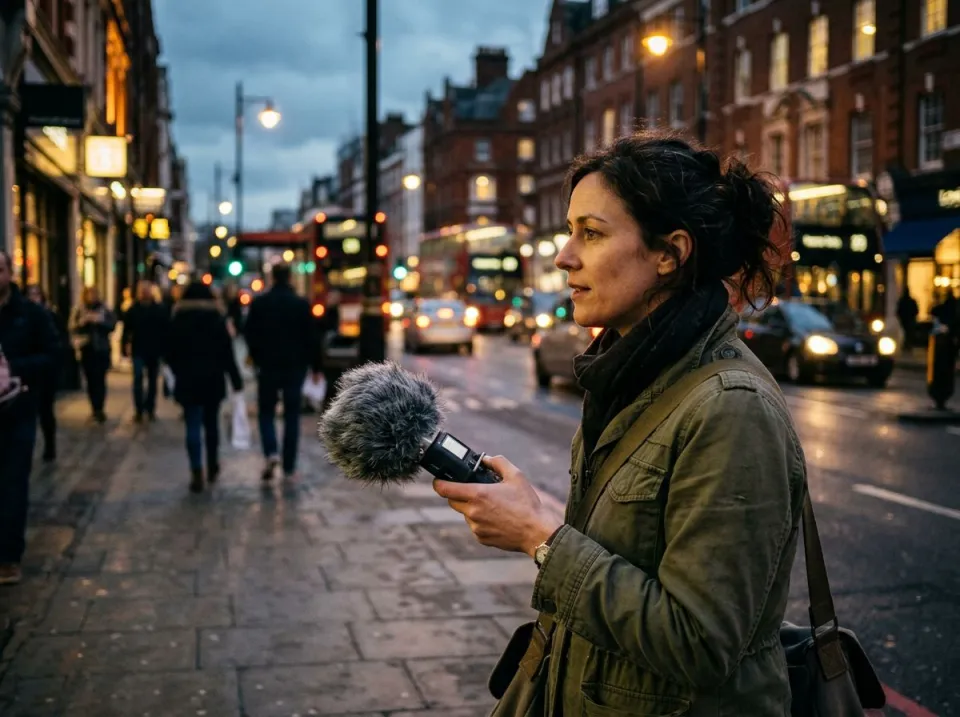
A reporter may want a busy location to remain recognizable while reducing the wash behind an explanation. The crowd noise remover gives a way to audition that balance on an existing take. Listen with and without the picture: some background activity may help communicate the scene, while a loud unrelated voice can distract from the message. Processing does not know which environmental detail is editorially important. Preserve the original soundtrack and check the processed version under the final edit. If words were covered by a shout, use an alternate take or a verified editorial solution instead of assuming that a smoother model result proves the missing content.
Spoken social clips
A short spoken clip recorded at a gathering can be difficult to hear through a phone speaker. Try the crowd noise remover on the actual spoken section and judge it at ordinary playback volume. A dramatic reduction in headphone ambience is less useful if the voice becomes thin on the intended device. This is not a concert remastering tool or a voice-isolation guarantee. If the clip contains music as its main content, use a different workflow and preserve the live atmosphere. Keep the original for any later caption review, particularly where several people were speaking and the important phrase was only partly audible.
From speech inspection to a checked clip
Prepare a prominent foreground voice
Choose an original spoken recording with the desired voice as clear as possible. Load it into the crowd noise remover, let the content reading finish, and review the file limits and cloud confirmation. A musical performance is not a suitable substitute for a speech test. If the page says there is no safe option for the file's content, do not force a speech route simply to obtain a processed output. The workflow protects music by declining an inappropriate treatment. For a long event recording, evaluate a representative passage that contains the normal background wash and the strongest overlapping voice you need the result to handle.
Review full answers during crowd noise
After the run, compare the main speaker's full answer while the background continues. The crowd noise remover can make gaps much quieter without resolving the words that overlap foreground speech, so avoid judging only the pauses. Check a nearby voice, a shout and the desired speaker's softer syllables. If the cloud run is unavailable and a local fallback is reported, evaluate that result on its own merits rather than assuming identical processing. The repair should improve the balance enough for the intended clip while retaining a credible foreground voice. Keep the source and note any phrase that remains uncertain after listening.
Keep the scene believable in the edit
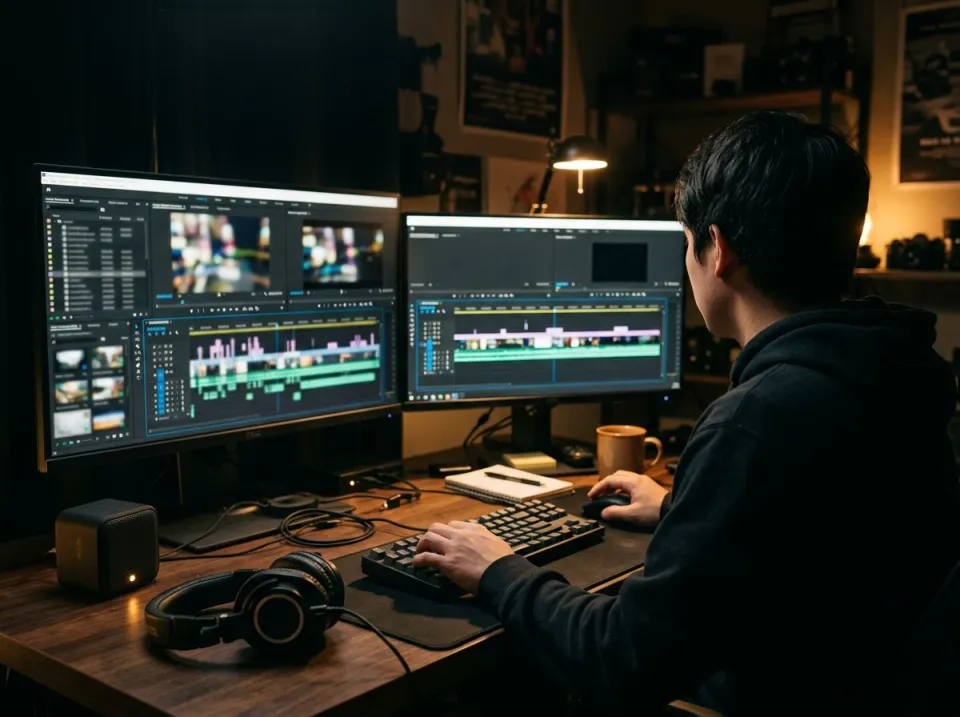
Download a separate cleaned version and audition it inside the finished event report, interview or short clip. The crowd noise remover changes the environment around the voice, which can make a hard transition at a cut more noticeable. Compare adjacent untreated shots and decide how much original ambience belongs in the scene. A second broad cleanup pass can increase artifacts without solving a distinct nearby speaker, so return to the source for alternatives. This is a practical background-wash repair, not a way to certify missing dialogue or remove all evidence of the location. Keep the original through final editorial review.
Common questions
Can I isolate one person?
It can lower a distant crowd bed behind speech, but it is not reliable speaker selection. Nearby intelligible talkers may remain, especially during overlap. It cannot guarantee the original words of a speaker who was completely masked by another voice or a loud shout.
Does this work on concert music?
It has no safe music path for removing audience sound while preserving the performance. It can decline musical content rather than send a song through the speech cleaner. Do not expect a clean studio recording from a live concert file with applause and shouting.
Is speech cleanup processed in the cloud?
Spoken cleanup in the crowd noise remover can use the server model after confirmation. Replicate deletes uploads within 24 hours. If that cloud stage cannot run, a smaller local fallback can be identified on the page. Read the actual route message and compare the result before accepting it.
Why is a nearby talker still audible?
A nearby person contains the same kinds of speech patterns the model is trying to preserve. Their voice is different from a diffuse many-person wash. The tool does not know your intended speaker's identity and cannot promise to remove one intelligible voice without affecting another.
Can applause be reduced?
Some applause may come down during speech cleanup, but complete applause removal is not guaranteed. The crowd noise remover should be checked on the main voice while clapping occurs, not only on the clapping gap. Sharp transients and heavy masking can remain or create repair artifacts.
Should the background become silent?
Silence is not always the best target. A crowd noise remover result should keep the foreground voice natural and understandable, while some location atmosphere can help the scene. Stronger suppression may sound less convincing or reveal artifacts without resolving the hardest overlapping speaker.
What kind of source works best?
It has a better starting point when the desired speaker is already prominent and the crowd is relatively distant. A close microphone capture is more recoverable than a faraway voice buried in the room. Preserve that original and test the quietest useful answer during review.
How can I verify a crowd noise remover repair?
Compare whole answers, overlapping talkers and quieter word endings against the original. The crowd noise remover should improve listening comfort without changing important articulation. Check names and numbers separately, keep the source, and evaluate the processed soundtrack in the actual video or interview rather than relying on background silence alone.
Learn how
Guides and tutorials that use this tool, with real screens and real numbers.