
Text to audio samples
Describe a sound and get a 1 to 30 second sample as a 44.1 kHz stereo WAV.
- Runs on our server. Your upload is deleted within 24 hours.
- Space plays AB switch versions
How it works
- What it does
- Describe a sound and get a 1 to 30 second sample as 44.1 kHz stereo WAV. Better at textures, hits and field recordings than at songs.
- Model
- stackadoc/stable-audio-open-1.0 on Replicate (Stability AI Community License).
- Output
- 44.1 kHz stereo 16-bit WAV, trimmed to the length you asked for, with true peak at −1 dBTP or lower.
- Time
- About 6 s of GPU time per sample, plus 1 to 3 minutes the first time while the model starts.
- Licence
- Stability AI Community License: free use under $1M annual revenue, Stability AI registration, and the attribution line above.
Generate a short sound rather than a whole song
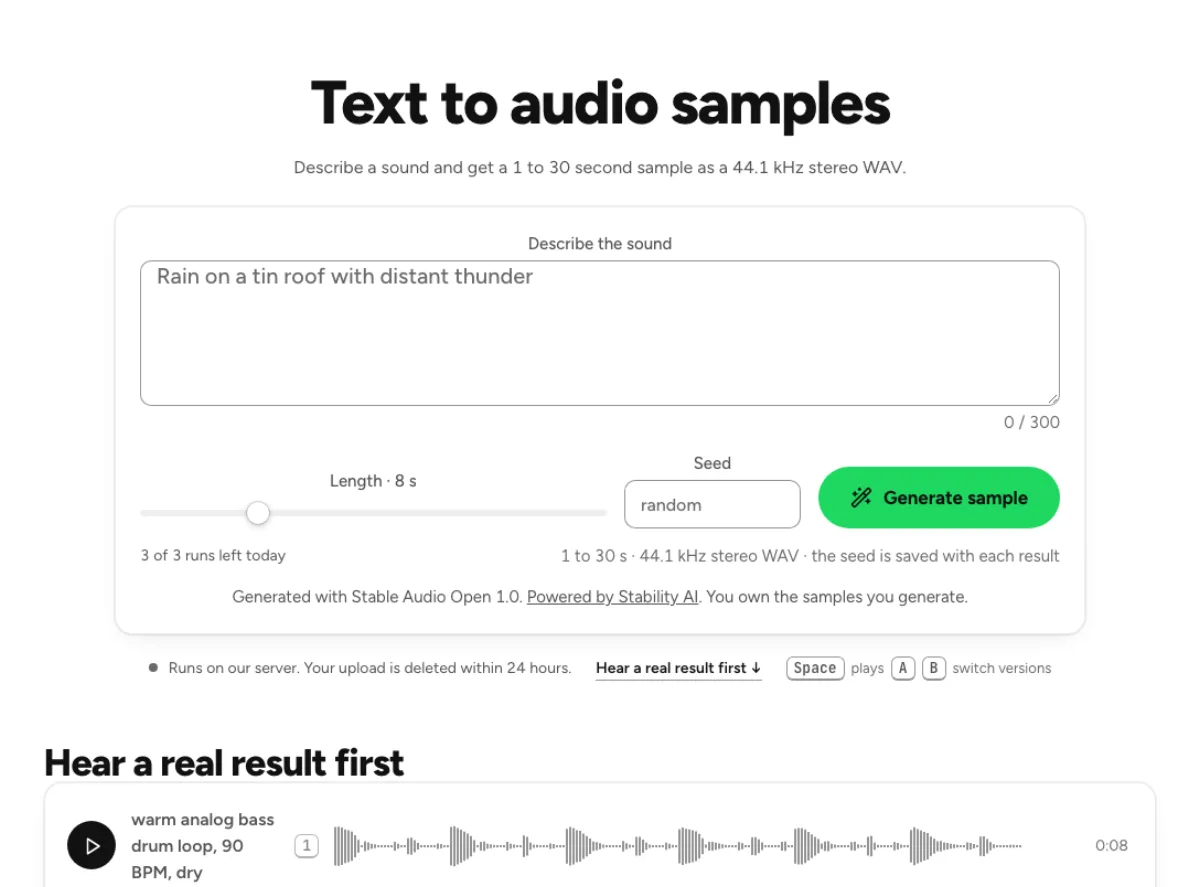
Short textures, hits and atmospheres
Describe a sound in the prompt and choose a length from one to thirty seconds. The model is better suited to textures, short effects and field-recording-like material than a complete song arrangement. A prompt such as rain on a metal roof with distant thunder gives concrete sonic direction. The result is a generated interpretation, not a guarantee that every requested detail or event arrives at an exact time. Listen for unwanted elements before considering it part of a production.
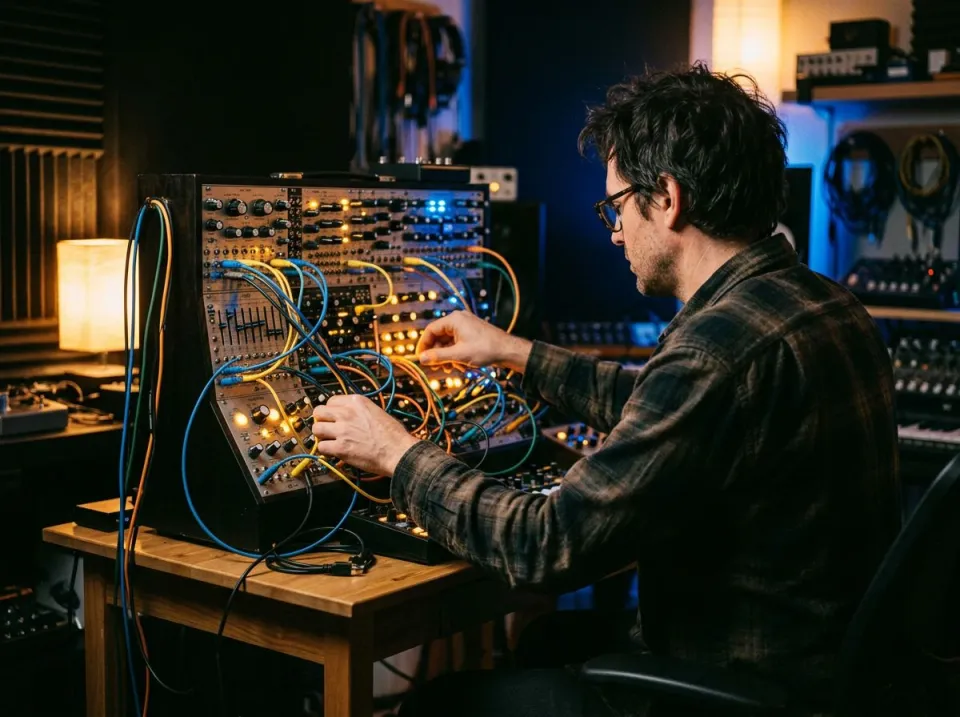
A seed for revisiting a useful result
A seed accompanies the prompt and duration so a promising configuration is easier to revisit. Leave it empty for a random choice or reuse a previous value. An identical prompt, duration and seed can use the cached result without another generation run when that result remains available. Changing any of those settings asks a different question. A seed is not an editable musical score or a promise that a vaguely similar prompt will preserve the same sound while changing only one detail.
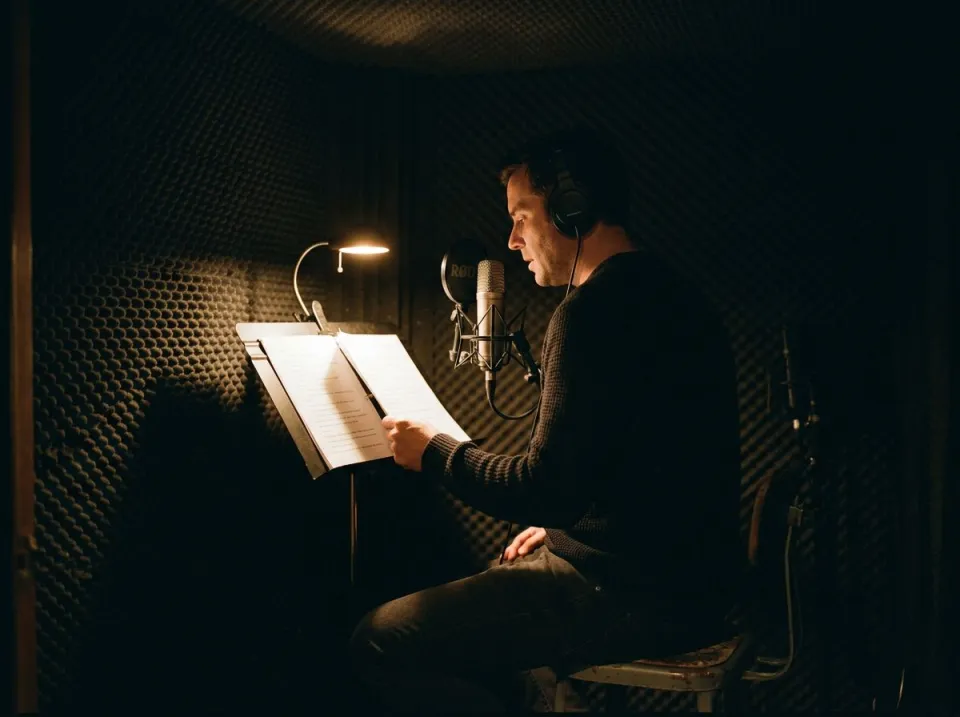
WAV output and local history
The generated sample is delivered as a stereo WAV at the format and duration described on the page. Your recent sample history is kept in this browser, with controls to play, download, reuse settings or open a result in a project. Save useful files rather than treating browser history as a permanent archive. Clearing site storage or changing browsers can remove that local list. Generation itself runs on a remote model; local history does not mean the synthesis happened on your device.
Who sketches sounds from prompts
Sound designers exploring a palette
Use a short prompt to sketch an atmosphere, impact or mechanical texture before investing in a detailed recording session. Describe the source, action and space you want to hear, then audition the result against the intended scene. An evocative sample may contain an unwanted click, voice-like element or unexpected background. Keep what helps the concept, but inspect the whole file and edit it deliberately. The tool is a source of possibilities rather than a replacement for final sound supervision.
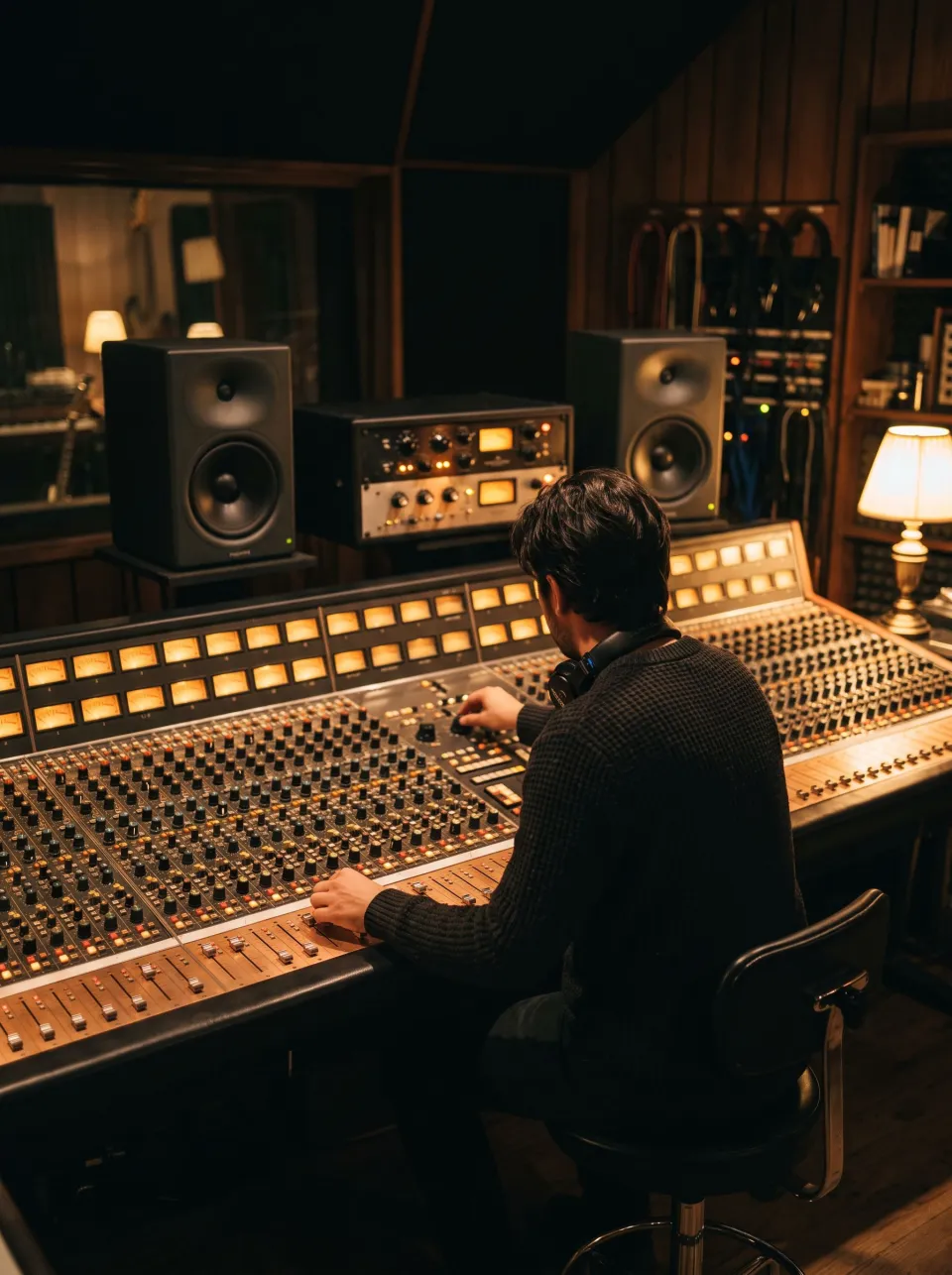
Producers searching for a one-shot
A short duration and a specific description can help explore a percussion hit, transition texture or accent. Generate a few intentional alternatives instead of assuming repeated runs will necessarily converge on a precise instrument specification. When a result works, download it with enough prompt and seed information to recognize it later. Trim, tune or shape the sample in the appropriate tools as a separate production step. The generated waveform is not a guaranteed loop, tempo-matched phrase or finished drum-kit component.
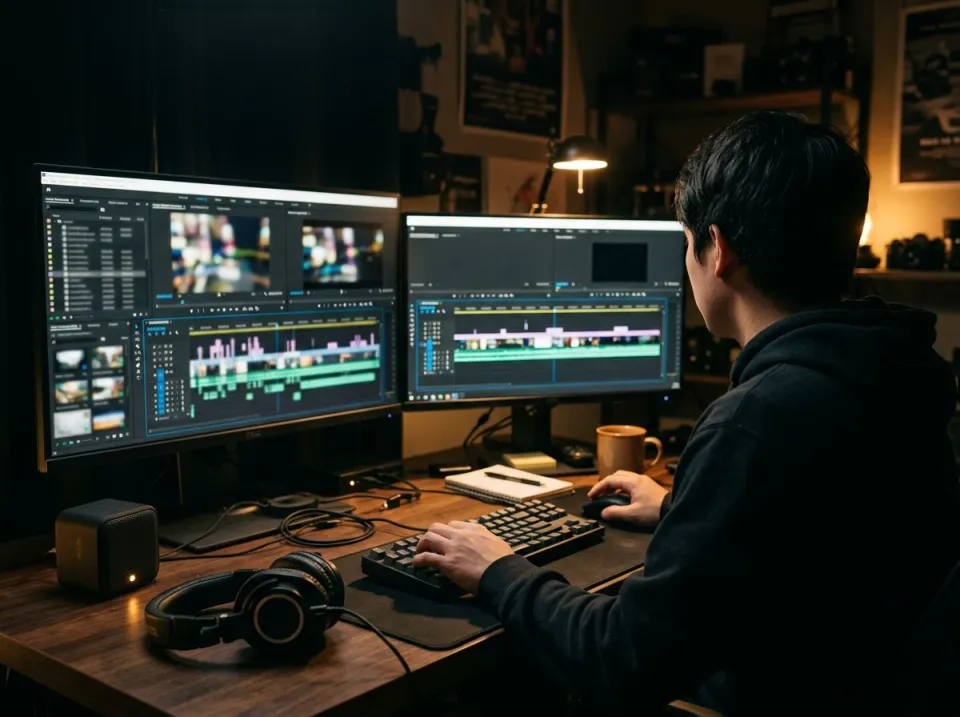
Game and video makers drafting ambience
A short generated environment can help test the mood of a scene before the final audio is commissioned or recorded. Check whether a thirty-second file can actually loop cleanly before extending it across a longer timeline. Avoid describing events you need synchronized to exact frame numbers, because a text prompt is not a precise event sequencer. Review the current model license and the needs of the production before release; downloading a WAV is separate from documenting how an asset can be used.
How to make a useful text-to-audio sample
Write a concrete listening description
Use the prompt box for what should be audible: source, material, action, space and a small number of important qualities. The page accepts a short description within its displayed character limit. A clear sentence is usually more useful than a long list of competing instructions. Start with one principal sound and include background only when it matters. Do not enter sensitive personal information or assume the prompt stays local, because the generation request goes to a cloud provider.
Choose duration and decide whether to reuse a seed
Set a duration appropriate to the intended material. A brief hit needs a different request from an evolving atmosphere, and asking for the maximum length does not automatically improve either. Use a random seed to explore or copy the value of an earlier result when revisiting it. Read the current quota and confirmation information before starting. Fresh generations use the cloud processing flow; an exact cached repeat may behave differently from a new or modified request.
Generate, listen and save the asset
Submit the request and wait for the remote job to finish. A cold model startup can take longer than an already running service, so the displayed state is more useful than assuming a fixed completion time. Play the entire result, check its ending and download anything worth keeping. Open a sample in a project when you want to edit it further. Keep the prompt, seed and any relevant license documentation alongside production assets instead of relying only on a temporary browser history row.
Generation, seeds and sample-use questions
Can this generate a complete finished song?
No. The page is for short samples with a maximum requested duration of thirty seconds. It is more suitable for textures, effects, hits and ambience than a complete structured song with dependable lyrics or arrangement. Use it for a particular sound-design need and judge the actual output. A detailed prompt does not turn the sample generator into a full music-production session.
Is the audio generated in my browser?
No. The prompt and settings are submitted to a remote model through the cloud generation flow. The resulting history is stored locally for convenience, but that is different from local synthesis. Read the request and quota information shown before generating. Do not include private material in prompts under the assumption that the entire operation happens on your device.
What does repeating a seed do?
It helps identify the same generation configuration together with the prompt and duration. An exact repeat can return an available cached result without another run. A different prompt or length is a different configuration even when the seed remains the same. Keep all three values if you want to revisit a useful sample rather than recording the seed alone.
Why did generation take longer than expected?
A remote model may need to start before it can process the request, and provider availability or job queues can also affect waiting time. The amount of GPU processing is not the same as the end-to-end time you experience. Follow the current progress state and error guidance instead of assuming every request completes in a fixed number of seconds.
How many free samples can I generate?
The current allowance is shown by the tool’s quota information and can depend on whether you are signed in and which plan applies. Read that display before starting a new request. Exact cached repeats can avoid another generation run when available, but changing the prompt, duration or seed can create a new request. Do not infer an unlimited allowance from local playback or history.
Can I use generated samples in a release?
Review the model license linked on the page and confirm that it fits your project and circumstances. The application identifies the model used, but a simple ownership claim is not a substitute for checking applicable use conditions or documenting an asset. Keep a copy of the relevant license information with your saved sample and inspect the audio for unwanted material before publication.
Are samples automatically seamless loops?
No. A generated atmosphere may have an abrupt start, an ending that changes character or an event that makes repetition obvious. Listen across the intended loop boundary and edit it in an appropriate audio workflow if needed. Asking for a loop can guide the model, but does not guarantee exact timing, a fixed tempo or a seamless transition between the final and first sample.
Will my generated history always be available?
The recent list is kept in this browser and is not a substitute for downloading important assets. Site-storage clearing, a different device or a different browser can make the list unavailable. Save useful WAVs and their prompt, duration and seed into your project folder. A downloaded asset is easier to manage and verify than relying on the continued presence of a browser history entry.