
Breath remover
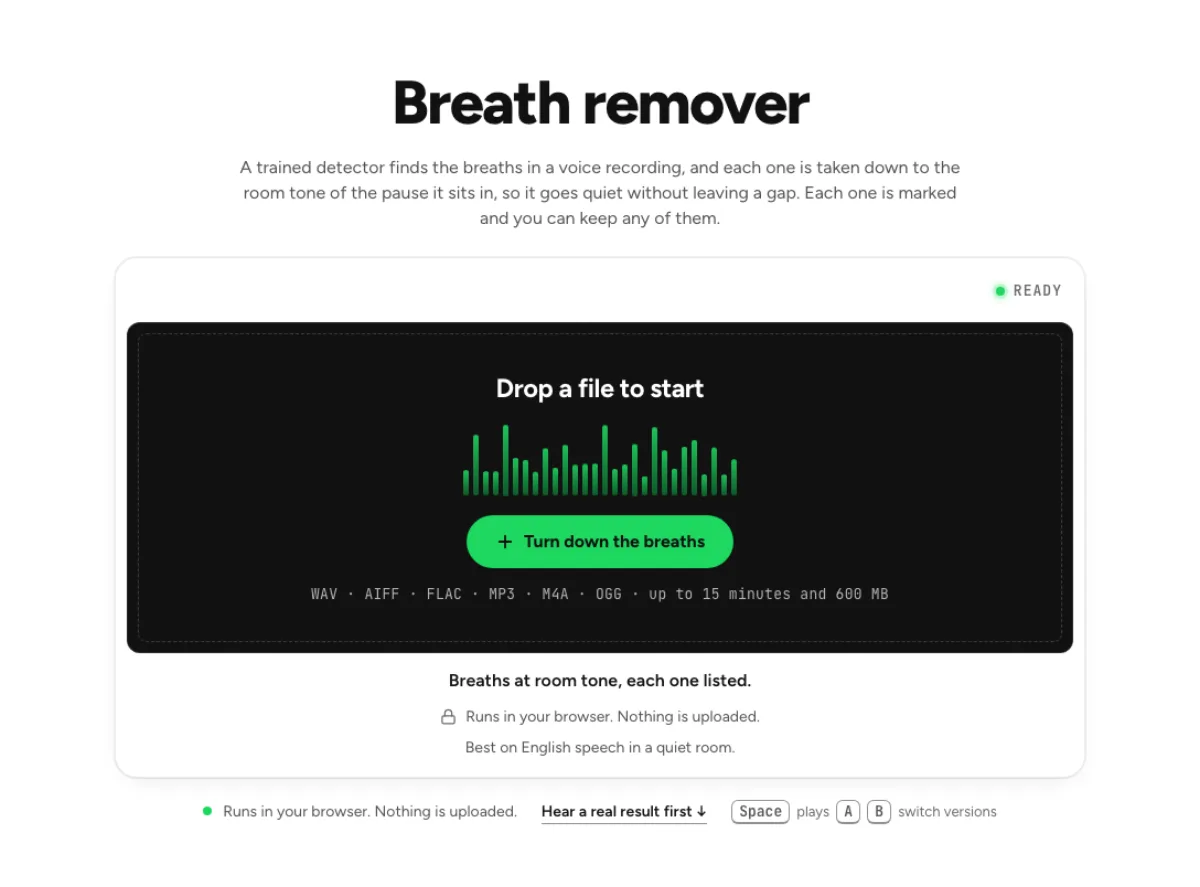
A trained detector finds the breaths in a voice recording, and each one is taken down to the room tone of the pause it sits in, so it goes quiet without leaving a gap. Each one is marked and you can keep any of them.
- Runs in your browser. Nothing is uploaded.
- Space plays AB switch versions
Breaths at room tone, each one listed.
WAV · AIFF · FLAC · MP3 · M4A · OGG · up to 15 minutes and 600 MB
Runs in your browser. Nothing is uploaded.
Best on English speech in a quiet room.
How it works
- What to expect
- Best on English speech. In noise, breaths are taken only where the sound sits 20 dB under your voice; under loud crowd or fan noise it marks nothing rather than risk a word.
- How this one works
- Breaths are found by Respiro-en, a detector trained on hand-marked breaths in English speech, running in your browser (an 8.5 MB model, downloaded once). It only marks sound at least 20 dB under your voice, in stretches of 80 ms or more. Each marked breath is taken, band by band, down to the room tone of the pause around it, with 30-ms fades, so its hiss goes and the room's own sound carries on. Every sample more than about 40 ms from a mark stays identical to your file. If the detector cannot load, the older rule detector runs and the page says so. Nothing is uploaded.
What the breath remover changes
Lower breaths toward the room tone
A breath is part of a performance, but a loud intake can distract from the words around it. The breath remover finds candidate events and lowers the selected ones toward the surrounding room tone. It does not cut time out of the recording or turn every intake into digital silence. That distinction helps a pause retain the texture of the original room rather than sounding like a hole in an edit. You can also leave a chosen amount above the room tone, so the target can be a softer natural breath instead of an entirely breathless voice. Listen through the whole pause before deciding.
Review the marks that matter
Automatic detection is a starting point, not an editorial verdict about how a person should breathe. The breath remover marks the events it found and lets you hear them individually. Untick an event to keep it when the breath carries emotion, signals the next phrase or turns out to contain useful speech. The detector is guarded against changing louder word sounds, but quiet consonants and unusual performances still need review. A convincing result preserves the rhythm of the speaker. Do not remove an intake simply because it has a mark; decide whether that particular sound is distracting in the final narration, conversation or spoken performance.
Keep the audio processing local
The detector model and the audio changes run in your browser. The breath remover downloads its processing code and model, then reads and saves the recording on your device rather than uploading it for a speech cloud run. Local processing can still take time to initialize, especially the first time the detector is needed. Keep the tab available until the result is ready. The detector was trained on English speech, so its scope should not be confused with a guarantee for every language or sung performance. The page provides the marks precisely so a person can review the places where automated choices matter.
When individual breathing decisions matter
Long-form narration
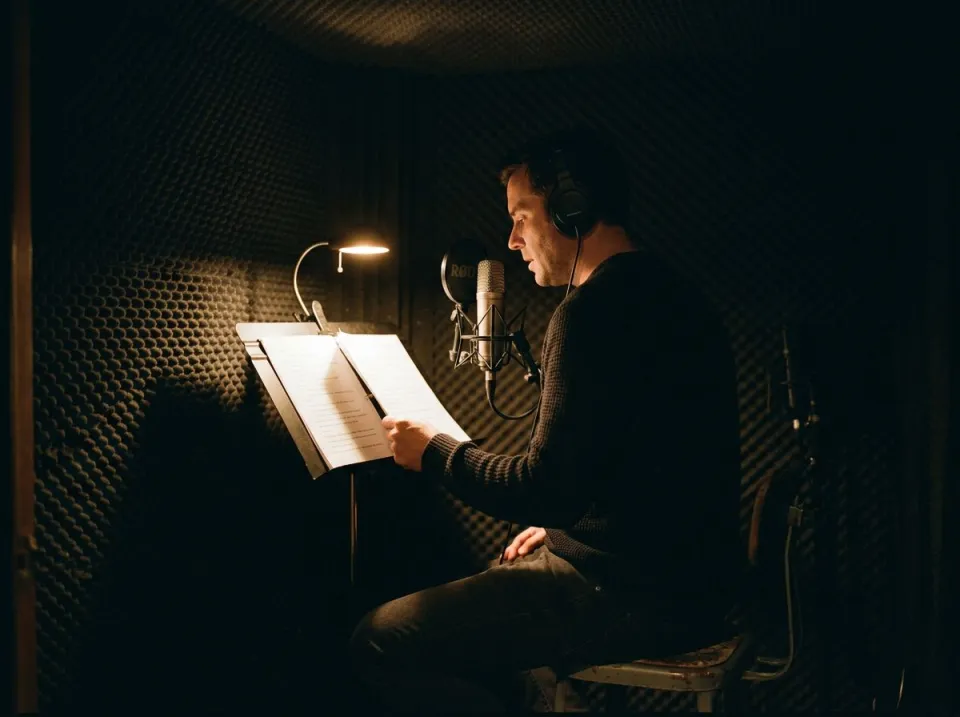
In an audiobook or extended narration, breathing supports phrasing and helps a voice feel human. The breath remover can reduce a distracting intake without deleting the pause that gives the sentence its pace. Review the opening of a paragraph, a dramatic pause and a hurried phrase rather than accepting every marked event in a long file. A breath that sounds obvious in isolation may sit naturally between words at the final level. Use this workflow to address excessive breath prominence, not to erase all signs of performance. Keep a source copy and compare the processed passage over several sentences so the overall rhythm remains comfortable.
Podcast voice tracks
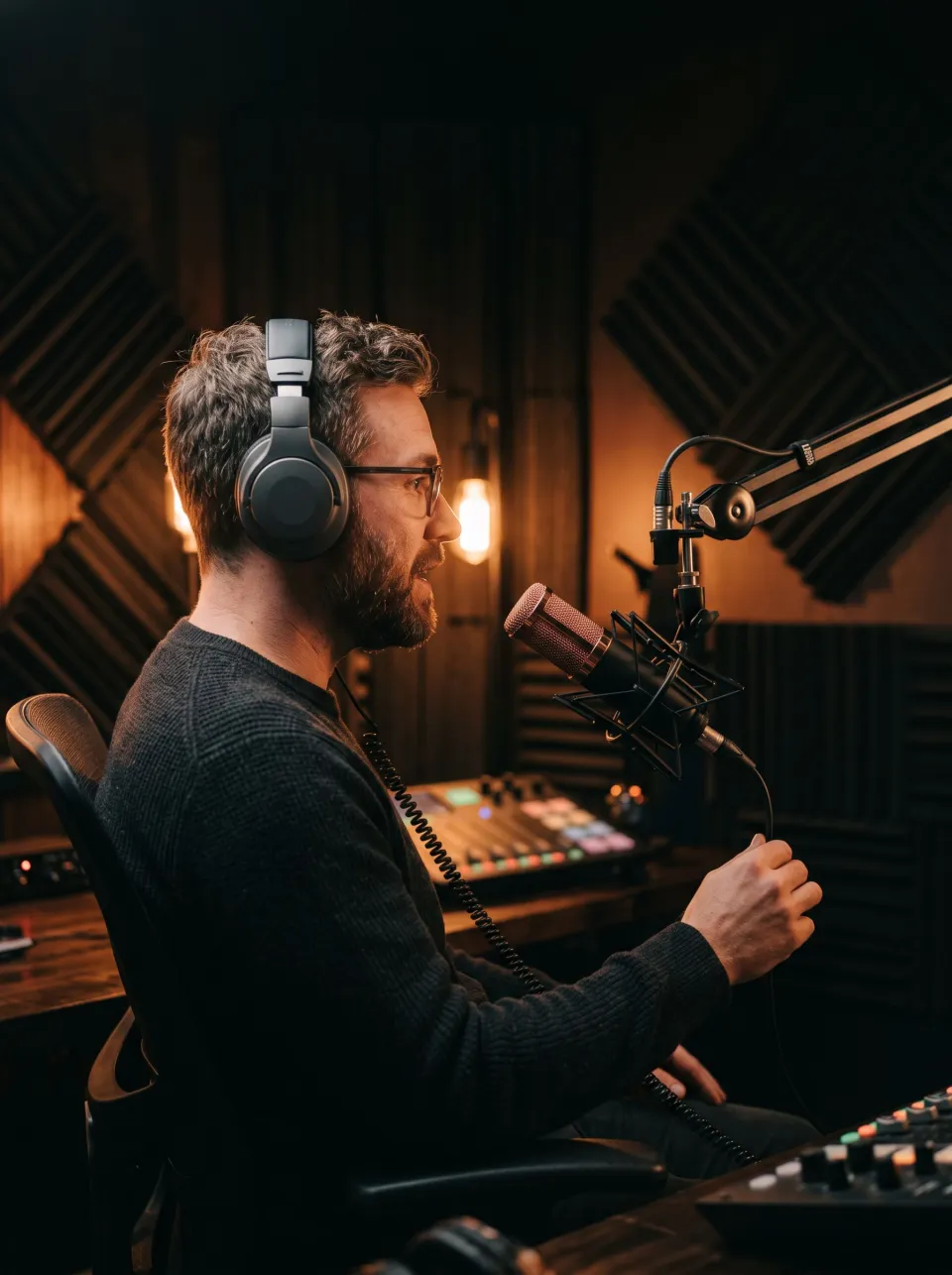
A close microphone makes small inhalations prominent, especially once the voice is brought to podcast loudness. Use the breath remover when you want event-by-event control before a broader level workflow. Listen to each speaker separately if their microphone distances differ. One person may need almost no reduction while another has a few unusually loud intakes. The result should preserve a laugh beginning with an inhale and any breath that forms part of the reaction. For a complete spoken chain that also handles noise, clicks and level, compare the podcast audio enhancer, but retain the dedicated workflow when individual breaths need an explicit editorial decision.
Careful dialogue editing
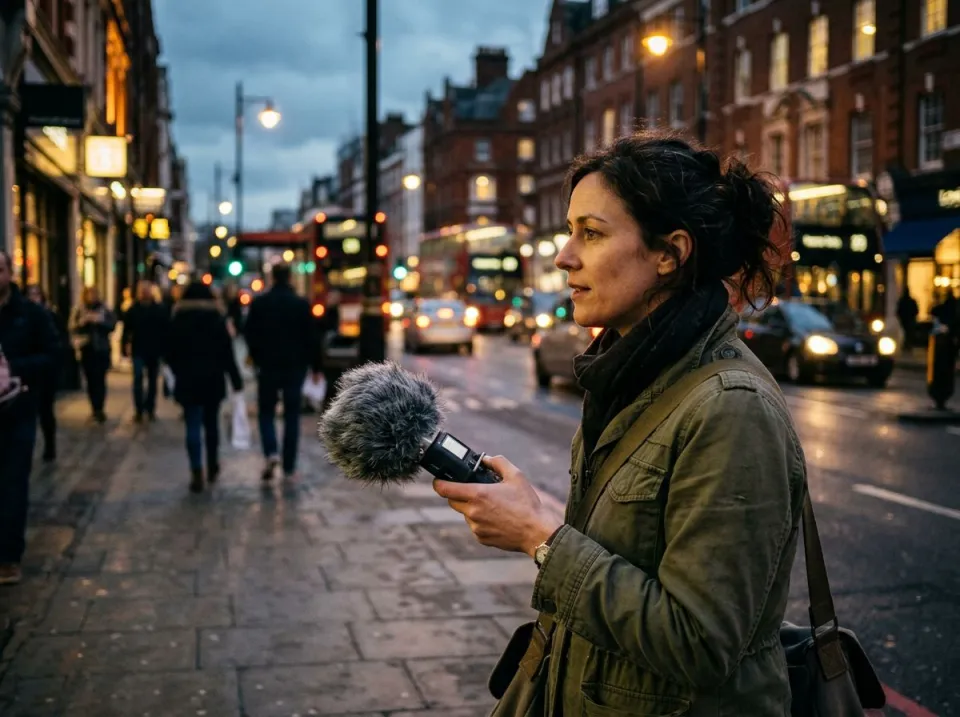
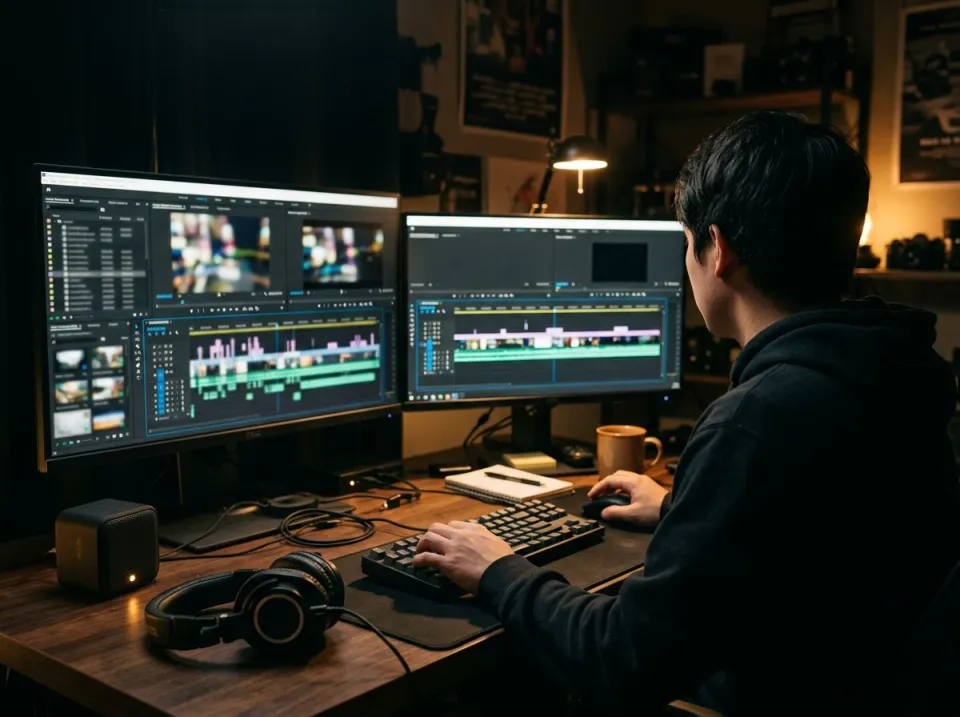
A dialogue editor may need the same pause length while lowering an audible inhale between lines. The breath remover keeps the timing and offers a softer event instead of a time cut. Compare the result under the picture when lip movement or body language makes the breath visible. A very dry pause can feel unnatural if the scene shows a person catching their breath. A detector does not decide the meaning of the performance. Keep or soften marks according to the scene, then check the transition across adjacent takes. Preserve the original so an important intake can be restored without trying to recreate it from a processed copy.
Detect, listen and choose
Load speech and initialize detection
Choose the original spoken file and let the breath remover read it and initialize the detector. The first model load may take longer than later use. If the recording has a strong continuous noise floor, that noise can make breaths difficult to distinguish; read the page's explanation when the detector cannot confidently separate them. This is not a general background cleaner. Consider addressing the dominant noise from the source before evaluating breath control, and keep each stage as a separate copy. Start your review with a few clear intakes and a few quiet consonants so you learn how the detector behaves on this particular speaker.
Set the breath level and keep exceptions
Listen to the marked events, then choose how close the selected breaths should sit to their surrounding room tone. The breath remover can leave them at that tone or somewhat above it rather than applying one universal silence cut. Untick any event that should stay original, including a mistaken mark or a deliberate expressive intake. Recheck the sentence after changing the amount. A result that sounds unobtrusive in isolation can still alter pacing emotionally, even when the timeline length is unchanged. Listen across a few sentences and retain enough breathing to keep the performance physically and conversationally believable.
Export after reviewing the performance
Save the processed copy only after reviewing the marks that matter to your project. The breath remover is a targeted operation; it is not an automatic noise, echo or mouth-click cleanup chain. Listen again after final level processing, because quiet breathing can become more noticeable when the surrounding voice is raised. Keep the untouched source and a clear filename for the edited version. If a later review needs one expressive intake back, return to the source and adjust that mark. The breath remover makes event review practical, while the person editing remains responsible for deciding which parts of the recorded performance belong in the final piece.
Common questions
Why avoid complete silence?
A breath cut to silence can leave an audible hole in a pause. The breath remover lowers selected events toward the room tone around them, or a chosen level above it. That retains the background texture and pause length while making a distracting intake less prominent.
Will s and f sounds change?
It uses safeguards to avoid useful speech, but detection is not perfect. Quiet consonants can resemble breathing. Hear any uncertain mark and untick it to keep the original event. The editable list matters more than assuming that every automatic detection must be a breath worth reducing.
Is my recording uploaded?
No. The breath remover's detector model and audio processing run in your browser, and the recording is read and saved there. The model itself must load onto your device, but this does not send your audio to the speech cloud-processing service used by other tools.
Does the breath remover support singing and other languages?
The detector was trained on English speech. Other languages have not been measured, and sung words can be mistaken for breath-like events. Review every mark before keeping a singing result, and do not treat an English-speech-trained detector as a validated universal vocal processor.
Why are few breaths marked in a noisy file?
A strong floor can hide the difference between breathing and background noise. The breath remover can report that limitation rather than confidently marking events it cannot distinguish. Address the dominant noise separately when appropriate, keep the original, and review any resulting breath marks instead of assuming none were present.
Can I keep a specific intake?
Yes. Use Hear to audition a marked intake, then untick it to leave the original sound unchanged. This is useful for expressive breathing, reactions and false detections. Check the complete phrase afterward, because whether a breath belongs is a performance decision rather than simply a detector score.
Are the pauses shortened?
It changes the selected sound's level rather than deleting its time from the recording. The pause keeps its duration. Even so, quieter breathing can change perceived pacing or emotion, so compare full sentences and any visible performance before choosing the final exported version.
How does this differ from full podcast cleanup?
It provides focused event review and a room-tone-based breath level. The podcast enhancer combines several spoken repairs and delivery leveling. Use this dedicated page when individual intakes need a keep-or-reduce decision instead of treating breath control as one automatic stage in a larger chain.