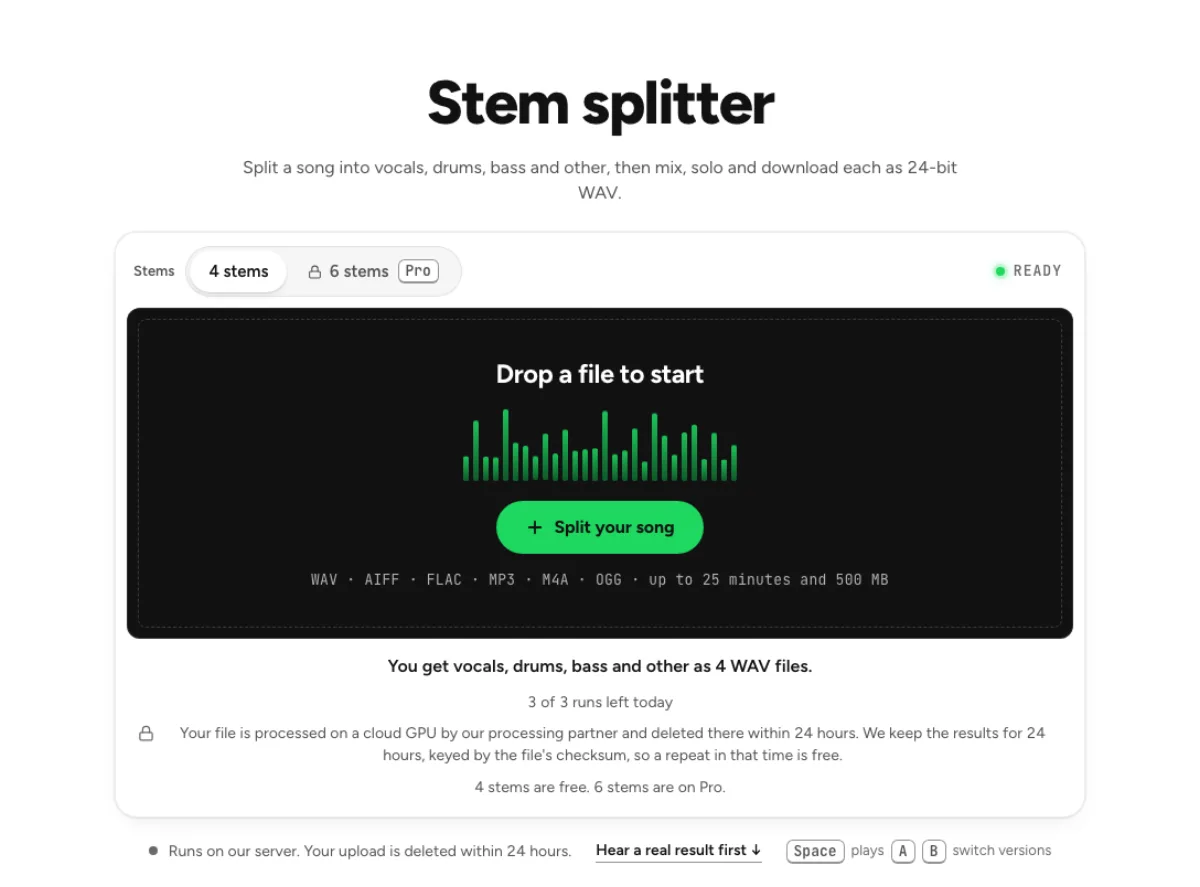
Piano remover
Take the piano out of a song with the six-stem model, on the Pro plan.
- Runs on our server. Your upload is deleted within 24 hours.
- Space plays AB switch versions
You get the song without piano, and the piano, as 2 WAV files.
See the plansWAV · AIFF · FLAC · MP3 · M4A · OGG · up to 25 minutes and 500 MB
Checking your runs
Your file is processed on a cloud GPU by our processing partner and deleted there within 24 hours. We keep the results for 24 hours, keyed by the file's checksum, so a repeat in that time is free.
6 stems adds guitar and piano. Guitar and piano were not measured on their own; together with Other they measured 11.3 dB SDR.
How it works
- What it does
- The song without its piano, from the six-stem model. The piano stem is the least reliable of the six.
- Model
- A separation model on a cloud GPU splits the song; two stems are the average of a two-stem and a six-stem pass. Measured on six songs with every part known (SDR, higher is better; the untouched song scores −3 to −5 dB): vocals 15.3 dB and instrumental 18.5 dB on average; drums 14.6, bass 13.3, guitar 11.5 dB; piano 4.7 dB as a quiet layer, 12 to 17 dB when it leads. Nothing is clipped, and the files keep your sample rate. Model names and licences
- Output
- One 24-bit WAV per stem at your file's own sample rate. A stem that peaks past full scale (a loud master) comes as 32-bit float instead, so nothing is clipped. Vocals and instrumental add back up to your file at −108 to −114 dB on our test songs; the song without a stem is made from the others and adds back up with it exactly.
- Time
- About 15 s of GPU time for a 45-s excerpt at standard quality, plus 1 to 3 minutes the first time while the model starts.
- Your file
- Your file is processed on a cloud GPU by our processing partner and deleted there within 24 hours. We keep the results for 24 hours, keyed by the file's checksum, so a repeat in that time is free.
Take the piano part out of a song
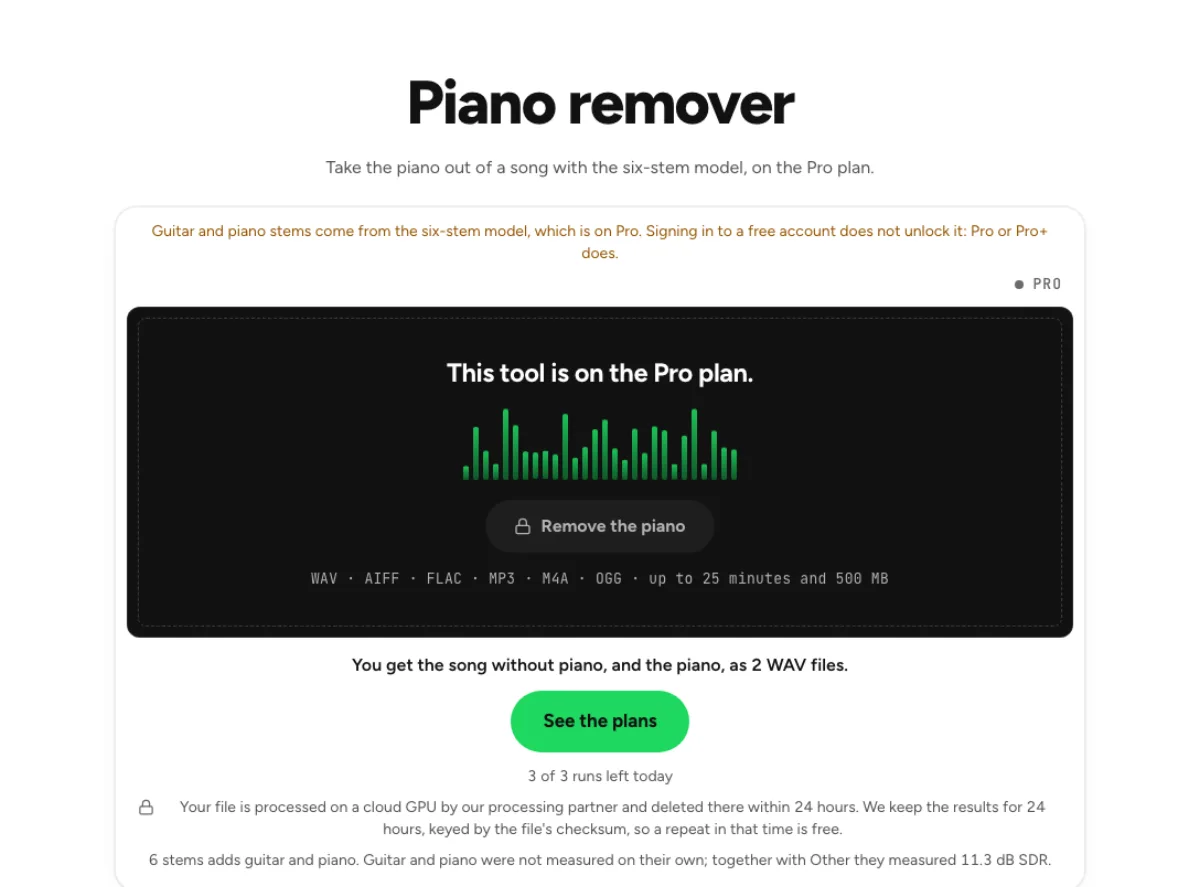
Six-stem separation
The song splits into vocals, drums, bass, guitar, piano and other, and the piano is left out of the sum. You download a 24-bit WAV of everything else. The piano remover uses the six-stem separation option to identify piano and rebuild the rest of the song without that part. It is a paid feature because piano is a separate output only in that configuration. Choose it for a piano practice backing, with the understanding that piano is the model's least reliable stem.
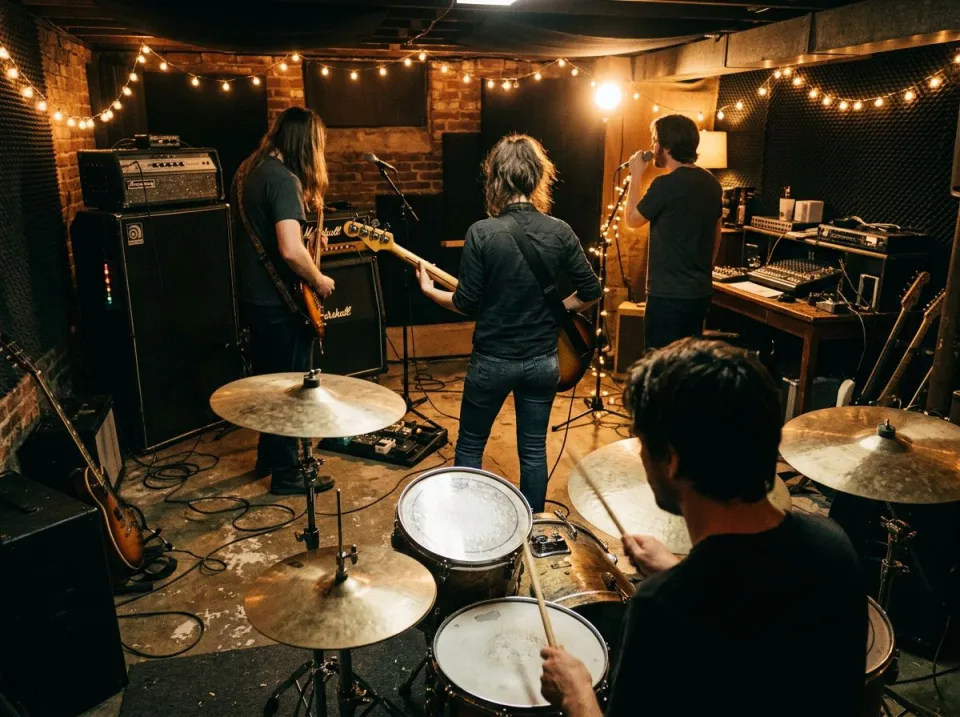
Separate piano stem
The piano comes back as a second WAV. It is the least reliable of the six stems, so listen before you build anything on it. The isolated piano is an estimate of what the model heard as piano, not a guaranteed complete keyboard performance. Check soft chord attacks, low notes and sustain-pedal tails. A note can be shared with another stem when its tone resembles guitar or another keyboard, so listen before relying on the file for transcription.

Listen before paying
Hear the difference plays 25 s of a real removal on "Not Alone" by Fredy V, with no account. Judge the separation on a song before you choose Pro. The public sample helps establish the type of result before you choose a plan, but it is not a promise about every arrangement. An exposed piano and a dense full-band mix pose different challenges. Compare the sample's musical texture with your own source and decide whether the remaining piano trace would matter to your task.
Who practises without the piano part
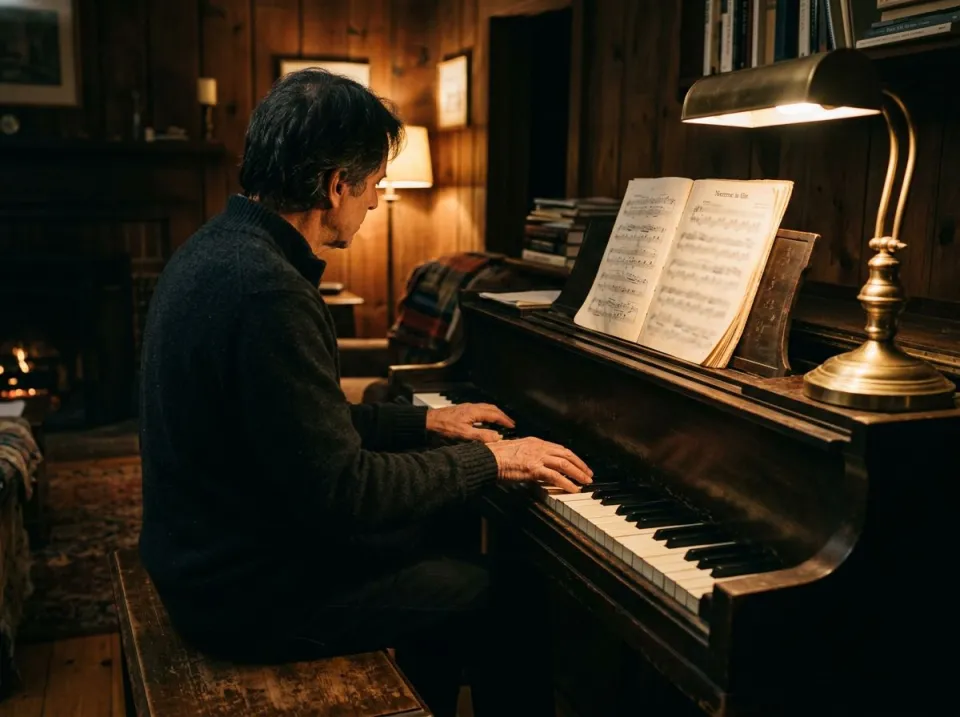
Pianists
Play the part yourself with the band still behind you, for a recording or for practice at home. A pianist can rehearse with the original vocals and rhythm section while replacing the recorded keyboard part. Residual chords may still be audible, especially in sustained passages. Judge the backing while playing along at a sensible level rather than expecting complete silence wherever the original pianist was active.
Cover band keys players
Learn a song's keyboard part by playing it into the gap, then check against the isolated piano WAV. A cover-band keyboard player can study an extracted part and practise a simpler or expanded arrangement over the remainder. Keep the reference and backing separately labelled. The piano remover cannot distinguish every keyboard patch, so a synth pad or electric piano may not divide as neatly as an acoustic piano line.
Piano teachers
Give a pupil the piano alone to learn from and the song without piano to perform over, as 2 WAV files. A piano teacher can use the two versions to compare a student's timing with the original arrangement. Begin with a short, clearly audible passage before attempting the whole song. If important notes are missing from the isolated piano, return to the full mix and a score or another trusted reference for the lesson.
How to play along with the piano removed
Start on Pro
This page needs the six-stem model, so the box stays locked on other plans. Pro is $11.99 a month or $79.99 a year, or $14.99 for a 30-day pass. Check access to six-stem separation before uploading a file specifically for piano removal. Four stems group piano with other accompaniment and cannot provide the same control. Save a clean source without additional EQ; changing its tone to make the piano louder does not guarantee a better model decision.
Send the audio
Drop a song of up to 25 minutes. Your audio travels to Replicate for the six-stem pass, then gets deleted there inside 24 hours. Let the full set of stems arrive, then hear the piano and backing in alternation. Check a sparse introduction as well as a chorus where piano sits under voices and drums. A useful result for practice may still be unsuitable for exposing the isolated piano in a new production.
Check what is left
Switch between Without piano, Piano and Original on one playhead. Piano that stayed in the mix shows up here first. Download the backing and reference piano only after checking their intended use. The mixer can retain a lower piano guide when removal sounds too hollow. If you boost an isolated stem strongly, monitor peaks and noise; separation artefacts can become much more noticeable after gain and compression.
Piano separation, price and quality
Is piano removal free?
No, piano separation needs the six-stem model, which is on Pro at $11.99 a month. The sample on this page is free to play. Choose a paid plan for its actual six-stem access and allowance, rather than expecting payment to remove every piano trace. Use the sample first and check the current pricing page for the complete plan options.
How good is the piano separation?
Weakest of the six stems, by our own note on this page. Play the 25 s sample first, because leftover piano in the backing is the fault to listen for. The right standard depends on the task. A backing suitable for practising a keyboard part can still be too incomplete or artefact-prone for publishing the isolated piano as a prominent new recording.
Can I keep the piano quiet rather than remove it?
Yes, the piano has a fader under Adjust the mix from −60 to +12 dB, and the mix exports as WAV or FLAC. A low piano guide can help a rehearsal while preserving some musical cues that disappear in a complete mute. Compare at a comfortable level, and save guide and fully removed versions under different names.
What should I check after using this piano remover workflow?
Listen to piano and piano-free backing, rather than judging just one file. The difficult cases include piano shared with guitars, bright percussion and reverberant chords. Compare an exposed passage, a busy section and the tail of a sustained sound at the same musical moment. A result can work for practice while being too rough for an isolated production use. Choose based on the sound you will actually deliver, and keep the original nearby when a note, word or effect is uncertain.
What source recording should I use?
Start with the cleanest version you already have and avoid repeated lossy conversions. Saving a damaged recording as WAV does not restore the detail it lost. Excessive EQ, clipping or added reverb before separation can make the task harder. Keep the original and work on a copy so later comparisons remain meaningful. For a piano and singer recording, ask whether the goal is accompaniment practice or a polished piano-only release. The first can tolerate a little vocal or room trace; the second may require original stems or a fresh performance. Make that distinction before spending time trying to repair every separated note.
How do file length, plan access and cloud runs work?
The cloud processing limit is up to 25 minutes per file, with file size and mode access also checked before a run starts. Piano and guitar isolation require the paid six-stem option. The current catalog allows 3 runs daily anonymously, 10 monthly for signed-in free users, 80 monthly on Pro and 150 on Pro+. Each new file and processing configuration uses the relevant allowance; an identical result can be free while cached. Check the current pricing and the uploader before processing a batch. Downloads are part of the result, not a separate per-file unlock.
Is this separation performed entirely on my device?
No. This is cloud separation: audio is uploaded for processing on external infrastructure. Browser playback, comparison and some exports happen locally after the results arrive, which does not make the separation itself offline. Check the Privacy Policy before submitting sensitive material, and use an appropriate local workflow if audio must stay entirely on your device. Download useful outputs while available; temporary results and cached repeats are not a permanent archive.
Can I publish or share the separated result?
Separation changes the balance of a recording, not its ownership or the permissions attached to it. Use material you own or are otherwise entitled to adapt, and arrange the permissions needed for your intended publication. A separated result does not include a licence to a commercial song, performance or soundtrack. For your own project, keep the source, an untouched separation and a separate delivery copy. Listen again in the complete mix before sharing; an acceptable rehearsal reference may reveal artefacts when exposed alone.
Learn how
Guides and tutorials that use this tool, with real screens and real numbers.