
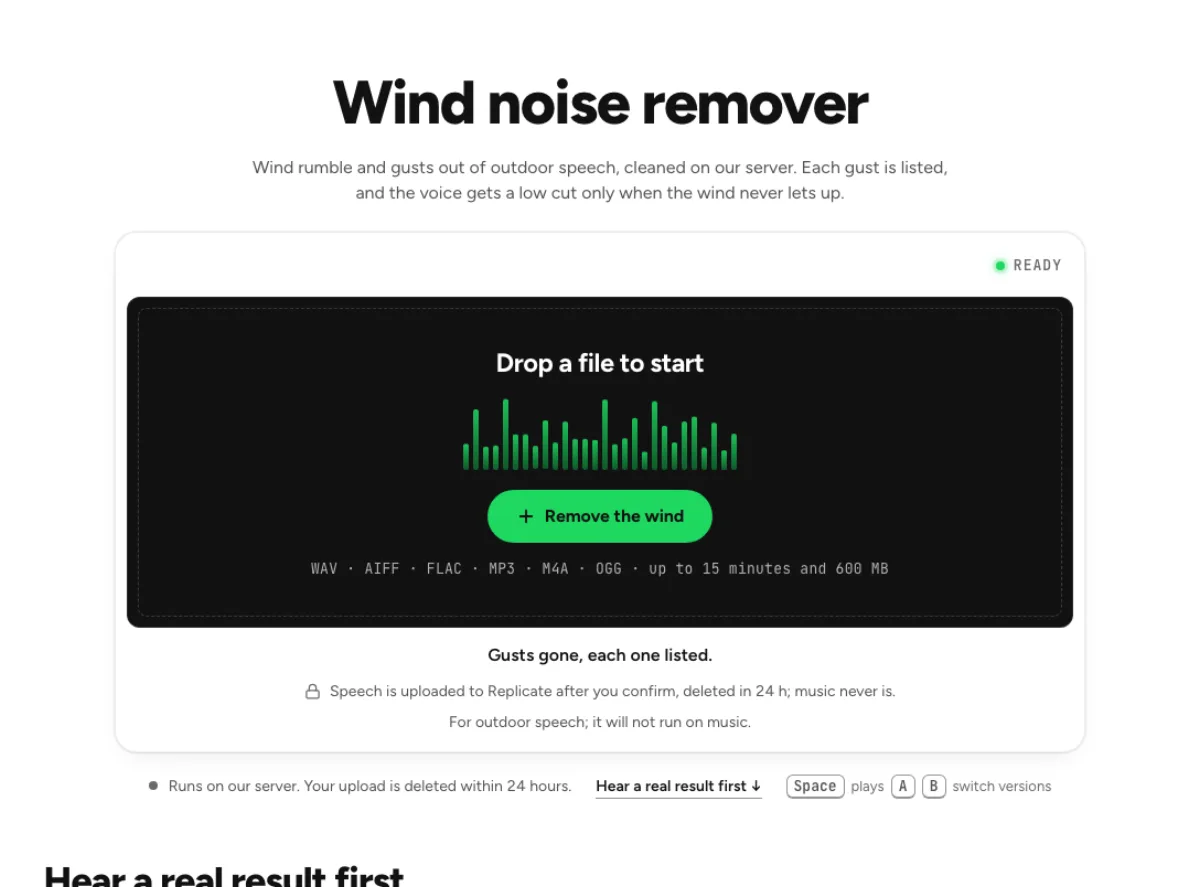
Wind noise remover
Wind rumble and gusts out of outdoor speech, cleaned on our server. Each gust is listed, and the voice gets a low cut only when the wind never lets up.
- Runs on our server. Your upload is deleted within 24 hours.
- Space plays AB switch versions
Gusts gone, each one listed.
WAV · AIFF · FLAC · MP3 · M4A · OGG · up to 15 minutes and 600 MB
Speech is uploaded to Replicate after you confirm, deleted in 24 h; music never is.
For outdoor speech; it will not run on music.
How it works
- What to expect
- For speech recorded outdoors. On music, bass looks like wind, so it will not run.
- Your file
- Speech goes to our processing partner (Replicate) to be cleaned and is deleted there within 24 hours. It counts as one cloud run, and the same file again within 24 hours is free. Music is cleaned in your browser and never uploaded.
- How this one works
- Speech has almost nothing under 70 Hz and wind has most of its energy there, so that band is the gust detector, frame by frame, in your browser; each gust is listed and can be heard. The speech itself goes to a speech-enhancement model on our server (NVIDIA RE-USE; deleted there within 24 hours), which takes the wind out around the voice. Wind that never lets up gets a low cut under the voice for the whole file as well, at 70 Hz or lower for a deep voice.
What the wind noise remover changes
Follow changing low-frequency gusts
Wind hitting a microphone is not just a steady hiss. It often creates low-frequency bursts that swell and fall with each gust. The wind noise remover follows that low-band activity and reports the gusts it found, rather than applying one heavy bass cut to the entire recording. Spoken material can also use the server speech-cleaning stage. Treatment cannot recreate a word completely covered by a gust or undo microphone overload, but it can reduce the rumble around recoverable speech. Judge the result while the person is talking, not only during the loud empty gaps where the wind is easiest to hear.

Use the gust findings as a review map
A list of gusts helps you return to the exact moments that need review. The wind noise remover's targeted low-band treatment is different from muting those time ranges: the purpose is to retain useful material while reducing the wind component. Listen to a gust crossing a voiced syllable and compare the speaker's normal low-frequency weight afterward. A repaired version should not make every affected word thin or detached. A strong event can still leave distortion or masking, and a reported repair does not mean the underlying phrase is fully recovered. Use the marks as an auditioning map rather than a guarantee of successful restoration.

Understand the local and cloud stages
The low-band wind handling and the surrounding cleanup stages run on your device, while eligible spoken audio can be cleaned by the cloud speech model after confirmation. If the server cannot take the file, the wind noise remover can use a disclosed local fallback for speech cleanup. Read the route and run information before processing. This is not an instrument-family separator: musical bass, a distant engine and actual wind can overlap in the low end. Check the content you want to keep, and do not assume a stronger low-frequency reduction is safer merely because the original rumble sounds unpleasant.
Spoken recordings made outdoors
Outdoor interviews
An interview outside often alternates between clean answers and sudden gusts. Test the wind noise remover on the quiet interviewee as well as the louder questioner. A gust that is harmless under one voice may obscure the other. Listen to the recovered sentence in full so you can distinguish a useful improvement from a short phrase whose tone changed too much. This workflow works on an existing recording; it does not replace a windshield or closer microphone placement for future takes. Keep the source and note any words that remain unclear after treatment, especially names and numbers that cannot be inferred safely from context.

Walking videos
A phone video can capture footsteps, handling noise and wind at the same time. The wind noise remover is aimed at gusts and low-band rumble, so review each type of disturbance separately. A supported video can supply its audio for cleanup, but this workflow produces processed audio rather than promising an edited video with every visual track rebuilt. Put the chosen result back into your video editor and verify synchronization. Cleanup may improve a spoken explanation while leaving a bump from touching the phone. Avoid judging every low thud as wind, and check that the speaker's natural vocal weight remains believable.

Field narration
A location reporter may need enough environmental sound to establish the scene while keeping the narration understandable. Use the wind noise remover to lower gusts without expecting a silent indoor background. Compare a passage with the local ambience exposed and another with continuous speech. If the scene contains music or important low-frequency sound, listen carefully to the targeted repair. Processing does not know which environmental details carry meaning for the story. A moderate reduction that leaves context can be more useful than a heavily filtered result. Retain the original for editorial reference and for any section where the natural location sound should be restored.
Review gusts without losing the voice
Choose a useful test passage
Load an original file containing both a gust and ordinary speech. The wind noise remover needs to be judged where the wind crosses useful sound, not just during a dramatic pause. Let the file inspection finish, then review the content choice, limits and any cloud confirmation. If the main defect is a steady fan rather than changing gusts, the background-noise page may be a clearer match. An automated repair cannot decide whether a masked word was correct, so keep the original available. For a long recording, include different microphone positions or wind directions in your review rather than assuming one successful moment represents the whole take.
Audition each affected phrase
After processing, use the reported gust information to return to the affected moments. Compare the wind noise remover result with the original through a complete phrase and the pause after it. Listen for remaining overload, a sudden change in vocal bass or an unnatural low-frequency hole. Then check a section that had little wind to ensure the treatment did not unnecessarily alter the whole recording. Judge the repair on intelligibility and continuity, not the size of the visual difference. If a key word remains covered, an alternate take or a subtitle checked by the speaker may be needed in the final edit.
Check the repaired soundtrack in the edit
Save a distinct cleaned copy and check it in the final editing application. The wind noise remover addresses audio, so a video workflow still needs a timing and synchronization check after the soundtrack is replaced. Listen across cuts between treated and untreated sections, where differences in low end or room texture can become obvious. Keep the original and avoid repeatedly applying the full chain to an export. If a residual click, breath or steady hiss is the remaining problem, choose that repair separately. The wind noise remover is most useful when it reduces a specific environmental defect without making the scene's voice or atmosphere feel disconnected.
Common questions
How are gusts treated?
It follows changing low-frequency wind energy and lists detected gusts for review. That is more targeted than applying one large bass cut throughout the file. Check a gust overlapping speech and compare normal vocal weight afterward; a detected event is not proof that every masked word was recovered.
Which parts of processing use the cloud?
It includes local low-band processing and can use a confirmed cloud speech cleaner for spoken material. Replicate deletes uploaded files within 24 hours. If cloud speech cleanup cannot run, the page can identify a smaller local fallback, so check the actual processing message.
Can a completely buried word be repaired?
No reliable reconstruction is promised. The wind noise remover can reduce rumble, but a gust may have masked the useful speech or overloaded the microphone. Listen to the important phrase against the source and use an alternate recording when the words remain uncertain rather than treating cleaner sound as verified content.
Will all the bass be cut?
It targets low-band wind activity rather than intentionally removing all bass. Useful vocal weight, engines and musical low notes can overlap that range, so compare them. A thinner result is not automatically a better repair simply because the largest rumble became quieter.
Can I clean audio from a video?
It accepts supported MP4 or MOV sources for audio cleanup. Treat the result as processed audio to review and place in your edit; this page does not promise a fully rebuilt video export. Verify synchronization and cuts when replacing the soundtrack in your video application.
Is a steady fan the same problem?
A steady fan is often a continuous background-noise problem, while the wind noise remover specializes in rumble and gust changes. Compare the background noise page when the source is ventilation or a stable indoor bed. Listening to the noise pattern helps choose the appropriate workflow.
Why does distortion remain?
Wind can physically overload the microphone or recording chain. Cleanup may lower the low-frequency disturbance while the flattened or distorted useful sound remains. That damage is different from an added rumble and cannot be assumed repaired merely because the background is quieter.
How should I judge the wind noise remover result?
Listen to quiet speech during a gust, normal speech without wind, and the transition between them. The wind noise remover should improve comfort without abrupt tonal holes. Use the gust list to find test points, keep the source, and evaluate the repair in the final scene.