
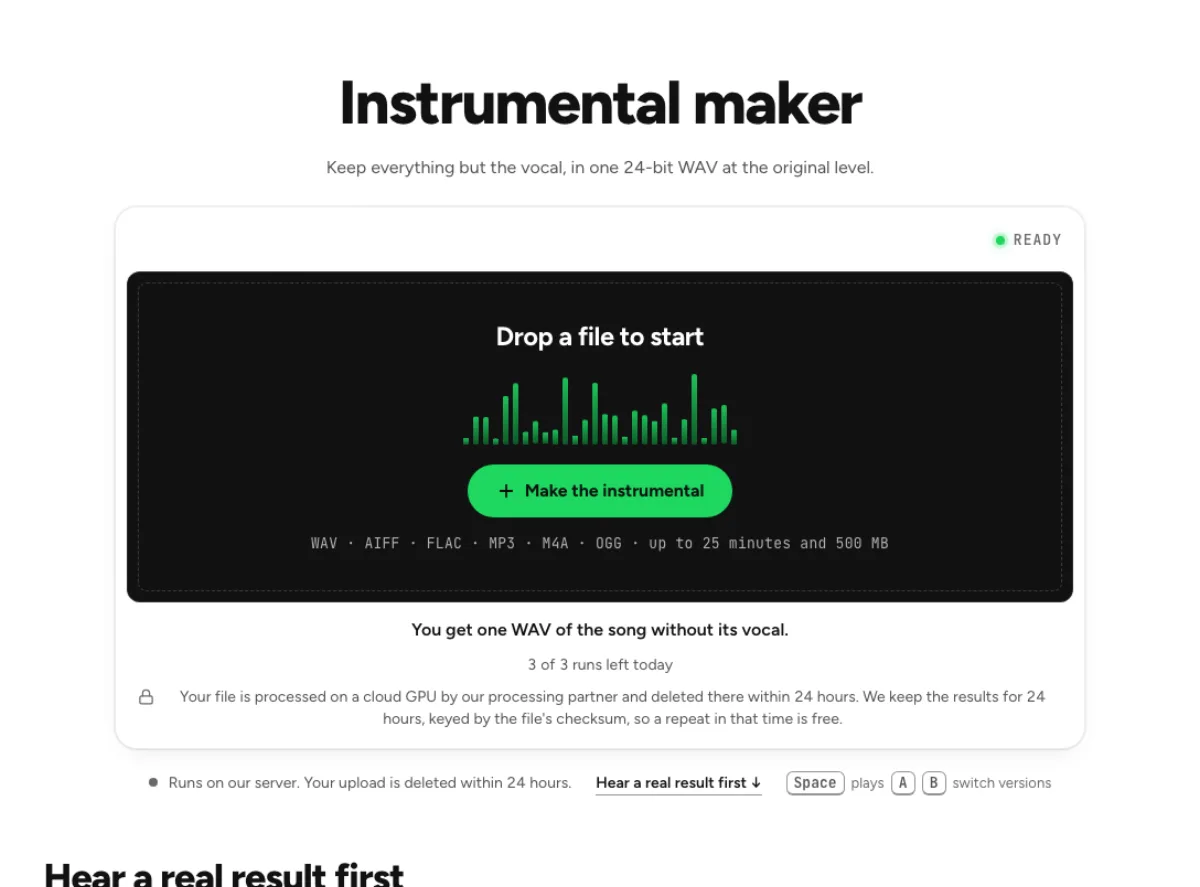
Instrumental maker
Keep everything but the vocal, in one 24-bit WAV at the original level.
- Runs on our server. Your upload is deleted within 24 hours.
- Space plays AB switch versions
You get one WAV of the song without its vocal.
WAV · AIFF · FLAC · MP3 · M4A · OGG · up to 25 minutes and 500 MB
Checking your runs
Your file is processed on a cloud GPU by our processing partner and deleted there within 24 hours. We keep the results for 24 hours, keyed by the file's checksum, so a repeat in that time is free.
How it works
- What it does
- Everything but the vocal, as one 24-bit WAV at the original level.
- Model
- A separation model on a cloud GPU splits the song; two stems are the average of a two-stem and a six-stem pass. Measured on six songs with every part known (SDR, higher is better; the untouched song scores −3 to −5 dB): vocals 15.3 dB and instrumental 18.5 dB on average; drums 14.6, bass 13.3, guitar 11.5 dB; piano 4.7 dB as a quiet layer, 12 to 17 dB when it leads. Nothing is clipped, and the files keep your sample rate. Model names and licences
- Output
- One 24-bit WAV per stem at your file's own sample rate. A stem that peaks past full scale (a loud master) comes as 32-bit float instead, so nothing is clipped. Vocals and instrumental add back up to your file at −108 to −114 dB on our test songs; the song without a stem is made from the others and adds back up with it exactly.
- Time
- About 15 s of GPU time for a 45-s excerpt at standard quality, plus 1 to 3 minutes the first time while the model starts.
- Your file
- Your file is processed on a cloud GPU by our processing partner and deleted there within 24 hours. We keep the results for 24 hours, keyed by the file's checksum, so a repeat in that time is free.
Keep everything except the vocal
Everything but the voice
Drums, bass, keys and guitars stay together in one instrumental WAV. There are no separate parts to assemble, so the backing can go straight into an editor, player or DAW. Check the actual rate and format shown on the result instead of assuming that every source and processing path returns the same file specification. The instrumental maker turns a mixed song into one backing track with the vocal layer removed. Drums, bass and accompaniment stay together, which is convenient when you want a ready-to-play arrangement rather than a folder of stems. It follows the source performance and does not compose a new instrumental in the same style.

Same length, same level
The instrumental comes back at the original level and runs the length of the source. It can replace the full mix on a timeline without moving anything. Keeping the original duration makes it easier to compare edits or rehearse the same arrangement repeatedly. Check the count-in, first downbeat and final decay before replacing a reference file on a timeline. Do not assume that removing a singer creates extra space between sections; pauses and tempo changes still follow the source recording.

Master it next
Send to mastering opens the WAV in the mastering studio. There you set its final loudness and compare at matched level. A backing track can sound different after the vocal no longer draws attention to the centre of the mix. Decide whether it actually needs EQ or loudness processing before sending it to mastering. Compare at a similar listening level, since simply turning the instrumental up can make its remaining separation traces more noticeable.
When an instrumental version helps
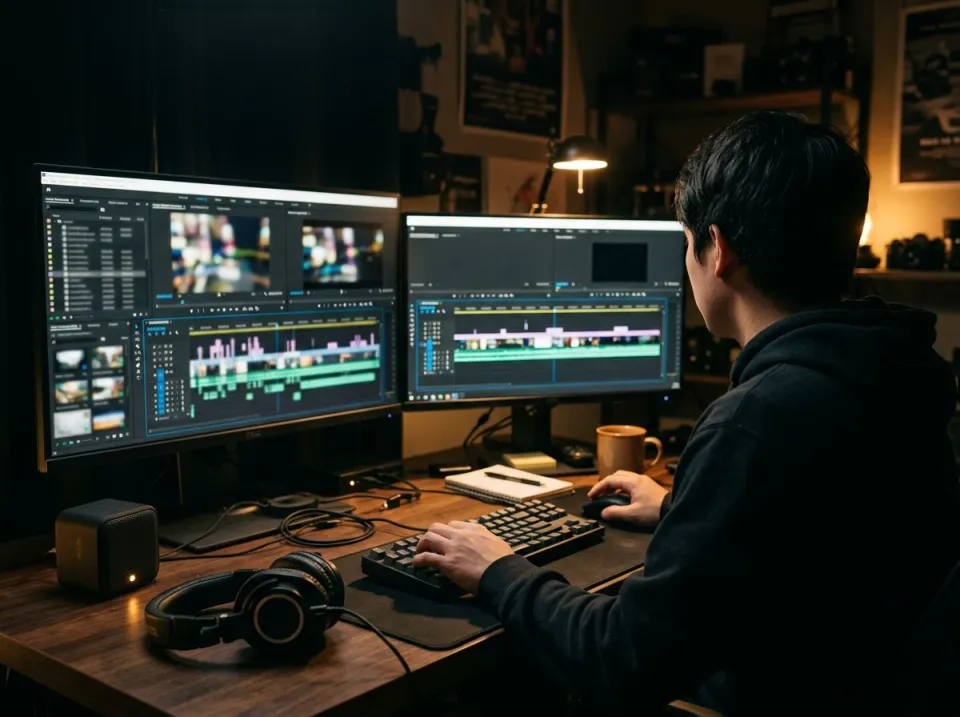
Video editors
Lay a song's backing under dialogue or narration without a singer competing with the speaker. An editor can audition dialogue over an instrumental version of a song without the original singer competing for attention. Leave room for the speaking voice in the edit, and use music that you are licensed to publish. Vocal removal changes the audio balance; it does not remove copyright ownership or platform recognition of a recording.
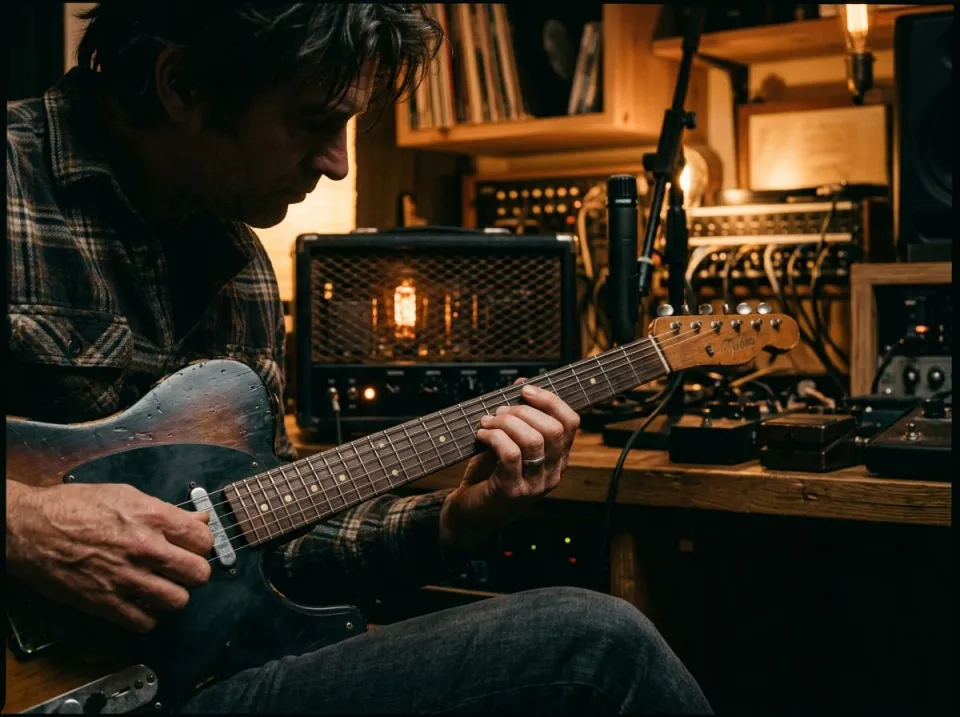
Lead players
Play the melody on sax, violin or guitar over the backing, in the space where the singer used to be. A lead player can practise a melody against the same bass line, drums and harmony as the reference song. If an existing guitar solo is the problem, use guitar removal instead of instrumental creation. This page removes voices, so every instrumental solo normally remains part of the backing you hear.

Dance teachers
Run a routine to the music with no lyrics in the room, from one WAV on your own speaker. A dance teacher can use the instrumental to focus attention on beats, accents and transitions. Mark the exact version and length for the class, especially when a radio edit differs from the album version. Keep the original available for checking cues that depended on words rather than on a clear instrumental entrance.
How to make an instrumental of a song
Add the song
Drag in the full mix, as long as it runs under 25 minutes. This is a cloud step: Replicate receives the song, then deletes that copy within 24 hours. Use the version of the song that matches your intended arrangement. An instrumental maker cannot add an introduction missing from the source or restore a chorus cut from an edit. Start with the best available recording, and avoid adding effects simply to make the upload louder before separation.
Compare the two
Instrumental and Original share one player. Toggle them during a verse, where a missing voice is plain to hear. Once processing ends, compare a verse, chorus and ending. Listen for a faint lyric remaining in the backing and for instruments that lost some brightness near a vocal phrase. If the backing is for a rehearsal, judge it while playing or singing over it rather than expecting it to sound like a studio multitrack export.
Export the WAV
Download instrumental saves the file. If a trace of voice is useful, Adjust the mix lets you set the balance and write WAV or FLAC. Download and clearly name the instrumental, then keep further edits in a separate copy. A mastering pass can adjust balance and level but cannot reliably restore an instrument removed with the voice. If the separation is unsuitable, return to the original or choose another source before spending time polishing the wrong backing.
Instrumental versions and what they allow
What is the difference between this and the vocal remover?
One button. Both run the same split, but this page offers the instrumental alone, while the vocal remover also offers the vocals as a download. Choose based on the output you intend to use, rather than expecting a different separation algorithm from the page name. The instrumental is the practical focus here; use the vocal remover when both sides are central to the task.
Can I use an instrumental I made in my YouTube video?
Not without the rights. Separating the vocal does not change who owns the song, so a commercial track still needs a licence. Use your own work, licensed material or another source you are entitled to adapt. Downloading an instrumental does not supply a music licence, and a platform may still recognize the underlying recording.
How many instrumentals can I make for free?
The current catalog provides 3 cloud runs a day anonymously, 10 a month on a signed-in free account, 80 a month on Pro and 150 on Pro+. An identical available cached result can be returned without another run. Keep the source and configuration unchanged for a cache match, and download your backing rather than relying on temporary storage. The allowance counts processing rather than a separately paid download. Keep a downloaded copy for rehearsal, and check remaining runs when selecting a new source or a different configuration.
What should I check after using this instrumental maker workflow?
Listen to singing voice and full instrumental arrangement, rather than judging just one file. The difficult cases include vocal echoes, stacked harmonies and voice-like instruments. Compare an exposed passage, a busy section and the tail of a sustained sound at the same musical moment. A result can work for practice while being too rough for an isolated production use. Choose based on the sound you will actually deliver, and keep the original nearby when a note, word or effect is uncertain.
What source recording should I use?
Start with the cleanest version you already have and avoid repeated lossy conversions. Saving a damaged recording as WAV does not restore the detail it lost. Excessive EQ, clipping or added reverb before separation can make the task harder. Keep the original and work on a copy so later comparisons remain meaningful. For repeatable rehearsal, save the instrumental to the same device that will play it. Test the beginning and end without an internet connection after downloading, so the session does not depend on a temporary result page. Keep the licensed source and your processing notes with the backing for later reference.
How do file length, plan access and cloud runs work?
The cloud processing limit is up to 25 minutes per file, with file size and mode access also checked before a run starts. The current catalog allows 3 runs daily anonymously, 10 monthly for signed-in free users, 80 monthly on Pro and 150 on Pro+. Each new file and processing configuration uses the relevant allowance; an identical result can be free while cached. Check the current pricing and the uploader before processing a batch. Downloads are part of the result, not a separate per-file unlock.
Is this separation performed entirely on my device?
No. This is cloud separation: audio is uploaded for processing on external infrastructure. Browser playback, comparison and some exports happen locally after the results arrive, which does not make the separation itself offline. Check the Privacy Policy before submitting sensitive material, and use an appropriate local workflow if audio must stay entirely on your device. Download useful outputs while available; temporary results and cached repeats are not a permanent archive.
Can I publish or share the separated result?
Separation changes the balance of a recording, not its ownership or the permissions attached to it. Use material you own or are otherwise entitled to adapt, and arrange the permissions needed for your intended publication. A separated result does not include a licence to a commercial song, performance or soundtrack. For your own project, keep the source, an untouched separation and a separate delivery copy. Listen again in the complete mix before sharing; an acceptable rehearsal reference may reveal artefacts when exposed alone.
Learn how
Guides and tutorials that use this tool, with real screens and real numbers.
- Make an instrumental or an acapella from any songFive steps on the instrumental maker: hear a real result, drop the song, confirm the run, compare and download. Then the same for the vocal alone.
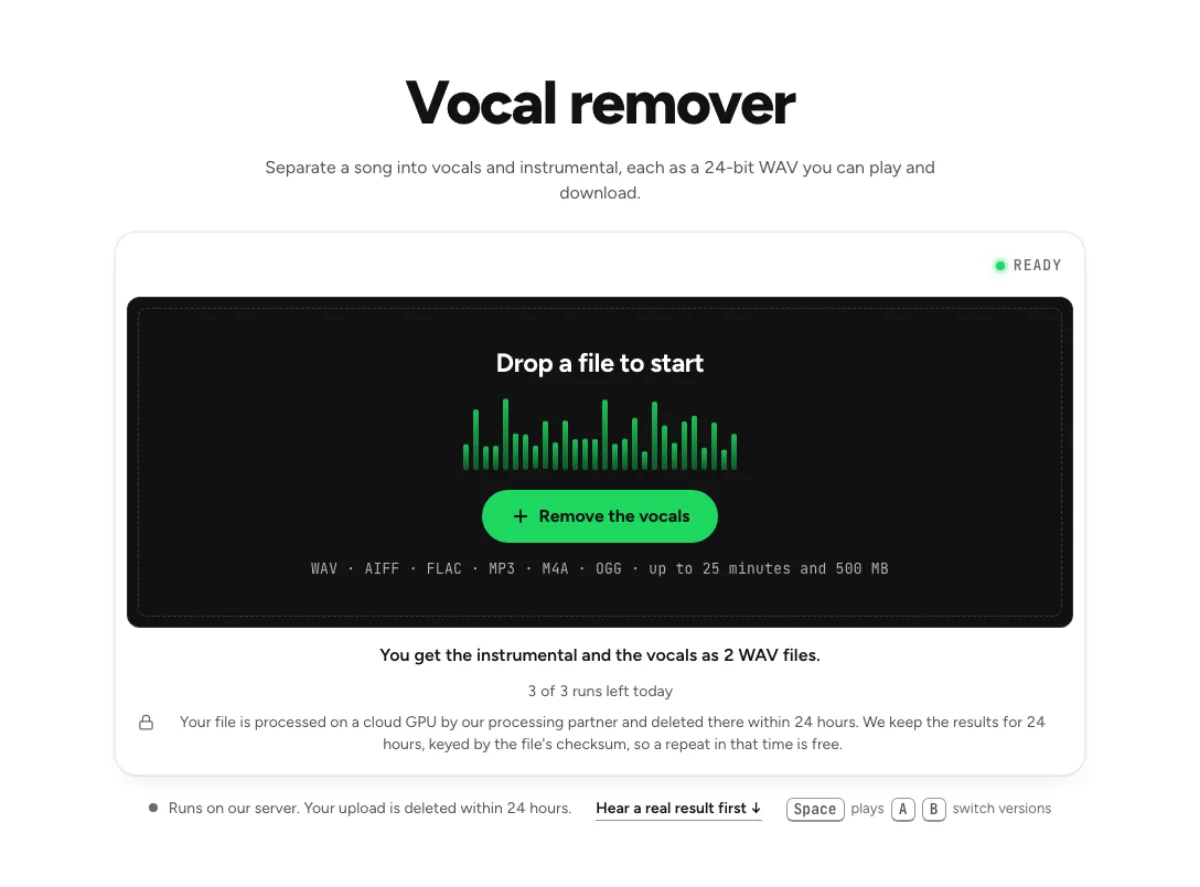 How to remove vocals from a song for karaokeTake the singer out of a finished song, keep the band at its original level, check the result by ear and leave a faint guide vocal if you want one.