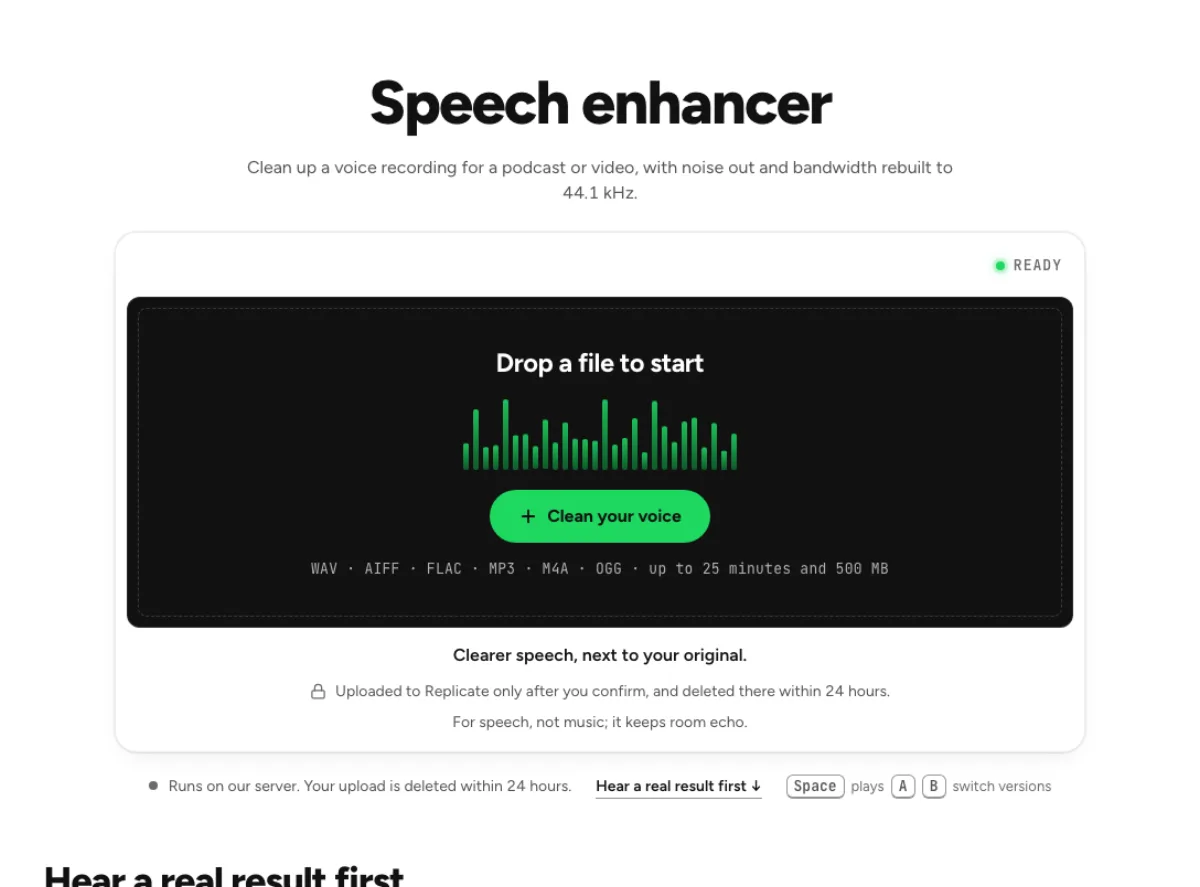
Speech enhancer
Clean up a voice recording for a podcast or video, with noise out and bandwidth rebuilt to 44.1 kHz.
- Runs on our server. Your upload is deleted within 24 hours.
- Space plays AB switch versions
Clearer speech, next to your original.
WAV · AIFF · FLAC · MP3 · M4A · OGG · up to 25 minutes and 500 MB
Uploaded to Replicate only after you confirm, and deleted there within 24 hours.
For speech, not music; it keeps room echo.
How it works
- What it does
- Clearer voice recordings for podcasts and video: noise out, bandwidth rebuilt to 44.1 kHz, compared at matched loudness.
- Model
- NVIDIA NemotronLabs RE-USE (OpenMDW-1.1), checked by MossFormer2 SE 48 kHz (Apache-2.0), takes out the noise and much of the room and rebuilds the top end at 48 kHz; resemble-ai/resemble-enhance (MIT code and weights) then resynthesises the voice at 44.1 kHz. Resynthesis can change a word on hard material: on 27 test recordings it changed 12.4 % of words against 6.7 % for Cleaned only (Whisper). Cleaned only is the first model's file; use it for interviews and anything transcribed.
- Output
- Two 24-bit WAVs at your file's sample rate (44.1 kHz at least), each with your file's channel count and length. Cleaned only lines up with your file to the sample. Enhanced is rebuilt by the model rather than filtered, so it follows your file word for word but not sample for sample: its syllables can sit a few milliseconds late. The readouts use a 100-ms noise-floor estimate.
- Time
- About 22 s of GPU time for a 30-s clip (26 s in audio-enhancer mode), plus 1 to 5 minutes the first time while the two models start.
- Your file
- Uploaded to Replicate for processing and deleted there within 24 hours. Results stay on our server for 24 hours, keyed by the file's checksum, so a repeat in that time is free.
What the speech enhancer changes
Spoken clarity, with two useful outputs
A spoken recording can be intelligible yet difficult to listen to: a small voice, a noisy room and a narrow recording chain all compete for attention. The speech enhancer first reduces noise and room contamination, then applies speech enhancement. The purpose is to make dialogue more usable, not to convert every microphone into a studio microphone. Enhancement may change the tone as it reconstructs a clearer presentation, so keep the cleaned-only version available for comparison. Listen to a full sentence rather than judging one loud vowel. Word beginnings, breaths and quiet endings reveal whether the enhancement suits the performance.

Compare enhancement with cleanup alone
The speech enhancer provides both an enhanced version and a cleaned-only version. They answer different questions: did reducing the room help, and did the additional enhancement make the voice better for this project? Switch at matched loudness so added presence does not win solely by sounding louder. On a low-quality remote call, the enhanced result may bring useful focus; on a well-recorded narrator, cleanup alone can preserve more of the original character. Choose between these real alternatives by listening. You do not have to keep the most processed version just because it is available after the run.

Keep music on a different path
This is a speech tool. A speech enhancer recognizes patterns in spoken voices, and a music mix contains tones and transients that need different protection. Singing, drums, bass and sustained chords can be changed in ways that are inappropriate for a finished song. Use the music enhancer or the music noise-removal route instead. Even on dialogue, the model cannot know the missing original when clipping, a dropped connection or an overlapping sound destroyed information. Check names, numbers and unfamiliar words carefully. A pleasing tone is useful only when the spoken content remains faithful to the recording you supplied.
Which recordings benefit
Remote conversations
Remote interviews often alternate between an excellent local microphone and a guest using a laptop or phone. The speech enhancer can make the less clear contribution easier to follow, but it does not make separate people sound identical. Test a passage containing both voices and a turn-taking pause. Listen for the guest's quiet replies as well as the host's prominent phrases. If one person becomes overly bright or artificial, compare the cleaned-only result before deciding. The comparison is most useful when you can choose a result for the actual conversation, rather than assume a single amount will flatter every participant equally.
Teaching material
A course recording must stay understandable over many minutes, often through small speakers. Try the speech enhancer on a section containing normal explanation, technical terms and a softer aside. Those passages matter more than whether an empty gap becomes perfectly quiet. A lecture recorded in a reverberant space may improve while still sounding like a lecture in a room. This processing does not create a transcript or verify the facts of the lesson. Check slide changes and pauses in your video editor, and keep the original timing when replacing the soundtrack. Then audition at an ordinary listening level for fatigue and clarity.
Narration edits
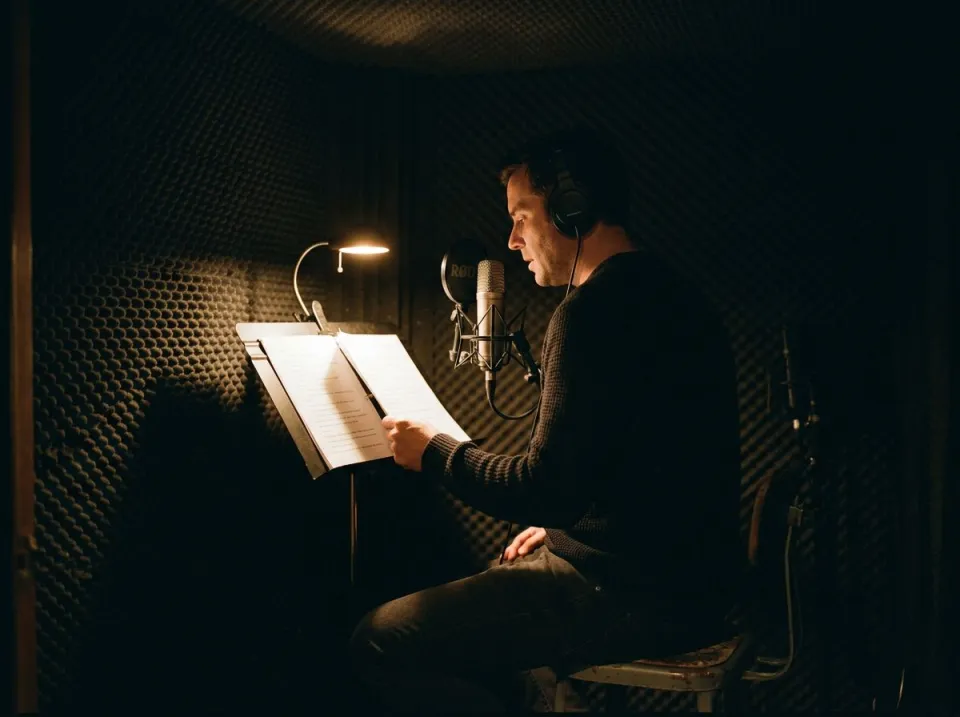
Narration exposes small tonal changes because the voice is often heard alone. The speech enhancer can be helpful for a compromised take that cannot easily be recorded again, but compare it with neighboring takes before inserting it into an edit. A restored phrase that sounds impressive alone may stand out against untreated material. Listen across the edit boundary and retain the cleaned-only option if that blends more naturally. Do this comparison before fine balancing with music, then check the voice again under the actual bed. A clear solo preview is not the final test of how well a sentence communicates in the finished piece.
From source to selected version
Prepare a spoken file
Choose the best available original audio and keep an untouched copy. Drop it onto the speech enhancer, let the page read the file, and review the run confirmation before the upload begins. The displayed limits and quota describe what the current plan can process; do not infer an unlimited free service from an available drop box. If the file is a song, stop and choose a music-oriented tool. For a long spoken session, a representative passage is useful for deciding whether the speech enhancer matches the recording style. Include a quiet phrase and a louder one, not only the clearest part of the voice.
Audition all three versions
When the run finishes, compare Original, Cleaned and Enhanced through the same headphones or speakers. The speech enhancer keeps the alternatives available so you can separate useful noise reduction from a tonal change you may not want. Start in a noisy section, then replay a clean sentence. Listen for softened consonants, metallic edges, unnatural breath texture or a voice that changes character between phrases. If the enhancement sounds too pronounced, save the cleaned-only file instead. Enhancement should support the spoken performance; judging only a silent pause gives little information about whether the words and the speaker's identity survived well.
Export the version that fits
Download the selected file and keep the version label in its name while editing. The speech enhancer writes enhanced and cleaned-only WAV outputs, retaining the recording's length and channel layout. Replace the source on your timeline and check the beginning, end and a visible edit point before publishing. Then adjust final program loudness in the appropriate delivery workflow rather than assuming enhanced tone equals a finished podcast mix. Keep the original alongside the selected output. If a later music bed or neighboring take reveals a mismatch, returning to cleanup alone is easier than trying to undo enhancement from an exported processed file.
Common questions
Will the speech enhancer reduce room echo?
The first cleanup stage of the speech enhancer can reduce room reflections along with noise. It does not promise a perfectly dry studio take. For a room-focused comparison or a distinct repeated echo, try the dedicated reverb or echo page, whose routes include both cloud and local processing.
Can I process singing or music?
It is intended for spoken recordings. Singing and instrumental music can be altered because the models favor speech. Use the music enhancer for music restoration or Music mode in the noise remover for a noisy song, and keep the original recording for comparison.
Which output files do I get?
It returns enhanced and cleaned-only 24-bit WAVs at the source sample rate, with a minimum of 44.1 kHz. The recording's length and channel count are retained, so a stereo interview remains stereo. Check both versions before choosing one for an edit.
Is a selected file uploaded automatically?
Selecting a file lets the speech enhancer inspect it before processing. A cloud run uses the confirmation and quota flow on the page; the file is sent to Replicate for the model. Uploads are deleted there within 24 hours. Read the confirmation before starting the run.
Why keep the cleaned-only version?
Additional enhancement can change vocal tone. The cleaned-only output lets you keep the initial reduction of noise and room sound without committing to that further change. Compare it against the enhanced version at matched loudness, especially for already clear narration and neighboring takes.
Can it separate overlapping speakers?
No speaker-isolation guarantee is provided. The speech enhancer works on speech clarity and may preserve a nearby second voice. If two people talk over each other, it cannot reliably reconstruct the intended person's missing words. Check the conversation itself rather than assuming quieter background means isolated dialogue.
How long does processing take?
It is a cloud operation with upload, queue and model-processing stages. Completion depends on the file, service availability and whether the model is already running. Follow the named progress stages and keep the source file; a selected file is not evidence that processing has finished.
Should the speech enhancer be used repeatedly?
Start each comparison from the original recording. Running a speech enhancer again on its own output can compound tonal changes and cannot recreate an unprocessed source. If the first result is too strong, use the cleaned-only alternative or another targeted tool rather than stacking enhancement passes automatically.
Learn how
Guides and tutorials that use this tool, with real screens and real numbers.