In this article
An interview by an open window, a podcast with a laptop fan in the room, a voice note with the fridge humming behind it. The voice is fine; the noise is the problem. Noise reduction works best when you know what kind of noise you have, because hum, steady hiss, changing traffic and room echo are removed in different ways. This guide helps you name the noise, pick the tool, and judge the result honestly.
Part 1Name the noise first
Listen to a few seconds where nobody is talking. What is left is the noise you are fighting.
| What you hear | What it is | The tool for it |
|---|---|---|
| A steady low buzz | Mains hum at 50 or 60 Hz, and its harmonics | Background noise remover |
| A fan, air conditioning, traffic or street | Steady or changing noise behind the voice | Background noise remover |
| A steady high hiss | White noise, often from a preamp or tape | White noise remover |
| Crackle and radio static | Static in old or noisy recordings | Static noise remover |
| Rumble and gusts outdoors | Wind on the microphone | Wind noise remover |
| A crowd behind one voice | Many people talking at a distance | Crowd noise remover |
| The voice sounds far away, in a hall | Room echo and reverb | Echo remover or reverb remover |
| Breaths and lip clicks | Mouth noise, close to the microphone | Breath remover, mouth click remover |
| Not sure | Any of the above | Audio cleaner |
If you cannot tell, start with the audio cleaner. It measures the file first (the noise floor and its kind: hum, hiss, rumble, wind, voices; clicks and breaths; speech or music), runs only the stages those numbers call for, and tells you what it found and what it did. A recording whose speech stands 45 dB or more above the noise floor is reported as quiet, and noise reduction is skipped.
Part 2How the speech path works
Most noisy voice recordings go through the background noise remover in two stages:
- Hum first. If the file has mains hum, the page finds whether it sits at 50 or 60 Hz and notches it there and at each harmonic that stands clear. The notches run forwards and backwards, so the speech around them keeps its shape.
- Then a speech model. The voice goes to a speech-enhancement model on our server (NVIDIA RE-USE), which follows noise that changes, such as passing traffic, and takes out much of a room's reverb as well.
What it achieves, measured
We mixed a real fan and a real street recording under speech at 5 dB signal-to-noise ratio and measured how much closer the cleaned file got to the clean voice (SI-SDR). The result scored 12.1 dB better; the smaller browser model this replaced scored 7.1 dB. The speech band stayed within 0.9 dB of the original (0.4 dB median), so the voice keeps its tone.
With a fan alone, the gain was 12.3, 10.2 and 7.9 dB at 0, 5 and 10 dB signal-to-noise ratio. The quieter the noise was to begin with, the less there is to gain.
The weak spot: a second voice
A speech model keeps speech. When another person reads underneath the main voice at the same level (0 dB), the model kept the wrong voice and the result came out 8.4 dB worse. With the second voice 5 or 10 dB quieter, the result was 0.8 and 1.9 dB better. So this is not a way to separate two people talking over each other. For one voice in front of a crowd's wash, the crowd noise remover turns the crowd down; nearby talkers come down less.
Part 3Clean a recording step by step
- Drop the file, up to 15 minutes. When the page cannot tell speech from music, it asks which one before cleaning.
- Listen to all three versions. Before and After play at matched loudness, so the louder file does not win just by being louder, and What came out plays the removed noise by itself, so you can hear exactly what was taken.
- Set Strength and save. Strength moves in 5 % steps and the file renders again 400 ms after you let go. Download WAV saves it with "noise removed" added to the name.
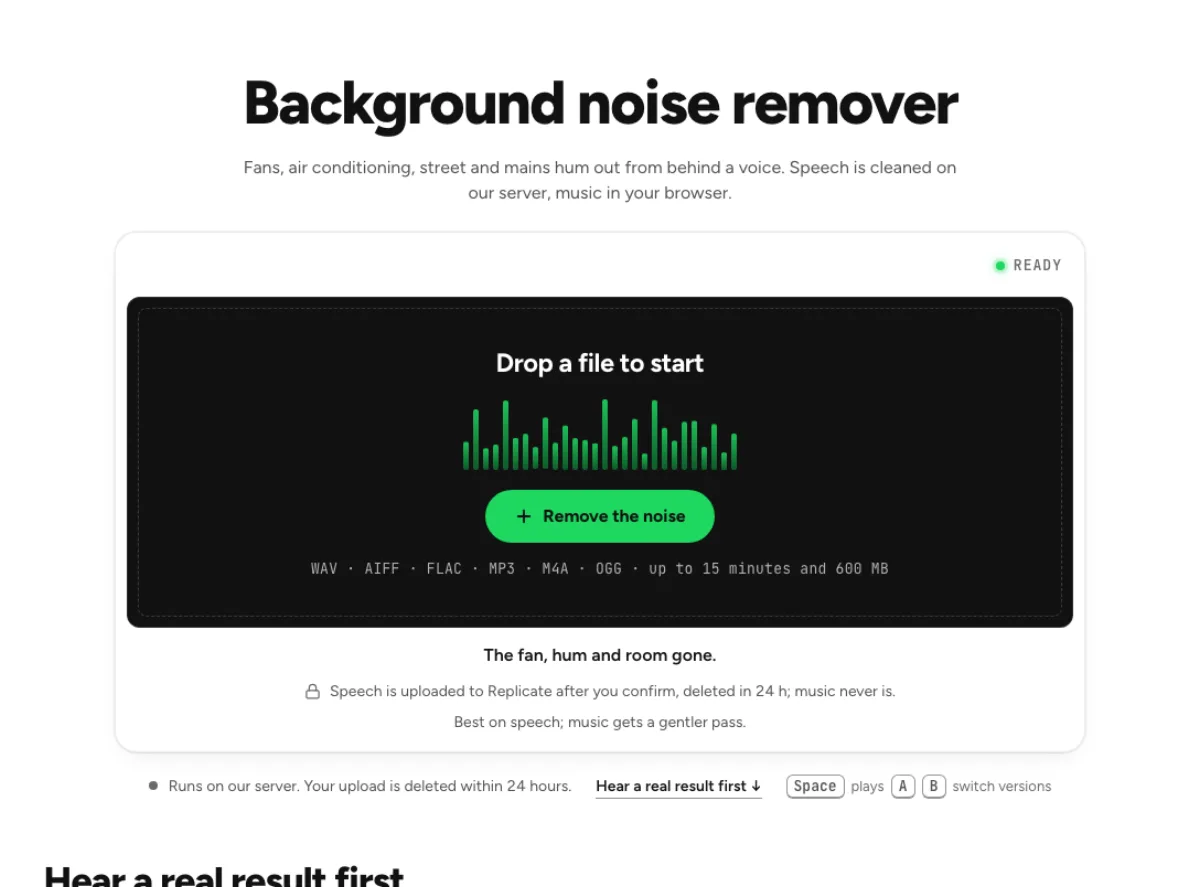
Background noise remover
Fans, hum, street and room noise out from behind a voice. Speech is cleaned on our server, music in your browser.
Part 4Music is a different job
A song never goes to the speech model, because that model removes music. On the background noise remover, a song still loses its hum, and the steady part of the noise comes down by up to 6 dB at 0 % Strength and up to 18 dB at 100 %, all in your browser.
For hiss on a song, such as a tape or vinyl transfer, use the noise remover in Music mode. It learns the noise from the quiet moments, so it works best when the track has a moment of hiss alone at the start or end; without one it takes a little of the music with the hiss, so start low. Reduction stops at 16 dB at full strength, and the file never leaves your device.
Part 5When you want it clearer, not only quieter
A thin phone recording can be clean and still sound dull. The speech enhancer takes the noise out first, then a generative model rebuilds the voice at 44.1 kHz, so a call gets back top end it never captured.
There is a cost to know about: the generative step changes some words. On our test recordings, speech recognition read a mean 12 % of words differently in the enhanced file and 7 % in the plainly denoised one. The page gives you both files, so check names and numbers, and keep the plain version if they moved.
Speech enhancer
Clearer voice recordings for podcasts and video: noise, bandwidth and level in one pass.
Part 6Where your recording goes
- Speech is uploaded only after you confirm. It goes to our processing partner, Replicate, for the speech model, and is deleted there within 24 hours. We keep the result for 24 hours, so the same file again is free.
- Music never leaves your browser on these pages.
- If the server cannot take the file (no runs left, or you are offline), the page cleans it in your browser with a smaller model and says so.
- Free runs: 3 a day without an account, 10 a month signed in.
Last updated Nov 4, 2026. The figures here come from our own measurements, written up on each tool's page. When a tool changes, this page is checked again.