
Dialogue remover
Take the speech out of a soundtrack and keep the music and effects, or keep only the speech.
- Runs on our server. Your upload is deleted within 24 hours.
- Space plays AB switch versions
You get the music and effects as one WAV, and the dialogue as another.
WAV · AIFF · FLAC · MP3 · M4A · OGG · up to 10 minutes and 500 MB
Checking your runs
Your file is processed on a cloud GPU by our processing partner and deleted there within 24 hours. We keep the results for 24 hours, keyed by the file's checksum, so a repeat in that time is free.
MP4 and MOV work too: only the sound is sent, the picture stays on your device.
How it works
- What it does
- Splits a film or video soundtrack into dialogue and everything else. Two models find the speech and check each other; the music and effects file is what is left.
- Model
- A stem model and a speech model on a cloud GPU find the voice; our server then splits your own audio with a mask, so every file keeps your stereo and the pair adds back up to the original exactly. Measured on 14 film clips with known parts (SDR): dialogue 13.8 dB, music and effects together 15.6 dB on average, where the untouched clip scores about −2 dB. Music and effects apart are a rough split (music 2.1 dB, effects 5.1 dB). Model names and licences
- Measured
- Measured on 14 film clips with known parts (Divide and Remaster): speech 13.8 dB SDR on average (lowest 6.3), music and effects 15.6 dB (lowest 11.0).
- Output
- Every file is a 24-bit WAV at your file's sample rate, and each pair adds back up to the original exactly.
- Your file
- Your file is processed on a cloud GPU by our processing partner and deleted there within 24 hours. We keep the results for 24 hours, keyed by the file's checksum, so a repeat in that time is free.
Take the talking out of a soundtrack
Two models, one answer
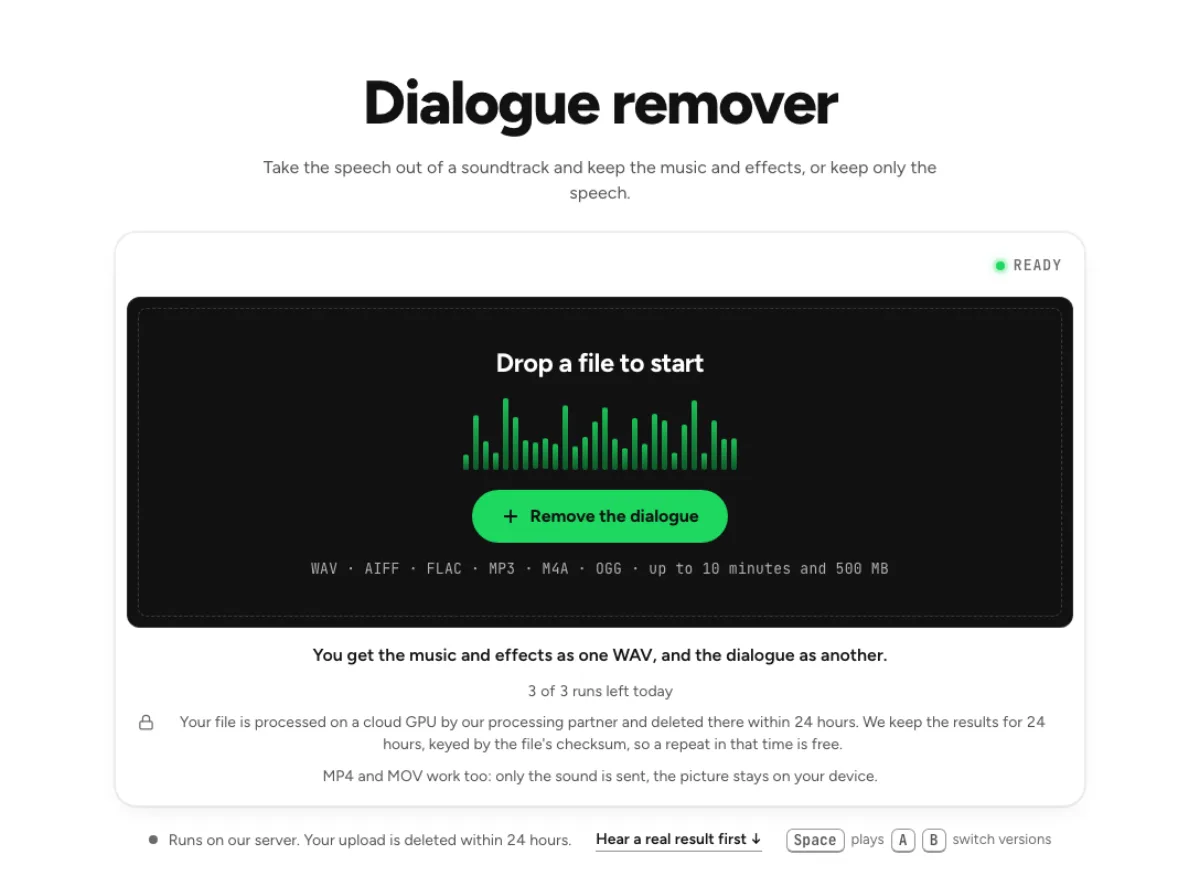
A vocal model and a speech model each find the dialogue, and when they disagree a second speech pass decides. On 14 film clips with known parts the music and effects file measured 15.6 dB SDR on average. The dialogue remover separates spoken words from a mixed soundtrack, retaining a background containing music and effects. That is useful when preparing a bed for replacement dialogue or studying a scene's sound. It does not reconstruct the original production sound or guarantee that every distant voice disappears from a crowded scene.
Nothing thrown away
You get the dialogue as well as the music and effects, and the two add back up to your original exactly, so you can rebalance them in any editor. Both outputs matter: dialogue shows the speech estimate, while the music-and-effects file shows what remains after it is removed. Listen to each at the same scene position. A quiet word under an explosion can leave a trace, and an effect that resembles a voice may be divided differently from what an editor expects.

Video in, sound only up
Drop an MP4 or MOV: this page reads the sound in your browser and uploads only that. For a finished video, use Remove background music from video. When a supported video is dropped here, the browser extracts its sound for cloud processing. The result on this page is audio, so retain the original picture for editing. Choose the dedicated video music-removal page when you need a rebuilt video with speech kept rather than a dialogue-free audio bed.
Who needs dialogue removed
Dubbing and localisation
A music and effects track to record a new language over, made from a finished mix when the original stems are lost. A dubbing editor can test a scene without its original dialogue before recording a new language performance. Check both the beginning and end of every line and leave room for the actor's timing. A separated background is a working approximation; a supplied studio music-and-effects master remains preferable when one is available.
Video editors
Keep the ambience and the score of a scene while you replace or reorder the lines spoken over it. A video editor can rebalance a voice against the background or audition replacement narration. Align the downloaded files with the original audio start and check sync later in the sequence. Avoid judging solely on a silent gap: overlaps between speech, music and a loud effect reveal the difficult parts of the split.
Game and film fans
The score of a scene without the talking over it, for a tribute edit or a background track. A film or game enthusiast can listen more closely to ambience, effects and score without dialogue dominating the scene. Use recordings you are entitled to process and respect the source when sharing extracts. The dialogue remover is an analysis and editing aid; it does not make a commercial soundtrack free to reuse.
How to remove dialogue from audio or video
Drop the file
WAV, MP3, FLAC, M4A or a video. Files up to 10 minutes, 25 on Pro. Choose a representative scene and check its duration against the displayed limit. A short sample containing both clean speech and a difficult overlap is more useful than only an easy pause. Keep an untouched original, and avoid pre-filtering the voice away before the dialogue remover has a chance to identify it.
Wait for both models
The first run on a file takes 2 to 4 minutes. Close the tab if you like; the same file again comes back at once. The workflow checks speech with more than one model, so it can take longer than a simple vocal split. Wait for all stages to finish before evaluating the result. If a scene contains sung vocals, remember that one model may treat them as voice; use a song-oriented vocal remover for a music-only task.
Compare and download
Switch between Before and After on one playhead; the speech is marked in amber on the Before picture. Download either file as a 24-bit WAV. Compare the dialogue and background around every important cue. Download both for an editable balance and keep their original start alignment. For replacement dialogue, check the combined background in the full scene, because a trace that seems loud in isolation may be masked by the new voice while a missing effect remains obvious.
Questions about removing dialogue
Will some speech stay in the background file?
Quiet speech under loud music can leave a trace. On the hardest of our 14 test clips the dialogue measured 6.3 dB SDR; the background file is cleaner because most of what is left is music and effects. Check the exact difficult line rather than only the average scene quality. For a replacement voice, a trace may be masked in the finished mix; for an exposed music-and-effects export, the same trace may be unacceptable.
Does it remove singing too?
Sung vocals count as voice for one of the two models, so a song in the background may lose part of its vocal. For songs, the vocal remover is the right page. For a film scene containing a song, listen to the sung passage separately before using the background. The correct workflow depends on whether that singing belongs to the sound you want to keep or remove.
What happens to my file?
The audio is sent to cloud processing infrastructure, including Replicate, rather than being separated wholly on your device. Results may be held temporarily to serve downloads and identical cached requests. Save the output you need and consult the Privacy Policy for current retention and handling details; this result page should not be treated as long-term storage. Do not upload recordings that require an offline-only process. Retain the original locally and download both complementary files while available so you can continue the edit independently of the result page.
What should I check after using this dialogue remover workflow?
Listen to spoken dialogue and music-and-effects background, rather than judging just one file. The difficult cases include quiet dialogue under loud music, singing and shared reverberation. Compare an exposed passage, a busy section and the tail of a sustained sound at the same musical moment. A result can work for practice while being too rough for an isolated production use. Choose based on the sound you will actually deliver, and keep the original nearby when a note, word or effect is uncertain.
What source recording should I use?
Start with the cleanest version you already have and avoid repeated lossy conversions. Saving a damaged recording as WAV does not restore the detail it lost. Excessive EQ, clipping or added reverb before separation can make the task harder. Keep the original and work on a copy so later comparisons remain meaningful. For a scene with a voice speaking through a radio or loudspeaker, effects on the voice can resemble the surrounding sound design. Check those lines separately rather than assuming a good studio-dialogue result applies. Keep a list of problem timecodes so manual editing can focus on the few moments that need attention.
How do file length, plan access and cloud runs work?
Targeted separation allows up to 10 minutes without a paid plan and 25 minutes on Pro; the chosen mode and uploader show the applicable limit. The current catalog allows 3 runs daily anonymously, 10 monthly for signed-in free users, 80 monthly on Pro and 150 on Pro+. Each new file and processing configuration uses the relevant allowance; an identical result can be free while cached. Check the current pricing and the uploader before processing a batch. Downloads are part of the result, not a separate per-file unlock.
Is this separation performed entirely on my device?
No. This is cloud separation: audio is uploaded for processing on external infrastructure. Browser playback, comparison and some exports happen locally after the results arrive, which does not make the separation itself offline. Check the Privacy Policy before submitting sensitive material, and use an appropriate local workflow if audio must stay entirely on your device. Download useful outputs while available; temporary results and cached repeats are not a permanent archive.
Can I publish or share the separated result?
Separation changes the balance of a recording, not its ownership or the permissions attached to it. Use material you own or are otherwise entitled to adapt, and arrange the permissions needed for your intended publication. A separated result does not include a licence to a commercial song, performance or soundtrack. For your own project, keep the source, an untouched separation and a separate delivery copy. Listen again in the complete mix before sharing; an acceptable rehearsal reference may reveal artefacts when exposed alone.