
Echo remover
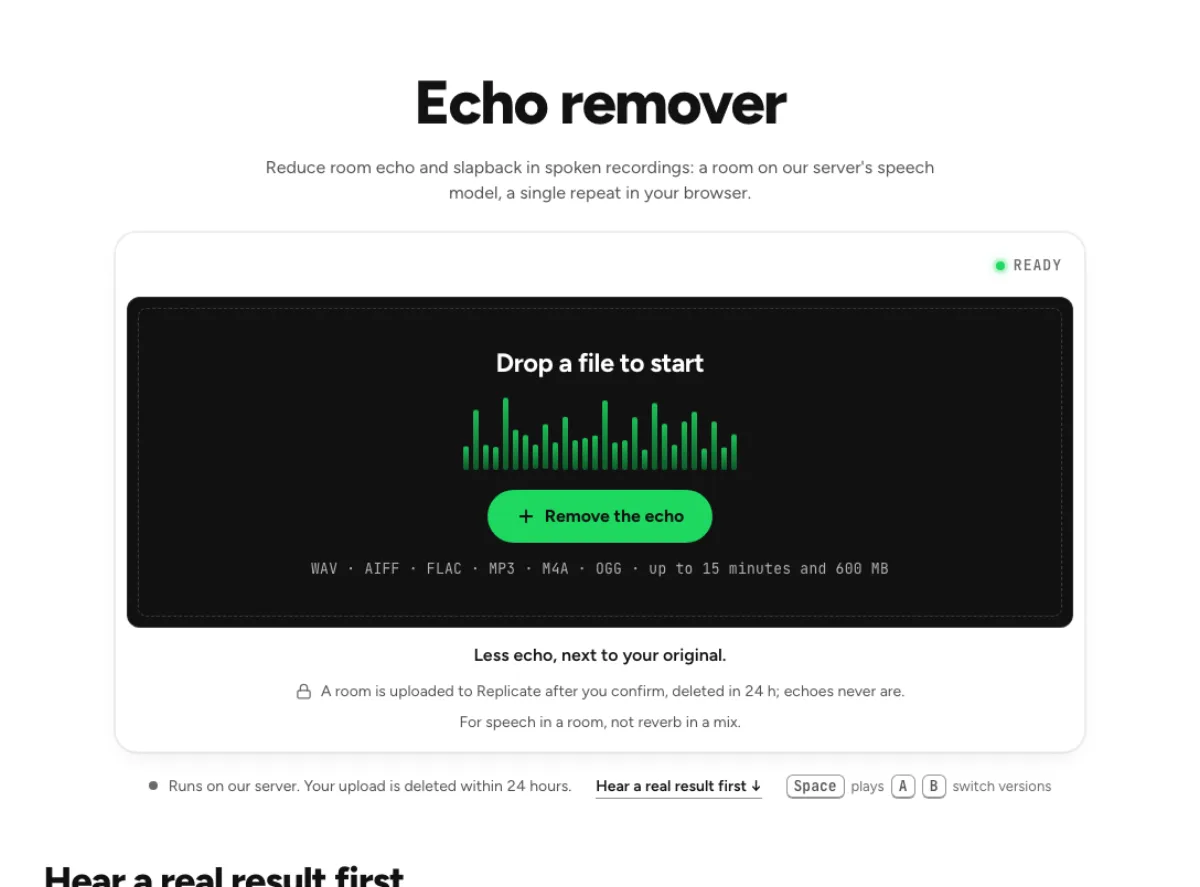
Reduce room echo and slapback in spoken recordings: a room on our server's speech model, a single repeat in your browser.
- Runs on our server. Your upload is deleted within 24 hours.
- Space plays AB switch versions
Less echo, next to your original.
WAV · AIFF · FLAC · MP3 · M4A · OGG · up to 15 minutes and 600 MB
A room is uploaded to Replicate after you confirm, deleted in 24 h; echoes never are.
For speech in a room, not reverb in a mix.
How it works
- What to expect
- Our speech model takes most of a room off a voice; reverb baked into a music mix will not come out clean.
- Your file
- When the file reads as a room, the speech goes to our processing partner (Replicate) to be cleaned and is deleted there within 24 hours. It counts as one cloud run, and the same file again within 24 hours is free. A single clear repeat, a dry recording and music are processed in your browser and never uploaded.
- How it works
- The page first reads the file: the room's decay (T60, the time a sound takes to fall 60 dB), whether one repeat up to 500 ms late stands out, and whether it is speech or music. A clear single repeat is removed in your browser: the tool subtracts what earlier audio predicts, turns down what is left after each word and matches the level back. On a voice with a 180-ms slapback that brought it from 4.9 to 11.0 dB SI-SDR against the dry recording, where our server's speech model reached only 2.8 dB and deleted 0.75 s of words. A room's echo goes to the speech model instead: on a voice in a 0.9-second room it went from −5.1 to +6.3 dB and changed no words, where the on-device remover reached −4.5 dB. Before a server result is used, the page checks it for deleted speech; if it finds any, it uses the on-device remover and says so.
What the echo remover changes
Distinguish a repeat from a room
A delayed copy of a word and a diffuse room tail are related problems, but they do not sound the same. The echo remover checks for a discrete repeat as well as the wider decay of the recording. A detected single repeat can be treated locally in your browser. Speech that reads as a reverberant room can use the cloud speech model. This routing matters: subtracting a guessed repeat from every file would damage material without that repeat. Use the measurements to investigate the echo you can actually hear, then compare the treated sentence with its original rather than expecting all reflections to disappear.

Read measurements alongside the sound
The echo remover reports a discrete repeat up to 500 milliseconds late and provides information about the room's decay. These are clues about the file, not proof of a perfect reconstruction. A repeated word may overlap the next word, and a complex space contains many reflections at different delays. Compare playback while watching the measurements, especially around short phrases with a clear pause afterward. Treatment can reduce a repeat without erasing it. If the numerical change looks encouraging but a consonant has become thin or a new hollow tone appears, trust the audible problem and choose a gentler result.

Conservative treatment for music
A guitar delay, a snare ambience and a sustained note can all resemble acoustic echo. The echo remover protects music rather than assuming these are defects. When the file reads as a dense mix or music, the local treatment is deliberately gentle and may change very little. Do not use that small change as evidence that a hidden studio version has been recovered. This workflow is most useful on spoken recordings with a recognizable repeat or room problem. For a finished song, embedded effects belong to the mix; a speech-oriented cloud route is not an appropriate shortcut to stripping them away.
Spoken recordings with audible repeats
Online lessons
A teacher speaking near a bare wall may produce short reflections that blur words through laptop speakers. Test the echo remover on a sentence with distinct stops, then a longer explanation with few pauses. If the speaker is also being played through another device, the recording can contain an electronic repeat as well as the room. A discrete-delay check can help, but it cannot guarantee a clean result when several delayed copies overlap. Keep the source and compare intelligibility through the device your students are likely to use. Avoid chasing an unnaturally dry sound when a smaller improvement makes the lesson easier to follow.
Interviews in hard rooms
An interview recorded in a kitchen, hall or empty office can carry strong early reflections. Use the echo remover on both speakers, because their distance from the walls and microphone may differ. The closer speaker can sound relatively dry while a guest several feet away becomes smeared. Check the moment a quiet answer begins after the other person finishes. The processed version should not make that answer feel shortened or detached from the room. For spoken room decay the cloud route may help substantially, but a heavy public-address echo or several nearby voices can defeat either route. The page explains when a server result was not used.
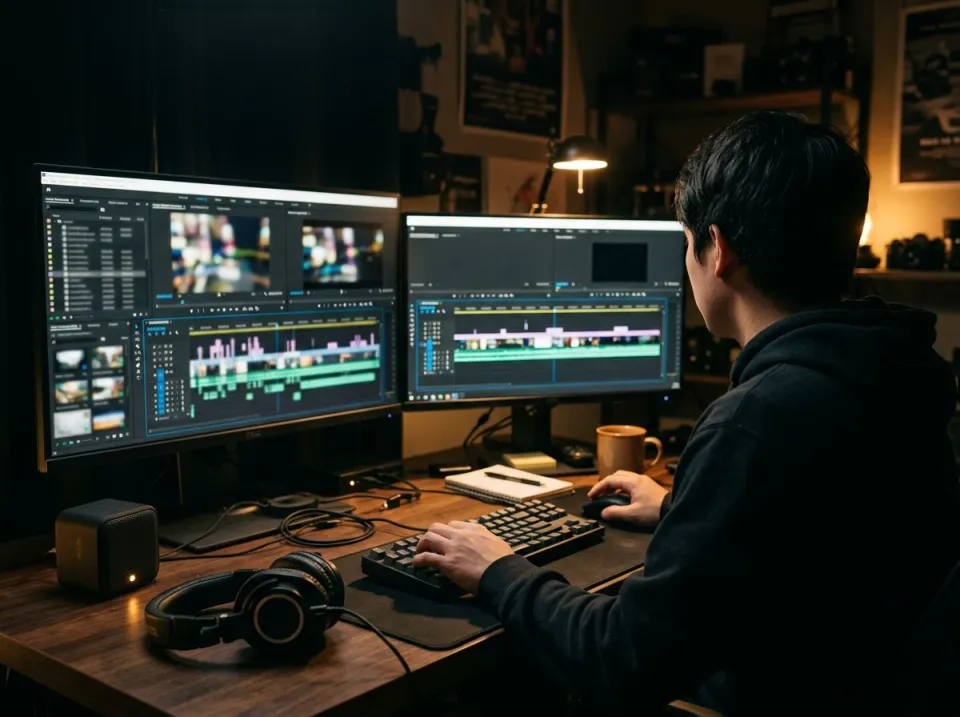
Video dialogue
A visually important take may be difficult to repeat even when the sound has an obvious echo. The echo remover gives an audio repair option before an editor considers replacing the dialogue. Work from the original soundtrack rather than a copy repeatedly compressed by social platforms. After processing, put the result back under the picture and check the timing of short words and pauses. A dry preview alone does not tell you whether the edit feels natural with the visible room. Keep some room character when it supports the scene, and review lip synchronization and adjacent cuts before treating the file as ready to publish.
Inspect, compare and save
Choose a representative phrase
Load a supported recording with a clear example of the problem. A short phrase followed by a pause is useful, but include continuous speech too: the echo remover must behave acceptably when the repeat overlaps useful words. Let the file reading finish and review the route and confirmation before a cloud run. A dry file, a single repeat or music may remain on the device; room-like speech can be uploaded for processing. That distinction matters because the appropriate treatment depends on the recording. Read the current file limits and run availability on the page instead of assuming that every upload box represents the same service.
Compare routes and strength
Listen first to the delayed word you identified in the source, then replay the whole sentence. The echo remover lets you evaluate the result rather than relying only on a detection figure. If the room is reduced too strongly, use the available strength control to retain more original ambience. After a result, the page allows an engine comparison, which is useful when the first route does not suit the file. Either route may have little safe work to do on a dry recording or music. Do not increase processing merely to create a larger measurement; check whether the original issue was actually reduced without a new artifact.
Export in the context of the edit
Save the selected result separately from the source, then audition it in your ordinary editing or playback application. The echo remover addresses the repeat or room component; it does not finish every part of dialogue post-production. A residual fan may need noise cleanup, while an uneven interview may need level balancing. Make those decisions from the original problem rather than stacking every available processor. Keep the original recording until the final video or audio edit is approved. If later cuts reveal shortened tails or unnatural room transitions, you can revisit the treatment without attempting to reconstruct ambience from an already processed export.
Common questions
Can every repeat be removed completely?
No. It reduces a detected repeat or room reflections rather than guaranteeing their erasure. Strong overlapping copies, public-address systems and crowded rooms can defeat both routes. Listen to speech during overlap as well as the pause afterward; a quieter tail alone does not establish a clean repair.
Does this work on music?
It is deliberately gentle on music and dense mixes to protect useful notes and effects. It may do very little. A delay or reverb baked into a finished song cannot reliably be removed as though it were an independent track, especially while preserving the original musical decay.
How is the echo remover different from the reverb remover?
Both pages can send room-like speech to the cloud model and keep dry recordings and music local. This page additionally searches for a discrete repeat up to 500 milliseconds late and can reduce that repeat in your browser. Reverb focuses on diffuse room decay rather than an individual echo.
When is my file uploaded?
It uses the cloud speech route when the recording reads as a room problem and the run is confirmed. A single repeat, music or a dry file can use local processing. Cloud uploads go to Replicate and are deleted there within 24 hours; check the route before processing.
Why did my recording barely change?
It may find no strong repeat, judge the file relatively dry, or protect musical content. That restraint is intentional. Compare the original problem by ear; if the issue is a steady noise floor rather than echo, a noise tool is a more appropriate next step than stronger room treatment.
Can I fix speakerphone feedback?
A recorded delayed copy may be reduced, but the echo remover cannot prevent live acoustic feedback or rebuild severely distorted speech. Several repetitions, changing delays or a loud PA can make the repair unreliable. Stop the feedback at the recording setup when possible, and evaluate an existing file without expecting complete recovery.
Should my voice become completely dry?
A completely dry result is not always the most natural result. The treatment should make the message easier to hear while retaining believable word endings and room transitions. Compare a lower strength if the voice sounds detached or hollow, and judge it in the final scene or conversation.
Can I compare the echo remover engines?
After a result, the echo remover allows switching engines to compare what suits the recording. A cloud room treatment and a local repeat-oriented treatment solve different aspects of the problem. Keep levels consistent and listen to whole phrases, rather than choosing whichever route produces the largest numerical change.