
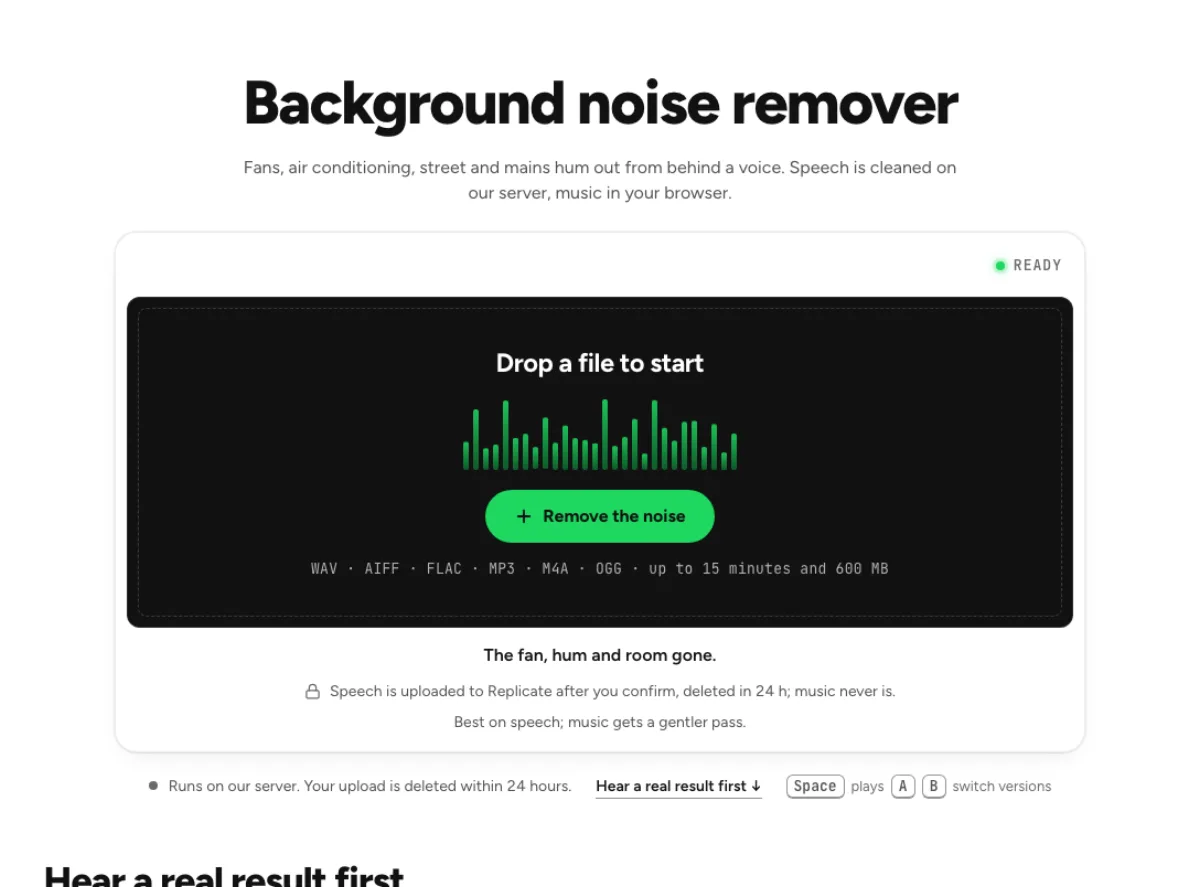
Background noise remover
Fans, air conditioning, street and mains hum out from behind a voice. Speech is cleaned on our server, music in your browser.
- Runs on our server. Your upload is deleted within 24 hours.
- Space plays AB switch versions
The fan, hum and room gone.
WAV · AIFF · FLAC · MP3 · M4A · OGG · up to 15 minutes and 600 MB
Speech is uploaded to Replicate after you confirm, deleted in 24 h; music never is.
Best on speech; music gets a gentler pass.
How it works
- What to expect
- Works best on speech. Music gets hum removal and a gentle reduction of steady noise only.
- Your file
- Speech goes to our processing partner (Replicate) to be cleaned and is deleted there within 24 hours. It counts as one cloud run, and the same file again within 24 hours is free. Music is cleaned in your browser and never uploaded.
- How this one works
- Mains hum, if the file has it, goes through narrow notches at 50 or 60 Hz and the harmonics that stand out. Speech goes to a speech-enhancement model on our server (NVIDIA RE-USE), which follows noise that changes and takes out much of a room's reverb too; the file is deleted there within 24 hours, and the hum notches run on its result as well. Music keeps everything but the steady part, in your browser.
What the background noise remover changes
Lower the bed behind a voice
A fan, electrical hum and street wash can form a continuous bed underneath speech. The background noise remover addresses that layer rather than trying to remove the person speaking. It combines local handling of mains hum with speech cleanup when the recording is spoken material. A song follows a different local path so instruments are not passed through a voice model. Choose this workflow when the distraction is the environment behind the main sound. A foreground interruption or another nearby person is a harder problem: the software does not know which meaningful sound you intended to keep, and some overlapping material can remain.

Separate speech and music treatment
The background noise remover checks whether the file contains speech or music because those sources require different treatment. Noisy speech can use the cloud model after the run is confirmed. Music stays in the browser, using hum notches and a room-noise suppression path. If a file is unclear, the content question helps avoid the wrong route. The page may also disclose a smaller local fallback when a speech cloud run is unavailable. Compare the actual result and read that message; a device fallback is useful, but it should not be mistaken for a successful run through the server model.

Balance noise reduction with useful detail
Lowering a noisy room is helpful only while the useful recording remains convincing. In the background noise remover, listen to a soft word ending, a short pause and a louder phrase. Strong suppression can make the background seem wonderfully quiet while revealing a thin or watery voice. For music, check exposed instruments and the decay at the end of a section. Processing cannot access the original clean source, so noise sharing the same frequencies as useful sound creates a tradeoff. Keep enough texture to avoid abrupt holes, and judge the cleaned file in the setting where someone will actually hear it.
Environmental noise in real recordings
Home-office recordings
A computer fan or air-conditioning unit often runs for an entire call. The background noise remover can make that stable bed less distracting without requiring the speaker to stop between every sentence. Test the file on both ordinary speech and quiet asides. A voice that is close to the microphone is usually easier to preserve than one already buried in the room. Cleanup does not replace good recording placement, but it gives an existing take another chance. Keep the untreated file and compare the result through a small speaker as well as headphones, because the perceived balance of voice and hum changes between playback systems.
Location interviews
Traffic wash, ventilation and distant activity often sit under an outdoor or public-space interview. Use the background noise remover for the continuous bed, then inspect louder events separately. A passing motorbike or nearby conversation can cover words in a way that steady-noise treatment cannot completely undo. If wind is the dominant problem, the wind-specific page also examines gusts and low-band rumble. Evaluate the result on the quiet interviewee, not just the loud questioner. Compare complete exchanges so a cleaner environment does not come at the cost of the guest's softer words or the natural transition between speakers.
Music-room recordings
A rehearsal or music transfer may contain mains hum and steady room noise while the performance itself must remain intact. The background noise remover keeps music local and avoids the speech model. Listen to bass notes and sustained tones when assessing hum reduction, because useful musical energy can sit near the same frequencies. Check a sparse intro as well as the loudest section. This is not a general instrument separator or a way to mute audience applause while leaving every note unchanged. Use a separate cleanup copy, and preserve the source when the room sound is part of the performance you may want later.
From source choice to audition
Choose what you want to preserve
Load the best source recording available, and let the file reading finish before selecting a route. If the background noise remover asks whether the material is speech or music, answer for the content you want to keep. A voice with music underneath is not the same as an instrumental with incidental chatter, so think about the intended result. Review a server confirmation and the current run allowance before uploading speech. The workflow uses the content distinction to protect the source, not to label every sound perfectly. Start with a representative section containing the background problem and an important quiet phrase if you are evaluating a long recording.
Check the findings against the sound
Read what the page reports, then replay the moments where the background was most distracting. The background noise remover may address a tonal hum as well as a broader bed; check that the repaired file still has weight and intelligibility. Listen through pauses rather than only to them. A smooth transition into a sentence matters more than a silent gap on its own. On music, compare exposed low notes, cymbal tails and stereo ambience. If the background noise remover makes little change, the noise may not be safely separable from the useful sound. Avoid repeatedly processing the export simply to produce a larger difference.
Save a copy for the final edit
Export the version you prefer and check it under the actual video, lesson or music edit. The background noise remover can change the room texture enough that adjacent untreated clips become noticeable. Compare those boundaries and keep an original available until the final assembly is approved. If an isolated gust, click or breath is still distracting, use its dedicated tool rather than applying another broad pass. This treatment addresses the continuous environment, while other stages solve different problems. A clear source name and a separate cleaned filename make it easier to return to the right recording if later edits reveal an unwanted tradeoff.
Common questions
When is spoken audio uploaded?
It can send noisy speech to Replicate after confirmation; that upload is deleted within 24 hours. Music is processed locally. When cloud speech cleanup is unavailable, the page can use and identify a smaller device fallback, so read the route message before accepting the result.
Can I remove mains hum?
It includes local notches for detected mains hum before the appropriate cleanup path. Musical bass and sustained tones can overlap those frequencies, so check the result by ear. Removing a hum is not the same as removing every low-frequency sound in the recording.
How is music protected?
It uses a local music path instead of the speech model. That helps protect instruments, but suppression can still affect overlapping useful sound. Compare sparse sections and note tails at a moderate amount, and keep the source rather than assuming a quiet result is automatically faithful.
Can I isolate one speaker?
This tool is not a reliable speaker-selection tool. Distant crowd wash can come down, but a nearby intelligible talker may survive because that sound is also speech. Overlapping voices can mask words permanently; the tool does not know which person you meant to retain.
When should I use a different background noise remover tool?
Use the wind page for gust-heavy rumble, the static page for crackle and the reverb page for room tails. This background noise remover is aimed at an environmental bed and hum. Choosing the defect-specific workflow makes the controls and the remaining limitations easier to evaluate.
Why do the pauses sound strange?
An aggressively reduced floor can create an abrupt contrast between words and gaps. Compare the background noise remover on whole phrases and retain a little room texture when that sounds more natural. A silent pause is not a useful improvement if speech endings become thin or watery.
What if the content reading is wrong?
The background noise remover's speech-or-music question is there for ambiguous recordings. Choose according to the sound you intend to preserve. A dense spoken track and a mono song can be difficult to distinguish automatically; selecting a speech route for music can alter the musical material.
Can a loud passing vehicle be removed?
This tool can lower a bed, but a loud event covering the voice is much harder. It cannot reliably recreate a word hidden by the vehicle or repair clipping from an overloaded microphone. Check the affected phrase and consider an alternate take when the content remains unclear.
Learn how
Guides and tutorials that use this tool, with real screens and real numbers.