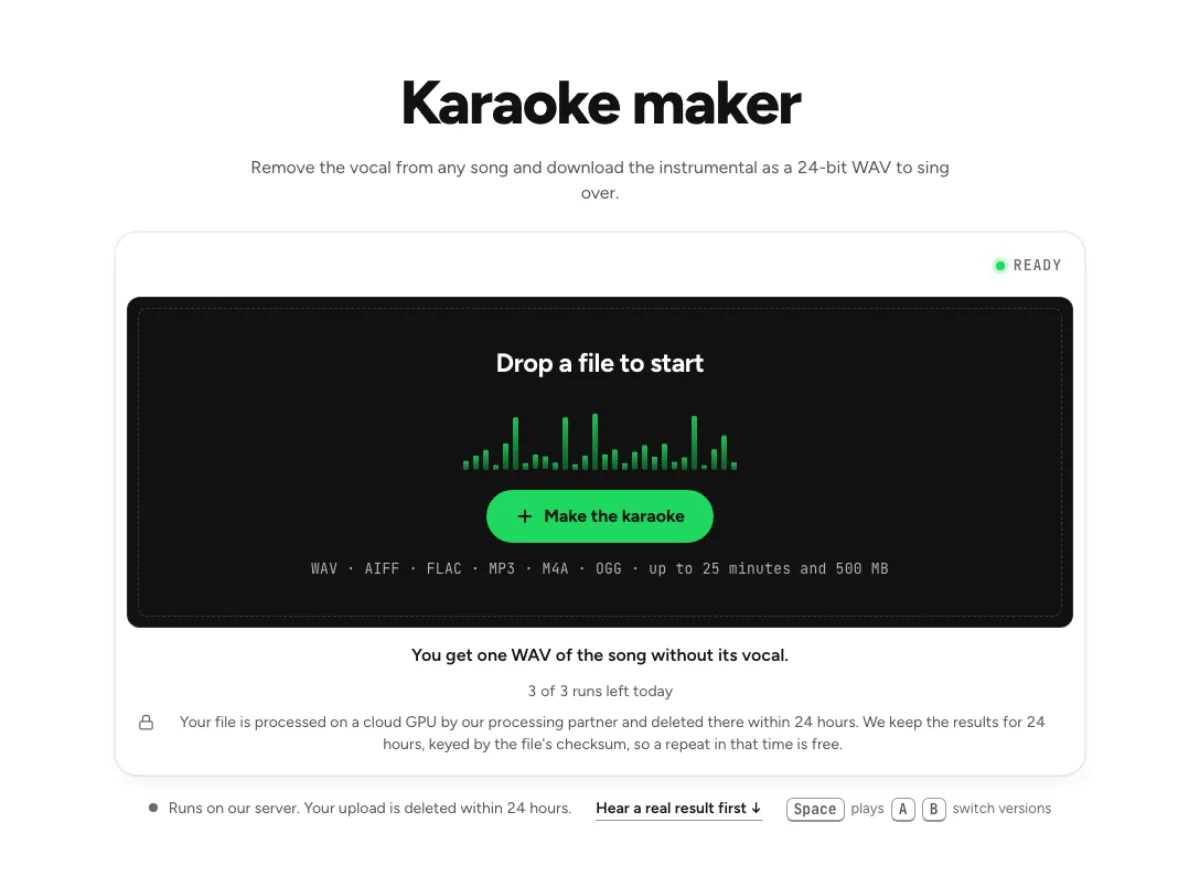
Karaoke maker
Remove the vocal from any song and download the instrumental as a 24-bit WAV to sing over.
- Runs on our server. Your upload is deleted within 24 hours.
- Space plays AB switch versions
You get one WAV of the song without its vocal.
WAV · AIFF · FLAC · MP3 · M4A · OGG · up to 25 minutes and 500 MB
Checking your runs
Your file is processed on a cloud GPU by our processing partner and deleted there within 24 hours. We keep the results for 24 hours, keyed by the file's checksum, so a repeat in that time is free.
How it works
- What it does
- The instrumental of any song with the vocal removed and the level kept, as a 24-bit WAV you can sing over.
- Model
- A separation model on a cloud GPU splits the song; two stems are the average of a two-stem and a six-stem pass. Measured on six songs with every part known (SDR, higher is better; the untouched song scores −3 to −5 dB): vocals 15.3 dB and instrumental 18.5 dB on average; drums 14.6, bass 13.3, guitar 11.5 dB; piano 4.7 dB as a quiet layer, 12 to 17 dB when it leads. Nothing is clipped, and the files keep your sample rate. Model names and licences
- Output
- One 24-bit WAV per stem at your file's own sample rate. A stem that peaks past full scale (a loud master) comes as 32-bit float instead, so nothing is clipped. Vocals and instrumental add back up to your file at −108 to −114 dB on our test songs; the song without a stem is made from the others and adds back up with it exactly.
- Time
- About 15 s of GPU time for a 45-s excerpt at standard quality, plus 1 to 3 minutes the first time while the model starts.
- Your file
- Your file is processed on a cloud GPU by our processing partner and deleted there within 24 hours. We keep the results for 24 hours, keyed by the file's checksum, so a repeat in that time is free.
Turn any song into a backing track
One sing-along WAV
The vocal comes out and everything else stays at its original level. You download one 24-bit WAV, ready to load into a player or a karaoke rig. The karaoke maker prepares a sing-along audio track from a recording you already have. It removes the vocal layer while retaining the arrangement as one backing. This is useful when you need the recorded tempo and instrumentation rather than a newly performed cover. The result is audio, with no synchronized lyric screen.

Keep a guide vocal
Adjust the mix holds the vocal on its own fader. Pull it down to −20 dB and export, and a faint guide stays in the track to follow. A guide vocal can be more useful than absolute silence while learning an unfamiliar song. Start with the vocal low enough that your own voice leads, then reduce it as the melody becomes familiar. Save separate versions for learning and performance so the wrong balance is not selected during a rehearsal.

Check the chorus first
Karaoke track and Original share one playhead. Flip between them in the loudest chorus to hear the voice drop out before you rehearse to it. Check the loudest chorus, an exposed first line and the song's final vocal tail before relying on the backing. A choir or doubled chorus can leave a softer trace even when the lead disappears well. Judge that trace at your intended performance volume, rather than only through quiet laptop speakers.
Who makes their own karaoke tracks
Cover singers
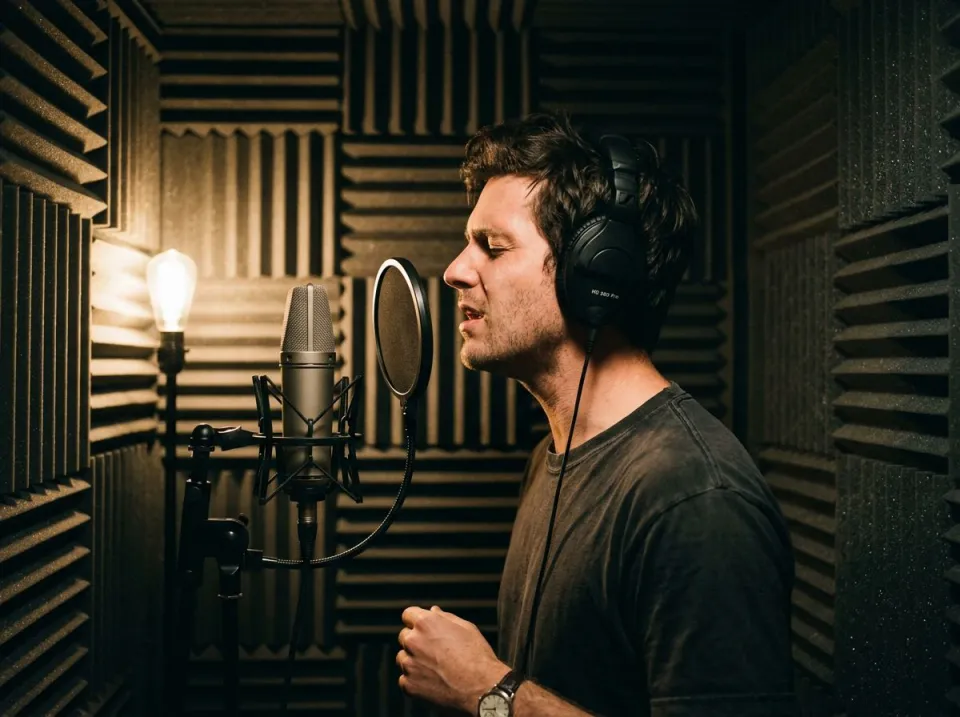
Build a 24-bit WAV backing track for a recorded cover from the song itself, then sing over the real arrangement. A cover singer can rehearse breath timing and entrances against the original arrangement. Keep a lyric sheet separately and mark any count-in or pickup that the recording lacks. If the original key is uncomfortable, process the downloaded backing with the pitch changer before committing the whole rehearsal to that key.
Party hosts
Turn a few songs from your own library into sing-along tracks before guests arrive. Running one of them twice costs no second run. A party host should download and audition the karaoke backing ahead of the event. Check that the chosen player can open the file, that the first beat is not cut off, and that the speaker level is sensible. The karaoke maker prepares a backing; it does not organize a queue of singers or run a live show.
Vocal coaches
Give a student the original arrangement to practise over, with a low guide vocal for the first week. Vocal coaches can keep a quiet recorded voice during a student's first pass, then use a cleaner backing for the next attempt. The same arrangement makes changes in phrasing easier to compare between takes. Record the student's performance separately so the backing does not become permanently mixed into the lesson recording.
How to make a karaoke track from any song
Choose a song
Bring the song as an MP3 or any other format the box prints, under 25 minutes. Replicate processes the upload for us and removes its copy of your song inside 24 hours. Select the exact version you want to sing: an album mix, live recording and radio edit may have different structures. Avoid using a source with audience announcements if the goal is a clean backing. Trim a short test copy if necessary, and keep the original so you can verify every chorus and ending.
Listen for the singer
The karaoke track loads on the big transport when the run ends. Switch to Original and back a few times to judge the removal by ear. After the run, switch between the original and karaoke versions at the same position. Listen for backing voices as well as the lead singer, since the basic split groups voices together. If preserving the harmonies is essential, compare the lead and backing vocal splitter instead of assuming this page leaves them in.
Download or rebalance
Click Download karaoke track for the WAV. Open Adjust the mix to leave a guide vocal in, or run the file through the pitch changer to move the key. Download the finished backing, then do any key change or final loudness adjustment as a separate step. Exporting does not add lyrics, visual countdowns or a new musical introduction. When performing in a venue, test the saved file on that venue's playback setup and keep the correct version clearly named.
Lyrics, harmonies and key in karaoke tracks
Does the karaoke maker show lyrics?
No, it writes audio only, so bring your own lyric sheet or screen. Keep the words on a separate device or printout, and rehearse the actual introduction and ending. If a synchronized lyric presentation is essential, prepare it in a karaoke or video application after downloading the audio.
Does it also remove backing vocals?
Yes, the split treats every voice as one vocal, so harmonies leave the track along with the lead. To keep them, use the lead and backing vocal splitter. A harmony-heavy chorus deserves its own check because singers and backing voices share the vocal group. Listen before promising a choir-free backing or choosing this page for an arrangement that depends on retained harmonies.
Can I change the key of a karaoke track?
Yes, as a second step. Drop the downloaded WAV into the pitch changer and move it up to 12 semitones either way, with the tempo unchanged. Try a small key movement first and listen to sustained accompaniment before selecting a larger shift. Keep the original karaoke backing as a reference so a pitch-processing issue is not mistaken for vocal-removal damage.
What should I check after using this karaoke maker workflow?
Listen to singing voice and karaoke backing, rather than judging just one file. The difficult cases include backing vocals, long vocal echoes and busy choruses. Compare an exposed passage, a busy section and the tail of a sustained sound at the same musical moment. A result can work for practice while being too rough for an isolated production use. Choose based on the sound you will actually deliver, and keep the original nearby when a note, word or effect is uncertain.
What source recording should I use?
Start with the cleanest version you already have and avoid repeated lossy conversions. Saving a damaged recording as WAV does not restore the detail it lost. Excessive EQ, clipping or added reverb before separation can make the task harder. Keep the original and work on a copy so later comparisons remain meaningful. A useful filename includes the song, the chosen key and whether a guide vocal remains. That small habit prevents a rehearsal version from replacing a performance version by accident. Keep a short written note about any count-in or unusual ending, because the karaoke maker follows the source arrangement rather than rebuilding it.
How do file length, plan access and cloud runs work?
The cloud processing limit is up to 25 minutes per file, with file size and mode access also checked before a run starts. The current catalog allows 3 runs daily anonymously, 10 monthly for signed-in free users, 80 monthly on Pro and 150 on Pro+. Each new file and processing configuration uses the relevant allowance; an identical result can be free while cached. Check the current pricing and the uploader before processing a batch. Downloads are part of the result, not a separate per-file unlock.
Is this separation performed entirely on my device?
No. This is cloud separation: audio is uploaded for processing on external infrastructure. Browser playback, comparison and some exports happen locally after the results arrive, which does not make the separation itself offline. Check the Privacy Policy before submitting sensitive material, and use an appropriate local workflow if audio must stay entirely on your device. Download useful outputs while available; temporary results and cached repeats are not a permanent archive.
Can I publish or share the separated result?
Separation changes the balance of a recording, not its ownership or the permissions attached to it. Use material you own or are otherwise entitled to adapt, and arrange the permissions needed for your intended publication. A separated result does not include a licence to a commercial song, performance or soundtrack. For your own project, keep the source, an untouched separation and a separate delivery copy. Listen again in the complete mix before sharing; an acceptable rehearsal reference may reveal artefacts when exposed alone.
Learn how
Guides and tutorials that use this tool, with real screens and real numbers.