
Audio to MIDI
Turn a melody, a bass line or a chord progression into a MIDI file, in your browser.
- Runs in your browser. Nothing is uploaded.
- Space plays AB switch versions
You get a MIDI file you can drag into a DAW.
WAV · AIFF · FLAC · MP3 · M4A · OGG · up to 10 minutes and 300 MB
Runs in your browser. Nothing is uploaded.
How it works
- What it does
- Notes from a melody, a bass line or a chord progression as a MIDI file, with Spotify's Basic Pitch model running in your browser.
- How it works
- Basic Pitch (Spotify, Apache 2.0) estimates onsets, note frames and pitch contours from the audio at 22.05 kHz, in your browser. Notes are formed with the thresholds above; Source sets them to what scored best on annotated recordings of that kind. On held-out recordings, with a note counted right when its pitch and its start within 50 ms match: solo guitar 89 %, strummed guitar 76 %, piano 83 %, solo voice 58 %, voice with piano 47 % (F-measure). The MIDI file carries the song's tempo map from the beats the Key and BPM finder finds for the same audio (one tempo per beat, and a pickup bar so bar 2 starts on the first downbeat), or one tempo if you choose; the notes keep their heard times either way. On held-out songs that tempo was right for 81 to 85 % of them, and about half the misses were half or double the real tempo. A 45 s file takes about 3 s on a laptop; long files are processed in 2 s windows.
Get a note draft from a recorded performance
A transcription draft, not a new recording
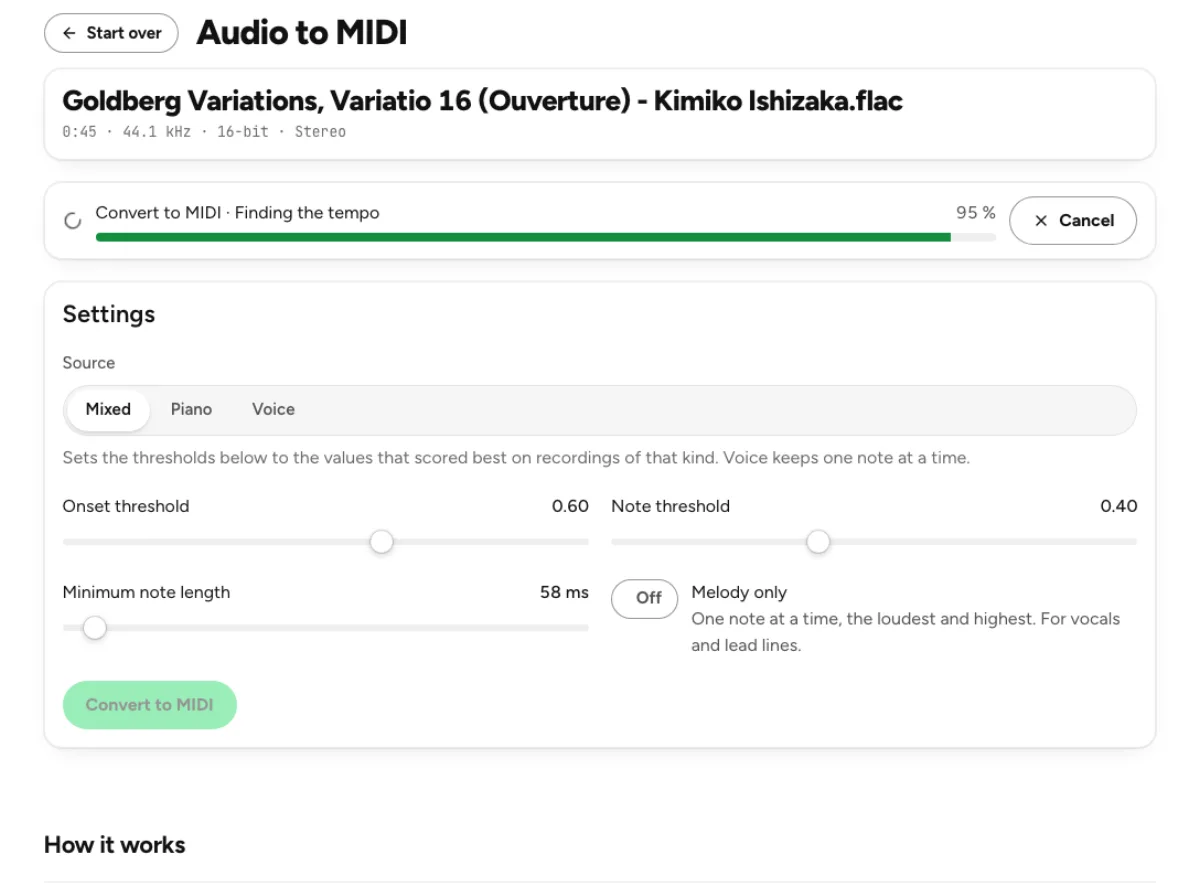
The converter uses Basic Pitch in your browser to estimate notes from audio. Its output is MIDI: pitches, note starts, durations and velocities that another instrument can play. It does not contain the original singer’s voice, guitar tone or room sound. A clean isolated performance usually gives a more useful starting point than a complete band mix. Expect to inspect and correct the notes, especially around overlapping instruments, expressive slides, sustained pedal passages or sounds with ambiguous attacks.
Controls for different source material
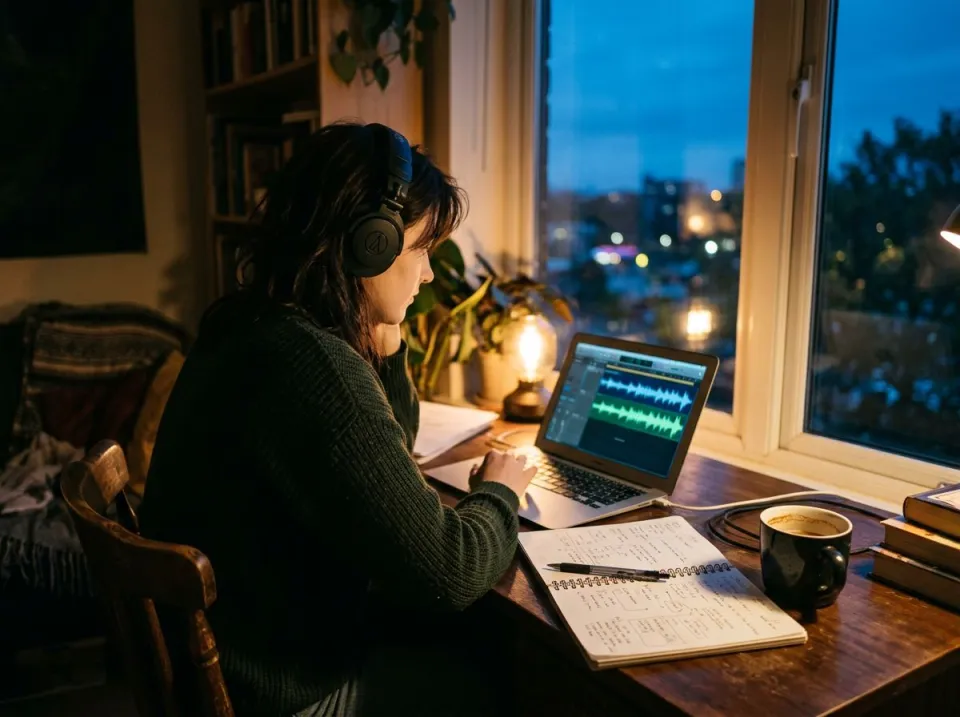
Source presets for mixed audio, piano and voice establish useful threshold starting points. Onset threshold influences note starts; note threshold affects which pitches remain; minimum note length can remove brief spurious events. Melody only keeps a single-note interpretation where that matches the performance. These controls express tradeoffs: raising a threshold may clear noise while losing quiet notes, and lowering it can recover a phrase while adding false detections. Change one setting, convert again and compare the result with the source.
Piano roll and timing before export
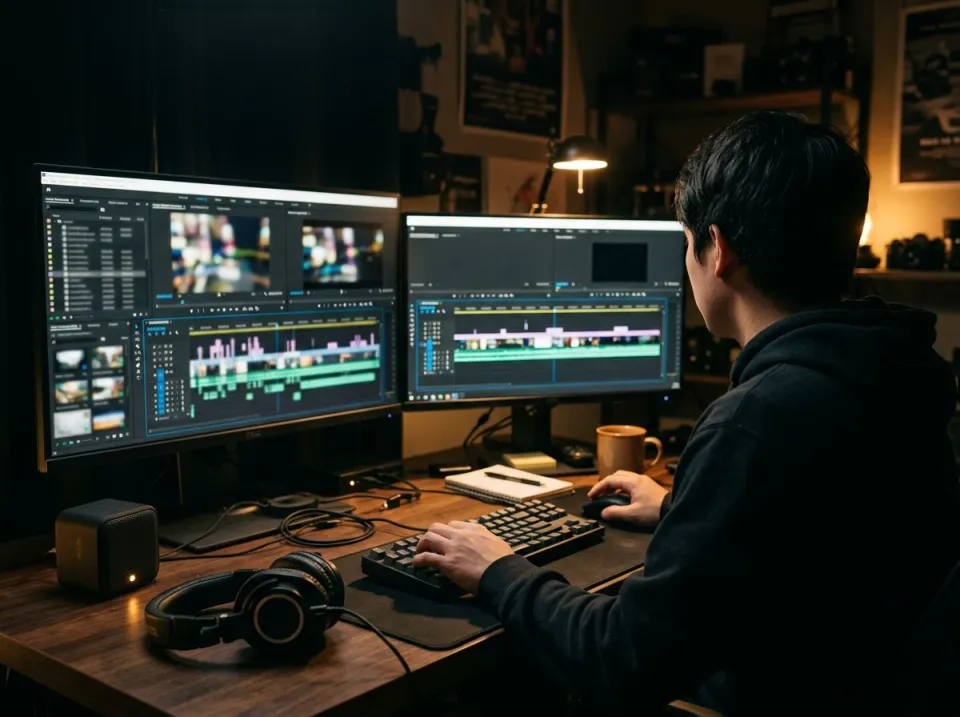
The piano roll makes the detected pitches and durations visible, while result tiles summarize the note count, range and tempo information. The export can carry a detected tempo map when supported by the analysis, or a fixed tempo while preserving heard note times. Different DAWs handle imported tempo information differently, so check how your application places the clip. A plausible-looking roll is not proof the transcription is correct; listen to a suitable instrument playing it against the original part. Choose the destination instrument early in the cleanup process. Short false notes can be easy to miss on a soft pad but obvious on a piano, while overlapping notes that sound plausible on keys may be impossible for a monophonic instrument. The MIDI file gives you editable events precisely so you can make those decisions. Preserve useful timing and articulation where possible instead of assuming that the cleanest-looking grid is always the most convincing musical result.
Who converts a recording to MIDI

Songwriters capturing a sung idea
A voice memo can preserve a hook before you know how to play it. Record one clear melody with minimal background accompaniment, choose the voice-oriented setting and review the result with Melody only where appropriate. Breaths, consonants and expressive pitch changes can create extra or uncertain events. Correct the draft in your DAW and choose an instrument that suits the idea. The value is recovering an editable musical outline, not automatically turning an informal vocal into a finished arranged song.
Arrangers changing an instrument
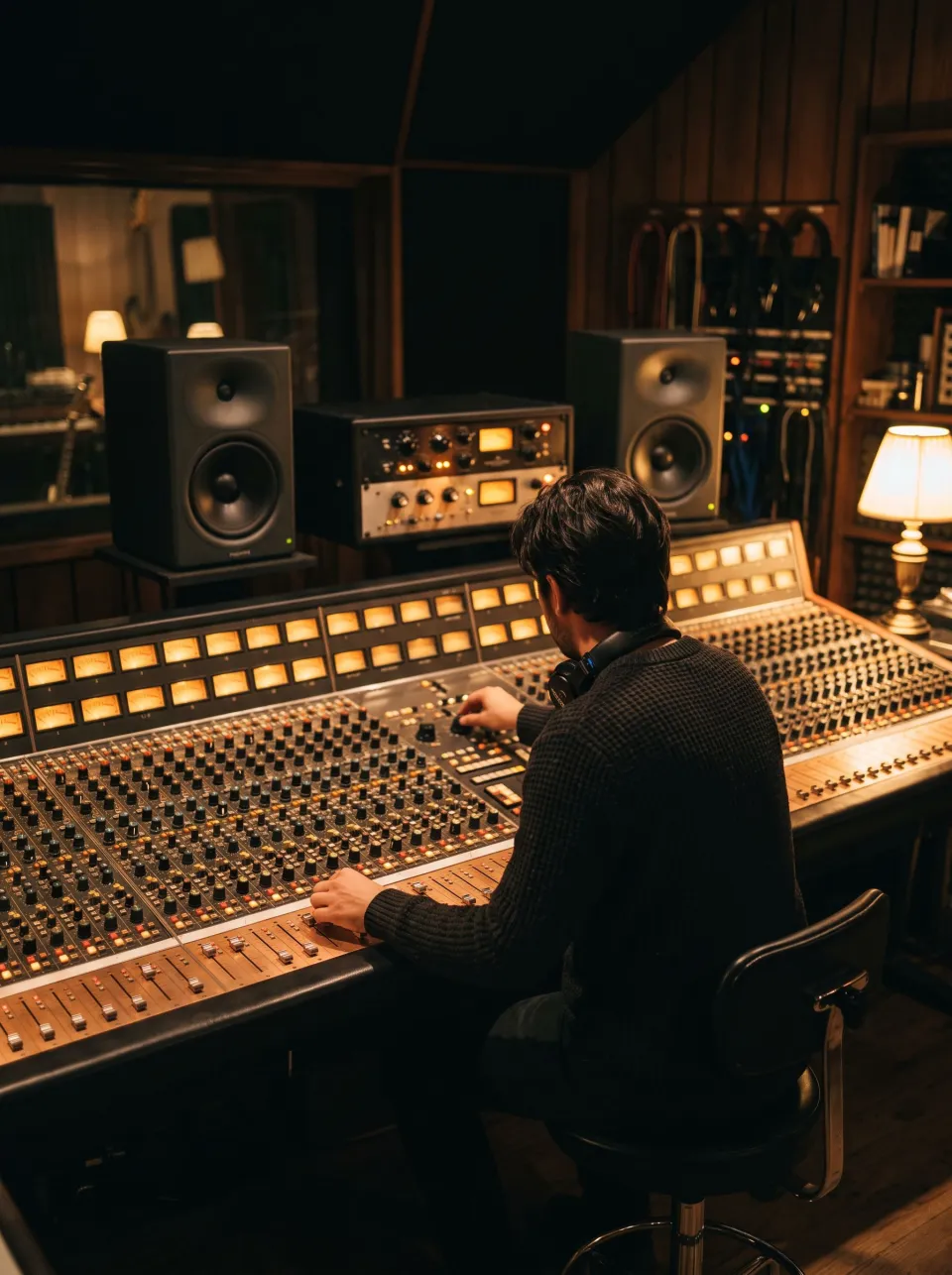
Convert a separated piano or other harmonic part when you want to explore it on another instrument. Chords may need attention to overlapping note lengths, inversions and unwanted harmonics. Start with a cleaner isolated source rather than assuming the model can assign every instrument in a dense mix to its own track. In the DAW, inspect the register and voicing before giving the notes to strings, bass or another sound whose playing range differs from the original instrument.
Players learning a solo
Use the detected notes as a transcription aid while learning an isolated solo. Fast ornaments, bends and vibrato do not always map neatly to simple note events. Slow the source in a practice workflow and compare each phrase by ear, correcting pitches and durations manually. An accurate enough draft can save time, but a crowded roll is a signal to improve the source or settings. It is better to recover one clear line than to export a large number of uncertain notes.
How to get a cleaner MIDI result
Start with the clearest part available
Load a supported source within the 10-minute and 300 MB limits. A melody, bass line or chord part on its own is a better candidate than a mastered mix with many instruments. Use the stem splitter first when you need to isolate an instrument from a song, understanding that separation artifacts can also affect transcription. The MIDI analysis itself runs locally. Wait for the initial conversion, then compare its note density and register with what you actually hear.
Tune the detection instead of accepting every note
Choose the source preset closest to your recording and inspect the first piano roll. If soft notes disappear, lower the relevant threshold gradually; if the roll fills with brief false events, increase the threshold or minimum length. Keep Melody only for genuinely single-note material rather than chord passages. Reconvert after changes and audition a representative phrase. Avoid using the total note count as a quality score: fewer correct notes can be more useful than many unsupported guesses.
Import the MIDI and check the musical result
Download the MIDI file and open it in an application that reads standard MIDI. Confirm the import behavior for tempo maps or choose the fixed-tempo option when that better suits your DAW. Assign an instrument, listen beside the original and correct notes, rhythm and lengths. Keep the original audio as a reference because MIDI does not preserve its timbre. Save the edited musical version in your project rather than assuming the raw transcription is the final arrangement.
MIDI transcription and timing questions
Can a whole song become separate MIDI instrument tracks?
This tool transcribes note events from the supplied audio; it does not reliably reconstruct a complete arrangement into independently identified instruments. A full-band input can produce a crowded result. Isolate the part you need first, then convert and review that part. A clean melody or chord recording is a more realistic starting point than expecting a finished multitrack score from a stereo master.
Why did the converter find no notes?
The available signal may not pass the current thresholds or may not contain a clearly pitched performance. Check playback, choose a suitable source preset and lower the note threshold gradually before converting again. Percussive noise, heavy distortion or a very quiet source can be poor material for note transcription. A zero result is better investigated than filled with arbitrary notes.
Why are there too many short notes?
Onsets, harmonics, noise and overlapping sounds can be interpreted as separate events. Increase the minimum note length or adjust thresholds, then compare a short phrase again. Melody only can help a single-line performance but will discard wanted simultaneous notes from chords. Improving the source through isolation or a cleaner recording can be more effective than extreme threshold settings.
Does MIDI preserve the original voice or instrument sound?
No. MIDI contains instructions for notes and timing, which a synthesizer or sampled instrument interprets. It does not contain the waveform or preserve the original performer’s timbre. Keep the audio file if you need that sound. Use MIDI when you want editable musical events or a new instrument playing a corrected version of the detected notes.
Which music applications can use the download?
Applications that read standard MIDI can import the file, but tempo-map and clip-import behavior differs between DAWs. Check whether your application adopts the embedded tempo information, ignores it or places the notes against an existing session tempo. The fixed-tempo option can help when a DAW ignores a clip’s tempo map. Audition the imported result before arranging other parts around it.
Can I convert chords instead of a single melody?
Yes, polyphonic material can be analyzed, but dense overlapping instruments and pedal-heavy textures can create ambiguous notes and durations. Do not enable Melody only when you want simultaneous pitches. Use a clean chord part, compare the roll with the source and correct the voicing in your DAW. The converter provides a draft rather than a guarantee of exact harmonic transcription.
Does the audio leave my device?
The Basic Pitch analysis runs locally in the browser, so the source is not uploaded for this conversion. Model resources need to load, and longer files use more device memory and time. Isolating a source with a separate cloud stem tool is a different operation. Read that tool’s behavior separately rather than assuming every step in a combined workflow is local.
How should I clean up a MIDI draft?
Start with the main pitches, then correct note starts, endings and repeated events one phrase at a time. Listen through the instrument you plan to use, because a long piano note may need different articulation on a wind or plucked sound. Keep expressive timing when it serves the performance; automatic quantization is a separate choice, not a requirement for every transcription.