
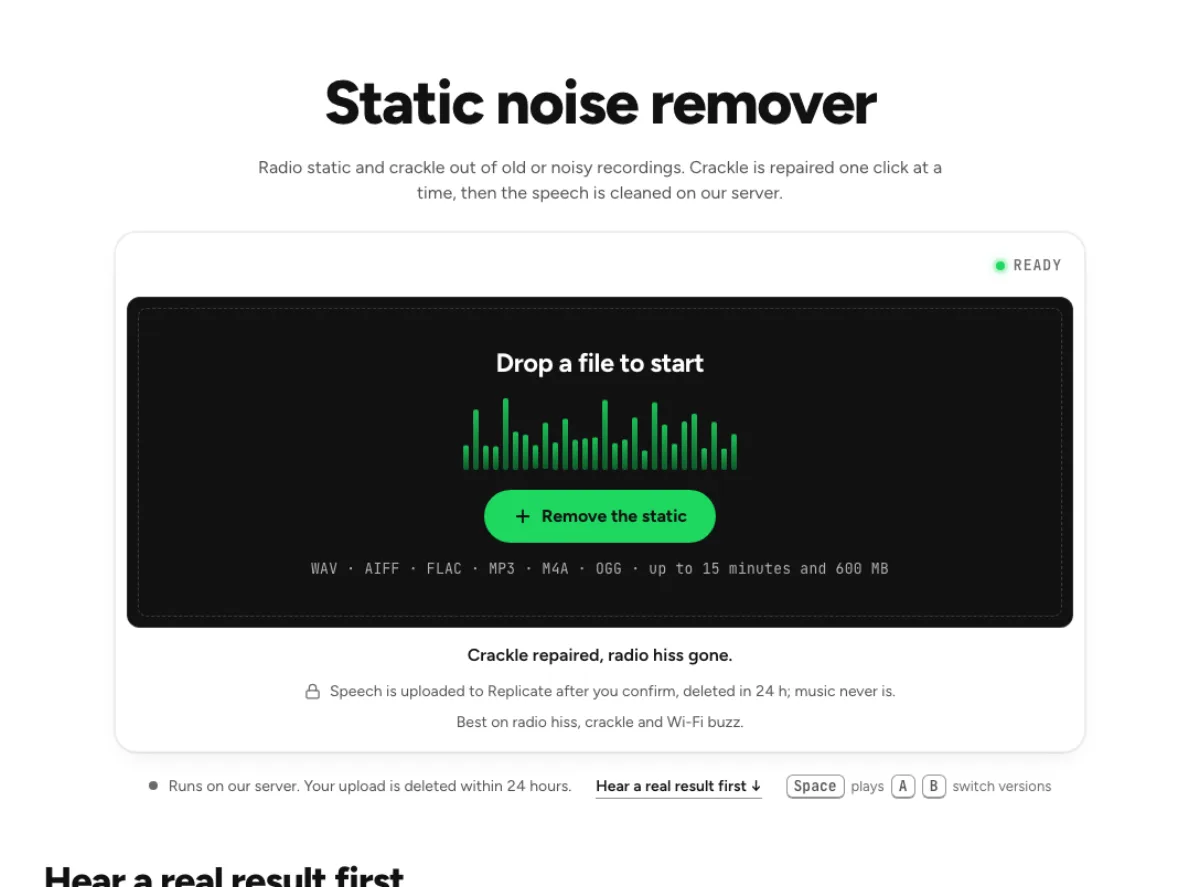
Static noise remover
Radio static and crackle out of old or noisy recordings. Crackle is repaired one click at a time, then the speech is cleaned on our server.
- Runs on our server. Your upload is deleted within 24 hours.
- Space plays AB switch versions
Crackle repaired, radio hiss gone.
WAV · AIFF · FLAC · MP3 · M4A · OGG · up to 15 minutes and 600 MB
Speech is uploaded to Replicate after you confirm, deleted in 24 h; music never is.
Best on radio hiss, crackle and Wi-Fi buzz.
How it works
- What to expect
- Best on analogue radio hiss and crackle. On speech it also takes out digital buzz such as Wi-Fi interference; on music it barely touches that.
- Your file
- Speech goes to our processing partner (Replicate) to be cleaned and is deleted there within 24 hours. It counts as one cloud run, and the same file again within 24 hours is free. Music is cleaned in your browser and never uploaded.
- How this one works
- Two jobs. First it finds each crackle, a burst far shorter than any speech sound, and turns only its high band down for those few milliseconds, in your browser. Then the hiss goes: speech through a speech-enhancement model on our server (NVIDIA RE-USE; the file is deleted there within 24 hours), with the crackles you left marked repaired on its result too; music through a gentler noise curve that never leaves your browser.
What the static noise remover changes
Repair crackle before lowering the floor
Static often combines two different sounds: short irregular crackles and a continuous background hiss. The static noise remover handles impulsive repair first, then applies the content-appropriate noise path. That differs from lowering only a steady floor, which can leave each sharp tick conspicuous. Use this workflow when the defect really is crackle or radio-like interference. Distortion from an overloaded recorder is different, even when it sounds rough. The tool cannot promise to reconstruct missing waveform information or every damaged consonant. Listen to the repaired events and the surrounding useful sound, rather than assessing only how quiet an empty gap became.

Choose the right content path
After crackle repair, the static noise remover protects speech and music differently. Spoken material can use the server speech cleaner after confirmation, while music uses local processing in your browser. When the content is ambiguous, the page asks which kind of sound you want to preserve. A server failure or unavailable cloud run can lead to a labeled local speech fallback. Read those details before judging the result. The route depends on the content; a difficult-sounding song still needs the music path.

Check the useful transients too
A crackle is abrupt, but so are a crisp consonant, a stick hit and the start of a plucked string. The static noise remover must distinguish a defect from useful transient detail. Replay the moments just before and after an obvious click, then compare a clean sharp sound elsewhere in the recording. If repair softens articulation or changes percussion, use a gentler treatment and retain the source. Impulse repair is not a guarantee of a pristine archive. A little remaining crackle can be preferable to a repaired file with rounded attacks or unfamiliar speech texture, especially when the original event overlaps the performance.
Where impulsive repair can help
Spoken archives
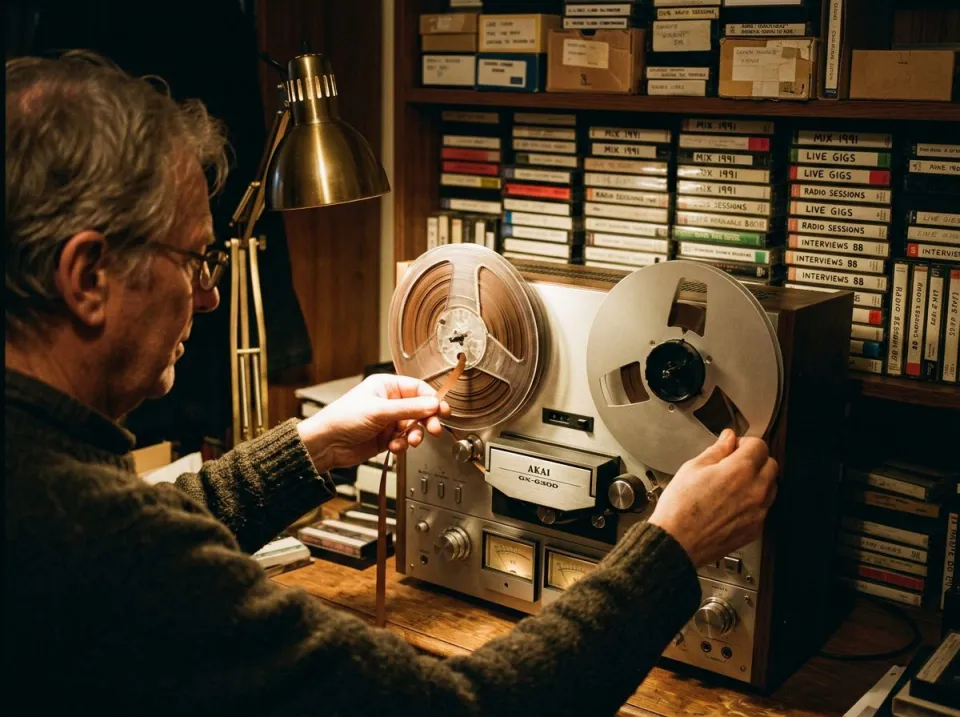
Oral histories, radio captures and older spoken transfers can contain intermittent ticks that interrupt otherwise understandable speech. Try the static noise remover on a short section containing both defects and clean words. Check names and numbers against the original so the improved texture does not distract from altered articulation. Preserve a raw archive copy and label the processed version clearly. Repair does not determine what a missing word should have been, and a noisy but intelligible phrase may be more faithful than an aggressively repaired one. Compare different speakers if the source includes an interview, because their consonants and recording levels can be quite different.
Crackly music transfers
A transferred record may have hiss, isolated ticks and repeated surface crackle. The static noise remover uses its music path to avoid the speech model, but percussion and string attacks still need a careful comparison. Test an exposed intro, a quiet fade and a rhythmically dense passage. Do not judge the whole repair from a section where loud instruments mask the clicks. A repair can make a listening copy more comfortable while leaving some defects. Keep the original transfer for preservation and future edits, and avoid successive compressed exports that add a new kind of damage each time you test another cleanup option.
Dialogue with connection noise
A damaged cable, noisy connection or interference can create short crackles in a spoken take that otherwise fits an edit. The static noise remover is worth auditioning before discarding the performance, but check whether the defect was recorded as an added impulse or as severe missing and distorted audio. The latter is harder to repair faithfully. Compare the processed output under the picture and beside neighboring takes. A changed consonant may be more noticeable when a mouth movement is visible. If a critical phrase remains unclear, an alternate take or rerecording can still be the more reliable editorial choice.
From crackle diagnosis to checked export
Identify the damage in the source
Use the best original copy, keep it untouched, and listen once to identify the crackle pattern. Drop the file into the static noise remover and let it determine the file information and content route. If asked, choose speech or music according to what you intend to preserve. Review any cloud confirmation and the current limits before starting. The chain can address both impulses and a continuous floor, but not every rough sound is static. A clipped shout, intentional distortion or a heavily compressed musical effect should be evaluated differently. A representative test section helps establish whether the repair is appropriate before a longer session.
Replay the repaired events
Replay a known click, then continue through the rest of the phrase or musical beat. The static noise remover should reduce the interruption without creating a soft spot in useful sound. Check another passage with clean sharp attacks so you can hear whether the treatment affects the source generally. Listen for a softened consonant, flattened percussion or a watery background after the floor reduction. Use the report and strength controls as support for this audition, not as proof that every detected event was unwanted. If the remaining issue is a stable hiss rather than impulses, the white-noise workflow may offer a clearer comparison.
Keep a reviewed listening copy
Save a separate cleaned file and check the same repaired moments in your usual playback application. The static noise remover may make isolated damage less obvious while leaving defects elsewhere, so sample more than the first few seconds. Keep the unprocessed source and use it for any new comparison rather than stacking several passes on the export. Processing cannot undo an editorial decision to remove a useful transient once only the processed version remains. For a final video, verify synchronization and cut boundaries. For a music archive, review fades and exposed percussion before choosing the derivative as the everyday listening copy.
Common questions
What makes a static noise remover different from hiss reduction?
This tool addresses short impulsive crackles before handling the continuous floor. Hiss reduction mainly targets steady broadband noise. Both defects can exist in one recording, but a quieter floor alone may make the remaining sharp ticks seem more noticeable rather than actually repairing them.
When is spoken audio uploaded?
It can use a confirmed cloud speech-cleaning run, with uploads deleted by Replicate within 24 hours. Music stays local. If the server cannot take the speech file, a smaller local cleanup path may be used and identified, so check the route message.
Can clipped audio be repaired?
It is not a guarantee of clipped-waveform recovery. Clipping flattens useful peaks, while crackle adds abrupt unwanted events. Reducing the latter does not recreate information destroyed by overload. Check harsh loud passages separately and retain the source for a different repair approach.
Will this soften drums?
It can affect useful attacks when they resemble impulsive damage. The static noise remover therefore needs an audition on percussion as well as obvious clicks. Use the music path, compare sharp clean transients and keep the original if the repaired rhythm loses definition or feels rounded.
Is this the right workflow for mouth clicks?
For speech with individual mouth noises, the dedicated mouth click remover offers editable event marks. The static noise remover is a broader crackle-plus-floor workflow. Choose the dedicated page when you need to hear and keep particular events rather than accept an automatic repair chain.
Why is some crackle still audible?
Some defects overlap useful transients too closely to remove safely. The static noise remover may leave them rather than guarantee an undamaged reconstruction it cannot provide. Compare a gentler result with the original; a small remaining tick can be preferable to a missing consonant or percussion attack.
Can I fix damage from a bad connection?
It may reduce recorded crackles from interference or a connection, but it cannot repair the hardware or guarantee recovery of dropped audio. Inspect the affected words after processing. Preventing the defect at the cable or recording setup remains useful for the next take.
Should I process the result a second time?
Start each trial from the original. Repeated static noise remover passes can round useful attacks or accumulate background artifacts. If only one event remains, evaluate a focused repair or an alternate source instead of automatically applying the entire crackle-and-noise chain to an already processed export.