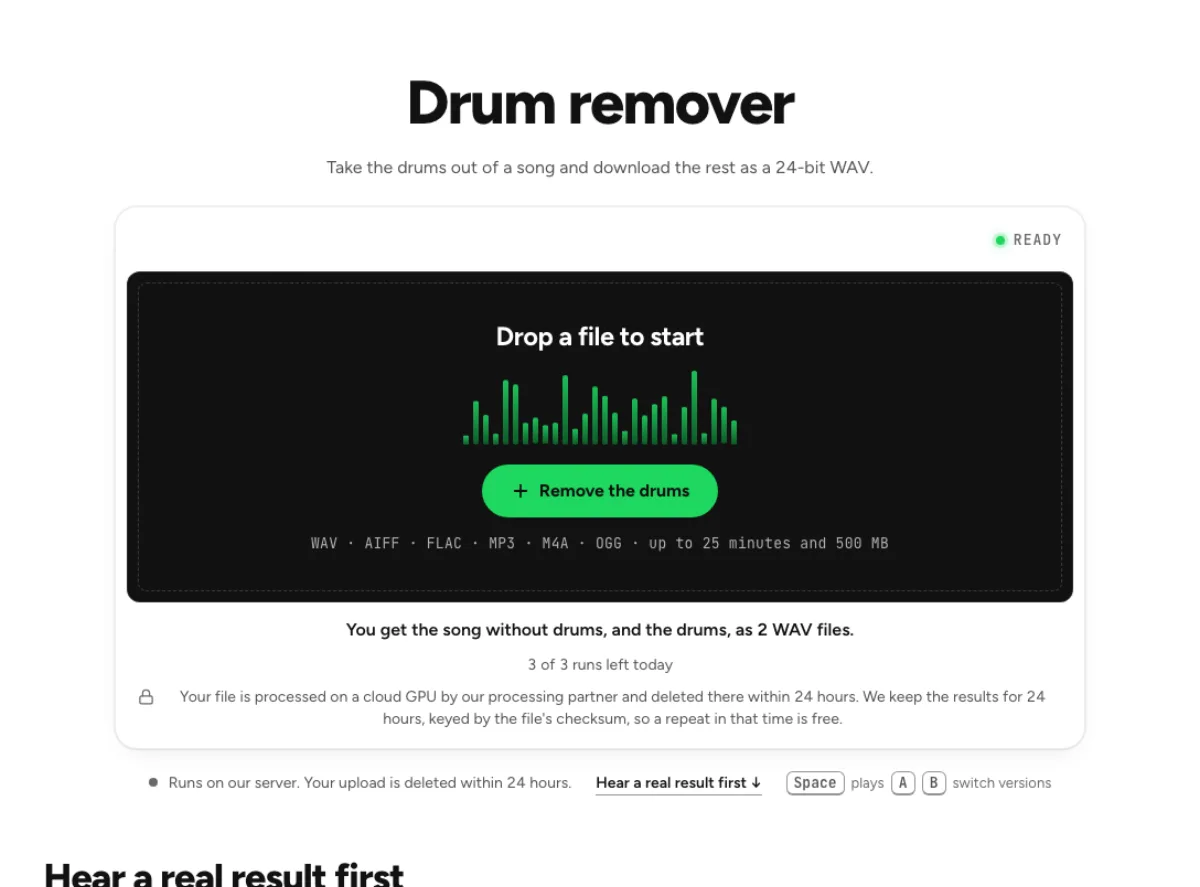
Drum remover
Take the drums out of a song and download the rest as a 24-bit WAV.
- Runs on our server. Your upload is deleted within 24 hours.
- Space plays AB switch versions
You get the song without drums, and the drums, as 2 WAV files.
WAV · AIFF · FLAC · MP3 · M4A · OGG · up to 25 minutes and 500 MB
Checking your runs
Your file is processed on a cloud GPU by our processing partner and deleted there within 24 hours. We keep the results for 24 hours, keyed by the file's checksum, so a repeat in that time is free.
How it works
- What it does
- The song without its drums, mixed in your browser from the other stems, plus the drum track on its own.
- Model
- A separation model on a cloud GPU splits the song; two stems are the average of a two-stem and a six-stem pass. Measured on six songs with every part known (SDR, higher is better; the untouched song scores −3 to −5 dB): vocals 15.3 dB and instrumental 18.5 dB on average; drums 14.6, bass 13.3, guitar 11.5 dB; piano 4.7 dB as a quiet layer, 12 to 17 dB when it leads. Nothing is clipped, and the files keep your sample rate. Model names and licences
- Output
- One 24-bit WAV per stem at your file's own sample rate. A stem that peaks past full scale (a loud master) comes as 32-bit float instead, so nothing is clipped. Vocals and instrumental add back up to your file at −108 to −114 dB on our test songs; the song without a stem is made from the others and adds back up with it exactly.
- Time
- About 15 s of GPU time for a 45-s excerpt at standard quality, plus 1 to 3 minutes the first time while the model starts.
- Your file
- Your file is processed on a cloud GPU by our processing partner and deleted there within 24 hours. We keep the results for 24 hours, keyed by the file's checksum, so a repeat in that time is free.
Take the drums out for practice
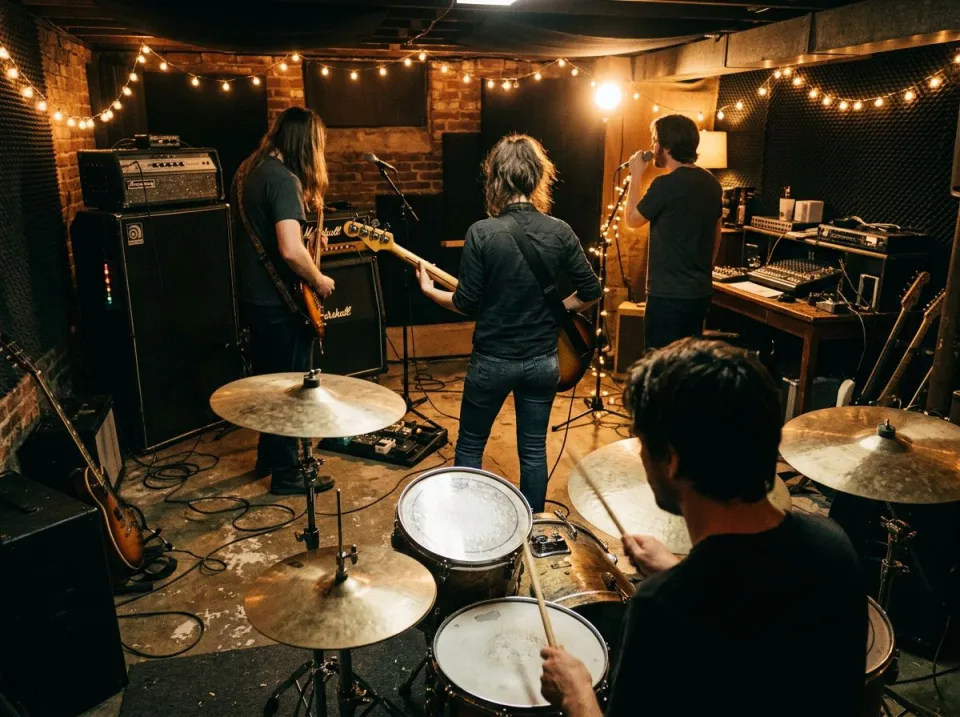
A drumless backing
Vocals, bass and other are summed at unity in your browser, giving a 24-bit WAV of the song without its kit. The band stays at its real level, so you play at the volume the mix expects. The drum remover separates the kit from a song and builds a backing from vocals, bass and other instruments. That gives a drummer room to play with the original band. It is a source-separation estimate, not a studio session export, so a cymbal tail or percussion accent can remain in a dense recording.
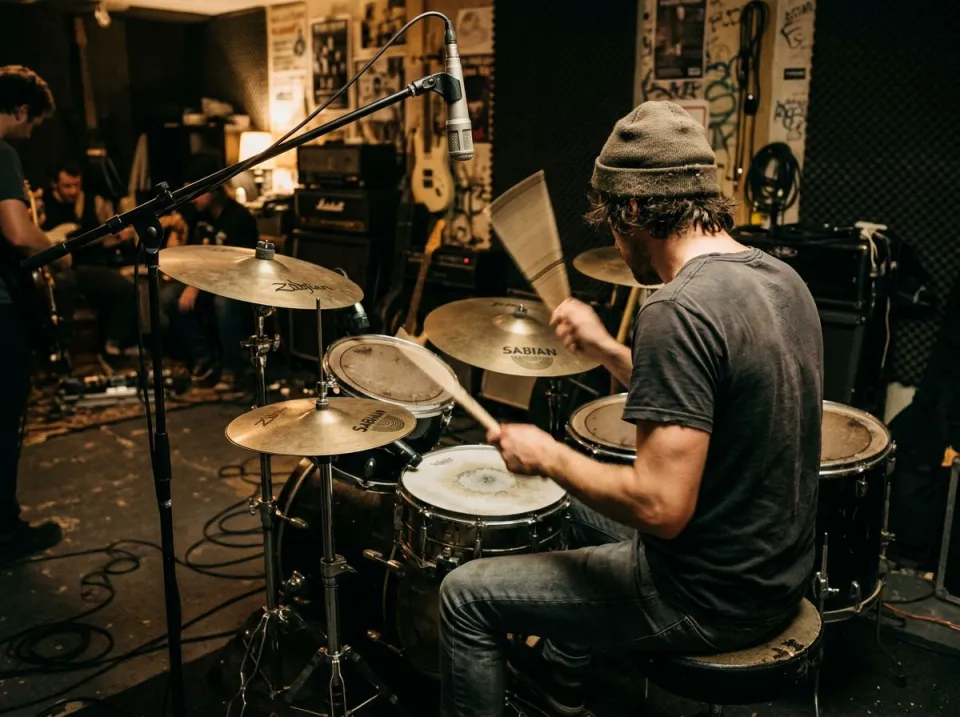
Kit on its own
The drum stem comes as a second WAV. Play it to learn a fill by ear, then switch to Without drums on the same playhead and play it yourself. The isolated drum file is useful for hearing a fill before practising it over the drumless version. Listen for ghost notes, bass-drum placement and the relationship between hi-hat and snare. An isolated stem may soften some transients, so confirm the pattern against the original rather than treating every faint sound as a deliberate hit.

Turned down, not out
Adjust the mix puts vocals, drums, bass and other on faders. Leave the drums at −18 dB as a guide, then export WAV or FLAC for practice. A very quiet drum guide can help when the song has a difficult count or tempo change. Start with enough of the original kit to follow the form, then reduce it as your own part becomes secure. The mixer changes the stem balance; it does not generate a metronome or provide drum notation.
Practising with a drumless track
Drummers
Practise to a song with the original kit gone, so your own kick and fills are the only drums you hear. A drummer can rehearse the same arrangement at its original pacing without competing with the recorded kit. Use headphones or a rehearsal speaker at a comfortable level and check that the backing's bass is audible. Do not raise the drumless track excessively just because the removed kick and snare reduced its apparent impact.
Drum teachers
Give a student the part as one file and the drumless backing as another, both cut from the same song. A teacher can alternate between the original kit and a student's attempt over the same backing. Work on a short transition first, then join it to the surrounding bars. Keep a copy of the unedited drum stem for reference, especially when a fill contains sounds that separation has divided imperfectly.
Beat programmers
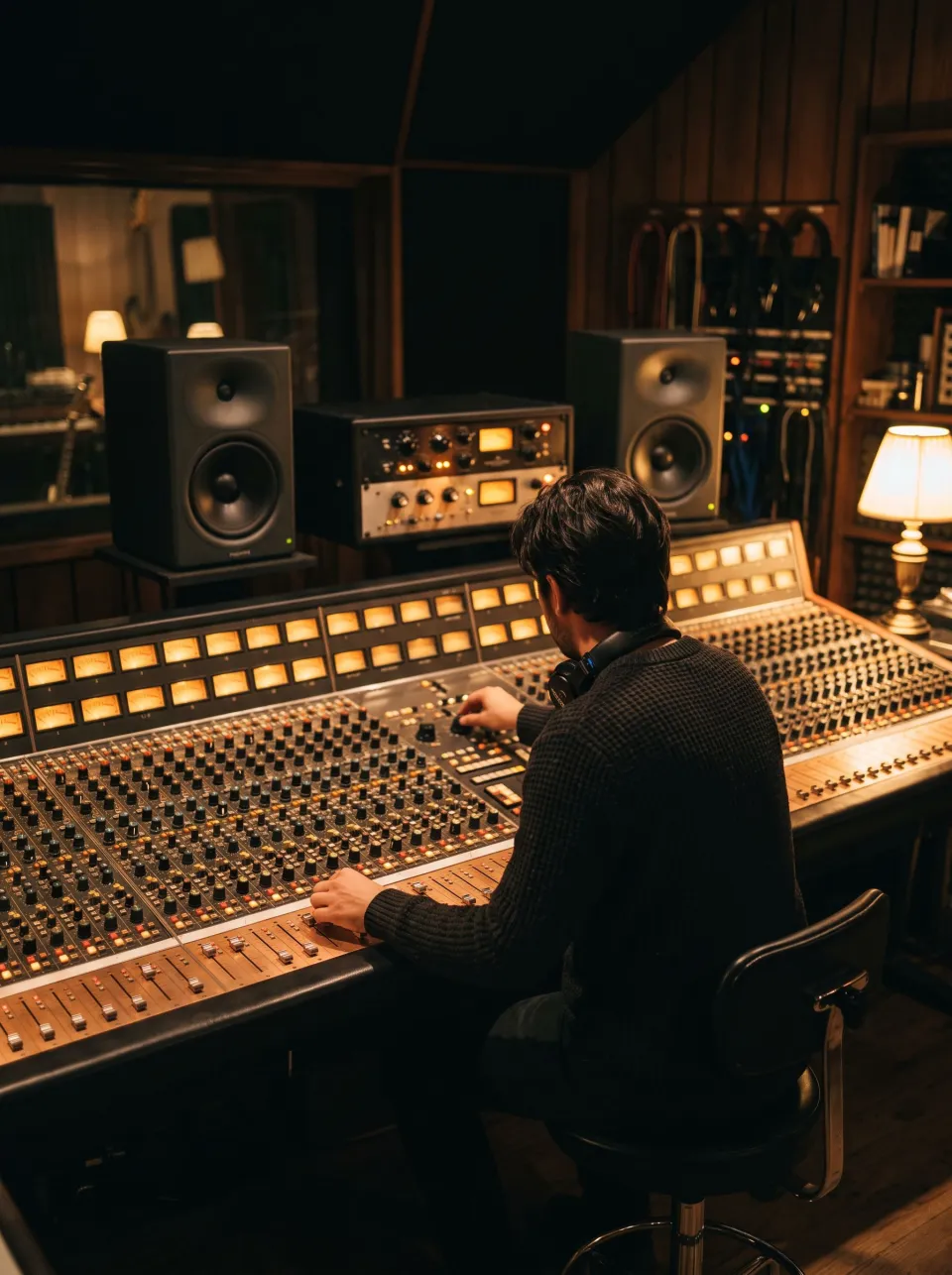
Keep the harmony and the vocal, then program a new groove underneath in your DAW from a 24-bit WAV. A beat programmer can study a groove's accents and approximate it with their own sounds. Listen to the bass and drums together before copying the rhythm, since much of the feel comes from their interaction. The drum remover does not export MIDI drum events, identify every sample or grant permission to reuse the original performance.
How to make a drumless track from a song
Drop the reference song
Choose the song you want to play to, up to 25 minutes and 500 MB. The 4-stem split runs on Replicate, which holds your upload for 24 hours at most. Pick a version with the arrangement you want to learn. Live recordings can include audience transients that resemble percussion, while a highly compressed source may blur cymbal details. Upload the cleanest copy available; pre-boosting treble usually makes residual cymbals more obvious instead of improving the split.
Let the stems arrive
Your browser loads the four stems and sums every one except the drums. A progress bar covers each stage, and Cancel stops the wait. When four stems arrive, compare the drum stem and drumless backing at the same position. A snare transient appearing faintly in both files is a separation limitation, not a second drummer. Check a quiet verse as well as the busiest chorus before deciding whether the backing is useful for practice.
Practise or download
Press play on Without drums and play along. Download without drums saves the backing, and Download drums saves the kit. Download the drumless track for rehearsal and the drum stem for reference. If the backing needs a guide, export that as a separate named version. Inspect the selected export format and peak notice rather than assuming every file receives a limiter; WAV can retain floating-point headroom for later mixing.
Drumless track questions
How do I get a drumless track of a song?
Two steps: drop the song, then download without drums when the run ends. It uses the 4-stem model, so no paid plan is needed. Check a fill and a cymbal-heavy section before choosing the backing for rehearsal. Four-stem access changes which part is removed, but it does not make every kind of percussion perfectly isolated.
Is the drum remover free?
Yes, within the run allowance: 3 a day anonymously, or 10 a month after signing in. The same file a second time uses no run. A free test is most useful when it includes the song section you actually want to play. Save the backing and reference kit while available, then practise from the downloads rather than repeatedly uploading the same recording.
Will the song clip once the drums are gone?
The output preserves headroom rather than blindly clipping an over-range sum. WAV can be written as 32-bit float when needed, while a hot FLAC or MP3 delivery may be turned down to fit its range. Read the actual format and export notice, and lower gain before playback or conversion if a later application cannot handle that headroom. For practice playback, turn an over-range floating-point file down in the player or make a compatible delivery export. Extra headroom is useful for editing; it is not a reason to ignore output level.
What should I check after using this drum remover workflow?
Listen to drum kit and drumless backing, rather than judging just one file. The difficult cases include cymbal wash, sharp guitar attacks and percussion mixed with the kit. Compare an exposed passage, a busy section and the tail of a sustained sound at the same musical moment. A result can work for practice while being too rough for an isolated production use. Choose based on the sound you will actually deliver, and keep the original nearby when a note, word or effect is uncertain.
What source recording should I use?
Start with the cleanest version you already have and avoid repeated lossy conversions. Saving a damaged recording as WAV does not restore the detail it lost. Excessive EQ, clipping or added reverb before separation can make the task harder. Keep the original and work on a copy so later comparisons remain meaningful. To learn a difficult fill, first count it with the original, then listen to the isolated kit, and finally play it over the backing. This three-pass method separates understanding the rhythm from executing it. If the extracted cymbals sound smeared, use the original for tone and articulation decisions.
How do file length, plan access and cloud runs work?
The cloud processing limit is up to 25 minutes per file, with file size and mode access also checked before a run starts. The current catalog allows 3 runs daily anonymously, 10 monthly for signed-in free users, 80 monthly on Pro and 150 on Pro+. Each new file and processing configuration uses the relevant allowance; an identical result can be free while cached. Check the current pricing and the uploader before processing a batch. Downloads are part of the result, not a separate per-file unlock.
Is this separation performed entirely on my device?
No. This is cloud separation: audio is uploaded for processing on external infrastructure. Browser playback, comparison and some exports happen locally after the results arrive, which does not make the separation itself offline. Check the Privacy Policy before submitting sensitive material, and use an appropriate local workflow if audio must stay entirely on your device. Download useful outputs while available; temporary results and cached repeats are not a permanent archive.
Can I publish or share the separated result?
Separation changes the balance of a recording, not its ownership or the permissions attached to it. Use material you own or are otherwise entitled to adapt, and arrange the permissions needed for your intended publication. A separated result does not include a licence to a commercial song, performance or soundtrack. For your own project, keep the source, an untouched separation and a separate delivery copy. Listen again in the complete mix before sharing; an acceptable rehearsal reference may reveal artefacts when exposed alone.
Learn how
Guides and tutorials that use this tool, with real screens and real numbers.