In this article
A stem is one part of a finished song on its own: the vocal, the drums, the bass, or everything else. With the original multitrack you would simply solo a track; with a finished stereo file, the parts have to be separated out of the mix. This guide explains what you get from a split, how clean each stem really is, and how to use the stems once you have them, with the Rifflo stem splitter.
Part 1Four stems or six
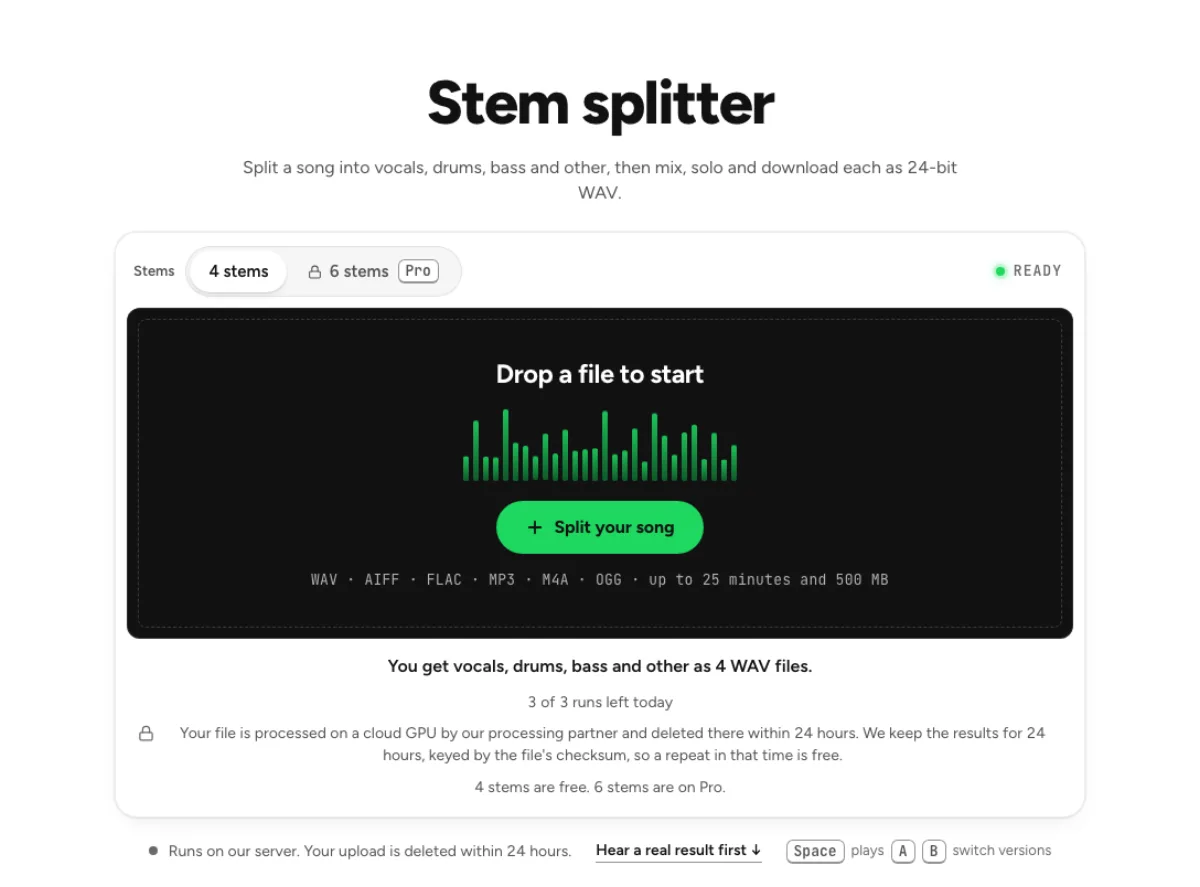
The stem splitter gives you four stems on the free tiers: vocals, drums, bass and other. "Other" is everything that is not voice, drums or bass: guitars, keys, synths, strings, organ.
Six stems, on Pro, pull guitar and piano out of "other" into their own files, from the same model. Every stem arrives as a 24-bit WAV, starts on the song's first sample and runs the song's full length, so the files line up in any editor.
Part 2How clean each stem comes out
We measured the separation on six songs whose individual parts are known, 40 seconds of each. The figure is SDR in decibels: the higher it is, the less of the other parts is left in the stem. The last column is what you would score by doing nothing and offering the full mix as the stem, for scale.
| Stem | Average | Hardest song | Doing nothing |
|---|---|---|---|
| Drums (6-stem model, 4 songs with drums) | 14.6 dB | 12.1 dB | −5.5 dB |
| Bass (5 songs) | 13.3 dB | 12.0 dB | −4.8 dB |
| Guitar (six stems) | 11.5 dB | 7.1 dB | −4.8 dB |
| Other (four stems: guitar and piano included) | 12.0 dB | 7.1 dB | −4.3 dB |
| Other (six stems: what is left after guitar and piano) | 4.3 dB | 2.6 dB | −20.5 dB |
| Piano (six stems, one song with a real piano) | 4.7 dB | – | −15.4 dB |
What the table means in practice:
- Drums and bass are the strong stems. Even on the hardest song they stayed at 12 dB or above.
- Piano depends on its role. On test mixes with a solo piano part the piano stem measured 17.0 dB when the piano sat 4.8 dB under the rest of the mix; in a song where it was a quiet layer 15.5 dB under, it measured 4.7 dB. A lead piano comes out well; a pad in the background does not.
- If you do not need guitar and piano on their own, four stems give you a cleaner "other". The six-stem "other" is only what remains once guitar and piano are taken out, and on our songs that leftover is the weakest file.
For the vocal on its own, the vocal remover runs a dedicated two-stem split, which measured 15.3 dB on average for the vocal and 18.5 dB for the instrumental on the same six songs.
Part 3Split a song step by step
- Choose four or six stems above the upload box. A click on a Pro option tells you what your plan includes.
- Drop the song. One file can run up to 25 minutes and 500 MB, so a whole album will not fit in one go. The file goes to Replicate, our processing partner, for the separation and is deleted there within 24 hours.
- Mix in the browser. Each stem gets mute, solo, a volume fader from −60 to +12 dB, pan and a level meter. Drag across a waveform to set a loop, and press L to turn looping on or off.
- Export. Download all (zip) gives you every stem as its own WAV. Or set the faders and export the mix as WAV or FLAC. The Karaoke, Acapella and Instrumental buttons set the mutes for you.
Stem splitter
Vocals, drums, bass and other; six stems with guitar and piano on Pro. Mix, solo and download each stem.
Do the stems add back up to the song?
Yes. With every fader at 0 dB the stems sum back to the original. When you export a mix, it is limited to −1 dBTP only if the sum would go over.
Part 4When you only need one instrument out
If the job is "this song without the drums", you do not need to mix stems at all. The drum remover, bass remover, guitar remover and piano remover give you the song without that part, plus the part itself.
From a WAV, AIFF or FLAC upload, the song without the part is built as the original minus the separated part, so the two files add back to the original exactly and nothing else in the mix is touched. On our measurements that is 0 to 0.3 dB better than summing the other stems. From an MP3 or another lossy file, it is the sum of the other stems.
Drum remover
The song without its drums, for practice or a remix, and the drums on their own.
Part 5Who uses stems, and how
- Session players solo one part and loop four bars while they learn it, with the other stems muted or low.
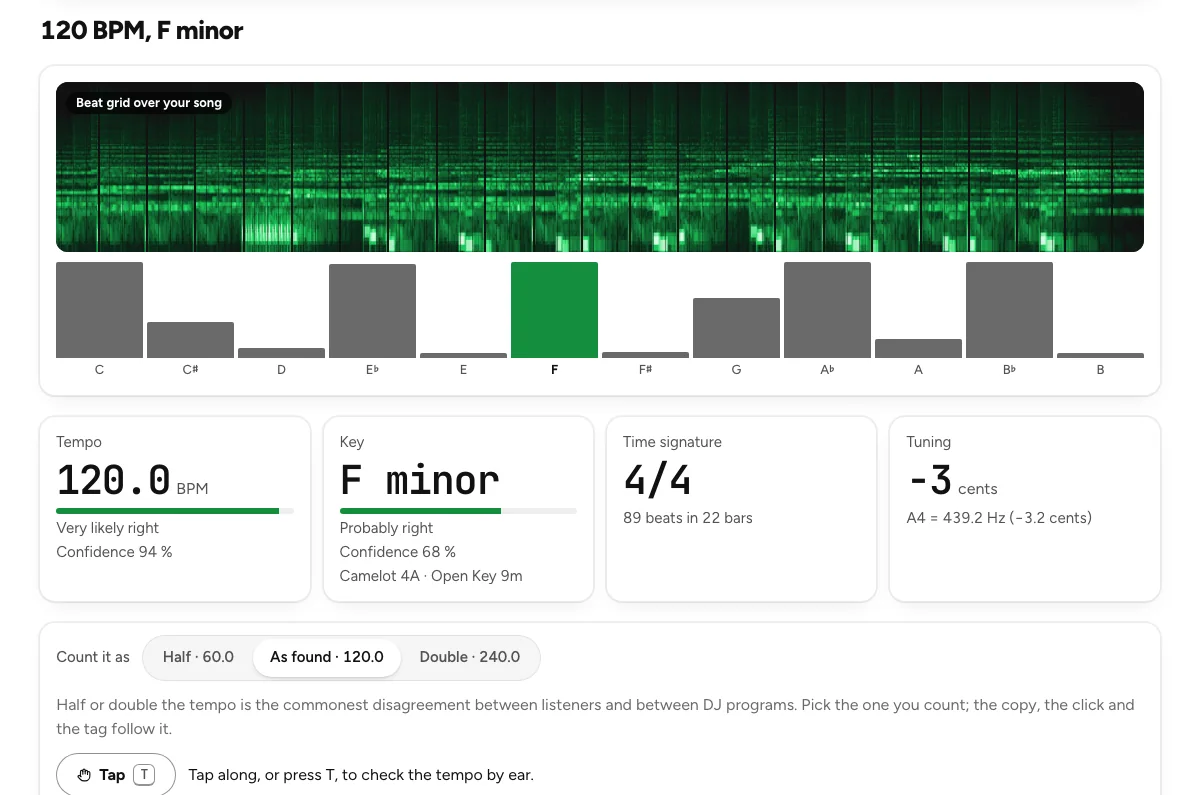
- Remix producers download each stem as its own WAV and rebuild the track in a DAW. If you need the tempo and key first, the key and BPM finder reads them in your browser.
- Music students mute everything except bass and drums to hear how a rhythm section locks together, then bring the other parts back one at a time.
Part 6Six stems and the rest of Pro
Six stems are part of Pro, at $11.99 a month or $59.99 a year, which also removes the cloud run limit. Four stems stay within the free allowance: 3 runs a day without an account, 10 a month with one, and a repeat of the same file within 24 hours is free.
For parts beyond the six, Pro separation puts every separation we run in one place, including the violin extractor, the string instrument remover and the wind instrument remover. Each page says where it works and where it does not: the violin comes out clearest from a fiddle in a small group or a violin with piano, and roughly in orchestras and bands.
Last updated Nov 4, 2026. The figures here come from our own measurements, written up on each tool's page. When a tool changes, this page is checked again.