In this article
Before you mix two tracks, sample a loop or write a part over a song, you need two facts: how fast it is and what key it is in. The key and BPM finder reads both from the audio, together with the time signature and the tuning, and tells you how sure it is about each.
Before you start
- A file up to 20 minutes and 600 MB. The analysis runs in your browser; nothing is uploaded.
- The first analysis downloads about 17 MB of models, which the browser keeps for next time.
- No file to hand? Try it on a demo loads a house excerpt.
Step 1: Drop the track
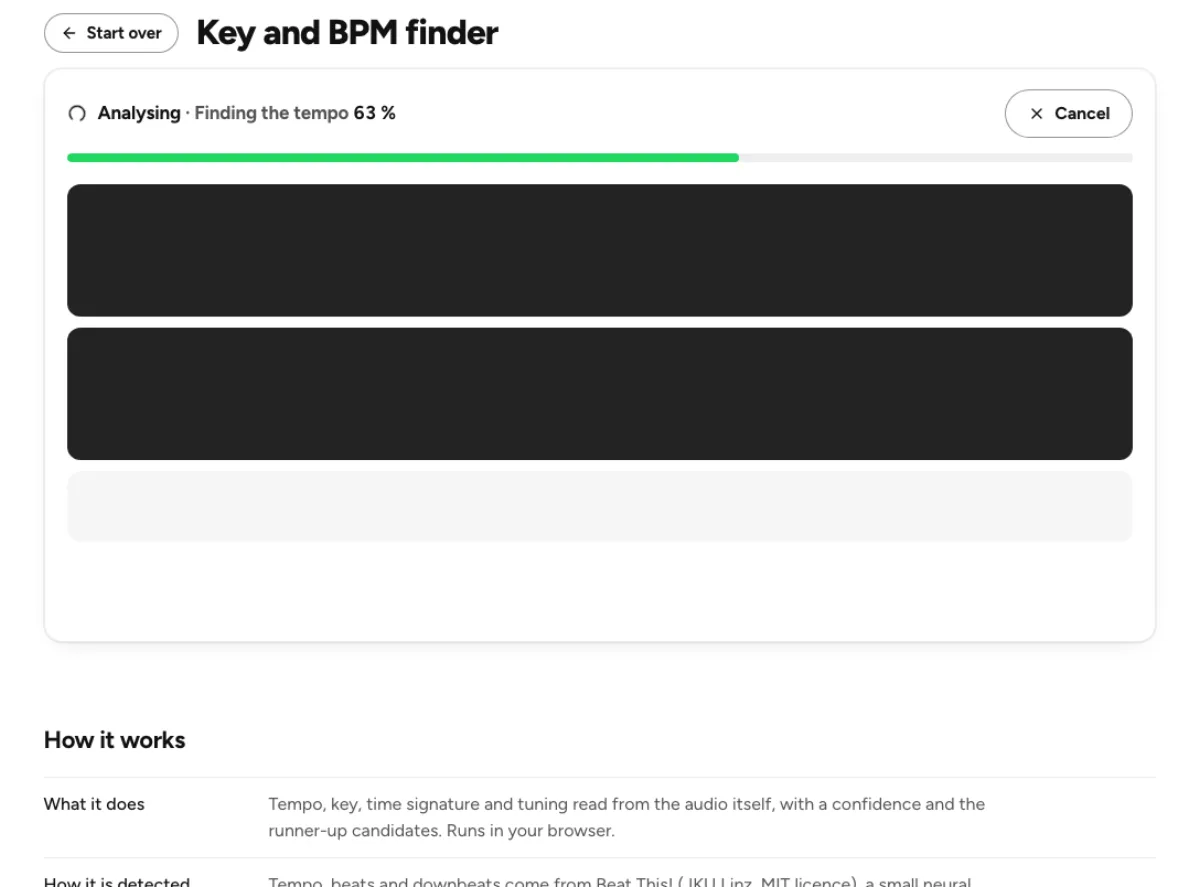
Drop the file on the page, or click the button in the drop box to choose it. The analysis names what it is doing, such as Finding the tempo, with a percentage, and Cancel stops it.
Your clickFind the key and BPM
Step 2: Read the four tiles
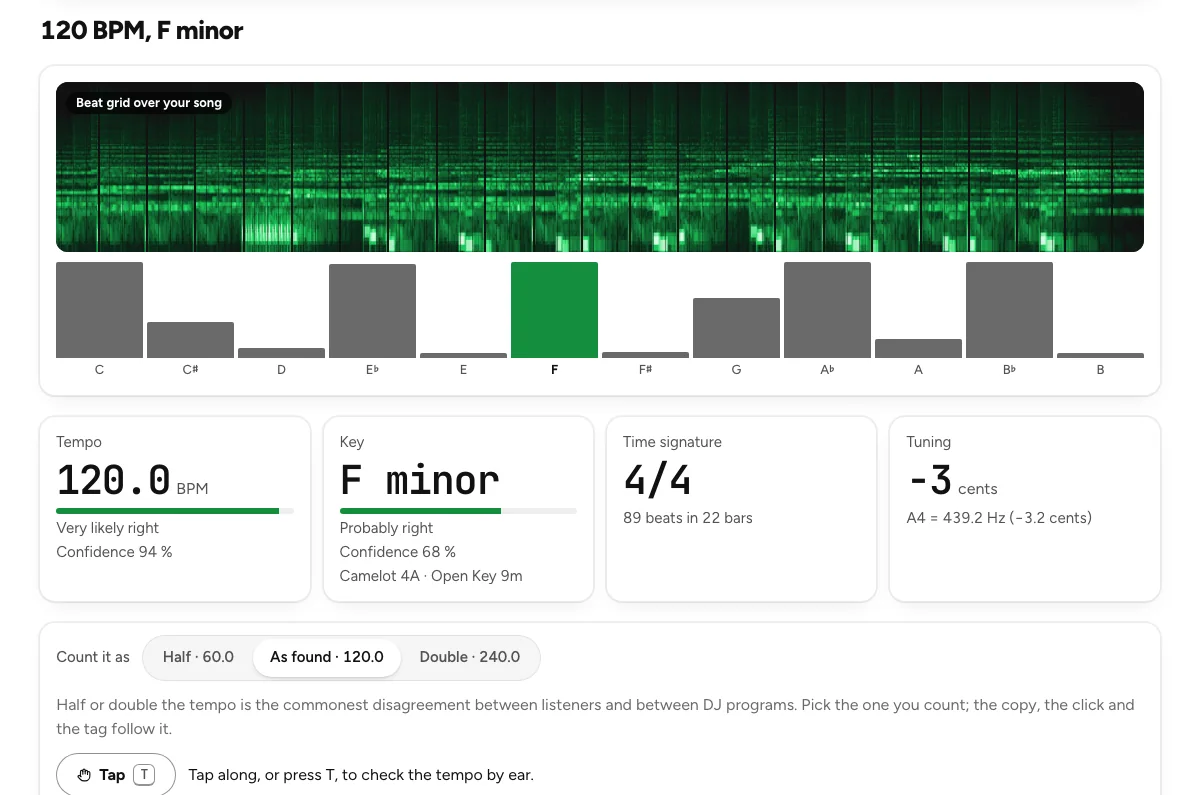
The heading gives the answer in one line, such as "120 BPM, F minor". Under the beat grid and the bars for each pitch class, four tiles carry the detail:
- Tempo, with a confidence in words and in percent.
- Key, with its confidence, its Camelot code and its Open Key code.
- Time signature, 4/4 or 3/4, the two the detector chooses between, with the number of beats and bars.
- Tuning, in cents and as the A4 frequency, such as A4 = 439.2 Hz, within ±50 cents.
Then choose how to count the tempo. Beat trackers often land on half or double the felt tempo, so Half and Double are always offered next to As found. If the song feels like 70 BPM and the tile shows 140, pick Half; the copy, the click and the tag follow your choice.
Your clickAs found
Step 3: Check the beat with the click
Play with click plays the song with a click on every detected beat, lower and louder on the downbeat. Listen for a few bars: if the clicks drift away from the song, the tempo is one of the other candidates, listed under the tiles.
You can also tap along on Tap, or press T, and the page compares your taps with the reading.
Your clickPlay with click
Step 4: Copy the result
Copy result puts the BPM, key, Camelot code, time signature and tuning on your clipboard, ready to paste into notes or a set list. To store them in the file itself, Write BPM and key into the file opens the metadata editor with both filled in; nothing is re-encoded.
Your clickCopy result
How far to trust the answer
Tempo, beats and downbeats come from Beat This!, a small neural network from JKU Linz (MIT licence); the key comes from our own small network trained on annotated recordings. On held-out songs that neither model was tuned on:
| Test set | Tempo within 4 % | Counting half or double time | Exact key |
|---|---|---|---|
| GTZAN, ten genres | 81 % | 93 % | 70 % |
| GiantSteps, electronic | 85 % | 91 % | 68 % |
The confidence under each tile is the measured chance of being right: in testing, tempo answers marked "Very likely right" were right 90 % of the time, and key answers 86 %. A lower confidence is a reason to listen with the click, and to look at the runner-up key candidates, which come with their own probability.
What to do with the key and the tempo
- Mix in key. Camelot gives each key a number and a letter, such as 8A for A minor; DJs use it to see which keys mix well.
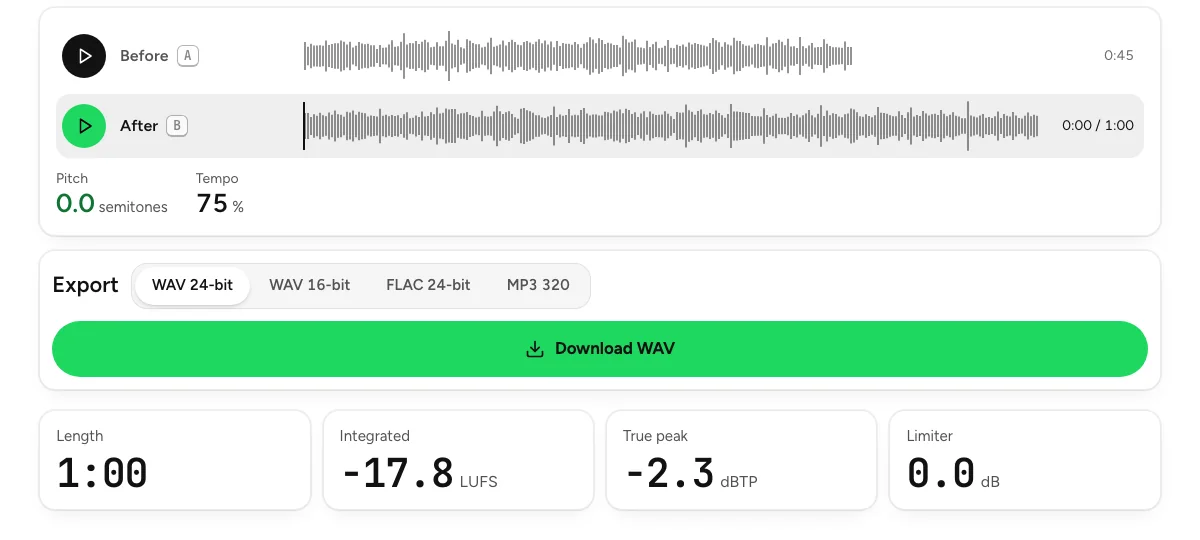
- Move a track into key. The pitch changer shifts the key by semitones without touching the tempo, or the tempo without touching the key.
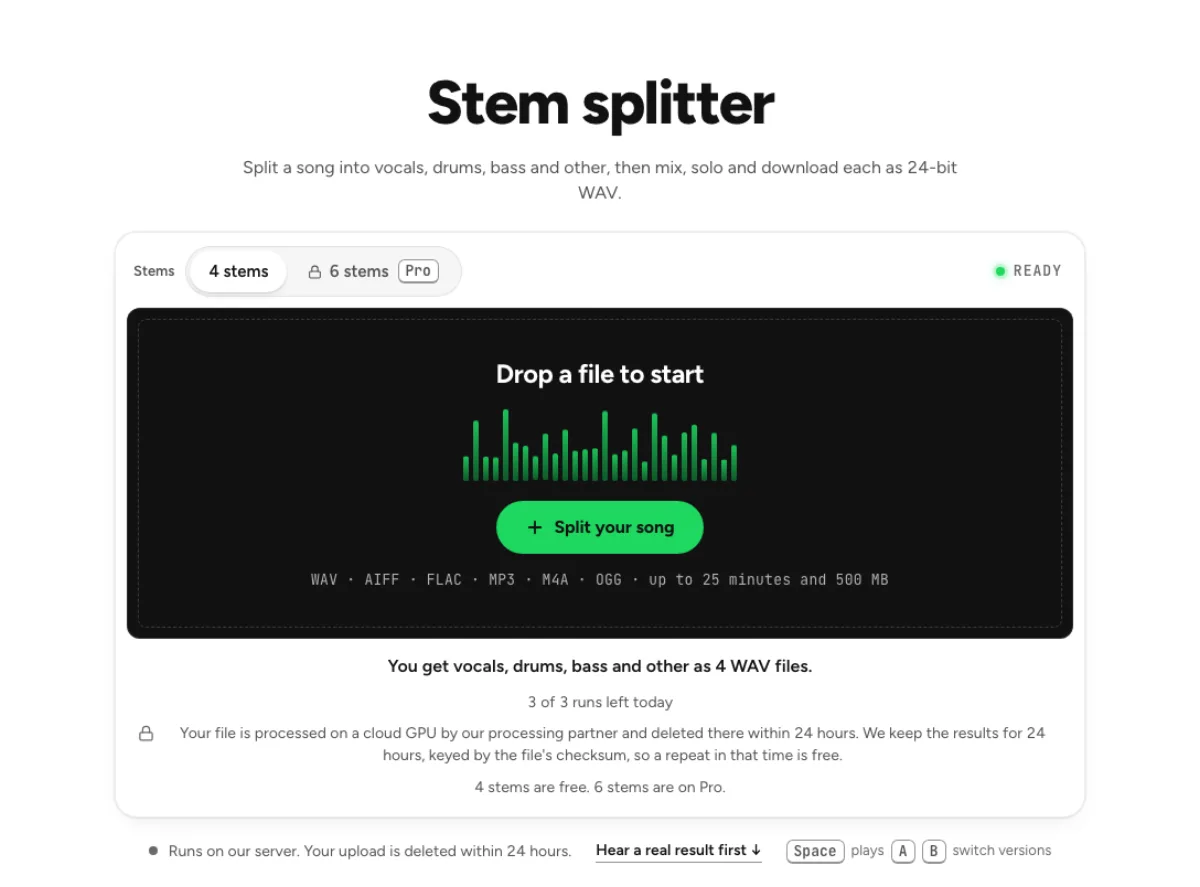
- Pull out a part. With the tempo known, the stem splitter gives you drums, bass, vocals and the rest as separate WAVs that line up on that grid.
Pitch changer
Change key without changing tempo, or tempo without changing key.
Last updated Nov 4, 2026. The figures here come from our own measurements, written up on each tool's page. When a tool changes, this page is checked again.