
Lead and rhythm guitar separator
Not offered yet: the best split we measured swapped the two parts on one of two songs.
- Runs on our server. Your upload is deleted within 24 hours.
- Space plays AB switch versions
We split the guitar stem into lead and rhythm with the best model we can run. On one song it worked (6 dB better than doing nothing); on the other it swapped the two parts. A tool that is right half the time is not ready. The guitar remover takes out all guitars.
There is no upload box here on purpose. The page goes live when a model with a clear licence exists.
Why lead and rhythm separation remains unavailable
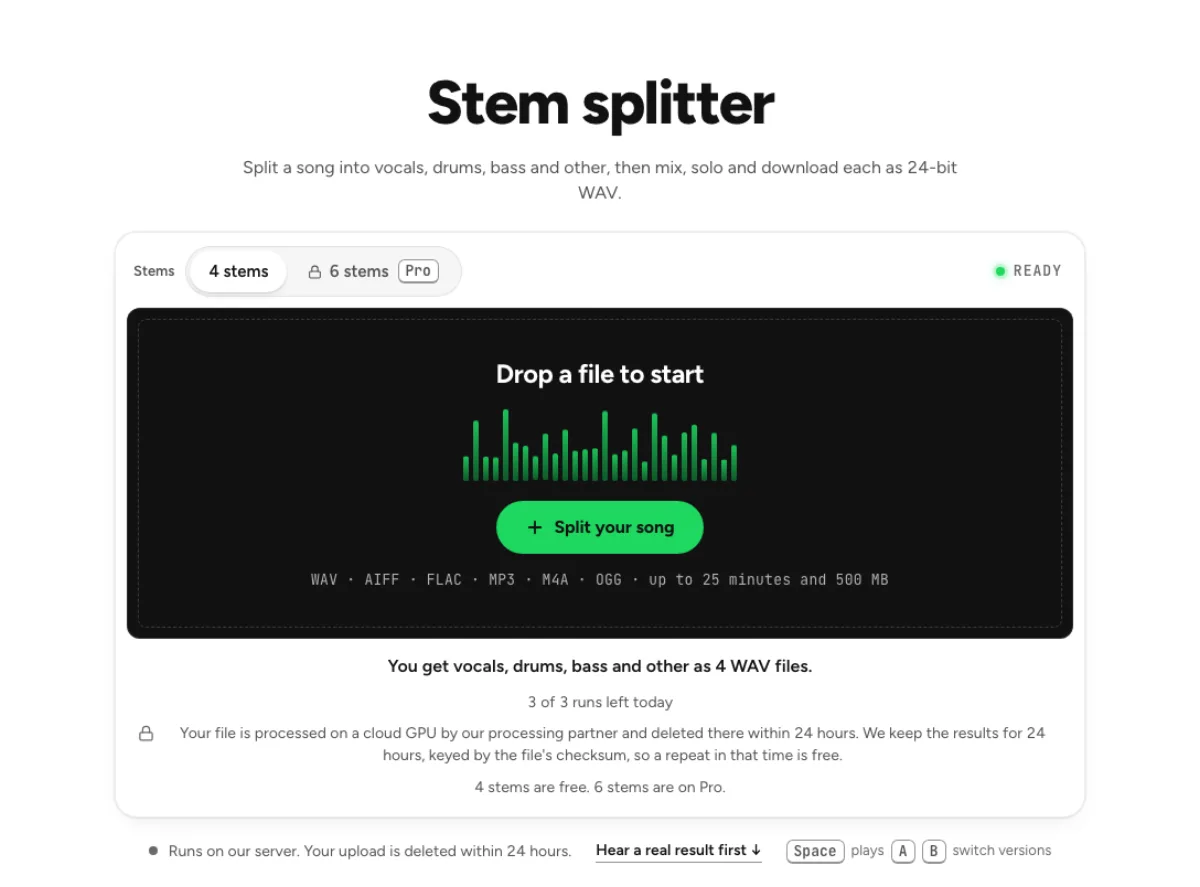
No dedicated split is offered here yet
This page does not run a lead-and-rhythm guitar separation job. In the recorded evaluation, the best tested split swapped the intended parts on one of two songs. That is not enough evidence for reliable labels a musician could trust. The feature remains unavailable rather than presenting a confident lead stem and rhythm stem when their identities may be wrong. Use the related active tools for their own documented outputs, and listen to those results before deciding they meet your task.
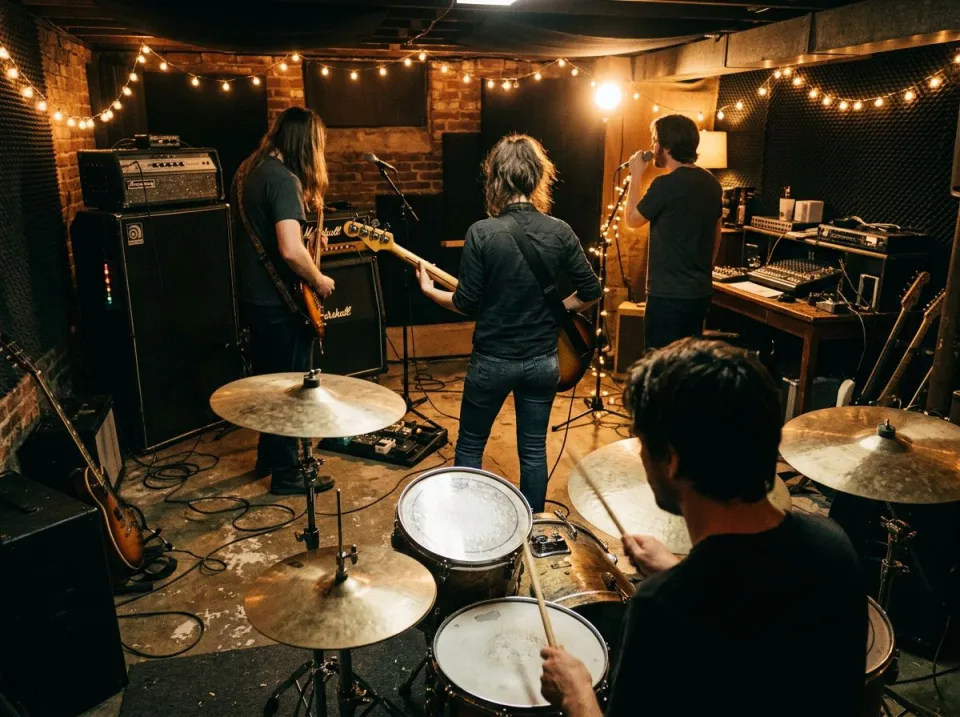
Musical roles are not fixed sound categories
Lead and rhythm describe what a player is doing in an arrangement, not two permanently distinct instruments. The same guitar can move from chords to a melody, several players can share a riff and a solo can overlap a chordal texture with similar tone. Stereo position alone is also an unreliable label. A model may separate different textures without reliably assigning their musical role. That makes a clean-sounding split different from a correctly identified lead-and-rhythm separation across an entire recording.

Guitar isolation is a different available task
The active guitar remover and supported multi-stem options can help obtain guitar-related material or a mix with guitar reduced according to their stated models. They do not promise a separate lead performance and rhythm performance from every song. A combined guitar stem can still be useful for practice or arrangement study, but both roles may remain together. Original isolated tracks offer the clearest control when you need to mute one particular player while preserving the others and their timing. A useful delivery description can be more honest than an ambitious filename. If the active alternative contains both guitars, call it a combined guitar reference rather than lead-only. Tell a student or collaborator where leakage and artifacts remain, and preserve the original as the listening reference. That helps someone use an imperfect but useful result without misunderstanding its provenance. This unavailable feature should never be invoked as evidence that those musical roles have been separated when the audio itself has not demonstrated it.
Options for guitarists, producers and learners
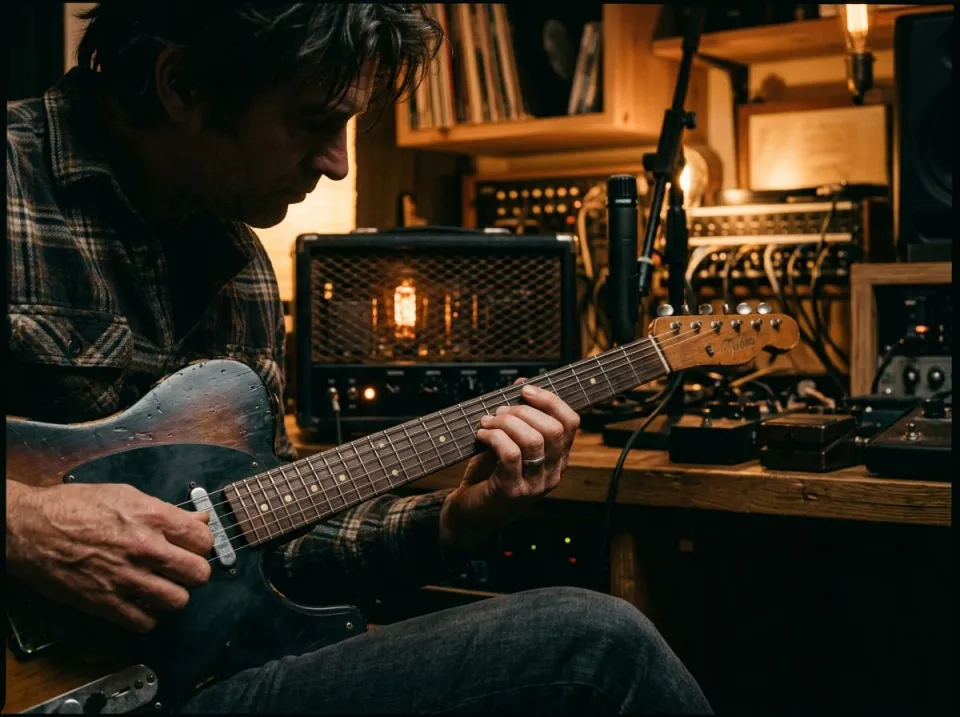
Guitarists learning a solo
Start by deciding whether you need the solo completely isolated or simply easier to hear. A relevant guitar stem can make the phrasing clearer even if accompaniment guitar remains in it. Cut the passage and slow it in the original key when practice speed is the real obstacle. Listen to the original for bends, vibrato and articulations that a separated version may smear. A stem is a practice reference, not proof that every audible note has been reconstructed exactly.
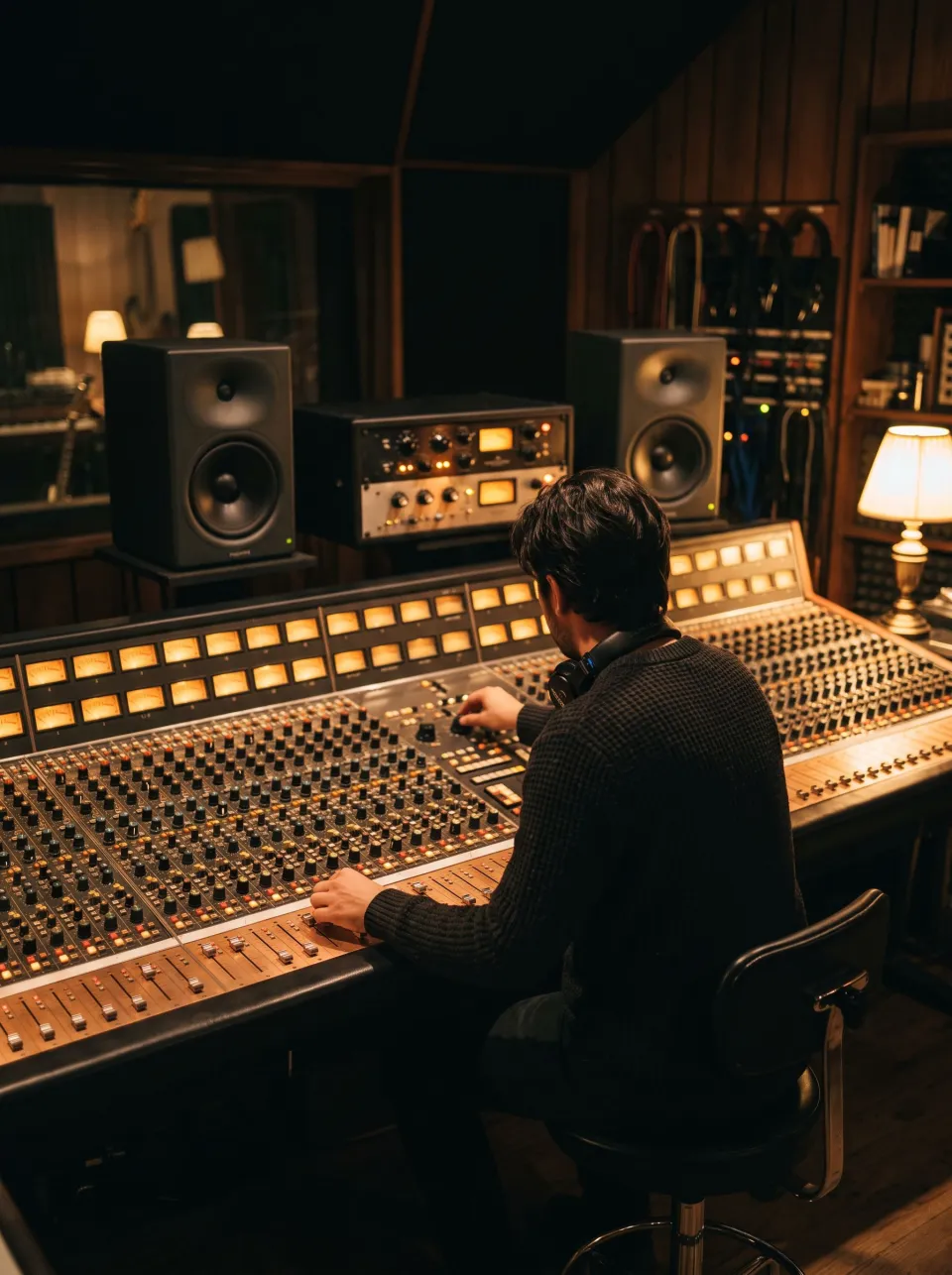
Producers preparing an alternate mix
If you have the original session, identify the actual guitar tracks and routing instead of using this unavailable separation. Lead layers, doubles and shared effects may need separate handling. Mute the intended part, check transitions where the players exchange roles and bounce a new version. Retain the original mix for comparison. This approach uses known source identities, while a finished stereo master asks a model to infer them from overlapping sounds and cannot offer the same control.

Teachers examining arrangement roles
A lead phrase and rhythm accompaniment can be demonstrated without claiming a perfect automatic separation. Use original stems when available, or compare a relevant active guitar extraction with the full mix. Explain where both roles remain combined and use shorter excerpts for listening exercises. The arrangement may intentionally blur those roles through riffs, countermelodies or layered chords. Treat the unavailable page as a guide to choosing evidence, not as a source of labeled teaching tracks it cannot currently generate.
How to choose a usable guitar workflow today
Identify the exact passage and intended result
Listen to where the lead enters, where chordal support remains and whether the roles change. Decide if the deliverable needs a guitar-only reference, a backing track without guitar or a specific player muted. Those goals point to different workflows. There is no upload for a dedicated lead-and-rhythm split on this page. Source multitracks should be your first choice when the task depends on keeping one particular guitar performance intact and removing another.
Select an active alternative honestly
Read the guitar remover and stem splitter output descriptions and choose one only if those outputs help even without role separation. Check the processing limits and current quota on the active page. A general guitar output may contain solo, chords, doubles and effects together. Do not name it lead guitar merely because a solo is prominent in one section. If you need just a practice passage, use the cutter and pitch changer after reviewing the extracted material.
Verify identity throughout the recording
Audition every section that matters, including transitions where one guitar stops and another takes the foreground. Listen for missing wanted notes, leakage from accompaniment and artifacts around sustained bends. A single convincing solo excerpt cannot establish correct labels across the whole song. If the active alternative fails your goal, request the original tracks or adjust the deliverable. Keep the source and describe the result as the actual available stem rather than claiming that this unavailable role-separation feature produced it.
Lead and rhythm guitar separation questions
Can this page separate lead and rhythm guitar now?
No. The dedicated operation is unavailable and does not accept a processing upload here. The recorded test could not assign the roles reliably enough to offer labeled outputs. The active related pages remain useful for their own documented guitar or broad stem tasks, but their existence does not imply that this particular lead-and-rhythm split has become available.
Why can’t the model identify the solo automatically?
A solo is a musical role that changes with the arrangement. Similar tones can overlap, a rhythm guitar can become the lead, and several parts can play the same phrase. A model may distinguish textures without assigning their role consistently. This page does not claim an automatic solution until the available evidence supports useful, clearly described results on real recordings.
Does guitar removal mean rhythm-guitar removal?
No. The active guitar remover targets its stated guitar-related separation, not a universal distinction between chordal accompaniment and a solo. Both may be affected or remain combined in a guitar output. Listen to what the active tool actually produces. If the task requires one identified player removed while another stays untouched, original source tracks are the more appropriate starting point.
Can the stem splitter help me practice a solo?
Potentially, if its supported guitar or instrument output makes the phrase easier to hear. It is not a guarantee of a solo-only stem. Review the result, cut the passage and slow it with the pitch changer if that helps practice. Return to the full mix for articulations and context that separation artifacts may obscure or alter.
Can stereo panning isolate lead from rhythm?
Sometimes different positions make a part easier to hear, but panning is not a dependable role label. Doubles, effects and centered guitars can overlap, and removing one side may discard unrelated instruments too. This unavailable tool does not promise a pan-based workaround that preserves the rest of the recording. Inspect original tracks when accurate independent control is required.
Does a paid plan unlock this separator?
No plan upgrade is presented as a way to enable this unavailable operation. Active cloud tools have their own allowances and supported outputs, which are described on their respective pages. Choose a paid or free option according to those actual capabilities. Do not purchase access on the assumption that a hidden lead-and-rhythm guitar model is available behind the status label.
What should I do with the original session?
Find the relevant lead, rhythm and doubled tracks, then inspect their effects routing before muting or exporting them. Musical roles may change halfway through a song, so a player’s track name is not always enough. Make the intended alternate mix and compare the transitions against the original. Source-session edits provide control that an inference from the combined stereo master cannot guarantee.
Is a release date announced?
No specific availability date is promised here. A future version should be judged by real examples, reliable labeling and explicit limitations rather than an estimated launch time. Until the status changes, use original tracks or the active guitar and stem workflows for their stated purposes. Keep time-sensitive practice, teaching or delivery plans independent of a feature that is currently unavailable.