Audio Tool Design Lab

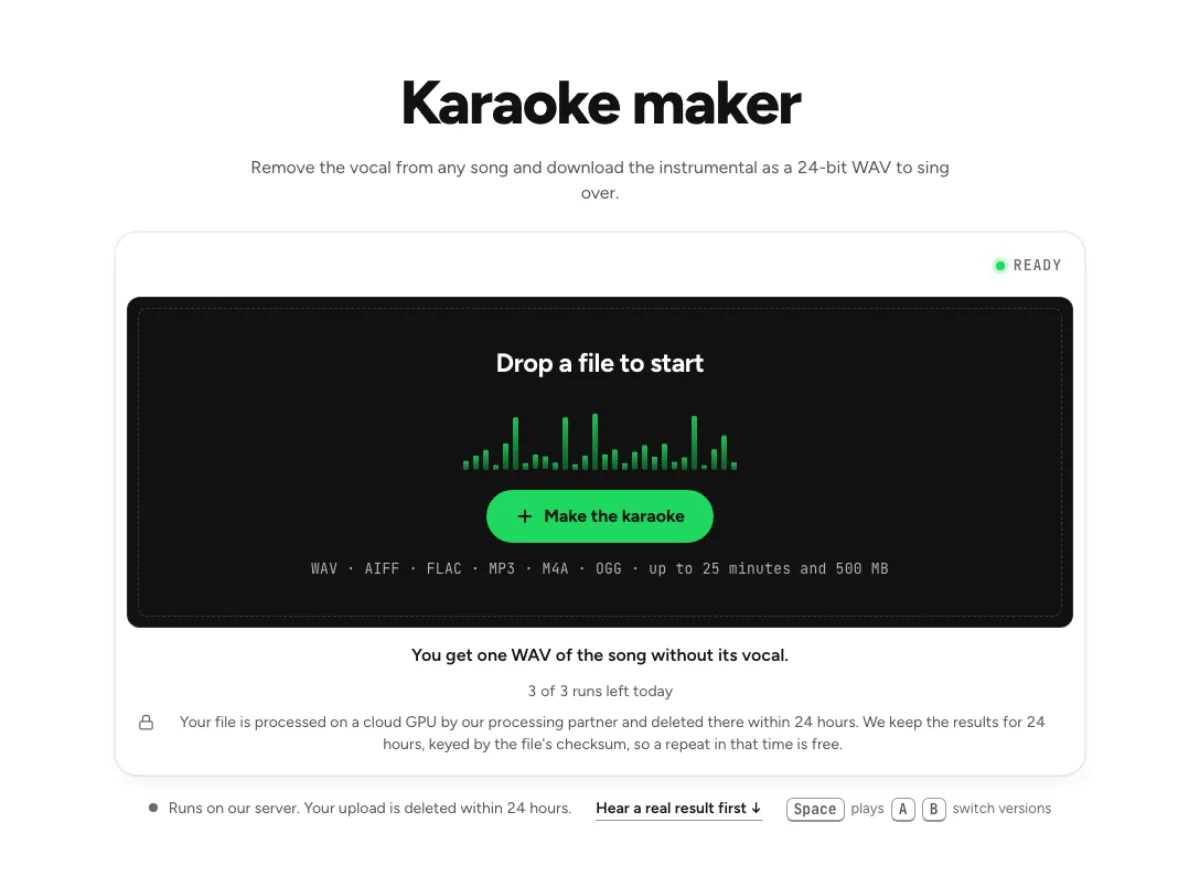
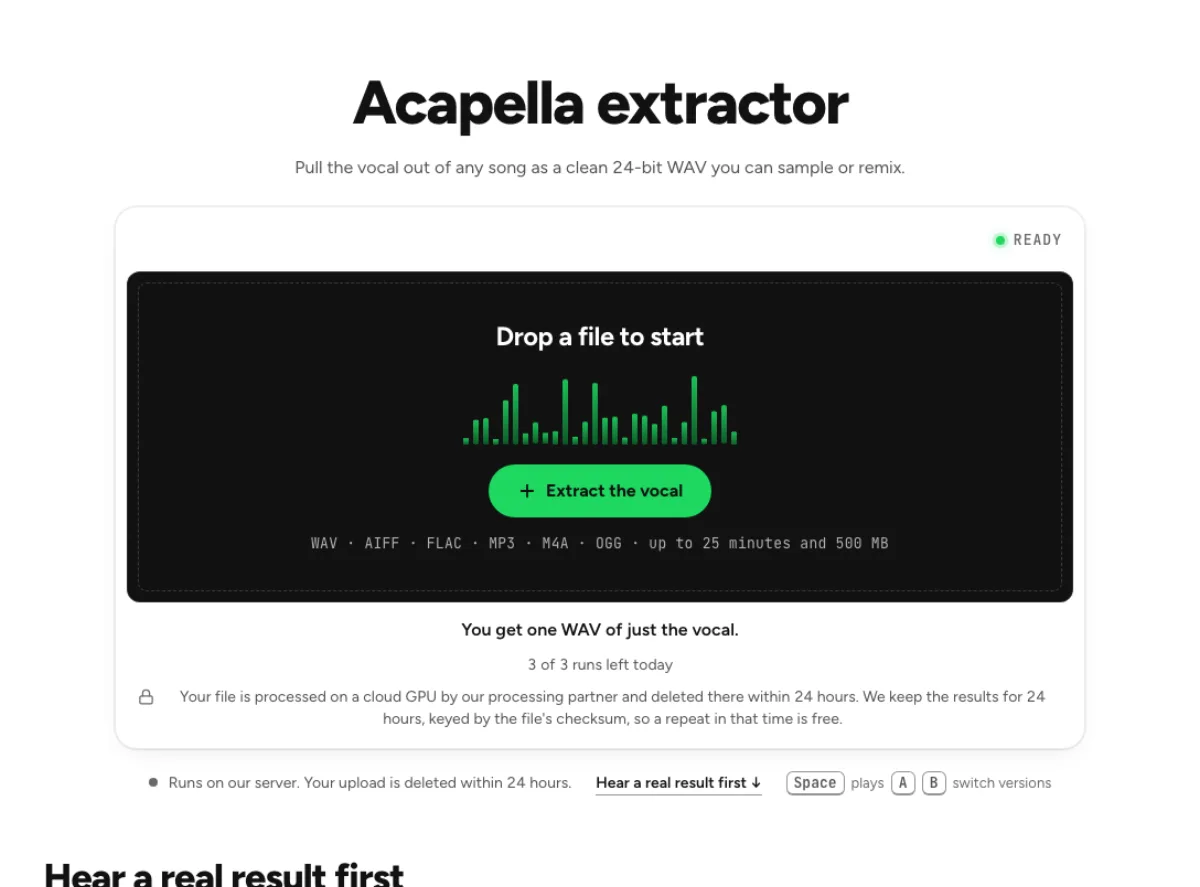
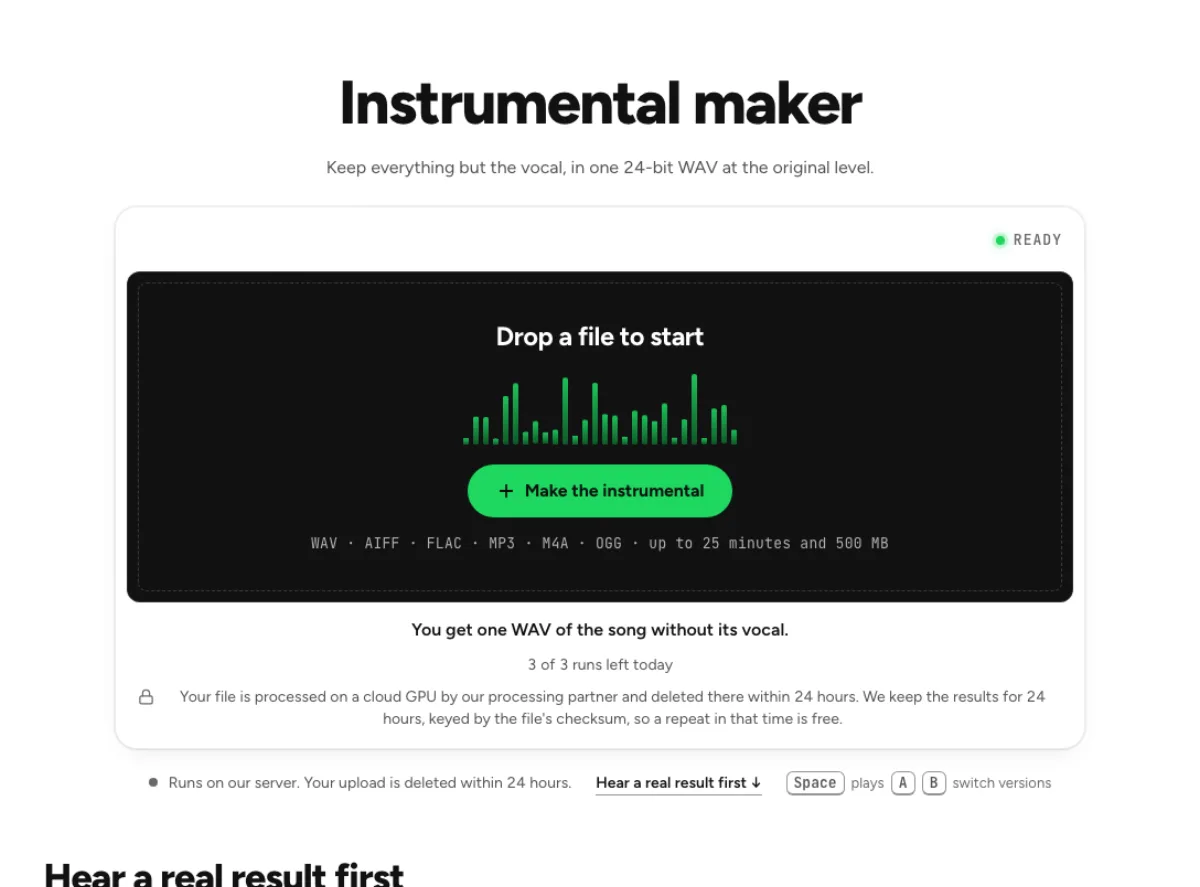
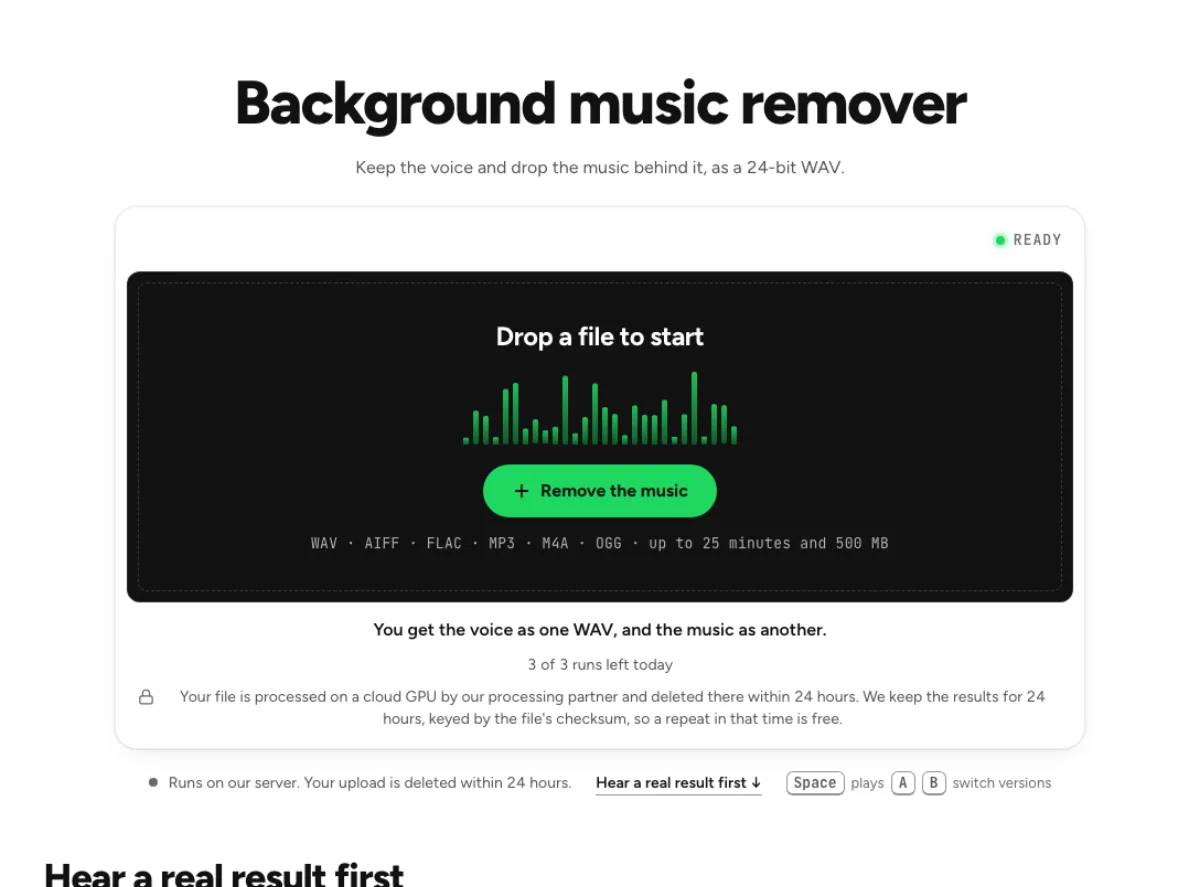
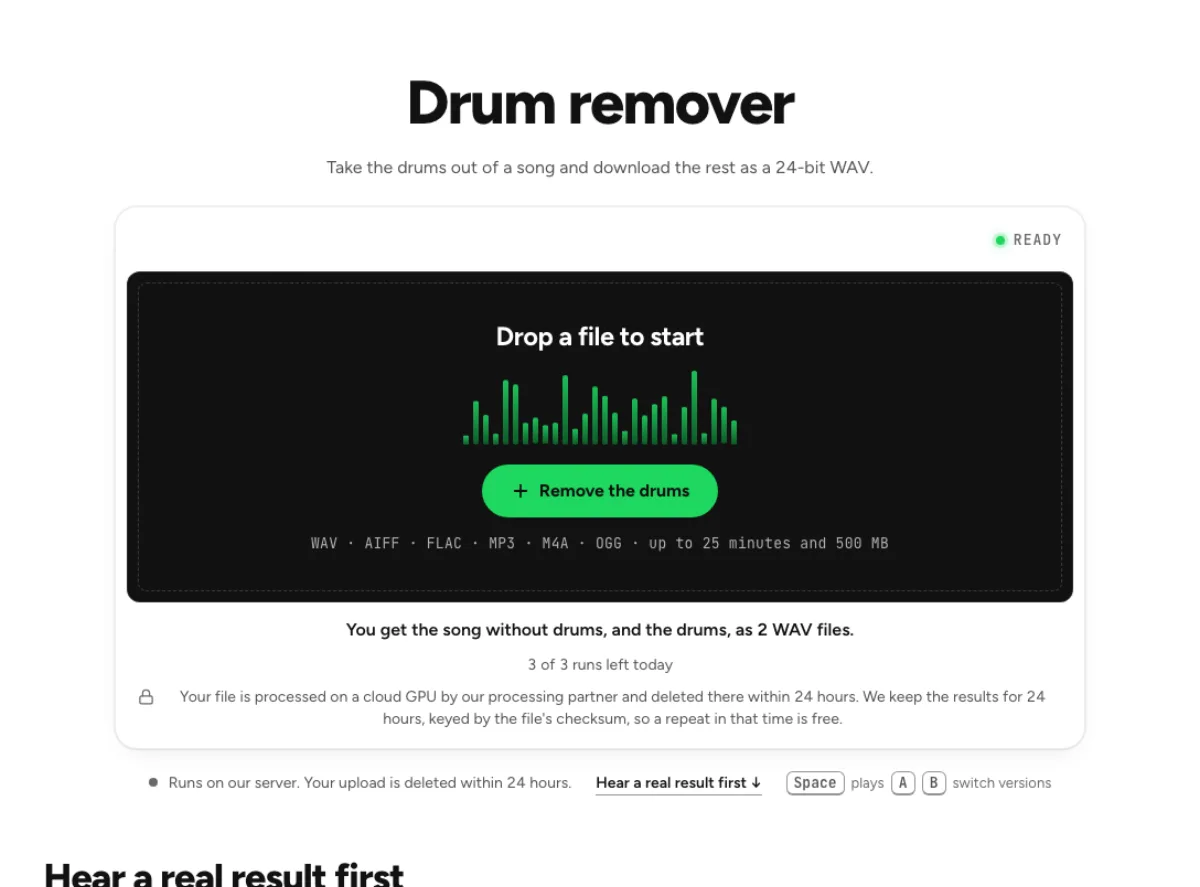
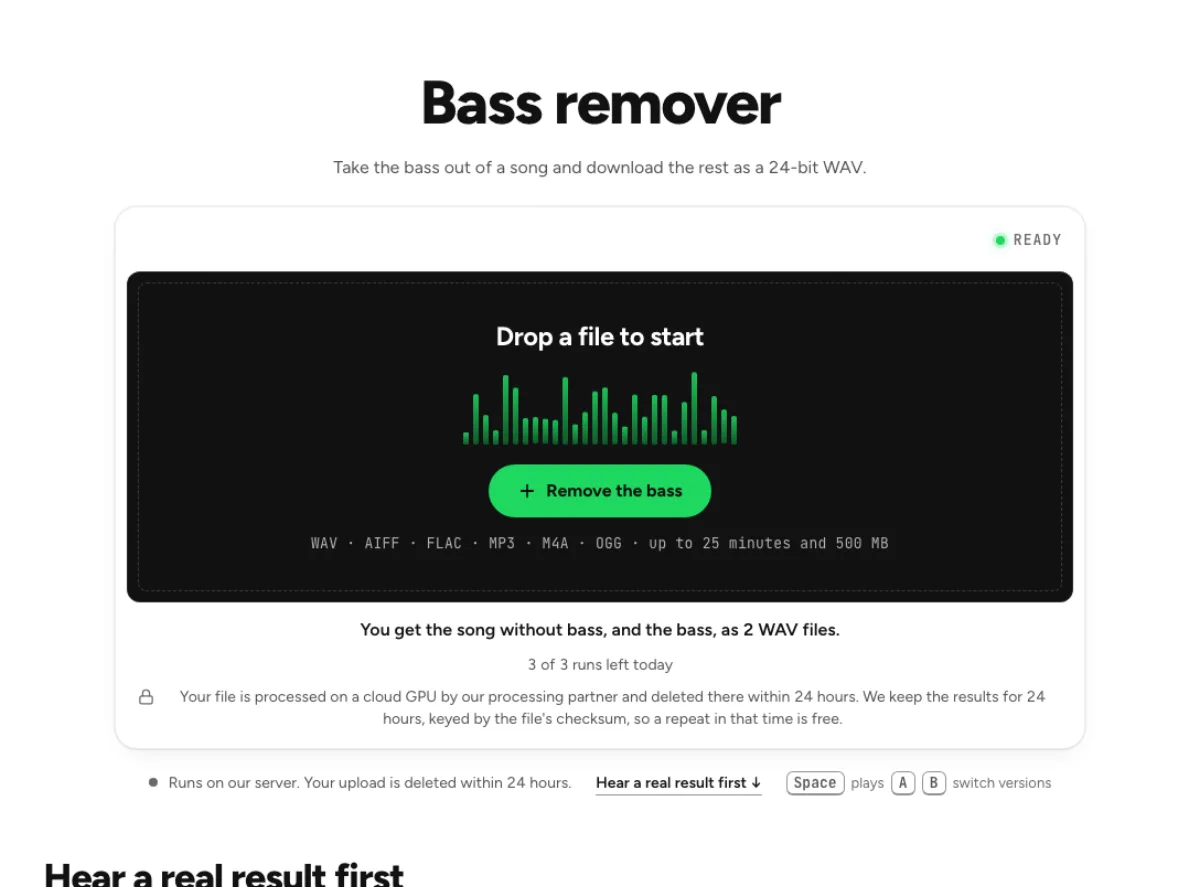
Compare audio-processing progress indicators and tool directory layouts using waveforms from “Not Alone” and screenshots of the tools.

Audio processing progress indicators

A+B+D
Combined progress panelReference: A focus reveal + B large counter + D step list
Not Alone · live session.mp4 · 38.2 MB
%
Copying the sound out of your videoSending the soundSeparating the voice from the musicWriting two WAV filesReady · the voice, and everything else
Vocals
Instrumental
  • Sound copied4.1 s
  • Sending the sound4.1 s
  • Separating the voice from the music
  • Writing two WAV files
You can switch tabs; it keeps going.

The counter shows a percentage when work can be measured and elapsed time during AI separation. Tracks come into focus after the files arrive.
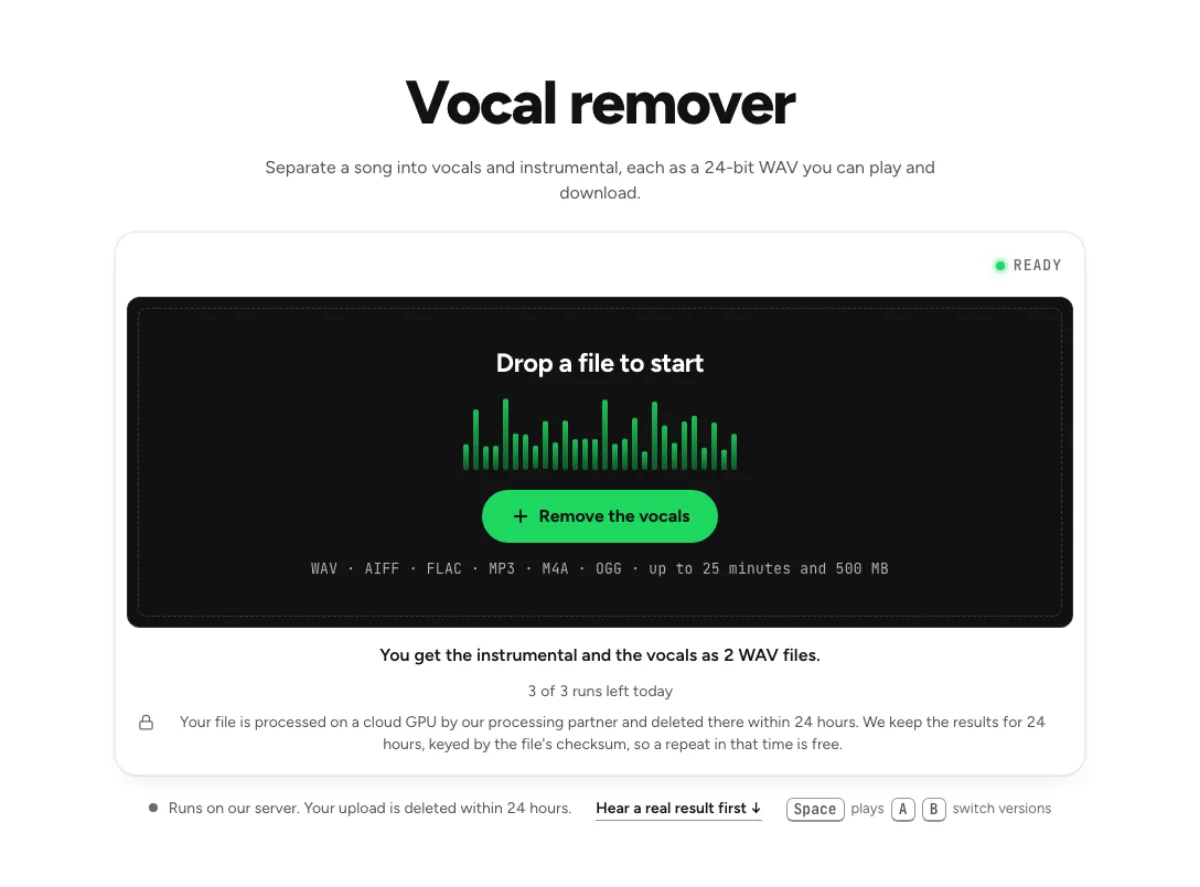
A
Focus revealReference: Krea loading screen
About 29 seconds left
Separating the voice from the music
Vocals
Instrumental

Dots give way to two waveforms with a time estimate above.

B
Large progress counterReference: Jitter export and rolling digits
Not Alone · live session.mp40:25 · 2 tracks · WAV 24-bit
%
Copying the sound out of your videoSending the soundSeparating the voice from the musicWriting two WAV filesDone · both files are ready

The percentage and step names roll upward as processing advances.

C
Track facts while you waitReference: Live Data Loading
29 s leftWhile we separate it, here is what we found in your song.
Length
0:25
Loudness
−18.0 LUFS
Peak
—
Voice heard in
—
Loudest moment
—
Sample rate
—

Measured facts such as duration, loudness and vocal share appear as the waveform is drawn.

D
Compact step listReference: AI Thinking Panel + Grok Updater
Separating “Not Alone”The original keeps playing. You can leave this tab open.
  • Sound copied4.1 s
  • Sound sent6.6 s
  • Separating the voice from the music1.6 s
  • Writing two WAV files

The card shows completed steps and their duration before offering playback.

E
Waveform sweepReference: Vocals above, instrumental below
29 s left Vocals Instrumental
Separating the voice from the music

A line sweeps across the song to reveal the real vocal and instrumental waveforms.

F
Particle ringReference: Dotted Countdown
30%Separating the voice from the music
VocalsInstrumental

Particles pass through a ring and separate into streams for vocals and instrumental.

Audio tool directory layouts

1
Tool index with previewsReference: Studio Seven archive · Browse a grouped list and point to a tool to see a screenshot and description.
2
Category and tool panesReference: Spring Navigation + Gregor Collienne · Choose a category on the left to see its tools and screenshots on the right.
4
Photo cards and tool listReference: Icebug · Use a row of photo cards to switch the tool list below.